The report documents how criminals use antidetect browsers to make stolen sessions and phishing logins appear to come from legitimate, local devices. A commercially available Browser-in-the-Middle workflow can relay a victim’s login details to real services such as Google, Microsoft, Facebook, and financial platforms while avoiding common security checks.
Key findings
- Attackers use antidetect browser profiles, residential proxies, CAPTCHA-solving, and identity-verification bypass tools to create verified accounts that can later be used for fraud.
- A documented Browser-in-the-Middle phishing workflow uses a victim’s location-matched residential proxy and a clean device fingerprint to make a fraudulent login look legitimate to the targeted service.
- Stolen session cookies, refresh tokens, and authentication flags can be inserted into browser profiles to take over an already authenticated account without generating a new login event.
- AI-assisted content generation and account-management automation enable small groups to operate large networks of apparently independent social-media accounts.
- The report identifies Kameleo, AdsPower, and MultiLogin as tools documented in criminal forums and marketplaces, despite their legitimate commercial uses.
Who’s being targeted
- Affected industries: Financial services, Cryptocurrency exchanges, Banking, E-commerce, Social media platforms, Technology platforms.
- Attack channels: website.
- Impersonated: Google, Microsoft, Facebook, or a financial platform.
Red flags to watch for
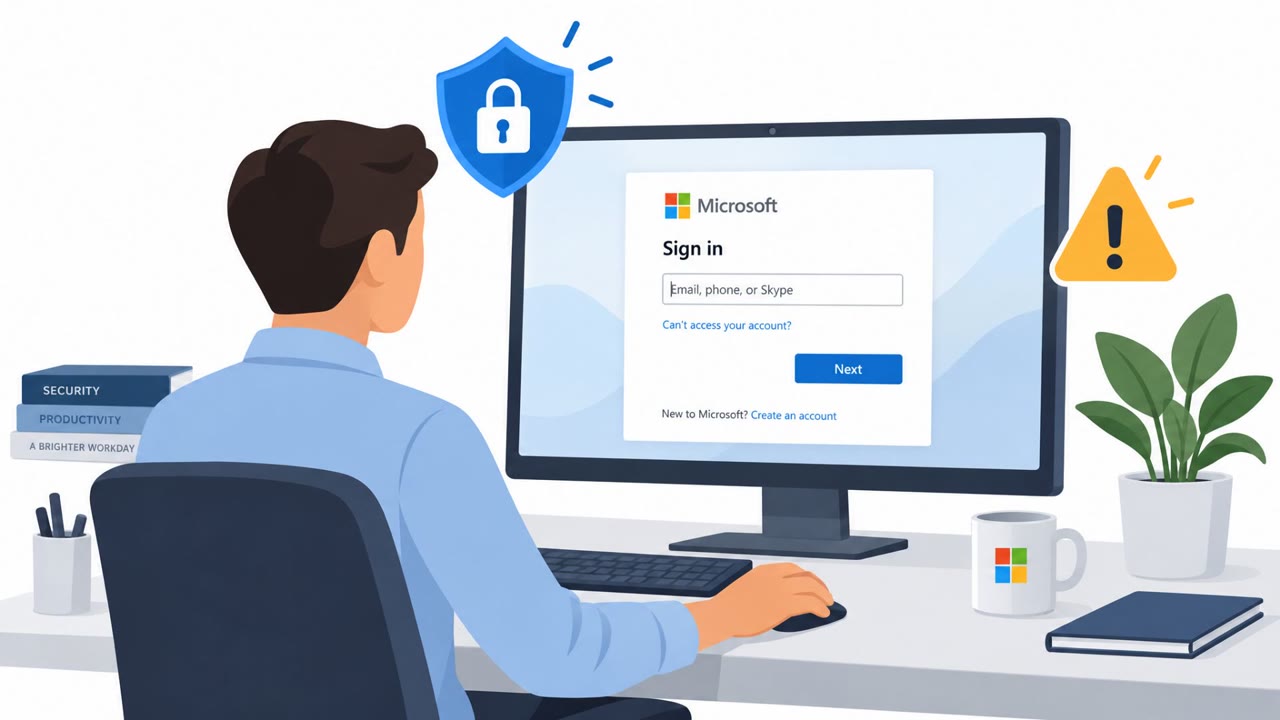
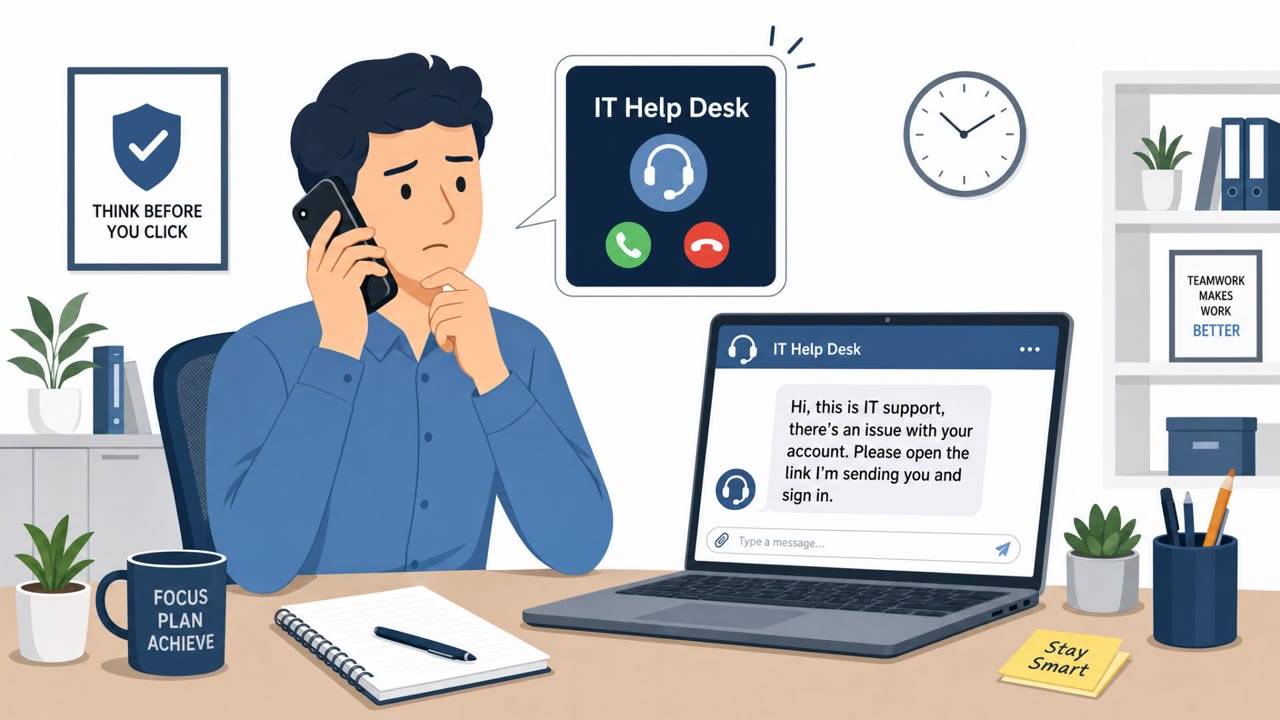
- The sign-in page was reached through an unexpected message or link.
- The browser address or domain does not match the organization’s known sign-in page.
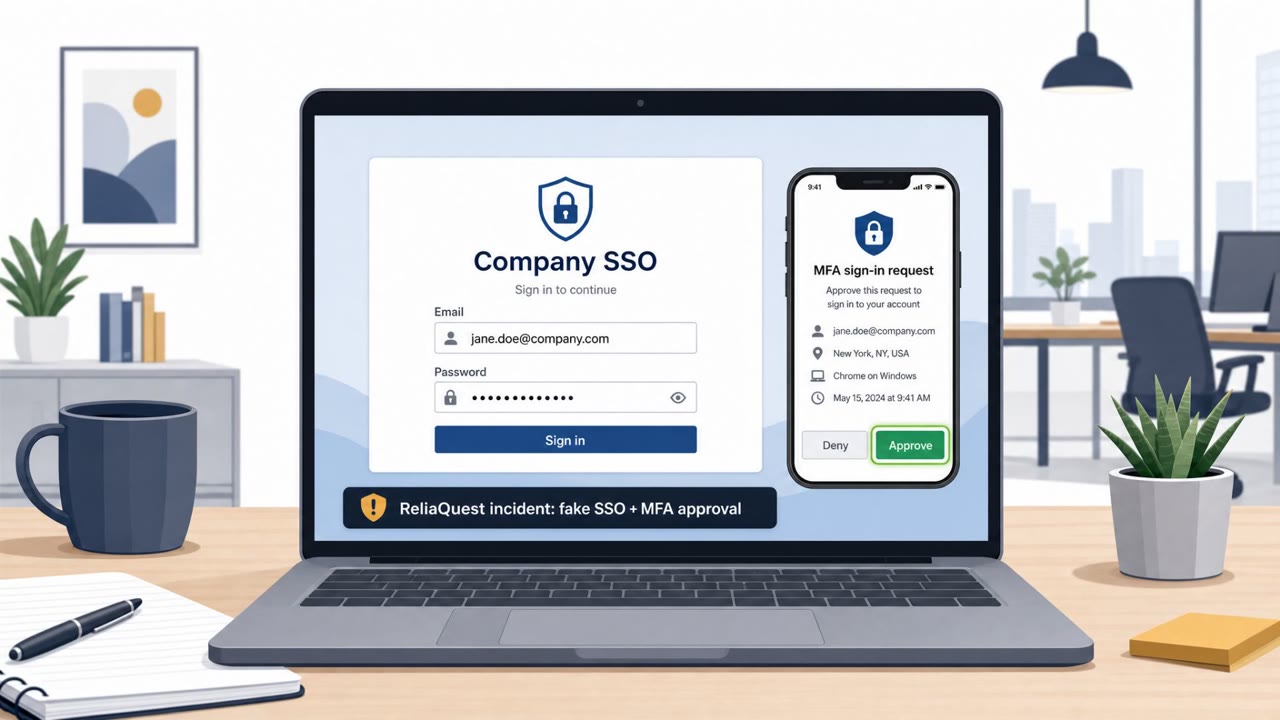
- A login request appears unexpectedly and is not tied to an action the user initiated.
Read the video transcript
A Google sign-in appears out of nowhere: “Sign in to continue.” Here’s the trick: Browser-in-the-Middle phishing relays what you type to the real Google login. An antidetect browser can make that login look like it came from your local device. That’s the surprise: Google may see a normal-looking login, even though you started on a fake page. Your clue is the address bar, not how convincing the sign-in looks. Unexpected sign-in? Skip that page. Open a new tab and type accounts.google.com yourself.