Researchers found a campaign of malicious Firefox add-ons that look like legitimate crypto wallets, VPNs, or utilities but are designed to trick people into entering wallet recovery phrases or exposing credentials. The add-ons can switch from harmless decoys (like a notepad or sports scores) to a convincing “import your wallet” screen controlled remotely via a cloud database, enabling theft without pushing a visible update.
How the attack worked
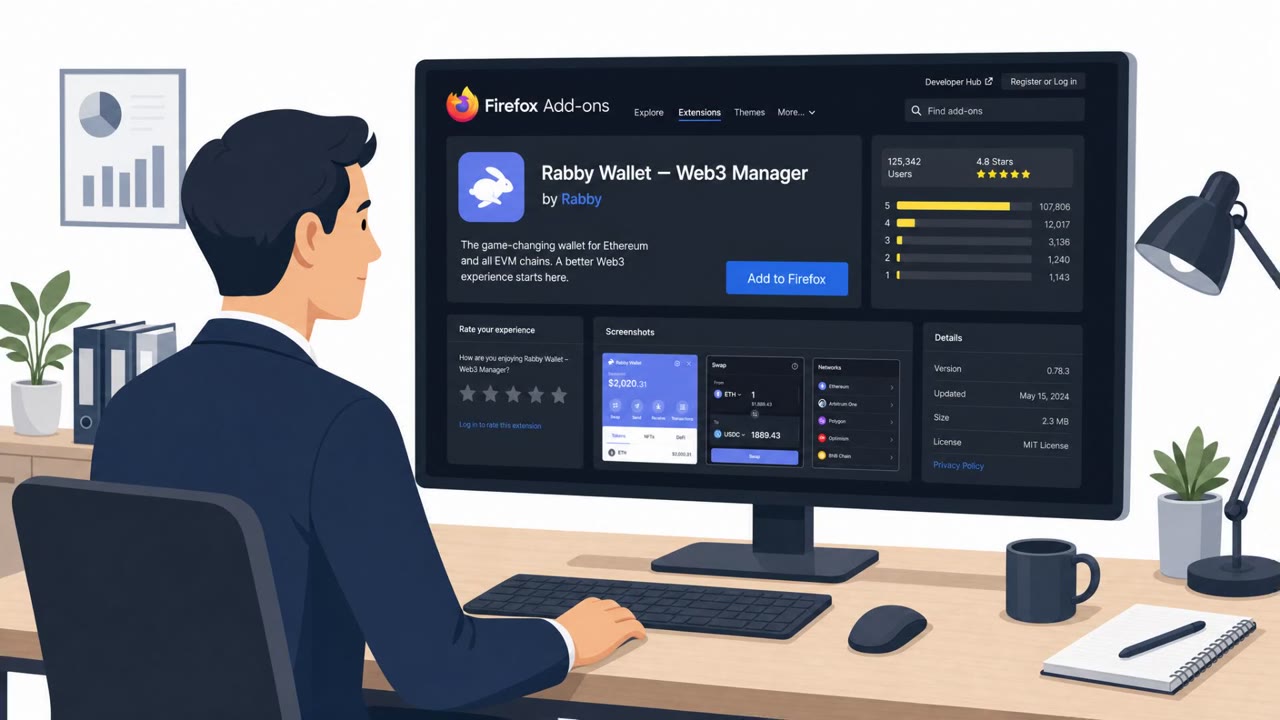
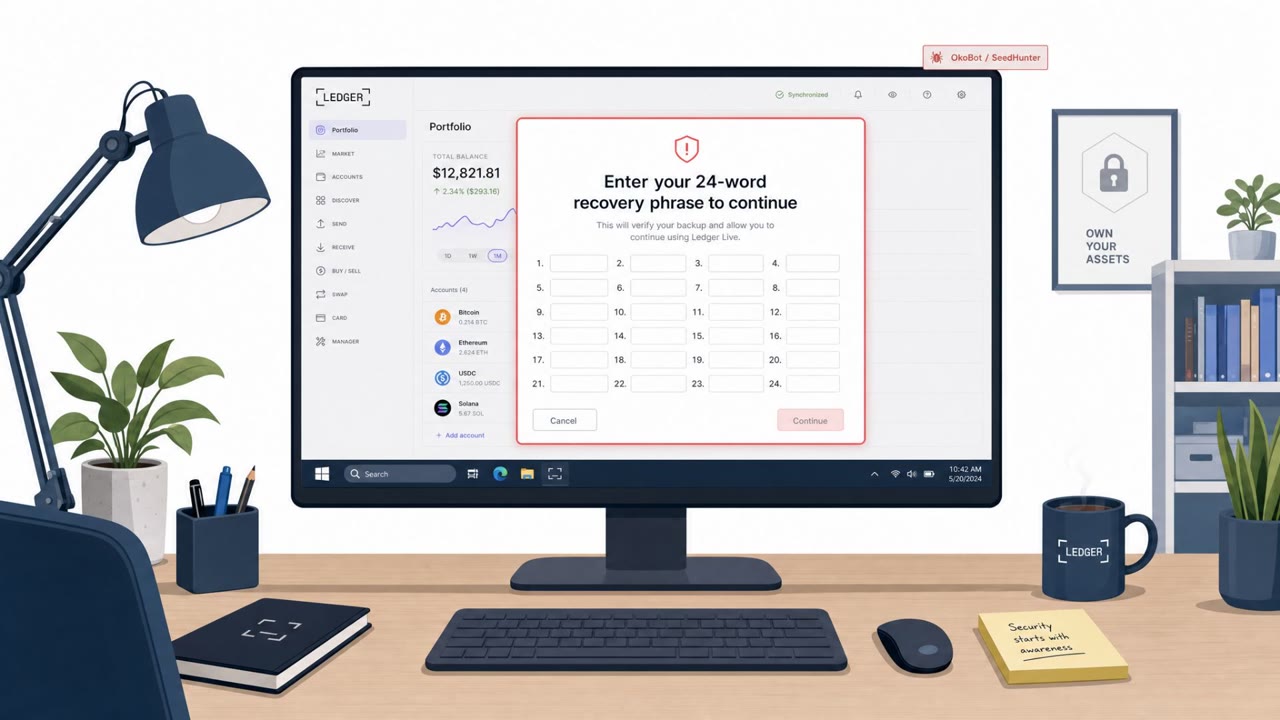
Researchers identified a wide campaign of malicious Firefox add-ons designed to look like legitimate crypto wallets, VPNs, or simple utilities. One sample, called "0KX WEB3," used a lookalike name mimicking the OKX cryptocurrency exchange by swapping a zero in for the letter O, and contained no actual wallet code. Instead, the extensions were built to display a fake wallet-import screen that prompts users to enter their recovery phrase. Anyone who does so hands that phrase straight to the attackers, who can then drain the associated wallet.
What made this campaign notable was the remote control mechanism. The extensions could switch between a harmless decoy, like a notepad or a sports scoreboard, and the credential-stealing screen on command, using a cloud-hosted database to flip that switch without requiring a visible update. Out of 77 linked extensions identified, 40 were confirmed to actively steal information.
Why it succeeded
The campaign worked because it exploited trust assumptions people commonly make about browser extensions. Several of the extensions confirmed to steal cryptocurrency began life as innocuous sports-score shells, only to be updated after installation to swap that scoreboard for a wallet-draining interface. Because extensions can be updated post-install, an add-on that looked safe at the time of installation was not guaranteed to remain that way. The extensions also asked for very few permissions, reinforcing a false sense of safety for users who judge trustworthiness mainly by permission requests.
What to watch for
- Any browser-based prompt asking you to enter a wallet recovery or seed phrase
- Lookalike branding or names, such as a zero substituted for a letter in a well-known brand
- An extension's behavior or interface changing unexpectedly after installation
- Extensions tied to unusual shared infrastructure with other suspicious add-ons
How to build resistance
A legitimate wallet is not going to ask you to enter your recovery phrase on a webpage, so any such request should be treated as an immediate stop signal. Only install extensions from well-known, verified publishers, and apply extra scrutiny to anything that offers to manage cryptocurrency from inside the browser. Do not judge an extension's trustworthiness purely by the permissions it requests, since some of the most dangerous extensions in this campaign asked for almost nothing. Finally, review installed extensions regularly and remove anything unrecognized or no longer needed, since an add-on that was safe at install time can later be updated to include malicious code.
Key findings
- Socket identified “scores of malicious linked Firefox add-ons” designed to steal wallet seed phrases or passwords.
- The campaign is dubbed “Offside Wallet Theft Factory” and has been active “since at least March 2026.”
- A sample extension “0KX WEB3” mimics OKX (using a zero instead of the letter O) and contains “no wallet code.”
- The extensions can remotely toggle between benign decoy screens and a wallet-import phishing screen via a Supabase-hosted database.
- “Out of the 77 linked extensions, 40 were confirmed… to steal information.”
- Extensions can be updated after install; some began as sports-score shells before being turned into crypto-stealers.
Who’s being targeted
- Commonly targeted roles: All employees, Finance, Executives, Employees who use cryptocurrency, IT / Security awareness trainees.
- Affected industries: Cryptocurrency users / personal finance, Financial services / crypto exchanges, Technology (browser extension ecosystems).
- Attack channels: website.
- Impersonated: OKX crypto wallet (lookalike extension “0KX WEB3”), Browser utility extension (sports scores, VPN, password generator, note-taking tool).
Red flags to watch for
- A “wallet” asking for a recovery phrase on a webpage-like screen
- Lookalike branding/name (e.g., “0KX” using a zero)
- Extension behavior can change unexpectedly after installation (decoy swaps to wallet prompt)
- An extension that changes purpose or UI after installation
- An extension tied to unusual shared infrastructure with other shady add-ons
- Over-trust based on “few permissions” alone
Frequently asked questions
How do these malicious Firefox extensions steal crypto wallet seed phrases?
They display a convincing wallet-import screen that asks users to type in their recovery phrase, which is then sent directly to the attackers controlling the extension.
Why did these extensions pass as safe on the Firefox add-on store?
Many started as harmless decoys, such as sports score trackers or note-taking tools, and only later were updated after installation to add malicious wallet-theft behavior.
Does requesting few permissions mean a browser extension is safe?
No. Some of the most dangerous extensions in this campaign asked for almost no permissions, showing that permission scope alone is not a reliable trust signal.
What should someone do if an extension asks for a wallet recovery phrase?
Treat it as a major red flag and stop immediately, since a legitimate wallet does not ask users to enter a recovery phrase on a webpage.
Read the video transcript
You install a Firefox sports-score add-on… and a week later it suddenly says, “Import your wallet to continue.” Researchers call this the Offside Wallet Theft Factory: fake Firefox add-ons like “0KX WEB3” that mimic real wallets, then flip from harmless decoys to a seed-phrase phishing screen controlled from a cloud database. Here’s the trick: by flipping a switch in that database, the add-on swaps its UI and tells you to enter your recovery phrase. Victims who type it there hand their entire wallet straight to the attackers. If any extension ever asks for a wallet recovery or seed phrase, stop right there, close it, and remove that add-on from Firefox immediately.