Microsoft says attackers are impersonating IT support and using “passkey/MFA/SSO update” requests to trick employees into authenticating attacker-controlled sessions. The campaigns use attacker-in-the-middle phishing sites or device-code logins to capture valid session tokens, then access Microsoft 365 data like SharePoint, OneDrive, and Exchange Online and add new authentication methods to stay in the account.
How the attack worked
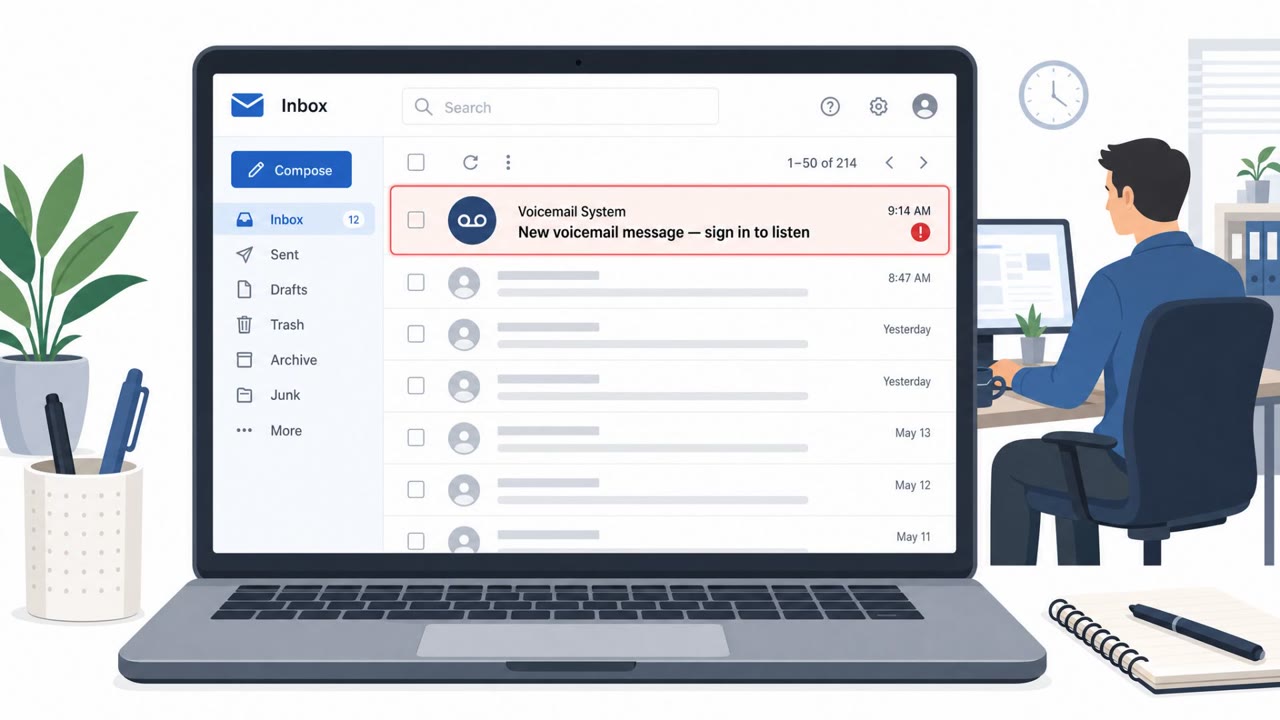
Microsoft has tracked campaigns, active since May 2026, where attackers impersonate IT support and tell employees they need to update a passkey, MFA, or SSO setting. The message pushes the target toward one of two technical paths. In the first, an attacker-in-the-middle site sits between the victim and Microsoft's real login service, relaying a genuine sign-in while quietly capturing the authenticated session token issued during the process. In the second, device-code phishing, the attacker starts a legitimate Microsoft sign-in on their own device, receives a code, and convinces the victim to enter that code on Microsoft's real authentication page. Microsoft then issues the authentication token to the attacker's device rather than the victim's.
Why it succeeded
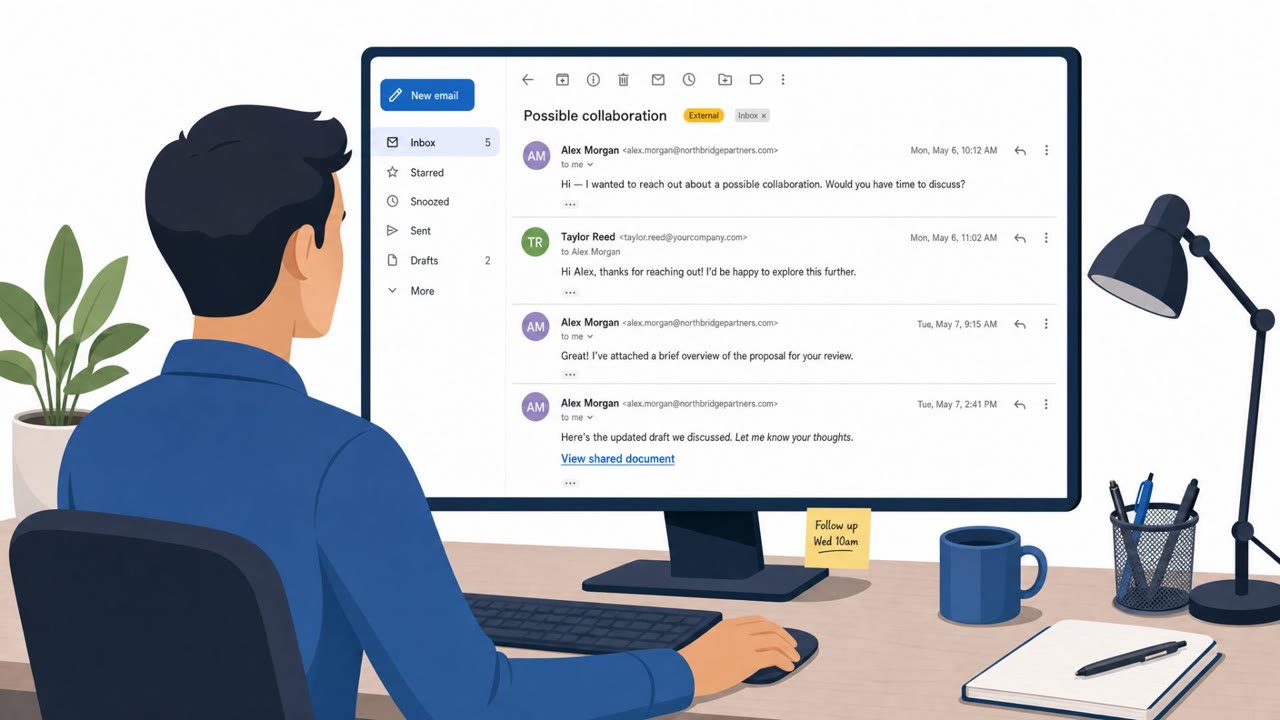
Both methods work because the victim is interacting with a real Microsoft sign-in flow at some point in the process, not an obviously fake page. The pretext, a routine-sounding security update, gives the request legitimacy and urgency at the same time. Microsoft has attributed this activity to multiple threat groups, including Storm-3121 and Storm-3032, and Google has tracked a similar pattern under the name UNC6671, indicating the technique is being used broadly rather than by a single actor. Attackers also research employees and org structure from public sources beforehand, and may use compromised accounts to reach victims through trusted channels like Microsoft Teams, which increases perceived legitimacy.
What to watch for
- An unsolicited message telling you to update a passkey, MFA, or SSO setting
- Pressure to click a provided link instead of using a known internal portal
- A device code you're asked to enter that you did not request yourself
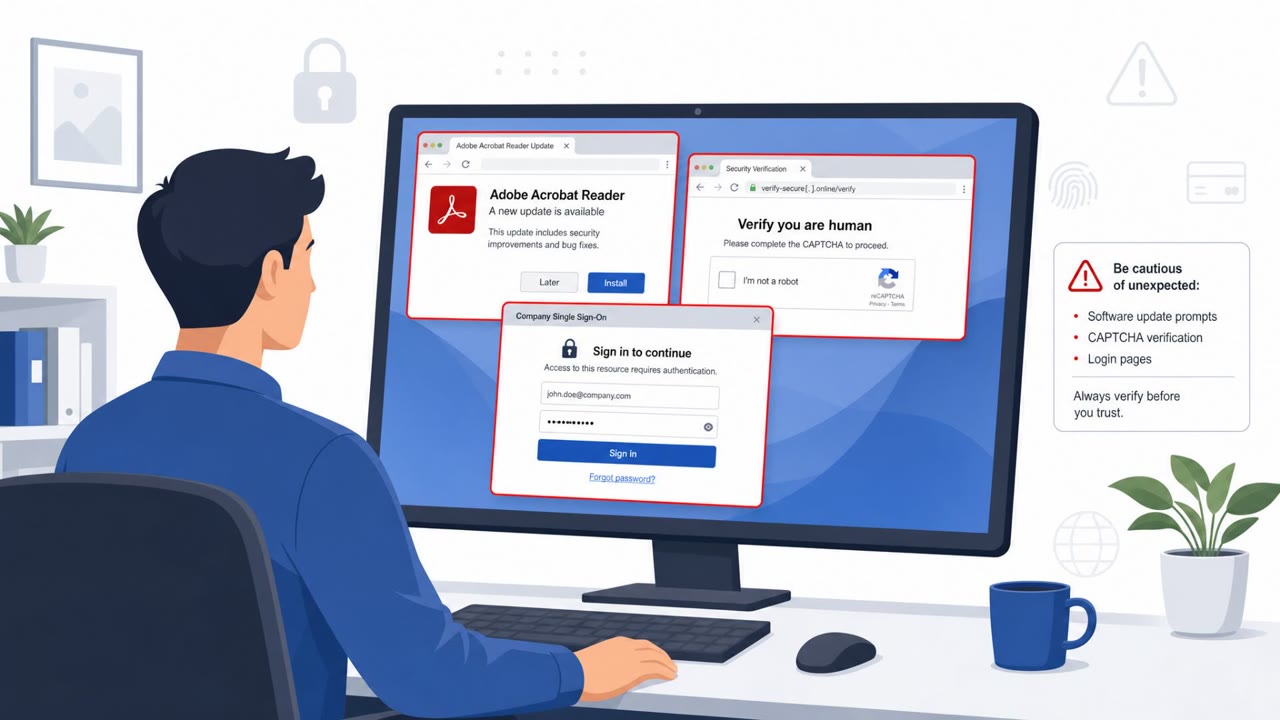
- A login page reached through a message link where the address bar doesn't match the expected Microsoft domain
- Re-authentication prompts that feel unnecessary given your recent activity
How to build resistance
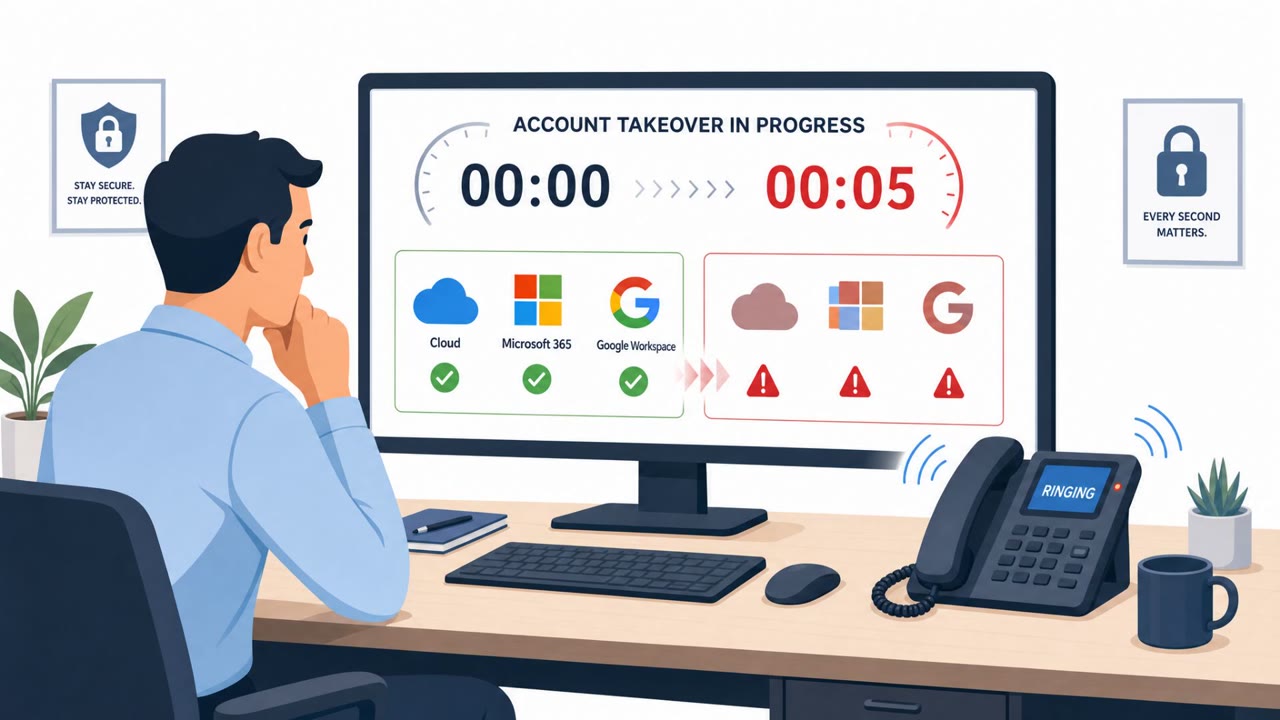
After gaining access, Microsoft observed attackers performing reconnaissance, adding their own authentication methods to compromised accounts to maintain persistence, and accessing SharePoint, OneDrive, and Exchange Online data. Defenses should focus on the two points where the technique depends on human action:
- Verify any passkey, MFA, or SSO update request through a known internal channel before acting, never through a link in the message itself
- Train staff to never enter device codes or approve sign-ins they did not personally initiate
- Tightly control who can add new authentication methods to an account and monitor for sudden changes
- If compromise is suspected, revoke active sessions and tokens and remove unauthorized authentication methods promptly
Because the underlying sign-in pages are genuine, technical controls alone won't fully stop this pattern; employee awareness of what a legitimate IT request looks like remains a key control (see T1566.002 and T1656).
Key findings
- Microsoft tracked campaigns since May 2026 where attackers impersonate IT staff and claim employees must update passkeys, MFA, or SSO settings.
- Attackers use attacker-in-the-middle phishing to relay real Microsoft sign-ins and steal the authenticated session token.
- Attackers also use device-code phishing by convincing victims to enter a code on Microsoft’s real login page, which approves the attacker’s device.
- After compromise, attackers perform reconnaissance, add their own authentication methods for persistence, and access SharePoint/OneDrive/Exchange Online data.
- Microsoft attributes activity to multiple threat groups, including Storm-3121 and Storm-3032; Google has tracked a similar pattern as UNC6671.
- Attackers research employees and org structure from public sources and may abuse compromised accounts to message victims through trusted channels like Microsoft Teams.
Who’s being targeted
- Commonly targeted roles: All employees, Executives, Finance, HR, IT helpdesk/service desk, Security/Identity team.
- Affected industries: Any organization using Microsoft 365 (cross-industry).
- Attack channels: email, website.
- Impersonated: Internal IT support / helpdesk, Microsoft sign-in / security page (lookalike), IT support guiding a Microsoft device-code sign-in.
Red flags to watch for
- Unsolicited request to change authentication settings
- Pressure to use a provided link rather than internal portals
- Unexpected re-authentication prompts tied to a “security update”
- Login page reached via message link rather than known bookmark
- Re-authentication request that feels unnecessary
- Browser/address bar doesn’t match expected Microsoft login domain
- You’re asked to type in a code you didn’t request
- You’re “approving” a login for someone else’s device/session
- Request arrives out of the blue as a ‘security update’
Frequently asked questions
How do attackers use fake passkey update requests to phish Microsoft accounts?
Attackers impersonate IT staff and tell employees they need to update a passkey, MFA, or SSO setting, then direct them to an attacker-in-the-middle site or a device-code login flow that captures a valid authenticated session token.
What is device-code phishing in this campaign?
The attacker starts a legitimate Microsoft sign-in on their own device, gets a code, and convinces the victim to enter that code on Microsoft's real authentication page, which causes Microsoft to issue the authentication token to the attacker's device.
What do attackers do after compromising an account?
Microsoft observed attackers performing reconnaissance, adding their own authentication methods to maintain persistence, and accessing SharePoint, OneDrive, and Exchange Online data.
How can organizations reduce risk from these fake authentication update prompts?
Verify any passkey, MFA, or SSO update request through a known internal channel rather than a link in a message, train staff to never approve sign-ins or enter device codes they did not initiate, and tightly control who can add new authentication methods.
Read the video transcript
You get a Teams or email from “IT Support”: update your passkey or you’ll lose Microsoft 365 access. This is a passkey scam Microsoft’s tracking from groups like Storm-3121. You click their link, land on an Attacker-in-the-Middle phishing page that looks like Microsoft sign-in, and they silently steal your session token. Or they send you a code and say, 'Enter this on Microsoft to update MFA.' You type it into the real page, but you’ve actually approved their device, giving them access to SharePoint, OneDrive, and Exchange Online. Here’s the move: any passkey, MFA, or SSO update request, email, Teams, whatever, ignore the link and contact IT using a known internal channel you pick, not the one in the message.