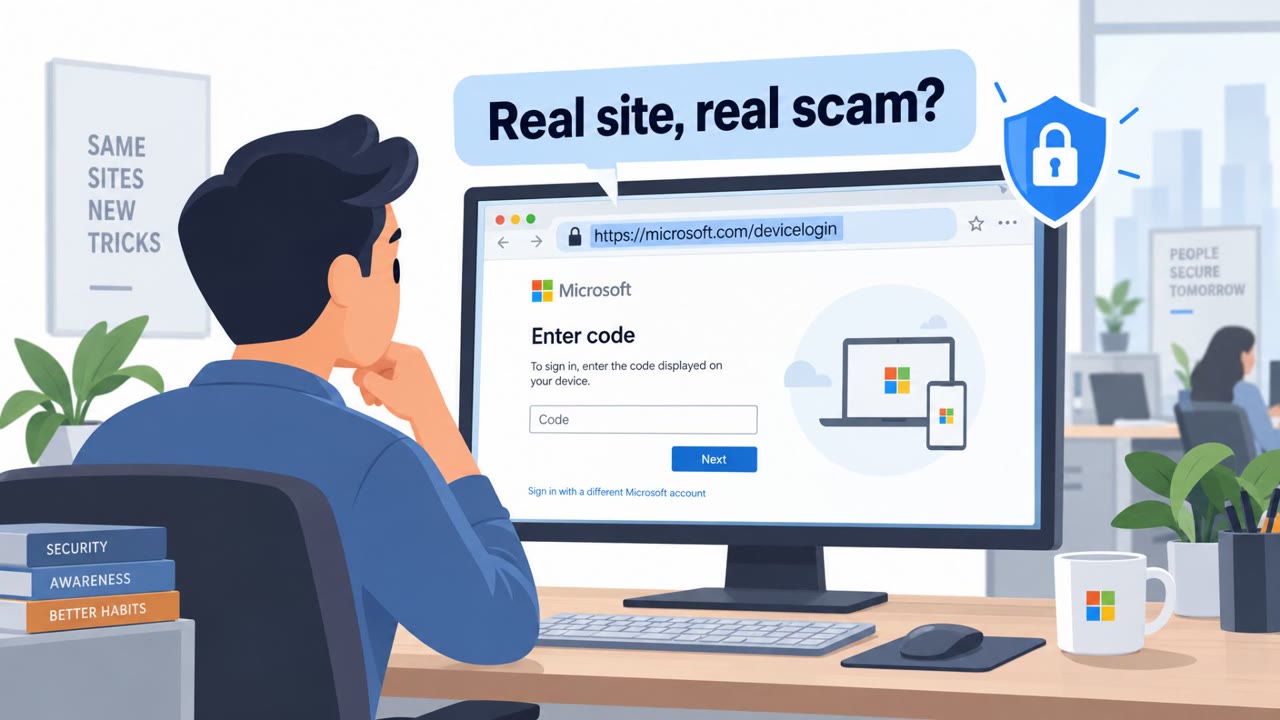
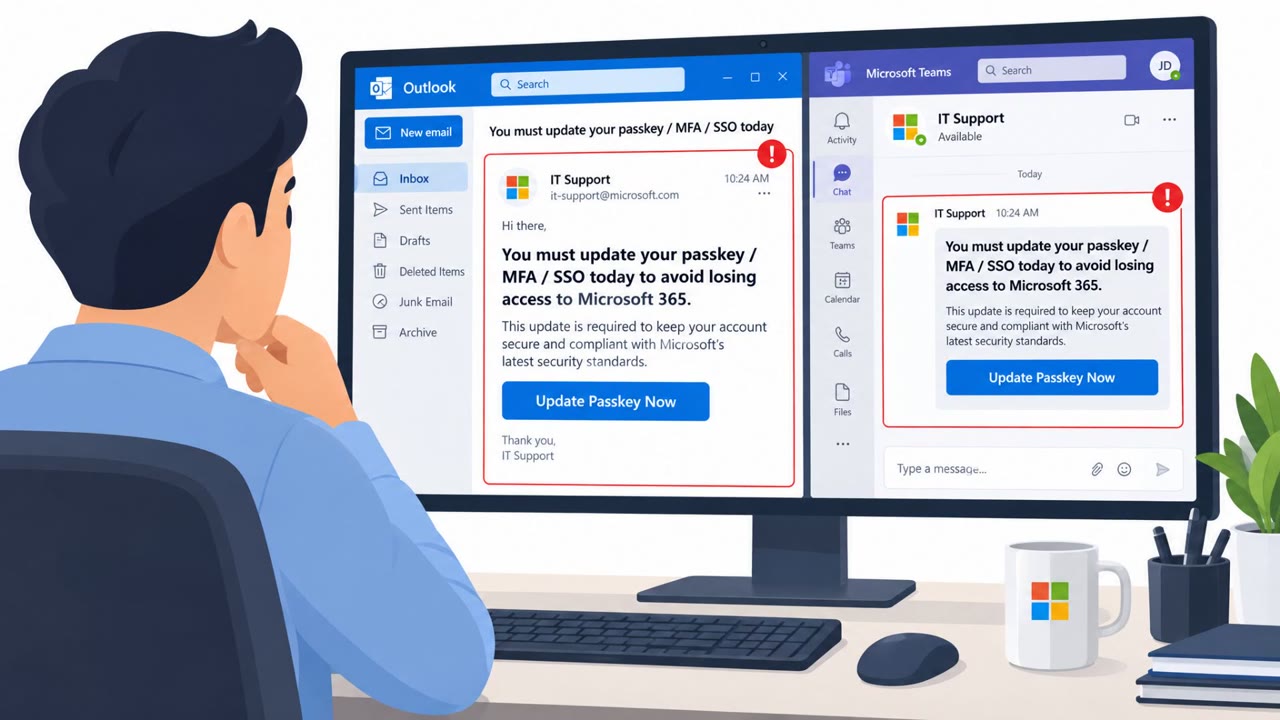
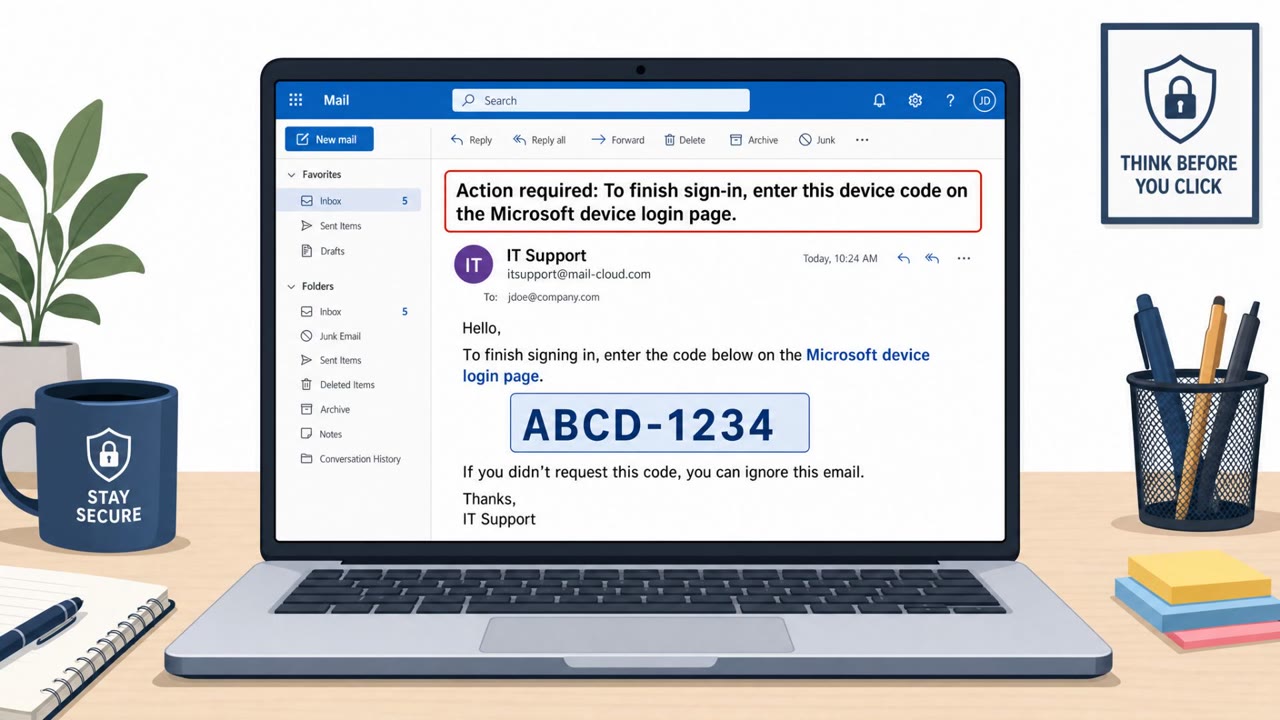
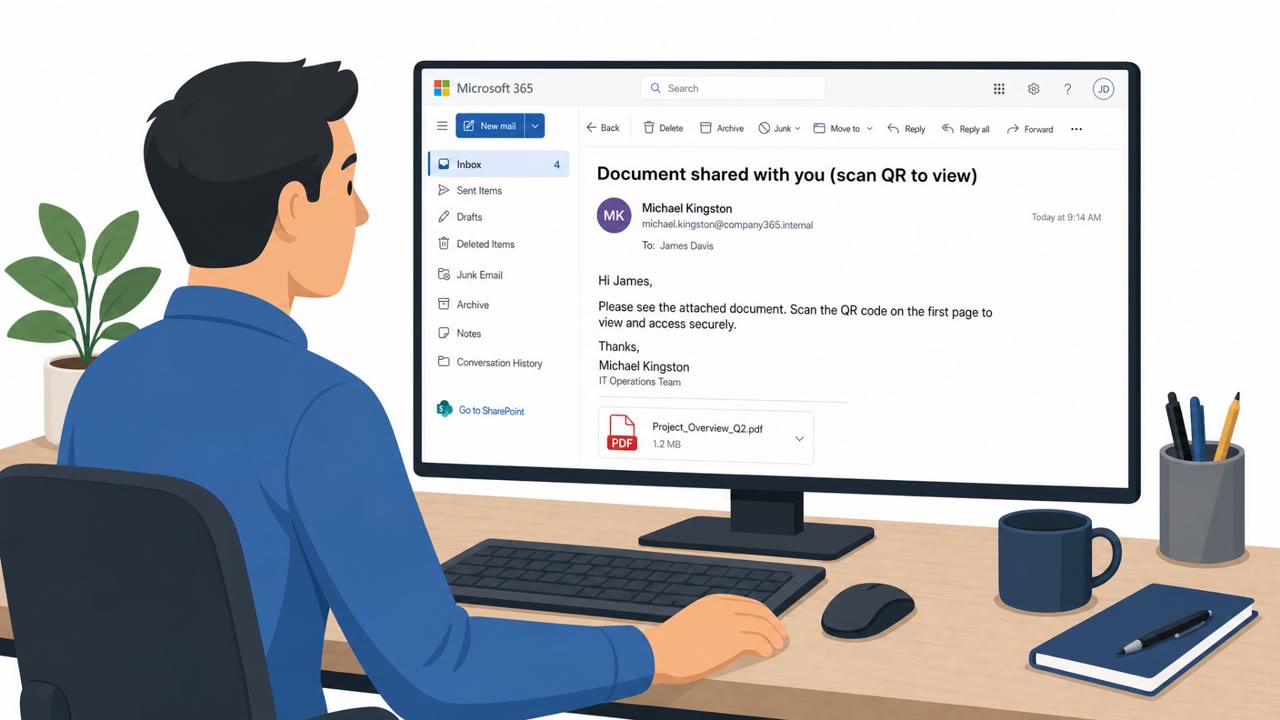
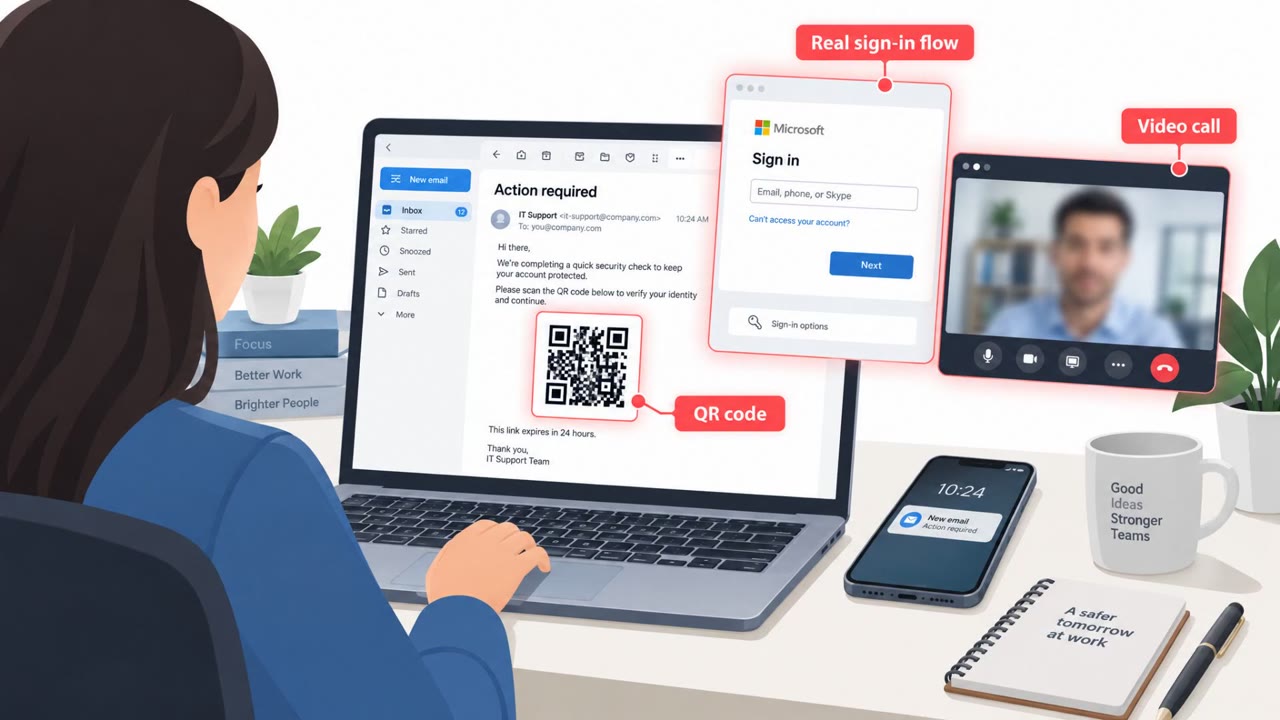
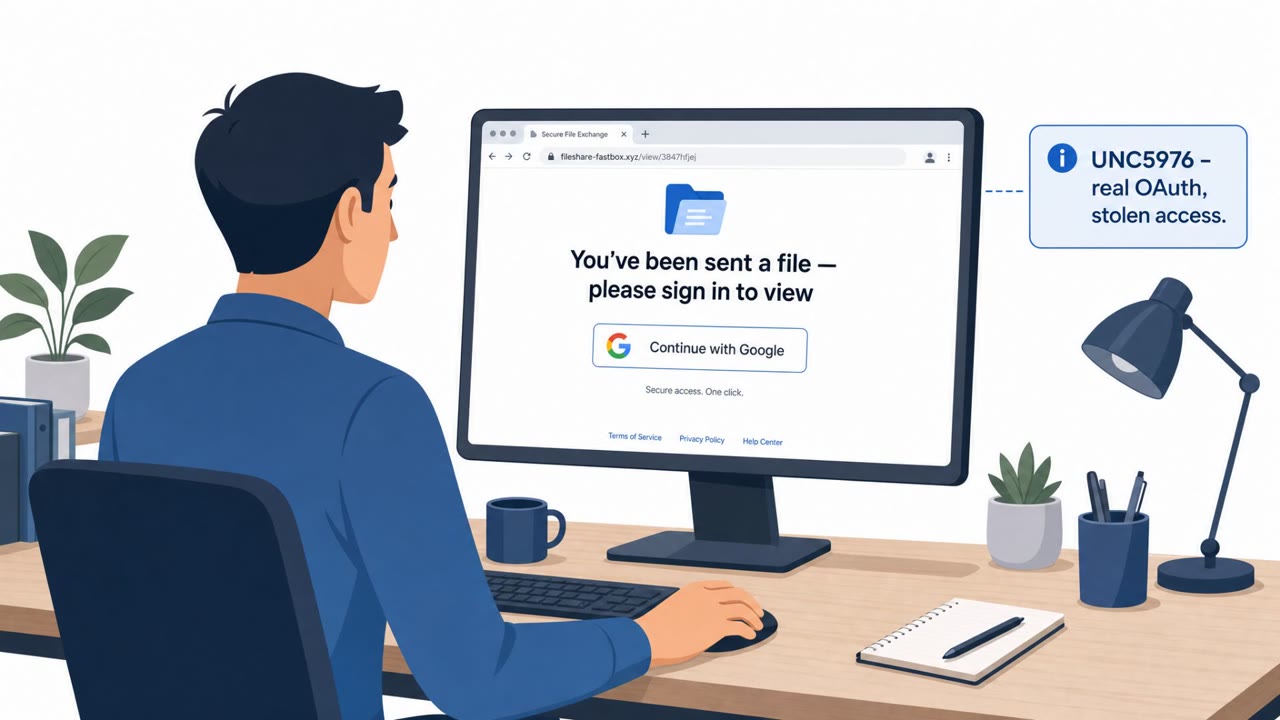
Attackers abused Microsoft’s OAuth “device code” sign-in so victims completed a real Microsoft login and MFA, but the resulting session tokens were issued to the attacker. In a documented Microsoft 365 takeover, the attacker used a believable partner-law-firm email thread and a Google Sites lure page to get the victim to enter a verification code on Microsoft’s legitimate sign-in page. After approval, the attacker signed in from abroad, registered rogue devices, and created hidden mailbox rules to maintain access and spread more phishing.
How the attack worked
This Microsoft 365 takeover did not start with a suspicious link. It started with a conversation. The attacker posed as a partner from a law firm and opened with a friendly note about a possible collaboration, exchanging several messages with the victim before ever sending a link. Only after that rapport was built did the attacker send a document-sharing link.
The link led to a page hosted on Google Sites, a trusted platform, and used redirect chains through compromised legitimate sites to slip past URL filtering. The final landing page sat behind a fake human-check prompt to keep automated scanners away. It looked like a normal document-sharing portal, but instead of a document, it displayed a short verification code and instructed the victim to enter it at Microsoft's real sign-in page.
This is the core of device-code phishing. The victim was completing a genuine Microsoft login and a genuine MFA approval. But approving that code handed the attacker a valid session token, not the victim.
Why it succeeded
The attack succeeded because nothing about the actual login experience looked wrong. The page where the victim entered credentials really was Microsoft's site. The only unusual element was a short code and a plausible reason to enter it, embedded in a believable business conversation about collaboration. There was no fake login page for a trained eye to catch, no obvious spoofed domain, just a normal-seeming request layered on top of a legitimate authentication flow.
What to watch for after access is gained
Once the attacker had a valid session, the activity moved into the cloud rather than the endpoint. Findings from this case included:
- Sign-in from an unexpected location
- Registration of rogue devices to maintain persistent access
- Creation of hidden mailbox rules to move, hide, or delete mail, a classic cleanup step after takeover
- Use of the compromised account to send further phishing messages
Because the intrusion occurs at the identity layer, that is where defenders need to look for signals, not on the endpoint.
How to build resistance
- Disable the OAuth device-code authentication flow via Conditional Access wherever it is not genuinely required
- Restrict and monitor device registration, require managed and compliant devices, and lower per-user device limits so rogue devices cannot accumulate unnoticed
- Monitor for device-code sign-ins, unusual authentication broker activity, and new mailbox rules
- Train employees, especially executives, business development, sales, and legal staff, that any unexpected request to enter or read out a code is a red flag, even on a legitimate Microsoft login page, and give them an easy way to report it
Key findings
- Device-code phishing tricks a user into entering a short code on a genuine Microsoft sign-in page, satisfying MFA without stealing a password.
- A real-world Microsoft 365 takeover began with a multi-email conversation where the attacker posed as a law firm partner and only later sent a link.
- The lure used trusted infrastructure (Google Sites) and redirect chains (open redirect on compromised legitimate sites) to evade URL filtering and scanning.
- After the victim approved the device-code request, attackers used cloud access to register devices and create mailbox rules to hide activity and send more phishing, without touching the endpoint.
Who’s being targeted
- Commonly targeted roles: All employees (Microsoft 365 users), Executives, Business Development / Sales, Legal, IT / Identity & Access Management, Helpdesk / Service Desk.
- Affected industries: Any organization using Microsoft 365 / Microsoft Entra ID, Professional services (law firm partner impersonation), Corporate email users (cross-industry).
- Attack channels: email, website.
- Impersonated: Partner from a law firm.
Red flags to watch for
- Unexpected request to enter a code to access a document
- Link chain using a trusted host (Google Sites) plus redirects before reaching the final page
- Human-check prompt and unusual verification steps for a normal document share
Frequently asked questions
What is device-code phishing?
It is a technique where attackers abuse Microsoft's OAuth device code sign-in flow so a victim enters a short code on Microsoft's genuine sign-in page, which satisfies MFA and issues a valid session token to the attacker instead of the victim.
How did the attacker get the victim to enter the code?
The attacker posed as a law firm partner, built trust through a multi-message email conversation, then sent a document-sharing link built on Google Sites that displayed a verification code and walked the victim through entering it at Microsoft's real sign-in page.
Why didn't MFA stop this attack?
Because the victim completed a genuine Microsoft login and MFA approval themselves. The session tokens generated by that real login were issued to the attacker, so no password or MFA code was actually stolen.
What can organizations do to defend against this?
Disable the OAuth device-code flow via Conditional Access where it is not needed, monitor for device-code sign-ins and mailbox rule changes, and train users to treat any unexpected request to enter a code as a red flag.
Read the video transcript
You get an email from a law firm partner, friendly back‑and‑forth all week… then they send a document link. You click. It goes through a Google Sites page and a couple of redirects, then lands on a document-looking portal that shows a short code and says: enter this on Microsoft to verify. You do it on the real Microsoft sign-in page, approve MFA, everything looks normal. But that code actually approves the attacker’s device, so they log in from abroad, register rogue devices, and hide their emails with mailbox rules. If someone ever asks you to enter a random code to view a document, stop. Don’t enter it, forward that email to security and confirm through our usual channel instead.