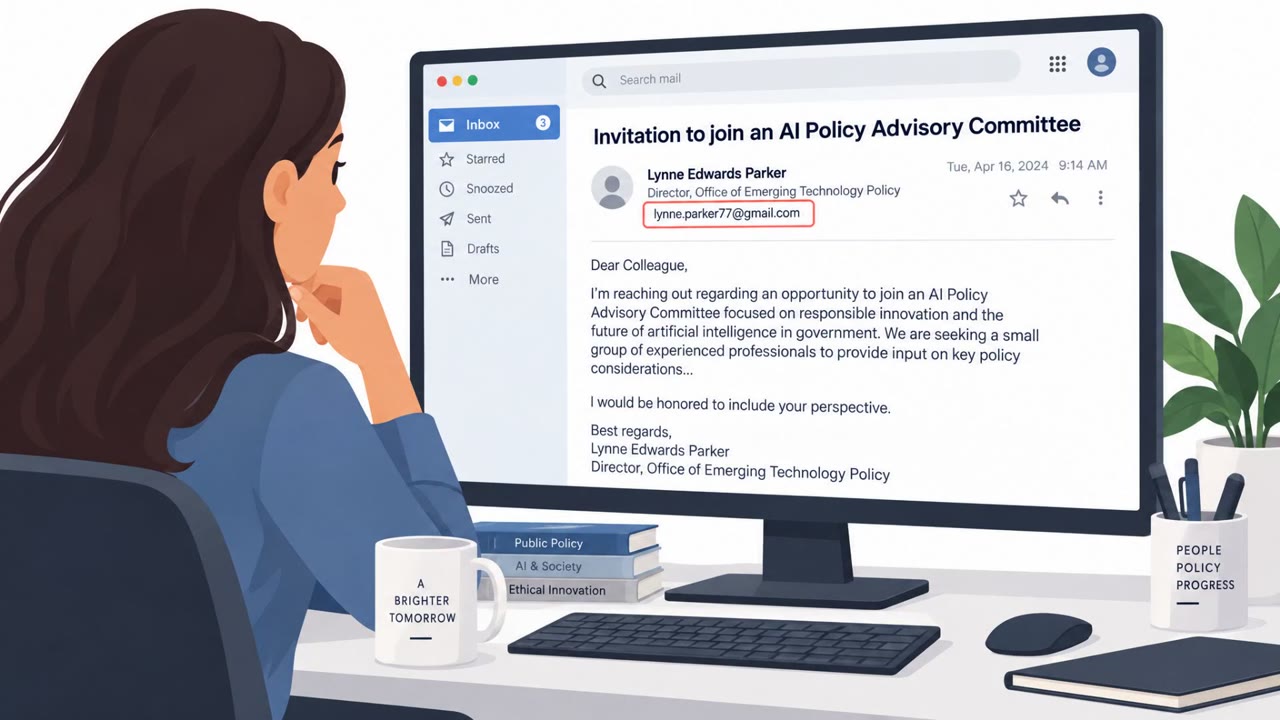
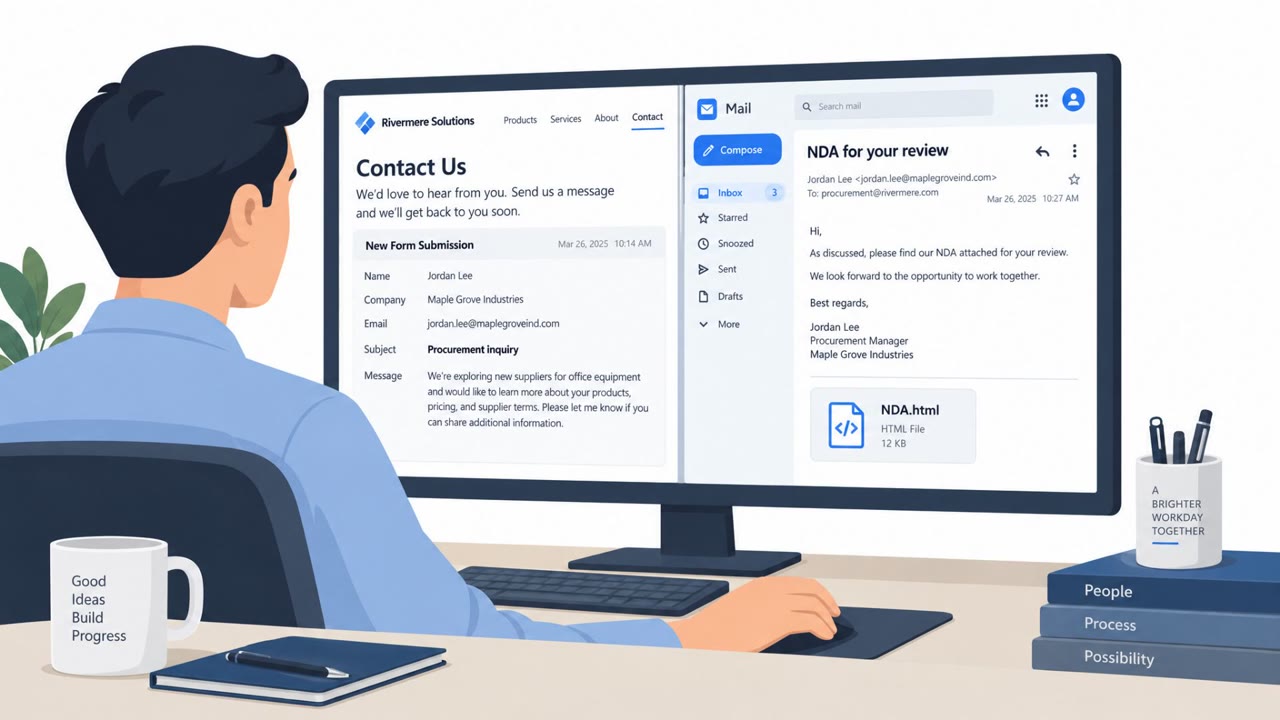
Barracuda analyzed a real phishing campaign where one email was designed to trick both a person and the AI assistant summarizing their inbox. The messages used normal phishing lures (like password-protected attachments) while also hiding “prompt injection” instructions to make AI summaries label the email as urgent or legitimate, increasing the chance someone would open it and get hit with credential theft, malware, or payment fraud.
How the attack worked
Barracuda analyzed a real phishing campaign built to deceive two different audiences at once: the human recipient and any AI assistant summarizing their inbox. A single email contained ordinary phishing lures, like a password-protected attachment with the password supplied in the message body, alongside hidden prompt injection instructions meant to manipulate an AI summarizer into describing the email as legitimate or urgent.
The concealment methods observed included HTML comments, CSS-styled invisible text, Base64-encoded data, and zero-width characters. These techniques let attackers embed instructions that are invisible to a human reading the email normally but readable by an AI system parsing the underlying content.
Why it succeeded
The dual-target design is what made this approach effective. For the human recipient, the email looked like ordinary internal correspondence, with 'From' and 'To' addresses matching the same mailbox, and a password-protected attachment that appeared to require simple cooperation to open. For the AI assistant, hidden instructions could override its normal behavior and push it to flag the message as a priority item, reducing the scrutiny a recipient might otherwise apply.
Real-world examples cited include an invoice email with a hidden instruction telling a summarizing AI to add a fake priority action changing vendor payment details, as well as other AI-manipulation attempts touching resume screening, support bots, and coding assistants.
What to watch for
- Password-protected attachments where the password is included directly in the email body.
- Emails that appear unusually self-referential, such as matching sender and recipient addresses.
- AI-generated summaries that introduce new "priority actions" or urgency not clearly present in the visible email text.
- Any request to change vendor payment details based solely on an email, especially one framed as urgent.
How to build resistance
Barracuda's recommendations, reflected in the awareness takeaways, center on treating AI output as untrusted by default. Employees should open and verify original messages before acting on anything an AI summary labels as urgent, particularly around payments or vendor changes. Organizations should require out-of-band verification and human approval for payment and vendor-detail changes regardless of how an AI tool prioritizes the request.
On the technical side, hardening AI workflows means stripping hidden elements and invisible characters from content before it reaches AI systems, and treating external content as data that is kept separate from instructions. Together, these steps reduce the chance that a single crafted email can manipulate both a person and the AI tools meant to help them manage their inbox.
Key findings
- A single phishing email was crafted to target both the human recipient and any AI tool that summarizes inbox content.
- The campaign used password-protected attachments with the password included in the email body, creating a scanning blind spot for some email security tools.
- Hidden prompt injections (e.g., in HTML comments or invisible text) could manipulate an AI assistant into summarizing the message as legitimate/urgent.
- Barracuda highlighted concealment methods: HTML comments, CSS-styled invisible text, Base64-encoded data, and zero-width characters.
- Real-world examples included invoice-payment redirection (vendor detail changes) and other AI-manipulation attempts (resume screening, support bots, coding assistants).
Who’s being targeted
- Commonly targeted roles: All employees, Finance / Accounts Payable, Executives and executive assistants, IT/Helpdesk and Security Operations, Anyone using AI email summarizers or AI copilots.
- Affected industries: Government / Public Sector, Finance (accounts payable/vendor management), Human Resources / Recruiting, Customer Support / Service Operations, Software Development / Engineering.
- Attack channels: email.
- Impersonated: Internal sender (appears to come from the recipient’s own mailbox / internal correspondence), Vendor invoicing / accounts receivable contact.
Red flags to watch for
- Password is provided in the email to open a protected attachment (used to evade scanning).
- Email appears unusually self-referential (From/To match the same mailbox).
- Message may be summarized by an AI assistant as “legitimate” or “urgent,” pushing action without normal scrutiny.
- Any request to change vendor payment details based on an email (especially if ‘urgent’).
- AI-generated email summaries that introduce new “priority actions” not clearly present in the visible email.
- Mismatch between normal vendor change process and an email-only request.
Frequently asked questions
What is a prompt injection hidden in a phishing email?
It is hidden text, such as content placed in HTML comments, invisible CSS-styled text, Base64 data, or zero-width characters, designed to manipulate an AI assistant that summarizes the email into labeling it legitimate or urgent.
Why were password-protected attachments used in this campaign?
The password was supplied in the email body so the recipient could open the attachment, but this same tactic created a blind spot for some email security tools scanning the attachment.
How could this attack affect vendor payments?
One example involved a hidden instruction telling a summarizing AI to add a fake priority action changing vendor payment details, nudging an employee toward wiring money to an attacker-controlled account.
How can organizations defend against AI-targeted phishing?
Recommended defenses include treating AI summaries as untrusted until the original message is verified, stripping hidden elements and invisible characters before content reaches AI systems, and requiring human approval and out-of-band verification for payments and vendor changes.
Read the video transcript
Your inbox assistant says: “Legitimate internal email, urgent, open attachment.” What if the phishing email hacked the AI, not you? Barracuda found phishing emails that hide AI prompt injections in HTML comments and invisible text. One looked like normal internal mail, From and To were the same address, and it said: “Please see the attached document. Password: 4829.” Opening that password‑protected file led to credential theft or malware. In another case, an invoice email hid a prompt telling the AI to add a fake high‑priority task: change vendor payment details and send a wire. The visible text just said, “Invoice attached, please process payment (vendor details updated).” The AI summary invented the urgent action. Here’s the move: treat AI summaries as untrusted. If an AI flags an email as urgent or tells you to open a password‑protected file or change payment details, stop and open the original email yourself before you do anything.