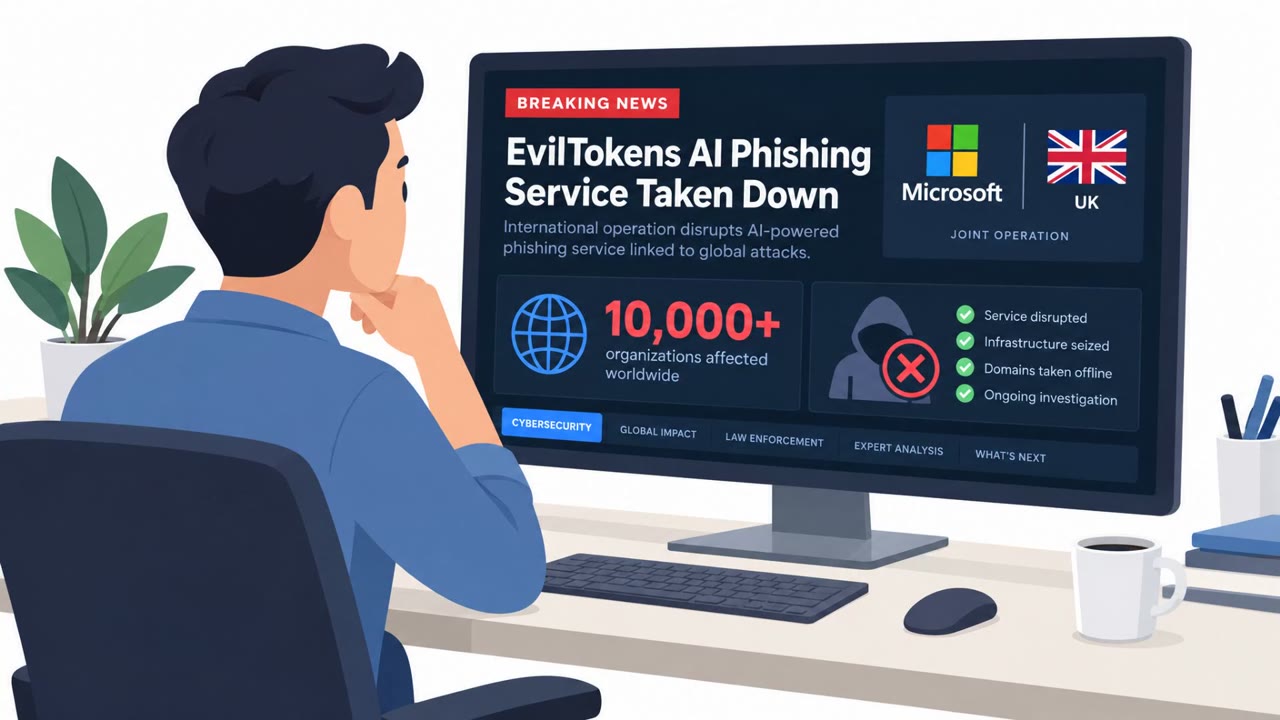
The article describes a real phishing investigation where attackers used an adversary-in-the-middle (AiTM) proxy to relay a genuine Microsoft sign-in and steal both credentials and the victim’s live session token. The lure came from a legitimately compromised corporate mailbox, making common email checks look “clean,” and the operation supported invoice fraud (BEC-style) against customers. It also describes a practical detection clue: successful sign-ins showing the attacker’s relay server IP instead of the employee’s location.
Key findings
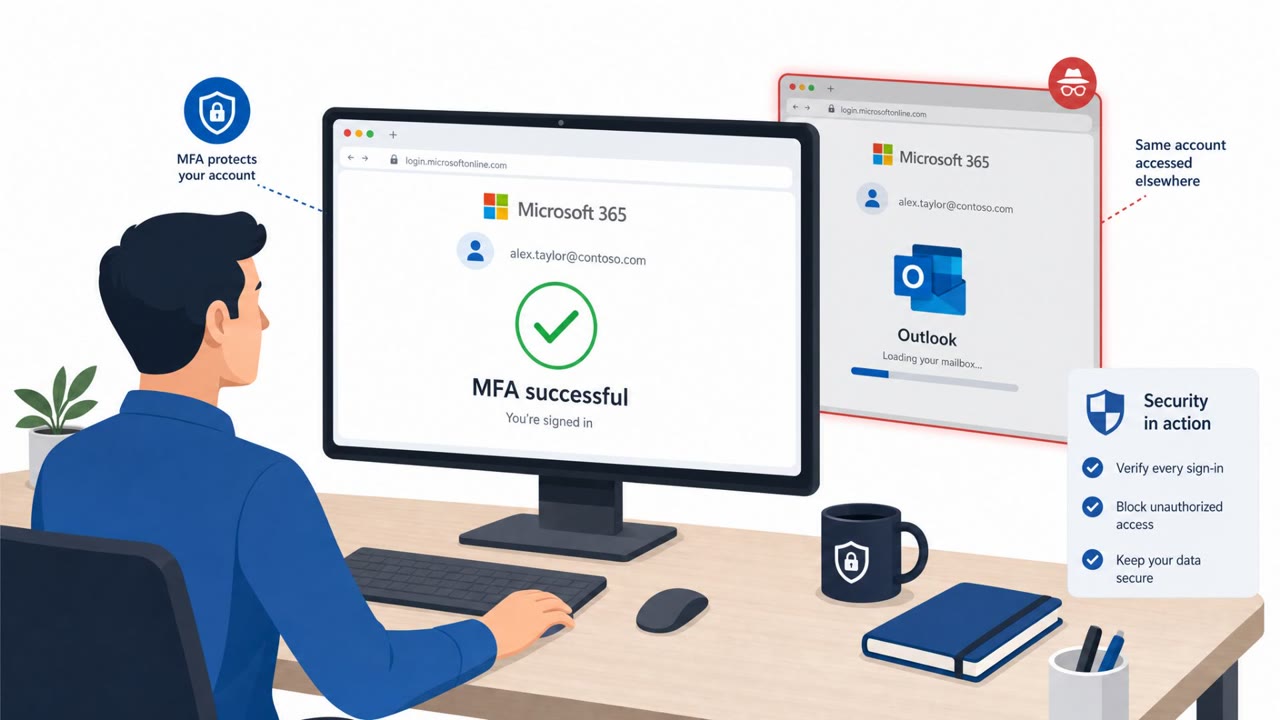
- Attackers used AiTM reverse-proxy phishing kits to relay real Microsoft sign-ins and steal session tokens, allowing account access even after MFA is completed.
- The phishing lure arrived from a “genuinely compromised mailbox at a real company,” so authentication checks passed and the email didn’t obviously expose an attacker-controlled sender.
- A key investigative breakthrough came from cookies: the victim received a cookie containing the IP address of the attacker’s relay server.
- Infrastructure mapping (server-layer hunting) turned “one reported phishing email” into a larger estate of “dozens of lookalike domains” built over months for invoice fraud.
- Detection opportunity: tenant sign-in logs may show successful logins from hosting/VPS ranges because “the successful sign-in recorded in your tenant carries the relay’s address, not your employee’s.”
- Response guidance: revoke sessions before resetting passwords because “The attacker holds a session, not a password.”
Who’s being targeted
- Commonly targeted roles: Finance, Accounts Payable, Procurement, All employees (Microsoft 365 users), IT Helpdesk, Security Operations.
- Affected industries: Manufacturing, Staffing and recruiting, Waste management, Professional services (accounts payable / invoicing workflows).
- Attack channels: email, website.
- Impersonated: A real company/vendor mailbox (compromised) and the Microsoft sign-in page (relayed), Microsoft sign-in (proxied through attacker relay).
Awareness takeaways
- Treat “MFA completed” as not automatically safe, attackers can steal live sessions via real-time proxy phishing.
- Train staff that invoice/document lures commonly lead to sign-in traps; verify unexpected invoice or payment requests out-of-band.
- Coach responders: if you suspect AiTM compromise, revoke sessions/tokens first, then reset passwords.
- Help IT/SecOps focus detection on unusual login source networks (hosting/VPS ranges) and token refresh activity, not just interactive sign-ins.
Red flags to watch for
- Unexpected sign-in prompt to view an invoice/document
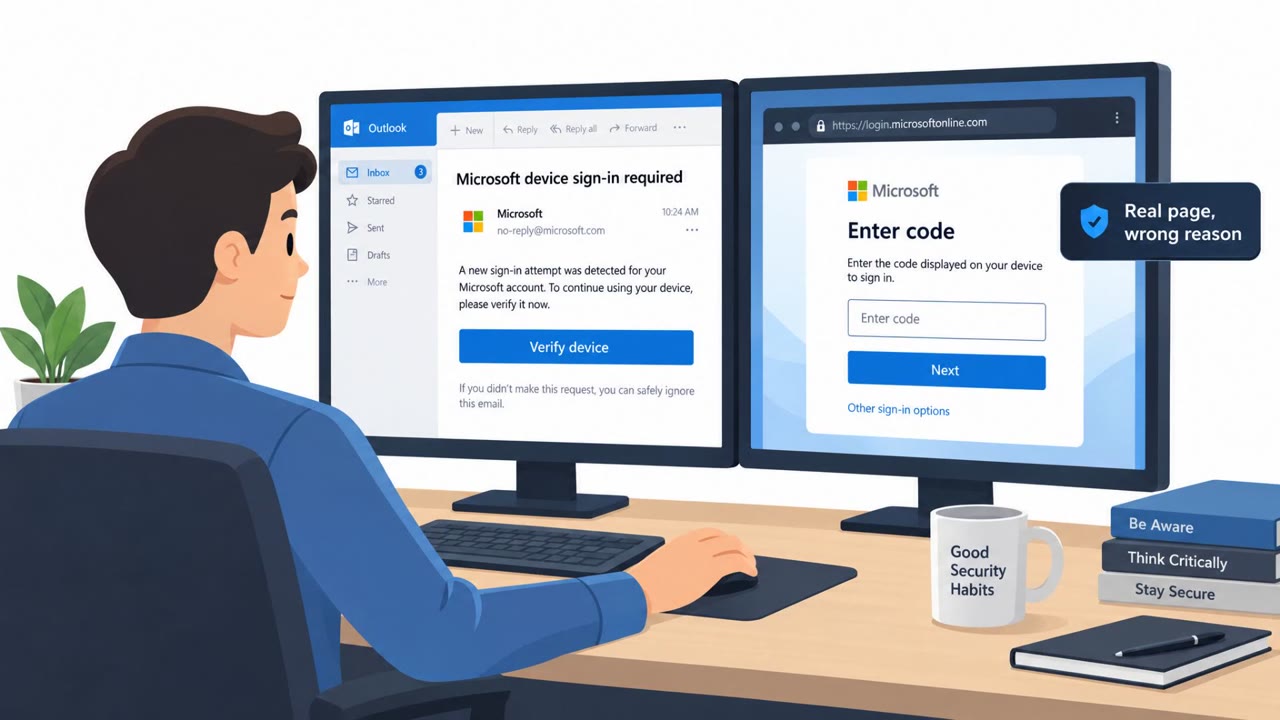
- Link leads to a lookalike domain even though the page appears to be a genuine Microsoft sign-in
- Follow-on activity may come from hosting/VPS IP ranges rather than the employee’s normal location
- Sign-in activity shows source IPs from hosting providers/virtual servers
- Ongoing suspicious activity appears as token refresh events, not just new interactive logins
- Password reset alone does not stop attacker activity if sessions remain valid
Read the video transcript
You click an invoice email from a real vendor, sign in with Microsoft, approve MFA… and they still get into your account. Behind that link is an adversary‑in‑the‑middle proxy kit. It relays the real Microsoft sign‑in page, so you see a genuine MFA prompt while it quietly steals your password and live session token. Here’s the twist: your tenant logs show a successful Microsoft 365 sign‑in, but the IP is a hosting provider, not your city. The kit keeps the token alive, so their activity shows up as refresh events, not new logins. If you even suspect this kind of phish, tell IT: revoke sessions first, then reset the password, because in these attacks, they hold a session, not a password.