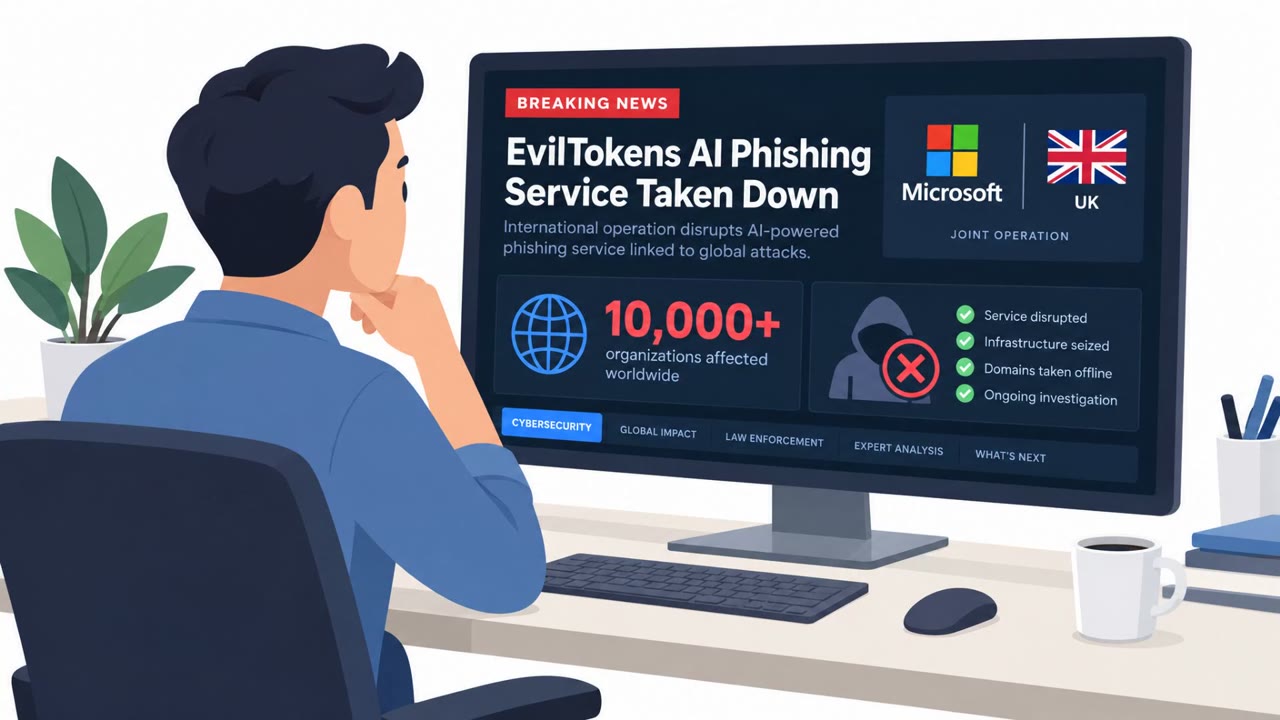
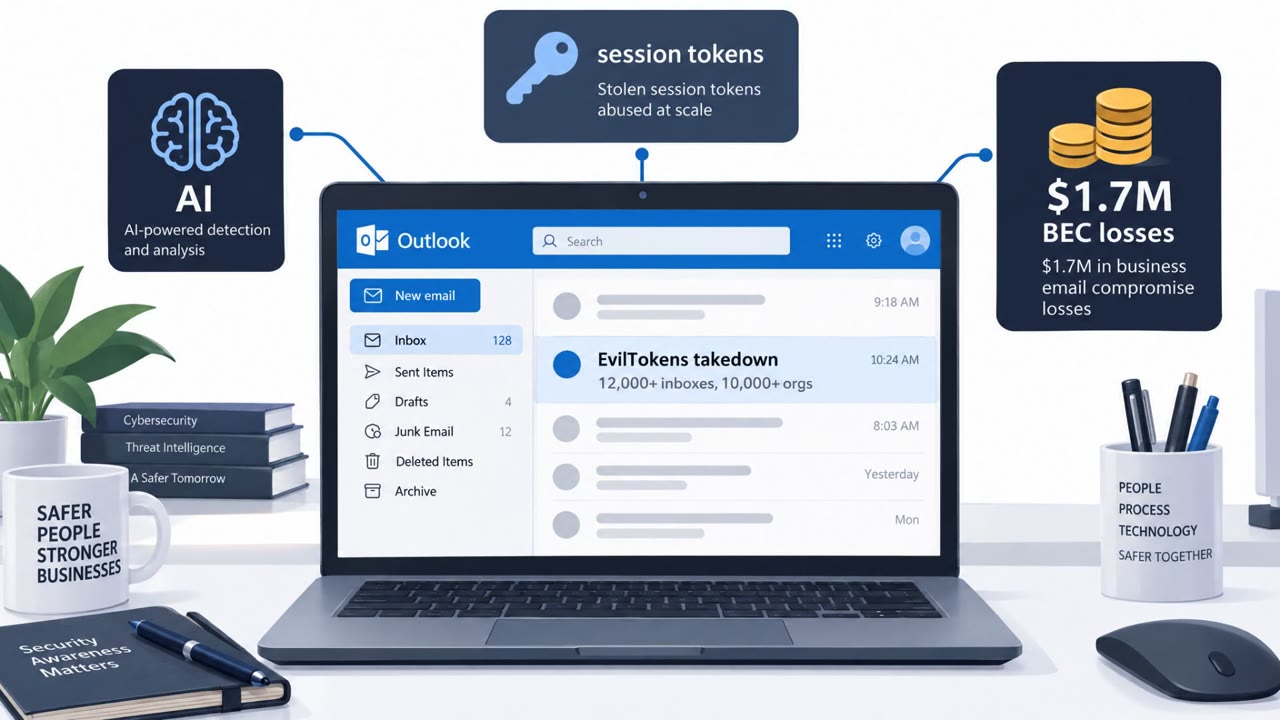
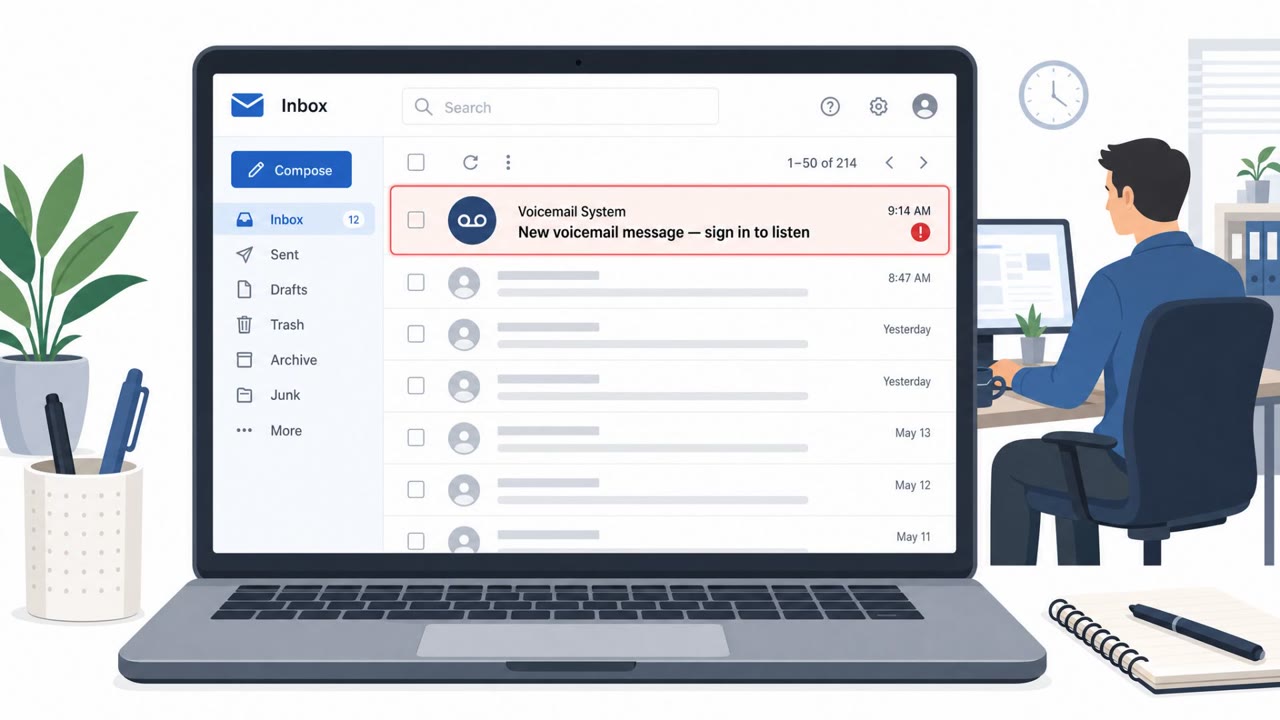
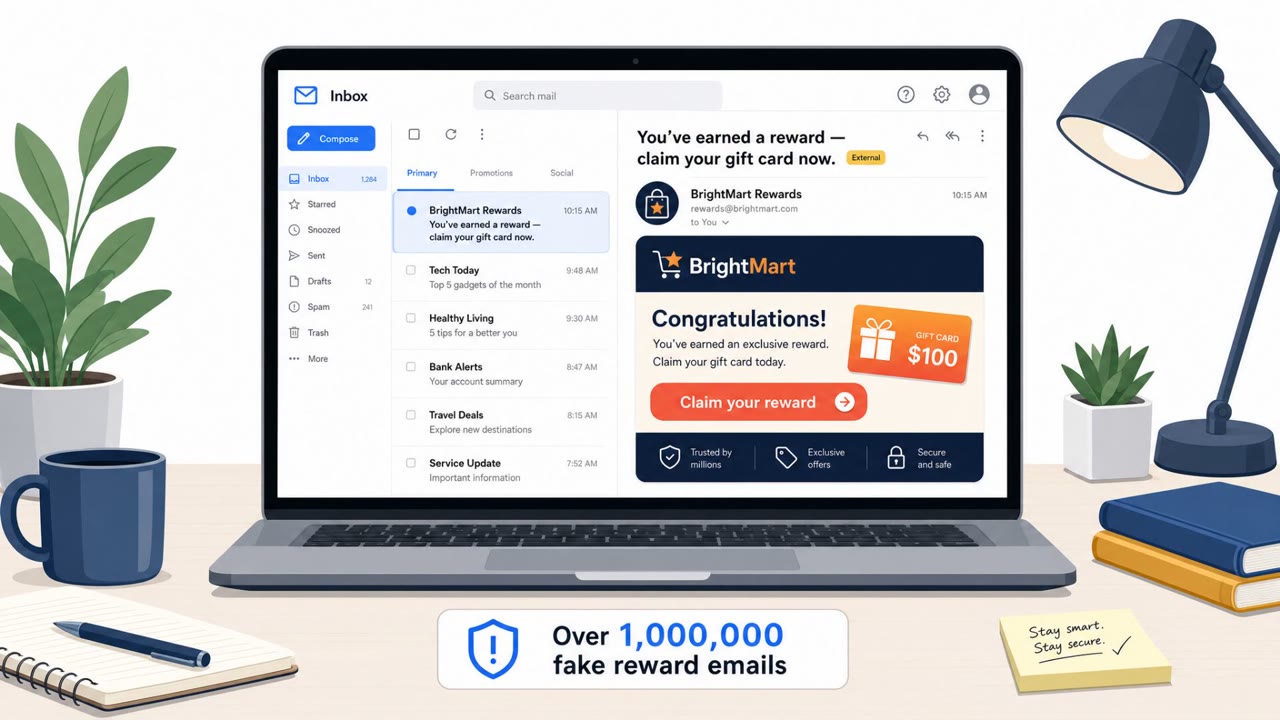
Microsoft disrupted EvilTokens, a phishing-as-a-service operation linked to thousands of compromised Microsoft 365 inboxes. The group used “device code” phishing to steal valid session tokens (not passwords) and then used an AI chatbot to scan mailboxes and help craft business email compromise (BEC) fraud based on real conversations.
Key findings
- EvilTokens was a subscription phishing-as-a-service platform linked to “more than 12,000 compromised Microsoft 365 inboxes across more than 10,000 organizations worldwide.”
- Attackers abused Microsoft’s OAuth 2.0 device-code flow to steal valid session tokens, gaining access without taking passwords.
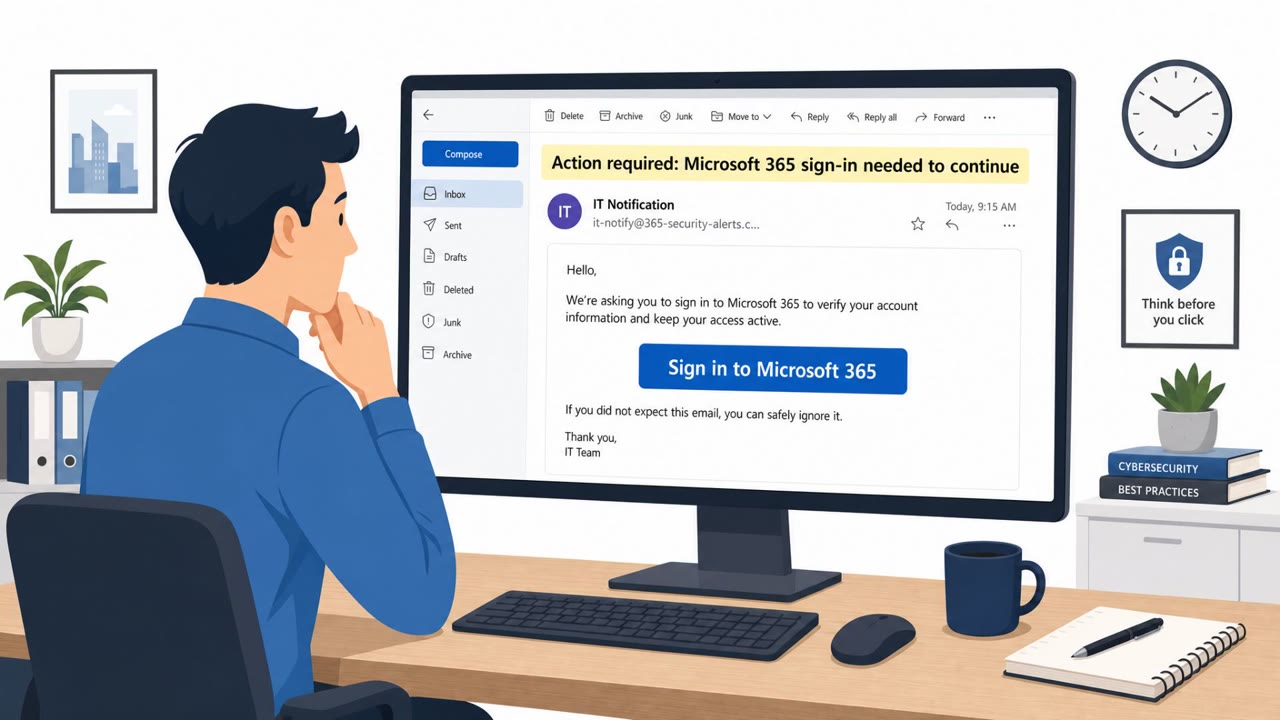
- Victims were tricked into using a legitimate Microsoft sign-in process: they clicked a link, received a short-lived code, and entered it on the real Microsoft device login page.
- An AI “analyst” chatbot scanned compromised inboxes to identify payment owners, trusted relationships, and invoice/transaction opportunities for BEC-style fraud.
- Microsoft obtained a court order and seized “50 websites” and “more than 150 associated domains”; UK police arrested two suspects.
Who’s being targeted
- Commonly targeted roles: All Microsoft 365 users, Finance / Accounts Payable, Executives, IT / Identity & Access Management, Procurement.
- Affected industries: Wholesale distribution, Construction, Financial services, Real estate, Higher education, Healthcare.
- Attack channels: email, website.
- Impersonated: Microsoft sign-in / IT login prompt, A trusted internal/external contact found in existing email threads.
Awareness takeaways
- Treat “device code” sign-in prompts from emails as high risk; verify through known, internal IT channels before entering any code.
- Assume a compromised mailbox will be quickly mined for payment fraud; enforce out-of-band verification for invoice, bank-change, and urgent payment requests.
- Train finance and executives that BEC messages may be written to match real email threads and business context, not generic spam.
- Make device-code phishing defenses a baseline (restrict device-code flow where possible and alert on unusual authentication).
Red flags to watch for
- Being asked to enter a code after clicking a link, instead of signing in normally
- Unusual device sign-in prompt initiated from an email link
- Unexpected authentication workflow that feels rushed or “short-lived”
- Payment or bank-detail changes that arrive via email only (especially in-thread)
- Pressure to act quickly on an invoice/transaction request
- Requests that bypass normal verification steps even though they look familiar
Read the video transcript
Imagine this: you sign in on the real Microsoft page… and that’s exactly how EvilTokens gets into your inbox. EvilTokens abused Microsoft’s OAuth 2.0 device-code flow. You click a link, see a short-lived code, then type it into the real Microsoft device login page. They don’t steal your password, they steal the access token and sit in your Microsoft 365 mailbox. Then their AI "analyst" scans your mailbox: who approves payments, which vendors you trust, which invoices are pending. It drafts BEC emails right inside real threads, same tone, same attachments, asking to change bank details or rush a payment. Your move: if an email ever tells you to enter a short device code to sign in to Microsoft, stop. Don’t enter it. Contact IT through your normal channel and ask, "Did you really send this?"