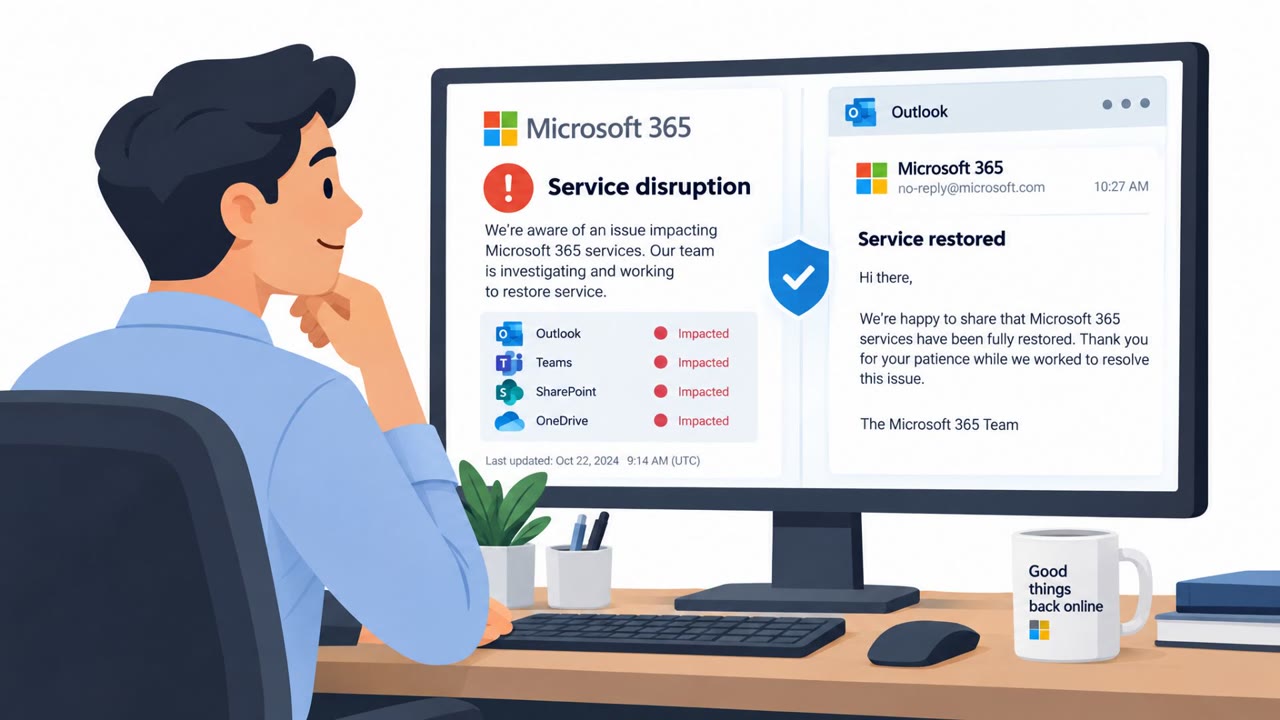
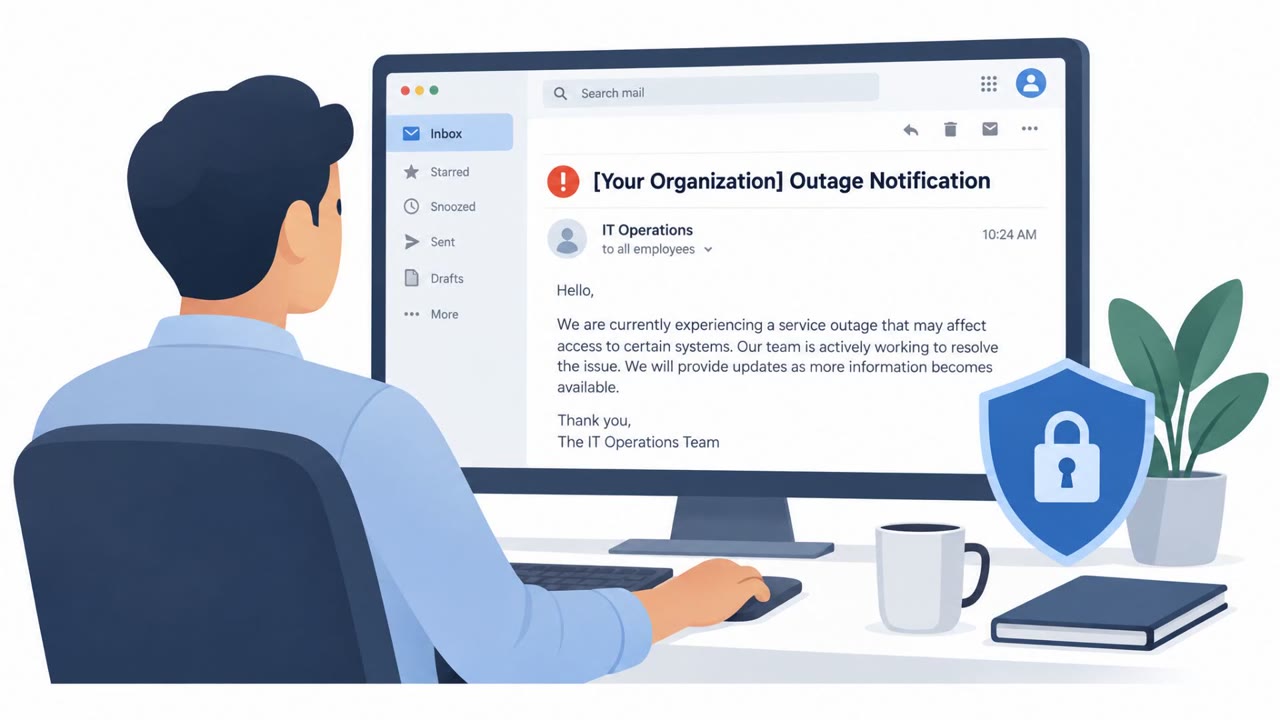
Cofense observed real phishing emails that impersonated service notifications during a genuine Microsoft outage. The attackers used the disruption as a credible excuse to steal sign-in credentials, showing why employees should verify urgent service messages through trusted channels.
How the attack worked
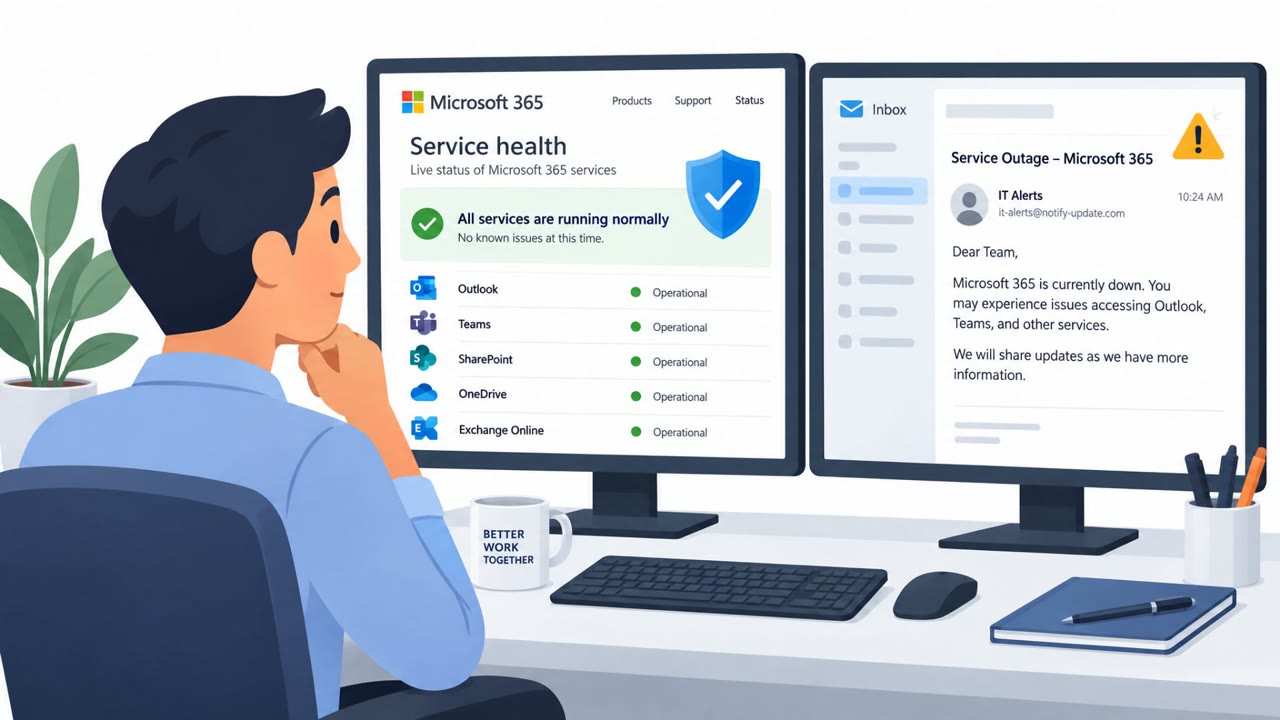
Cofense Intelligence observed a phishing campaign that launched one day into a real Microsoft outage. The attackers sent emails posing as service notifications tied to that outage, asking recipients to sign in to view an outage-related update or service action. Because the outage itself was genuine, the pretext carried built-in credibility. The actual goal of the messages was to steal sign-in credentials once a recipient entered them through the fake notification.
Why it succeeded
This campaign worked because it piggybacked on a real, verifiable event rather than inventing one from scratch. Employees who were already aware of the outage were more likely to treat an outage-themed email as legitimate, especially since the call to action (signing in for an update) felt consistent with normal account access rather than an obviously suspicious request. Attackers can also generate multiple varying versions of a campaign, including personalized subject lines, which makes it harder for automated detection systems to catch every variant.
What to watch for
Key red flags in this type of attack include:
- An email arriving during or shortly after a real outage, using the genuine event to build trust
- A request to sign in even though outage status can typically be checked through known, trusted vendor status channels
- A notification that may originate from an external sender impersonating a trusted service provider
- Subject lines or content personalized with the recipient's name or other details, which can make the message feel more tailored and legitimate
All employees, IT teams, email security teams, incident response teams, and help desk personnel should be alert to these signs, since the messages were broadly distributed to users of Microsoft services across industries.
How to build resistance
Organizations can reduce the impact of this kind of campaign with a few practical habits:
- Encourage employees to verify outage information through known, bookmarked vendor status pages instead of clicking through an unexpected email
- Make it easy and normal for employees to report suspicious service alerts quickly, since early reports let security teams search for and remove other versions of the same campaign from inboxes that haven't flagged it yet
- Treat personalized or unusual messages with extra caution, even when they appear tailored specifically to the recipient
- Establish a known backup communication channel so employees can verify requests if email or messaging platforms are ever compromised or unavailable
These steps address both the human moment of decision, deciding whether to click and sign in, and the organizational response once a suspicious message is reported, which together determine how far a campaign like this can spread.
Key findings
- Cofense Intelligence observed phishing emails posing as service notifications one day after a real Microsoft outage began.
- The phishing messages were intended to steal users' sign-in credentials.
- Attackers can create multiple changing versions of a campaign, including personalized subject lines, to evade automated detection.
- Employee reporting and human review can help identify and remove related phishing emails from other inboxes.
Who’s being targeted
- Commonly targeted roles: All employees, IT teams, Email security teams, Incident response teams, Help desk personnel.
- Affected industries: Cross-industry organizations using Microsoft services.
- Attack channels: email.
- Impersonated: Microsoft service notifications.
Red flags to watch for
- The email arrives during a real outage, using a genuine event to create credibility.
- The message asks the recipient to sign in even though outage information can be checked through known Microsoft service-status channels.
- The notification may be an external email impersonating a trusted service provider.
Frequently asked questions
How did attackers use the Microsoft outage in this phishing campaign?
Cofense Intelligence observed phishing emails posing as service notifications one day after a real Microsoft outage began, using the genuine disruption to make the fake messages seem credible.
What was the goal of these phishing emails?
The phishing messages were designed to steal users' sign-in credentials by asking recipients to sign in through the email.
How can employees avoid falling for outage-themed phishing?
Employees should check service outages through known, bookmarked vendor status pages rather than signing in through an unexpected outage email.
Why is employee reporting important for this type of attack?
Attackers can create multiple changing versions of a campaign, so prompt reporting helps security teams find and remove related phishing emails from other inboxes before more employees are affected.
Read the video transcript
The Microsoft outage was real. This email wasn’t. One day into the outage, phishing emails appeared: ‘Service notification: Microsoft outage update.’ They told employees to sign in for details. That sign-in was meant to steal credentials. Here’s the trick: a genuine outage makes a fake alert feel timely. Even a subject line with your name doesn’t prove it’s Microsoft. Got an outage email asking you to sign in? Open your bookmarked Microsoft status page instead.