Elastic researchers documented real intrusions in which attackers used deceptive verification pages, fake invitations, and phishing sign-in workflows to gain access. In confirmed infostealer cases, attackers used stolen credentials an average of eight minutes after infection, and one healthcare victim ran a malicious installer only seconds after following a lure.
How the attack worked
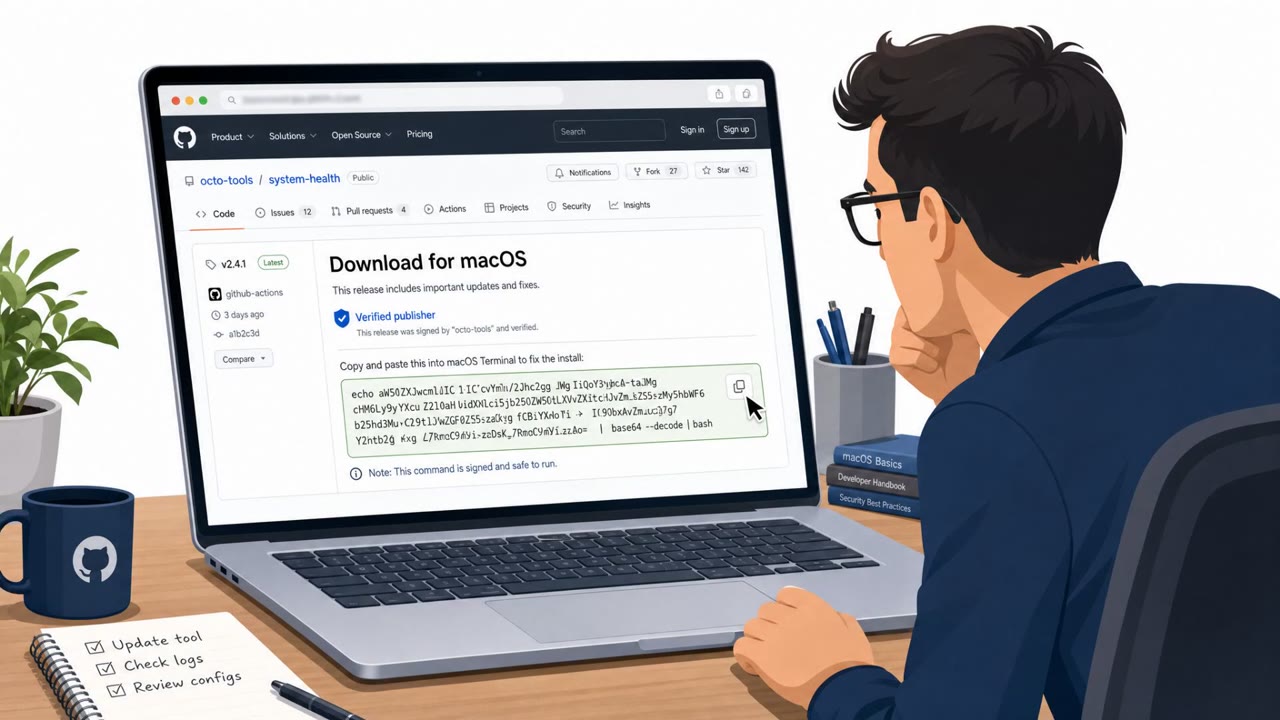
Researchers at Elastic documented real intrusions built around three recurring tactics: deceptive verification pages, fake invitations, and phishing sign-in workflows. The most common entry point was a ClickFix-style page that tells the user to copy and run a command to complete a verification or troubleshooting step. In one healthcare case, a malicious installer was delivered and executed through DLL sideloading about 16 seconds after the user followed the lure.
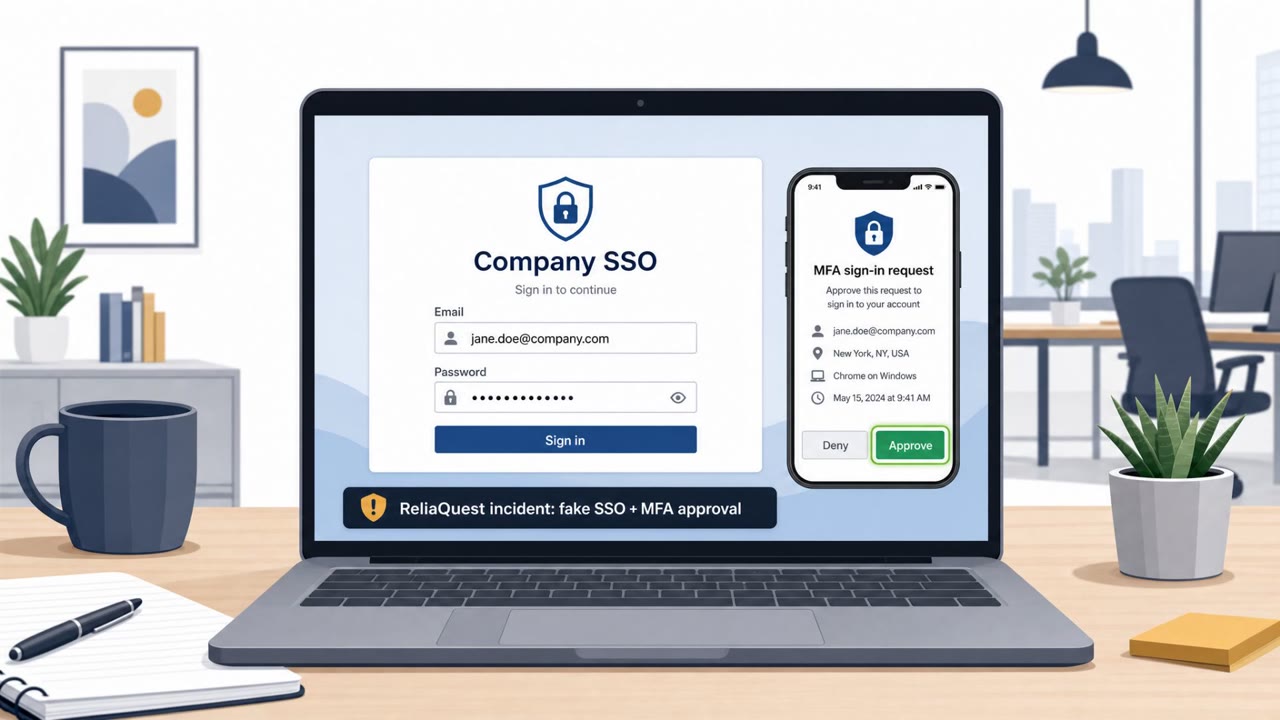
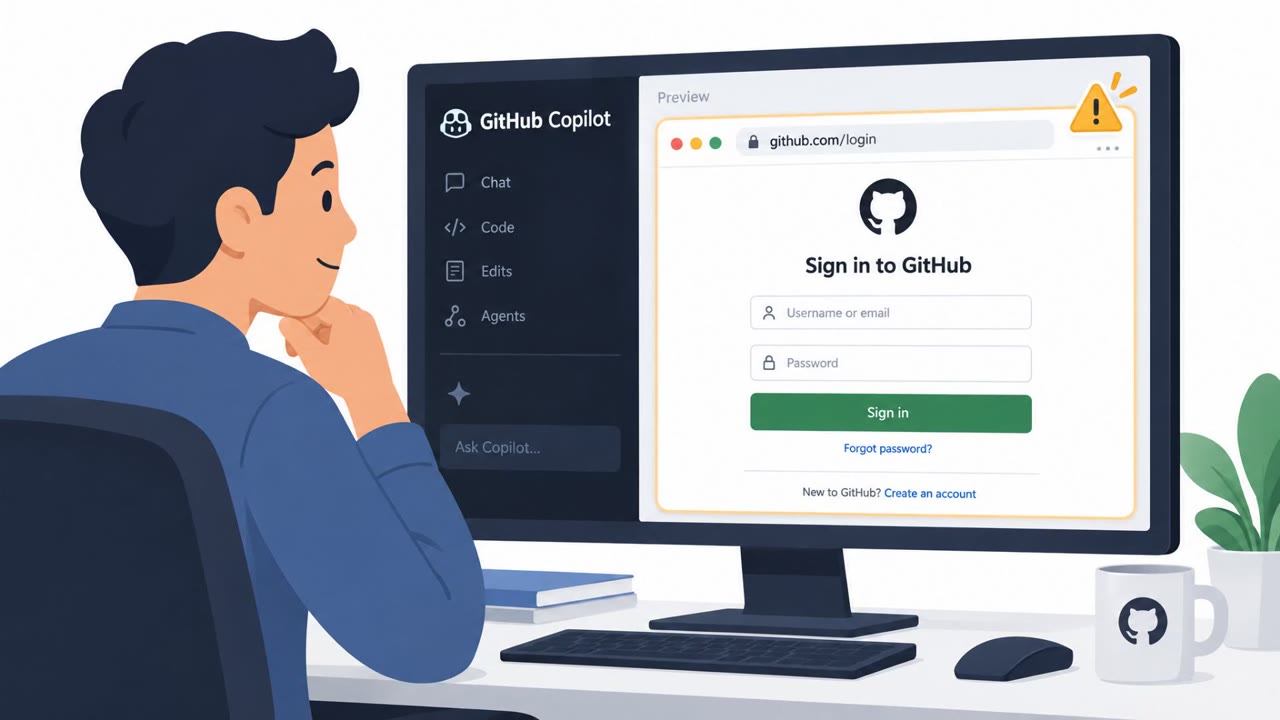
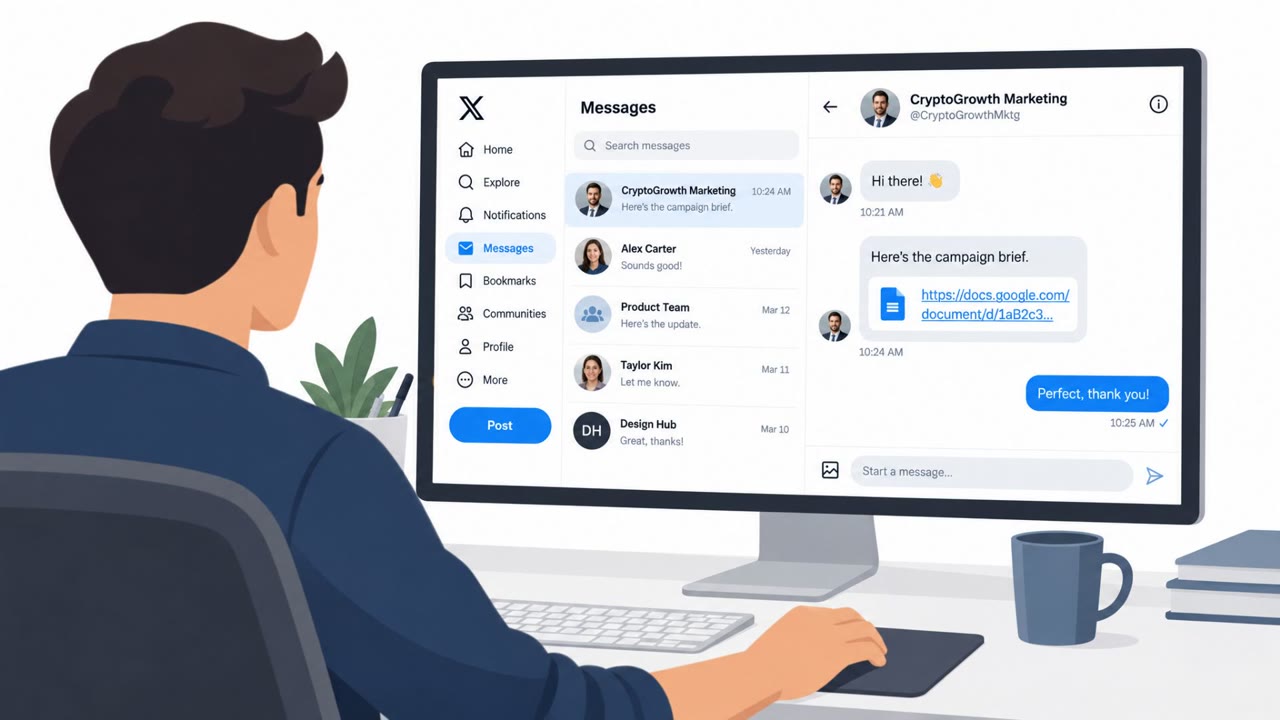
A second pattern involved device-code phishing, where a target was persuaded to enter a code on Microsoft's legitimate sign-in page. Approving that code granted the attacker a session they had initiated, and follow-on activity included registering a virtual device to maintain access. A third pattern used fake digital invitations that led to hidden installations of remote monitoring and management software, including ScreenConnect, which then connected to an attacker-controlled server and ran as a Windows service.
Why it succeeded
These techniques worked because they shift the harmful action onto the user rather than relying on a malicious file an email filter might catch. When a person copies and runs a command themselves, or manually enters a code on a real sign-in page, the activity can look like normal user behavior rather than an attack. Researchers also found that once credentials were stolen, attackers moved quickly. Across 27 confirmed infostealer cases, stolen credentials were used an average of eight minutes after infection, leaving minimal time for detection before account access occurred.
What to watch for
- A website asking you to copy and run a command locally, especially framed as routine verification
- An unexpected device-code prompt tied to a sign-in you did not start
- An unsolicited digital invitation that leads to a software installation
- Remote-support software connecting to an unfamiliar server without a clear business reason
Building resistance
Organizations and individuals can reduce exposure to these patterns through a few consistent habits. Never copy and run commands from a website, even when it is presented as a verification or troubleshooting step, since this approach is designed to bypass defenses that scan email attachments. Treat unexpected device-code requests as suspicious and only approve sign-ins that were personally initiated. Avoid installing software from unexpected invitations or archives, and confirm such requests through a known business contact or approved support channel. Finally, because stolen credentials can be used within minutes, reporting unusual account activity quickly matters as much as preventing the initial compromise.
Key findings
- Across 27 confirmed infostealer cases, attackers logged in with stolen credentials an average of eight minutes after infection.
- ClickFix-style verification pages were the most common entry point, appearing in 12 cases.
- A healthcare case saw malicious-installer delivery and execution about 16 seconds after a user followed the lure.
- Researchers confirmed 23 cases of abuse involving remote monitoring and management software, with ScreenConnect named most often.
- Attackers used AiTM phishing kits and device-code phishing to capture authenticated cloud sessions and bypass or evade normal multifactor-authentication protections.
Who’s being targeted
- Commonly targeted roles: All employees, Healthcare staff, Cloud application users, IT support teams, System administrators, Remote access software users.
- Affected industries: Healthcare, Organizations using cloud identity services, Organizations using remote monitoring and management software.
- Attack channels: website, email.
- Impersonated: A trusted website or verification service, Microsoft sign-in service, Digital invitation sender.
Red flags to watch for
- A website asks the user to run a command locally.
- The requested action bypasses normal browser-based verification.
- The page frames command execution as a routine verification or troubleshooting step.
- The code was supplied unexpectedly by another person or message.
- The sign-in flow authorizes a session the user did not personally initiate.
- A request to enter a device code is unrelated to the user's current work.
- An unexpected invitation prompts software installation.
- The software installs or runs without a clear business reason.
- A remote-support application connects to an unfamiliar server.
Frequently asked questions
What is a ClickFix-style verification page?
It is a fake website prompt that tells a user to copy and run a command, often disguised as a verification or troubleshooting step. These pages were the most common entry point, appearing in 12 confirmed cases.
How fast do attackers use stolen credentials after infection?
Across 27 confirmed infostealer cases, attackers logged in with stolen credentials an average of eight minutes after infection, which leaves little time to respond.
What is device-code phishing?
It is a technique where a victim is persuaded to enter an attacker-supplied code on a legitimate sign-in page, such as Microsoft's, which approves a session the attacker initiated rather than the user.
Why was remote monitoring and management software involved?
Researchers confirmed 23 cases of abuse involving remote monitoring and management software, with ScreenConnect named most often, often installed through fake invitations or phishing pages.
Read the video transcript
Eight minutes. That’s how fast stolen logins were used, on average. The common entry point? ClickFix. A page says, ‘Complete verification by copying and running this command.’ One healthcare victim ran a malicious installer just 16 seconds after following the lure. That’s the tell: real browser verification doesn’t need you to run a command on your computer. And an unexpected Microsoft device code can approve someone else’s session, even with MFA. If a page asks you to run a command or enter a code you didn’t request, stop and report it to security.