Outage Alert Lures Users to Fake Microsoft Login

Cofense · Medium sophistication
Last updated November 16, 2026

An active phishing campaign exploited a Microsoft Exchange Online outage by sending fake held-message notifications tailored to each recipient’s organization. The email warns that messages will be deleted within 24 hours and asks the recipient to select “RESTORE MESSAGES,” leading to a convincing fake Microsoft 365 sign-in page designed to steal credentials.

Key findings

  • Attackers used public confusion around a Microsoft Exchange Online outage as a timely and credible phishing pretext.
  • The messages impersonated an organization-specific “Outage Notification” and claimed held emails would be deleted within 24 hours unless released.
  • The “RESTORE MESSAGES” button led to a Microsoft 365-spoofing credential-harvesting page.
  • After the first credential submission, the fake page reported that the credentials were incorrect; on a second attempt, it redirected the victim to Microsoft to conceal the theft.
  • The campaign reportedly bypassed Abnormal Security, Mimecast, and Microsoft ATP.

Who’s being targeted

  • Commonly targeted roles: All employees, Microsoft 365 users, Exchange Online users, IT service desk, Executive assistants, Security awareness teams.
  • Affected industries: All industries using Microsoft 365 or Exchange Online, Information and Media.
  • Attack channels: email, website.
  • Impersonated: Microsoft / the recipient organization's Outage Notification, Microsoft 365 sign-in service.

Awareness takeaways

  • Do not use a button in an unexpected outage email to restore email or access Microsoft 365. Open Microsoft 365 through the usual bookmarked or approved company portal instead.
  • Treat urgent warnings that messages will be deleted or accounts will be affected as a prompt to verify through a trusted internal IT channel, not to act immediately from the email.
  • A realistic Microsoft login page is not proof that it is safe. Stop if a page unexpectedly rejects credentials or was opened from an unsolicited email link.
  • Remain alert for phishing after major news events or service disruptions, because attackers can rapidly turn those events into believable lures.

Red flags to watch for

  • An unexpected email problem asks the recipient to sign in through an emailed button.
  • The message creates urgency by claiming messages will be deleted within 24 hours.
  • The apparent sender is an organization-specific “Outage Notification,” rather than a verified Microsoft service notice.
  • The sign-in page says valid credentials are incorrect immediately after an email-based prompt.
  • A second sign-in attempt unexpectedly redirects to Microsoft.
  • The page was reached through an unsolicited “restore messages” link rather than a known Microsoft portal.
Try Mirage

Mirage safely runs attacks like this one against your own team, so you find out what happens before a real adversary does.

Get a demo
Read the video transcript

Exchange Online outage? This email says your messages are held. It warns they’ll be deleted within 24 hours. Hit 'RESTORE MESSAGES,' and you land on a convincing fake Microsoft 365 sign-in page. Here’s the tell: it rejects your first password, then sends you to real Microsoft after the second. That doesn’t undo the theft. Got an outage alert? Skip the button. Open Microsoft 365 from your usual company bookmark.

Similar attacks

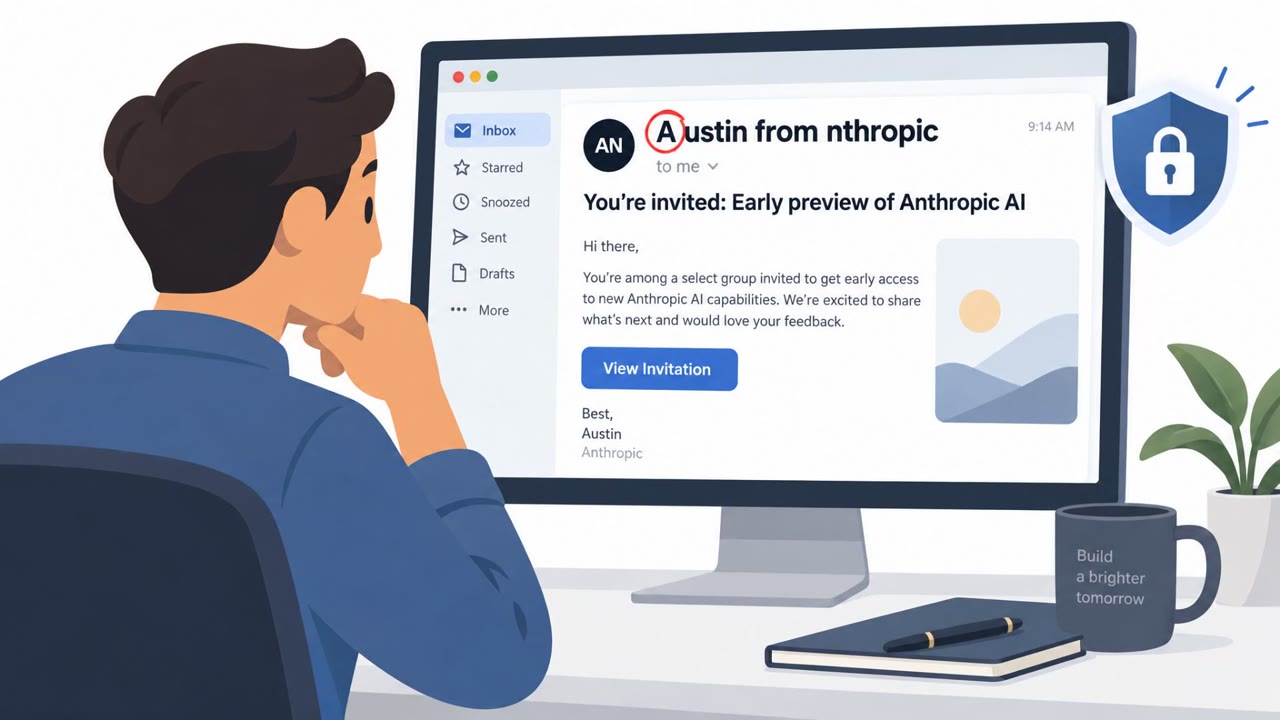
Fake Anthropic Preview Steals Work Logins

Fake Anthropic Preview Steals Work Logins

Attackers are sending fake, exclusive Anthropic AI-event invitations that use familiar GoTo Webinar branding to lure enterprise employees. Victims who register are routed through CAPTCHA checks, a fake Zoom-style event page, and spoofed Google or Microsoft sign-in pages designed to steal work…

October 29, 2026

Fake Anthropic Preview Steals Work Logins

Fake Anthropic Preview Steals Work Logins

Threat actors sent fake invitations to an exclusive Anthropic AI preview to steal Google and Microsoft work credentials. The campaign abused trusted services, including GoTo Webinar and a URL shortener, then used CAPTCHA pages and convincing fake login screens to make detection harder. Employees…

October 29, 2026
Fake Bid PDFs Lead to Microsoft Credential Theft

Fake Bid PDFs Lead to Microsoft Credential Theft

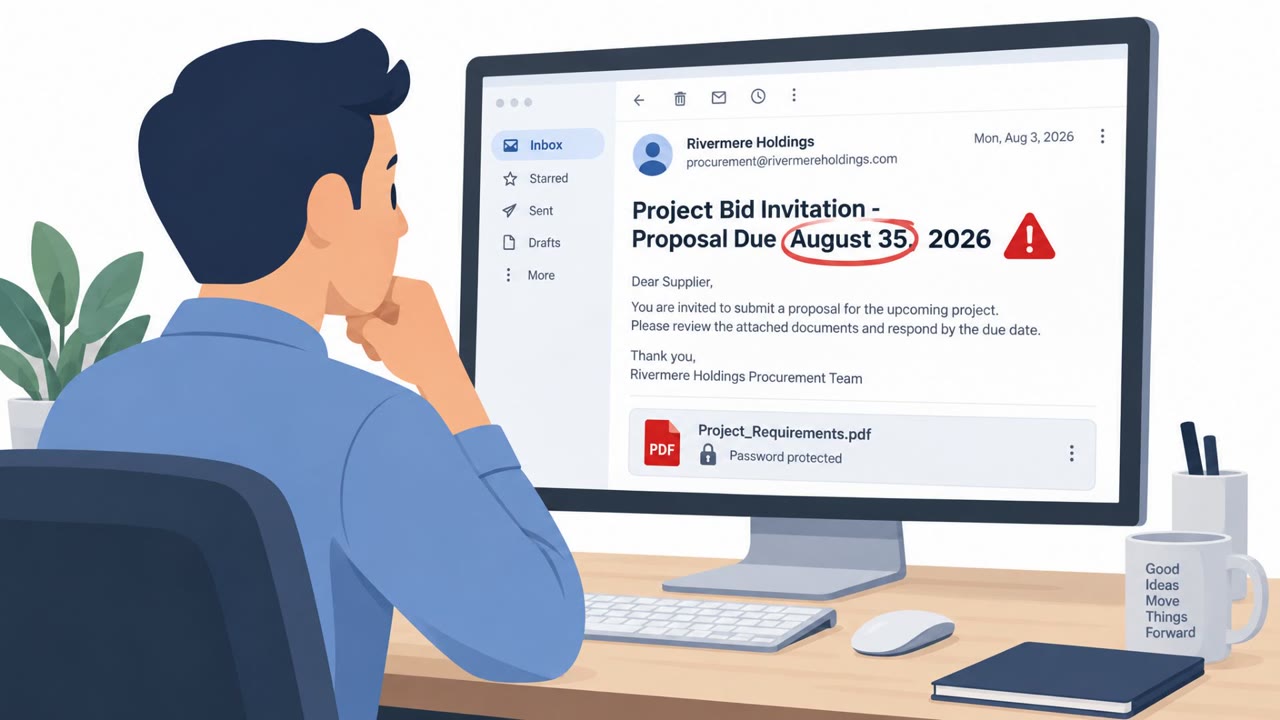
A real credential-phishing campaign used a project bid invitation and a password-protected PDF to target employees involved in sales and contract work. The PDF led victims through a convincing fake document-sharing site and then to a counterfeit Microsoft sign-in page that sent entered credentials…

October 27, 2026
Phishers Exploit Microsoft 365 Outage Alerts

Phishers Exploit Microsoft 365 Outage Alerts

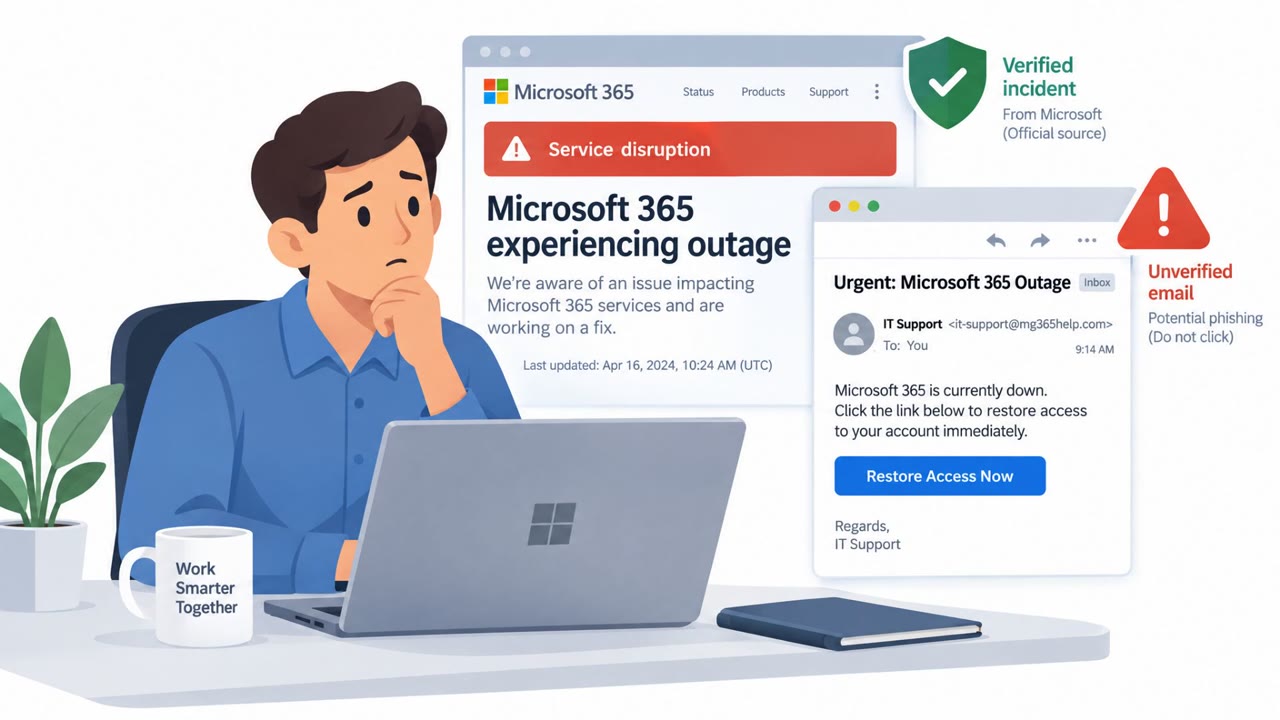
Attackers exploited a real Microsoft 365 outage by sending fake service-health emails that appeared to be Microsoft notifications. The messages warned recipients that emails delayed during the outage would be deleted within 24 hours unless they clicked a link, likely to steal credentials.

November 16, 2026
Fake Claude Payments and Updates Target Users

Fake Claude Payments and Updates Target Users

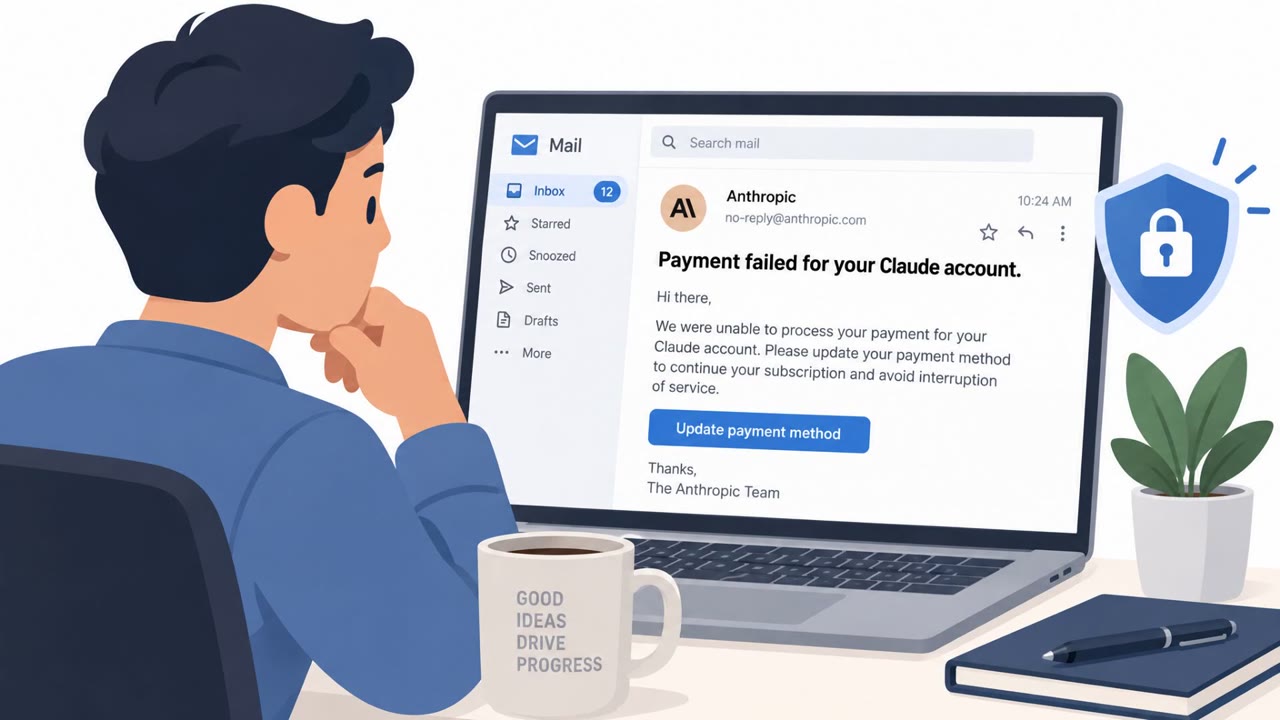
Cybercriminals impersonated well-known technology brands including Claude, Google, Apple, and Docusign to steal credentials, payment details, or gain access to devices. The lures used urgent payment failures, software-update prompts, and promised device-performance improvements to persuade people…

October 19, 2026
Calendar Invites Used to Steal Logins

Calendar Invites Used to Steal Logins

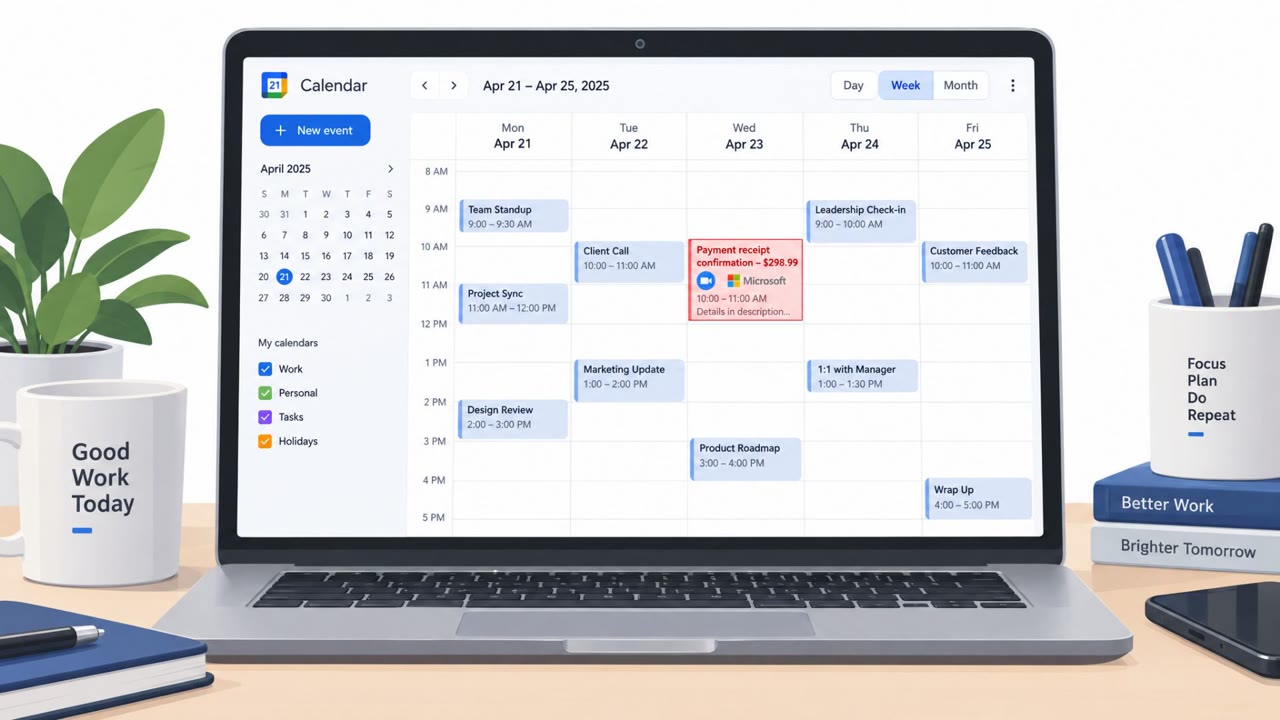
Attackers are sending calendar invitations that auto-appear in tools like Google Calendar, tricking people into clicking links or calling “support” numbers. The calendar event often mimics voicemails, payment receipts, or auto-renewals and leads to fake login pages (Microsoft/Google/PayPal) or…

October 11, 2026