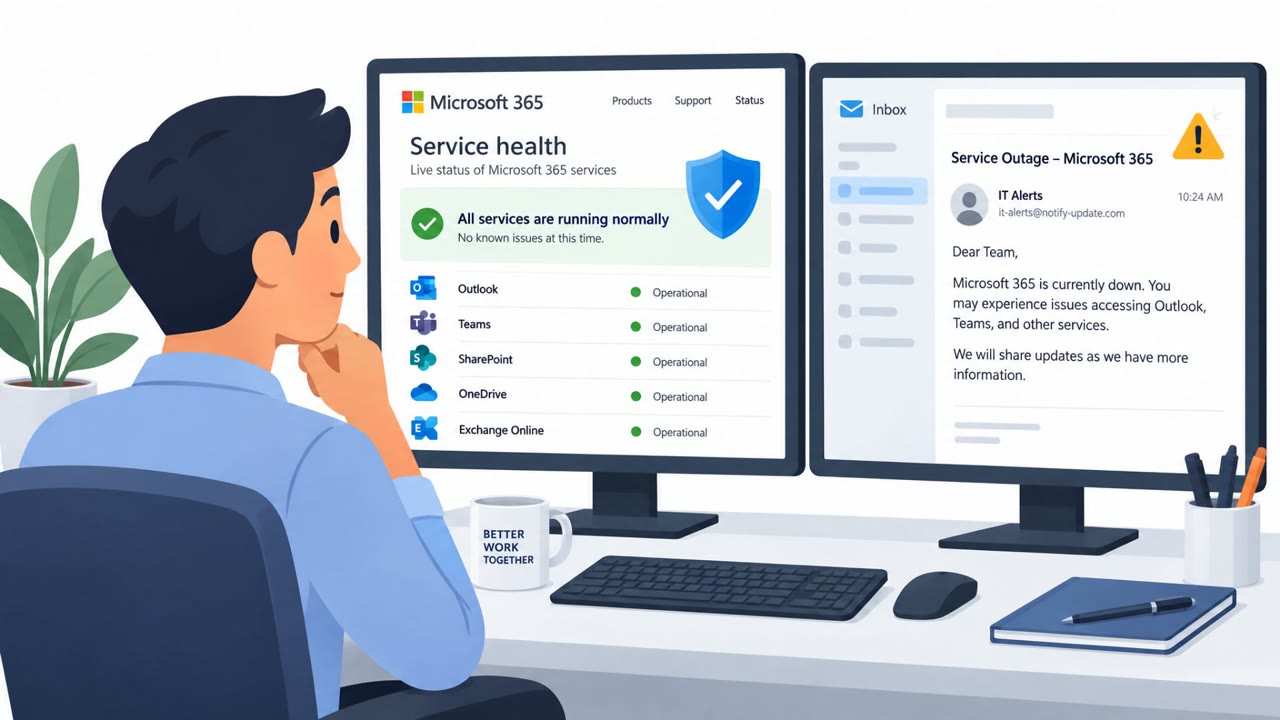
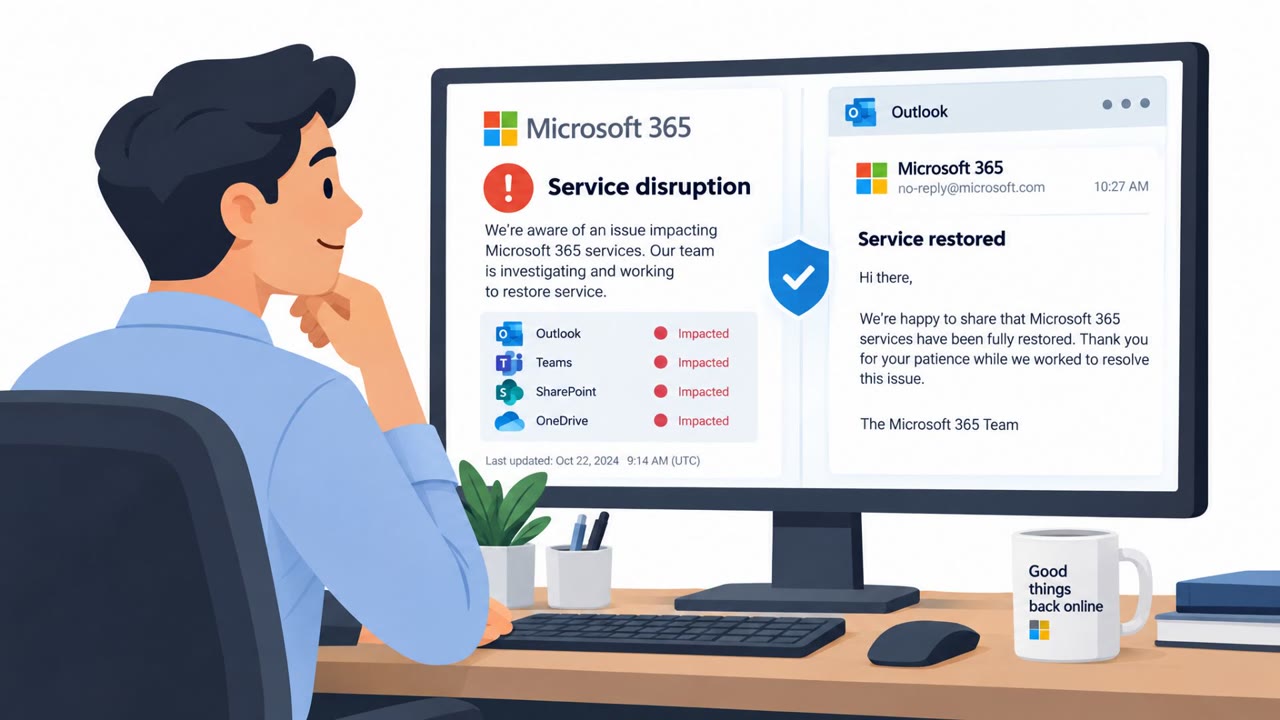
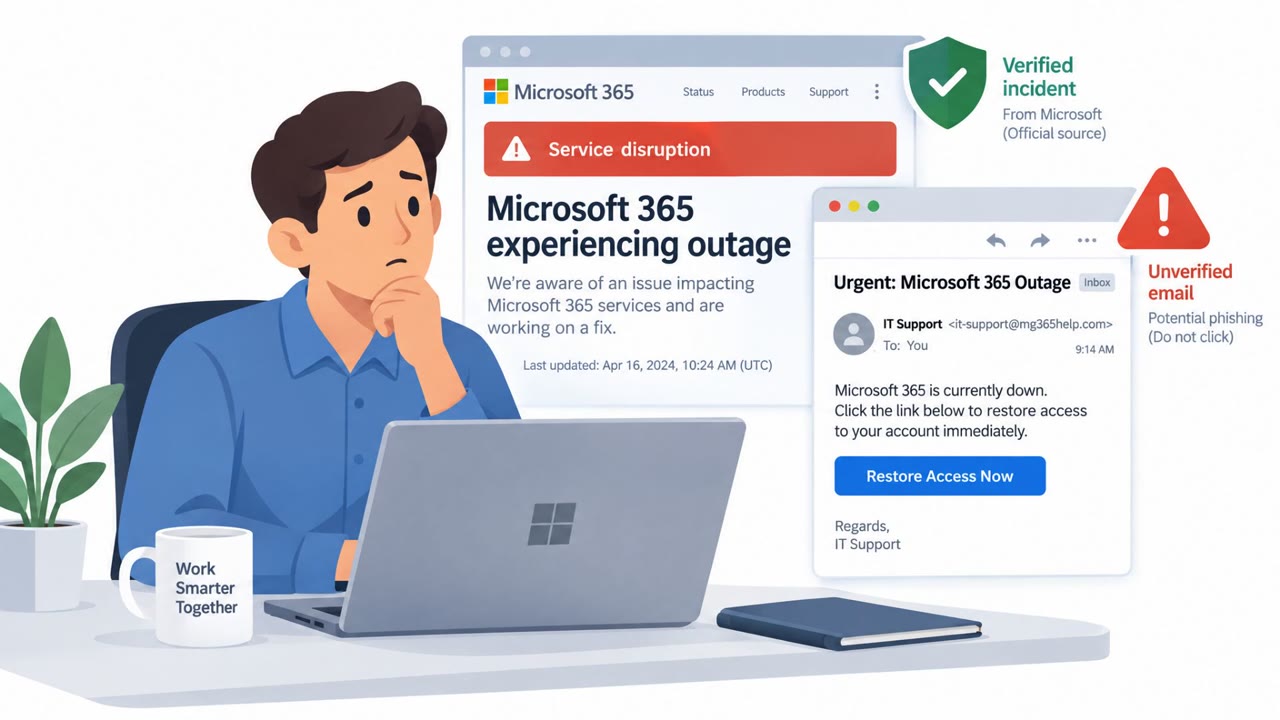
Attackers used a real Microsoft 365 outage as cover for phishing emails posing as Microsoft service notices. The emails created urgency by claiming that held messages would be deleted, attempting to pressure recipients into acting quickly.
How the attack worked
During a real outage affecting Exchange Online mailboxes and Outlook, attackers sent phishing emails disguised as Microsoft 365 service notices. The messages claimed that held messages from the outage would be deleted unless the recipient took action, pushing recipients toward a link in the email to review or release the supposedly held messages. This is a classic case of attackers layering a fraudulent message on top of a real, verifiable event to increase its believability.
Why it succeeded
The effectiveness of this lure came from timing rather than technical sophistication. Because the underlying outage was real and disrupted services many employees rely on daily, including Exchange Online, Outlook, and possibly Teams, SharePoint Online, and Microsoft 365 Copilot, recipients had no reason to doubt that a related service notice could also be real. The threat of message deletion added urgency, a tactic designed to short-circuit careful evaluation of the email before clicking.
What to watch for
- Unexpected service notices that arrive during or shortly after a known outage, especially ones demanding urgent action.
- Messages that threaten deletion, loss of access, or other negative consequences if the recipient does not act quickly.
- Emails that ask the recipient to click a link to "review" or "release" messages rather than directing them to check status through normal channels.
- Requests tied to Microsoft 365, Exchange Online, Outlook, Teams, SharePoint Online, or Copilot framed as time-sensitive.
This pattern aligns with phishing techniques such as spearphishing via link (T1566.002) and tactics that pressure a user into taking a harmful action (T1204.001), as well as impact-oriented tactics like data destruction threats (T1656).
How to build resistance
Organizations across all business sectors, particularly those relying on Microsoft 365, should reinforce a few habits among employees:
- Treat unexpected service notices that demand immediate action with caution, even when a real outage is occurring.
- Avoid using links in unsolicited outage-related emails. Instead, check service status and messages through normal Microsoft 365 applications or trusted, bookmarked service-status pages.
- Report any message that uses threats of deletion or data loss to pressure immediate action, so IT and security teams can assess whether it is part of a broader campaign.
IT administrators and service desk staff should be especially alert during confirmed outages, since this is exactly the window attackers are likely to exploit. Clear internal communication about how legitimate outage updates will be delivered can reduce the chance that employees mistake a phishing attempt for an official notice.
Key findings
- Attackers capitalized on a real outage affecting Exchange Online mailboxes and Outlook.
- The phishing emails impersonated Microsoft 365 service notices.
- The lure referenced the real outage and threatened recipients with deletion of held messages.
- The incident demonstrates how criminals exploit public service disruptions to make fraudulent messages appear credible.
Who’s being targeted
- Commonly targeted roles: All employees, Microsoft 365 users, Office staff, IT service desk, IT administrators.
- Affected industries: Information technology, Organizations using Microsoft 365, All business sectors.
- Attack channels: email.
- Impersonated: Microsoft 365 service team.
Red flags to watch for
- The message uses an outage to create urgency.
- It threatens deletion of messages to pressure quick action.
- Recipients should access Microsoft 365 through their normal bookmark or application rather than an email link.
Frequently asked questions
What happened in this attack?
Attackers sent phishing emails impersonating Microsoft 365 service notices during a real outage that affected Exchange Online mailboxes and Outlook. The emails threatened that held messages would be deleted unless the recipient took immediate action.
Why did this phishing lure work?
The lure referenced a genuine, ongoing outage, which made the fraudulent messages appear more credible than a typical phishing attempt and created a sense of urgency.
Who was targeted?
All Microsoft 365 users, office staff, and IT administrators were targeted, since the lure relied on an outage affecting services used broadly across organizations.
What should employees do if they get an urgent outage-related email?
Avoid clicking links in unsolicited outage emails, access Microsoft 365 through normal bookmarks or applications, and report any message that uses threats of deletion to pressure quick action.
Read the video transcript
Outlook is down. Then a Microsoft 365 service notice lands in your inbox. It says, 'Held messages from the current outage require your attention before deletion.' The email offers a link to review or release them. Here's the trick: the Exchange Online and Outlook outage is real. That doesn't make this email real. The deletion threat is there to rush your click. Skip the email link. Open Microsoft 365 from your usual bookmark or app to check your messages.