Cofense reports real phishing campaigns where attackers trick employees into installing legitimate remote access tools (like GoTo, Datto RMM, SimpleHelp, and ConnectWise). After the first tool is installed, it contacts a command-and-control server that directs it to download additional remote tools and utilities to help attackers keep access without being noticed. The approach is often used to create and sell “initial access” into corporate networks to other criminals.
How the attack worked
These campaigns begin with a phishing email that directs the recipient to a lookalike website. Instead of delivering traditional malware, the site prompts the user to download and run a legitimate remote access tool, such as GoTo, SimpleHelp, ConnectWise, or Datto RMM. Once installed, the tool contacts command-and-control infrastructure, which then instructs it to pull down additional payloads, sometimes another remote access tool entirely. This multi-stage chain gives attackers persistent, low-visibility access to the victim machine.
Why it succeeded
Each pretext leaned on a routine workplace action to make the request feel normal:
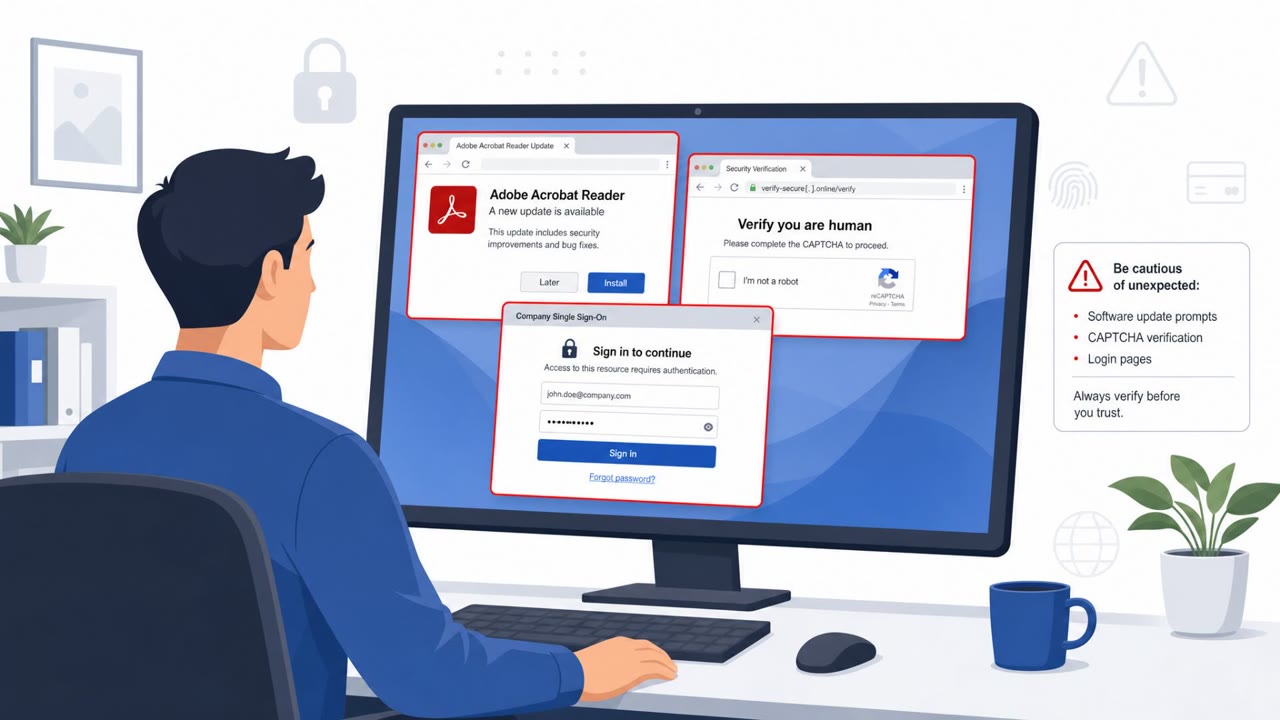
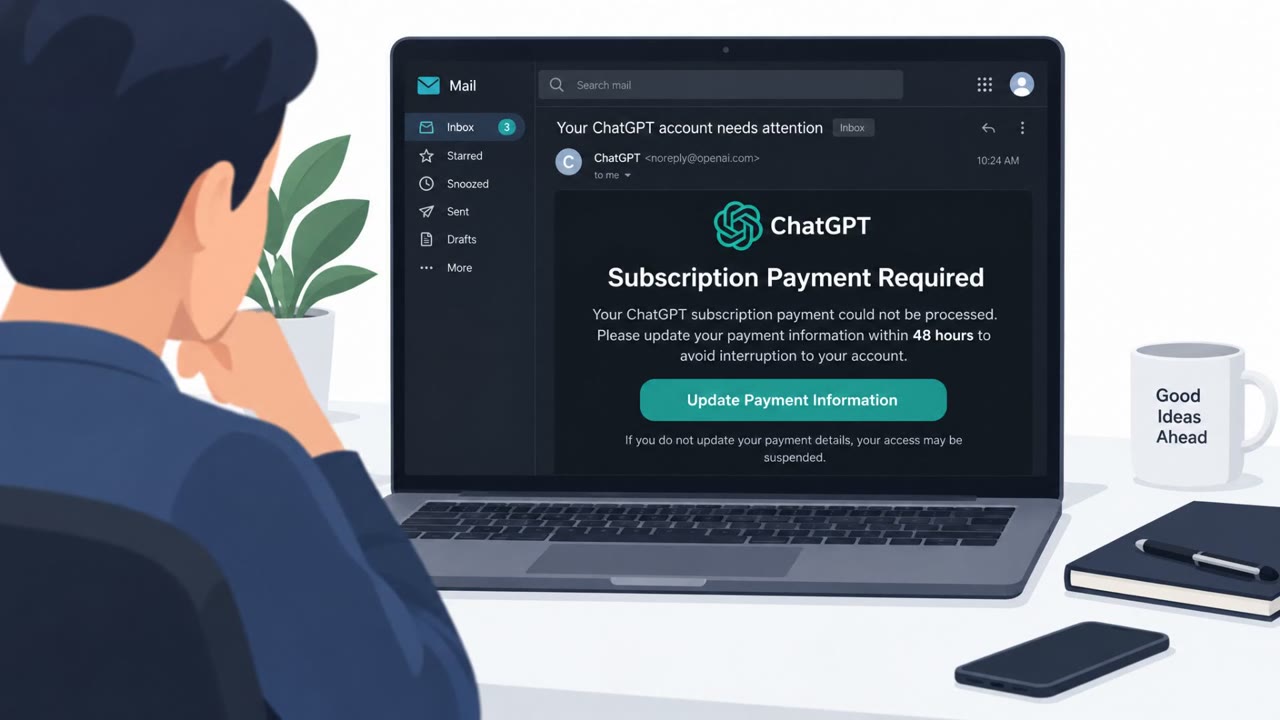
- An Adobe-themed email claimed the recipient's PDF viewer was out of date and needed an update to view a file.
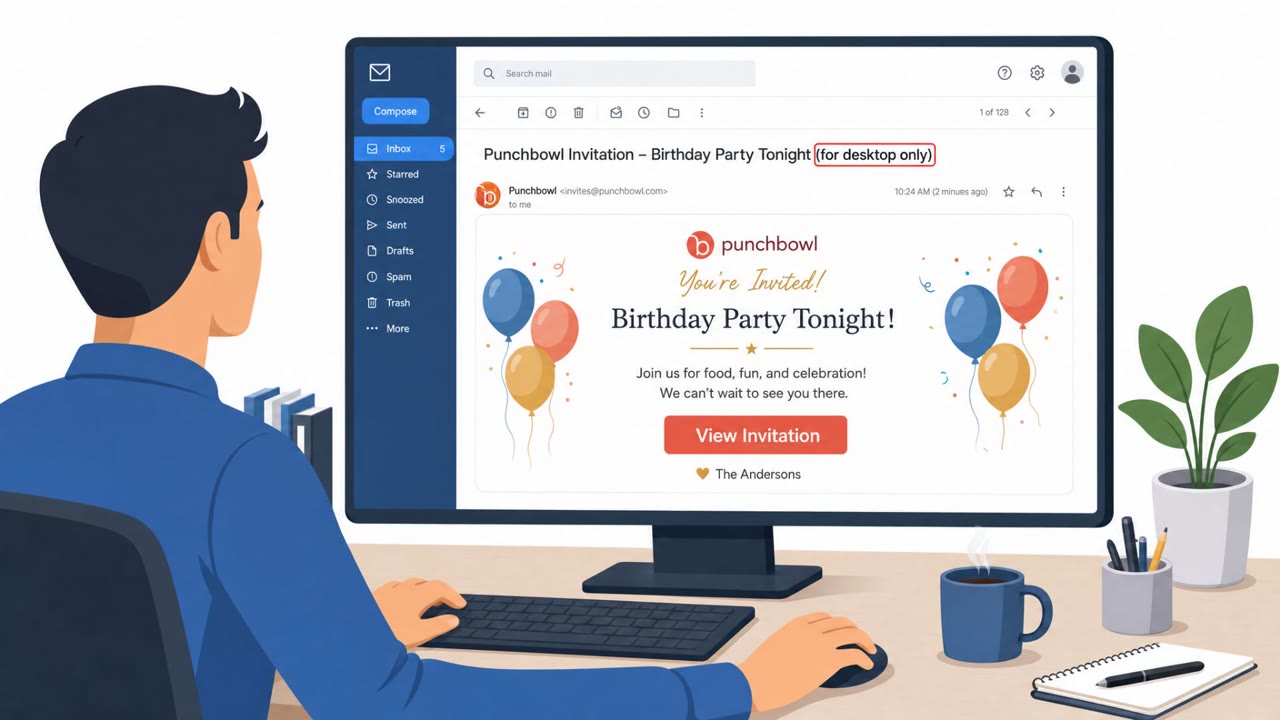
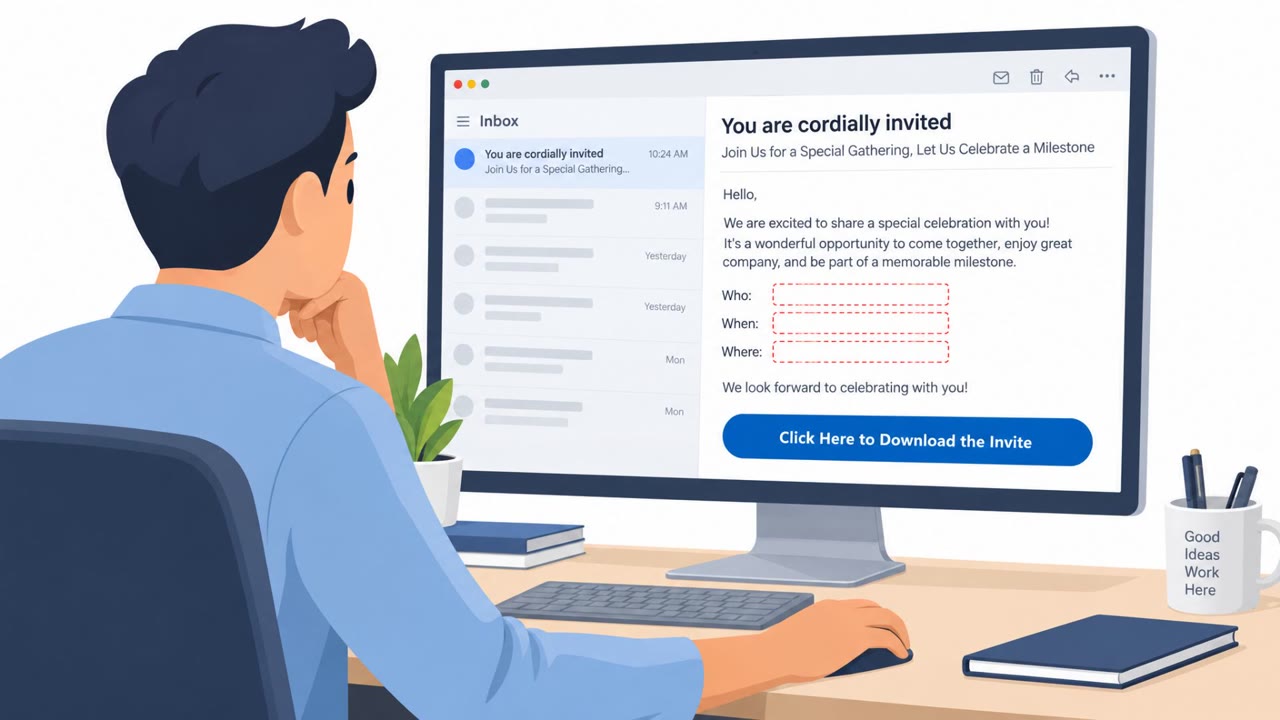
- An invitation-themed email asked the recipient to accept an invite, then download a "personalized invitation."
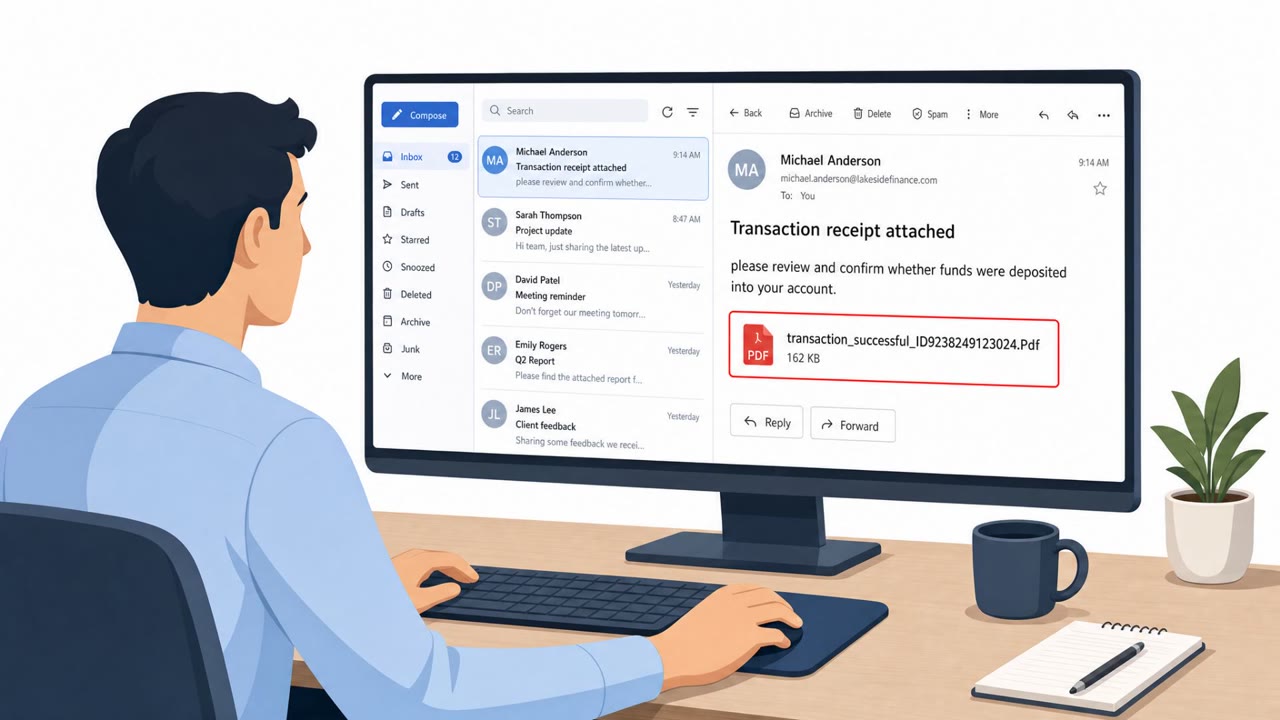
- A signed-documents notification asked the recipient to click "view documents," leading to a download page.
Because the payloads are legitimate, widely used administrative tools rather than obviously malicious files, they are less likely to trigger suspicion from users and can blend in with normal IT activity.
What to watch for
- Software "update" prompts arriving through an emailed link rather than an official updater or app store.
- Any email link that leads to a page asking you to download and run an executable, especially framed as an invitation or document viewer.
- Unexpected installation of remote access or remote monitoring software you did not request.
- A first-stage install that appears to trigger additional downloads or new software appearing on the machine afterward.
How to build resistance
Employees across HR, finance, legal, executive assistant, and IT helpdesk roles are all named as target audiences, reflecting how broadly these pretexts can be aimed. Awareness efforts should reinforce that legitimate remote access and monitoring tools can be abused for attacker persistence, not just custom malware. Encourage staff to update software only through official channels, to be cautious of any emailed link that results in an executable download, and to report unexpected remote-access prompts or installs immediately. Recognizing that a single suspicious install can be just the first stage of a longer intrusion, one that may later fetch more tools or payloads, helps employees understand why quick reporting matters even if nothing seems obviously wrong yet.
Key findings
- Cofense observed multi-stage campaigns starting with a phishing email link to a malicious site that installs a legitimate remote access tool.
- After installation, the first-stage tool contacts command-and-control infrastructure and is instructed to download additional payloads (often another legitimate remote tool).
- Attackers use these chains to maintain persistence and may monetize access by selling it as an initial access broker (IAB).
- Some campaigns add utilities (e.g., a tool from sordum[.]org) to hide software from the Windows uninstall list.
Who’s being targeted
- Commonly targeted roles: All employees, HR, Finance, Legal, Executive assistants, IT helpdesk.
- Affected industries: Enterprise (cross-industry).
- Attack channels: email, website.
- Impersonated: Adobe Cloud, Invitation/meeting invite service (spoofed), Document signing / signed-documents notification (spoofed).
Red flags to watch for
- Software “update” prompted from a link in an email rather than the official updater/app store
- Adobe-branded page is fake/spoofed
- Unexpected request to install/run an executable to view a file
- Invitation requires downloading an executable file
- Extra click-through steps on a lookalike site after “accepting”
- Unexpected invitation from an unknown sender
- Document viewing requires downloading/running a remote access tool
- Email “roughly imitates” a legitimate signed-document notification
- Unexpected signed document notification without prior workflow
Frequently asked questions
What is a two-stage remote access tool phishing attack?
It starts with a phishing email that links to a fake page which installs a legitimate remote access tool. Once installed, that tool contacts a command-and-control server that instructs it to download additional payloads or remote tools.
Which remote access tools have been abused in these campaigns?
Cofense observed attackers abusing legitimate tools including GoTo, Datto RMM, SimpleHelp, and ConnectWise RAT as first-stage installers.
Why do attackers use legitimate remote access tools instead of custom malware?
Legitimate tools are trusted by employees and security controls, which helps attackers gain and maintain persistence in enterprise environments while reducing suspicion.
How do attackers profit from this kind of access?
The findings note that attackers may monetize this persistent access by selling it as an initial access broker to other criminals.
Read the video transcript
You get an email: “You need to access a file using Adobe Cloud.” You click, and a page says your Adobe PDF viewer is out of date. Here’s the trick: that “update” link quietly installs a legit remote tool like GoTo or SimpleHelp. Then it calls home to download more tools, so someone can stay on your machine and even sell access to it. Aha moment: real invites and documents don’t make you download an .exe just to read them. If an “Adobe update” or “personalized invitation” wants you to run an installer from a link in an email, that’s your red flag. If any email link tells you to install or update software to view a file or invitation, stop and report it to IT Security before you click anything else.