Researchers say the Android banking Trojan “Gigabud” can trick victims into installing a fake app, then create a separate Android work profile and run a cloned banking app inside it. Attackers can perform fraudulent transactions from that cloned app, which may reduce the chance that bank defenses link the fraud to malware activity in the victim’s normal (personal) profile.
Key findings
- Victims are lured into sideloading fake airline, tax, or government apps via phishing sites, messages, or social media.
- Gigabud prompts victims to grant powerful permissions (Accessibility, overlay/display-over-apps, battery optimization exemption) to enable remote control and credential theft.
- The malware installs “Vwork,” a malicious version of the open-source “Shelter” tool, to create a new Android work profile and clone a target banking app into it.
- Attackers can then carry out fraudulent banking transactions inside the work profile, potentially weakening fraud detection that doesn’t correlate across profiles.
- The malicious “Vwork” hides its launcher icon and modifies cross-profile controls to better support attacker activity.
Who’s being targeted
- Commonly targeted roles: All employees (mobile users), Finance, Executives, IT helpdesk / security awareness.
- Affected industries: Retail banking, Financial services.
- Attack channels: smishing, website.
- Impersonated: Airline / Tax authority / Government service (generic impersonation), Victim’s banking app login screen (lookalike overlay).
Awareness takeaways
- Do not install APKs from links in messages or social posts; use official app stores or verified publisher links.
- Treat requests for Accessibility or “display over other apps” permissions as a major red flag for non-accessibility apps.
- If you granted special permissions to a suspicious app, contact your bank via a trusted channel and remove the app/permissions immediately.
- Watch for unexpected “second copies” of banking apps or unusual work profiles on personal devices used for banking.
Red flags to watch for
- App is not installed from the official app store (sideloading APK)
- App asks for Accessibility and ‘display over other apps’ permissions unrelated to its purpose
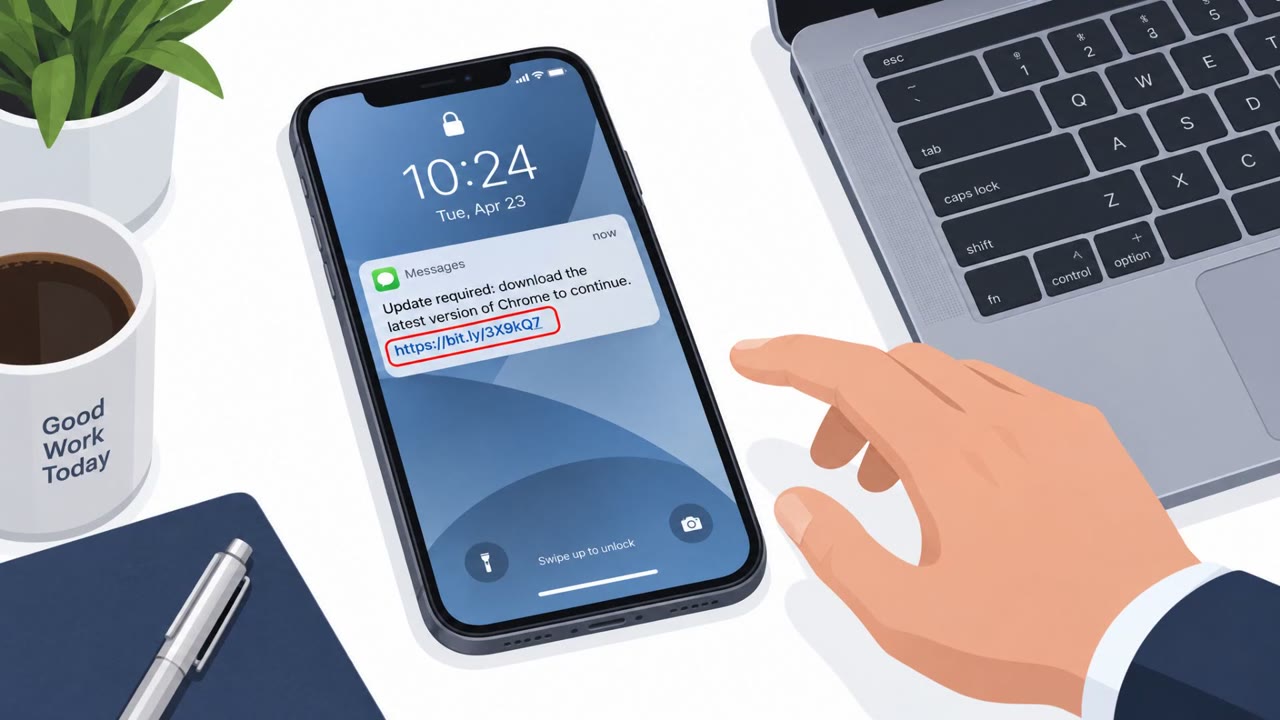
- Unsolicited message pushing an urgent install from a link
- Unexpected login prompt that appears over other apps
- Login prompt appears immediately after installing a non-store app
- Request for device PIN during banking login
Read the video transcript
You get a text: “Your tax info needs an urgent update, install the official app from this link.” Looks routine, right? Behind that APK is Gigabud. It installs a hidden work profile called something like “Vwork,” clones your banking app inside it, and lets criminals move money from that secret copy. To pull this off, the fake airline or tax app begs for Accessibility, ‘display over other apps,’ and battery-optimization exemptions, then pops a fake banking login overlay asking for your password and device PIN. Here’s the move: if any app from a link, not the app store, asks for Accessibility or ‘display over other apps,’ stop and delete it. Then call your bank using the number on their official site.