Vishing Wave Hits Healthcare With MFA Reset Traps

Cybersecurity Dive · Medium sophistication
Last updated September 28, 2026

Threat groups are actively targeting healthcare and pharma staff using phone-based social engineering (“vishing”) and look‑alike medical domains to steal employee login credentials. Researchers say attackers pressure employees to click password-reset or MFA-reset links, and multiple healthcare-related firms have disclosed social-engineering incidents in 2026.

Key findings

  • Health-ISAC warned ShinyHunters is using voice-phishing and “medical-themed impersonation domains” to steal credentials from healthcare employees.
  • Attackers are described as “belligerent” and push victims to click “a password reset or an MFA reset.”
  • Unit 42 tied the domain my-passkeys[.]com to The Com ecosystem and assessed it may support phishing against healthcare/pharma.
  • Multiple healthcare-related organizations disclosed 2026 social-engineering incidents (Clover Health, AdaptHealth, Hims & Hers).

Who’s being targeted

  • Commonly targeted roles: All healthcare employees, Helpdesk/IT support, Customer service, Front desk and clinic operations, Security operations (for domain monitoring and comms).
  • Affected industries: Healthcare, Pharmaceuticals, Telehealth, Health insurance/health plans, Medical devices.
  • Attack channels: vishing, website, email.
  • Impersonated: Healthcare-related IT/security support (using a medical-themed impersonation domain), Passkey or authentication portal (look-alike domain), Internal support or trusted business application provider.

Awareness takeaways

  • Treat unsolicited phone requests to reset passwords or MFA as suspicious; hang up and verify through a known internal number or ticketing channel.
  • Train staff to spot look-alike domains and never enter credentials on “medical-themed” or unfamiliar login pages.
  • Monitor and block suspicious domains that mimic authentication workflows (including ‘passkey’ themed domains) and communicate active threats to employees quickly.
  • Assume non-privileged accounts are a common entry point; reinforce reporting and verification habits across all roles, not just IT or leadership.

Red flags to watch for

  • High-pressure or aggressive tone pushing immediate action
  • Unsolicited call directing you to a reset flow you did not initiate
  • Use of look-alike “medical-themed” domains for login/reset steps
  • Unexpected authentication prompt sent outside normal IT channels
  • Suspicious or unfamiliar domain name (e.g., my-passkeys[.]com)
  • Branding or login flow not matching the organization’s standard SSO page
  • Unclear reason for verification that you did not request
  • Message targets broad employee population rather than a specific ticket/request
  • Link leads to non-standard login or external site
Try Mirage

Mirage safely runs attacks like this one against your own team, so you find out what happens before a real adversary does.

Get a demo
Read the video transcript

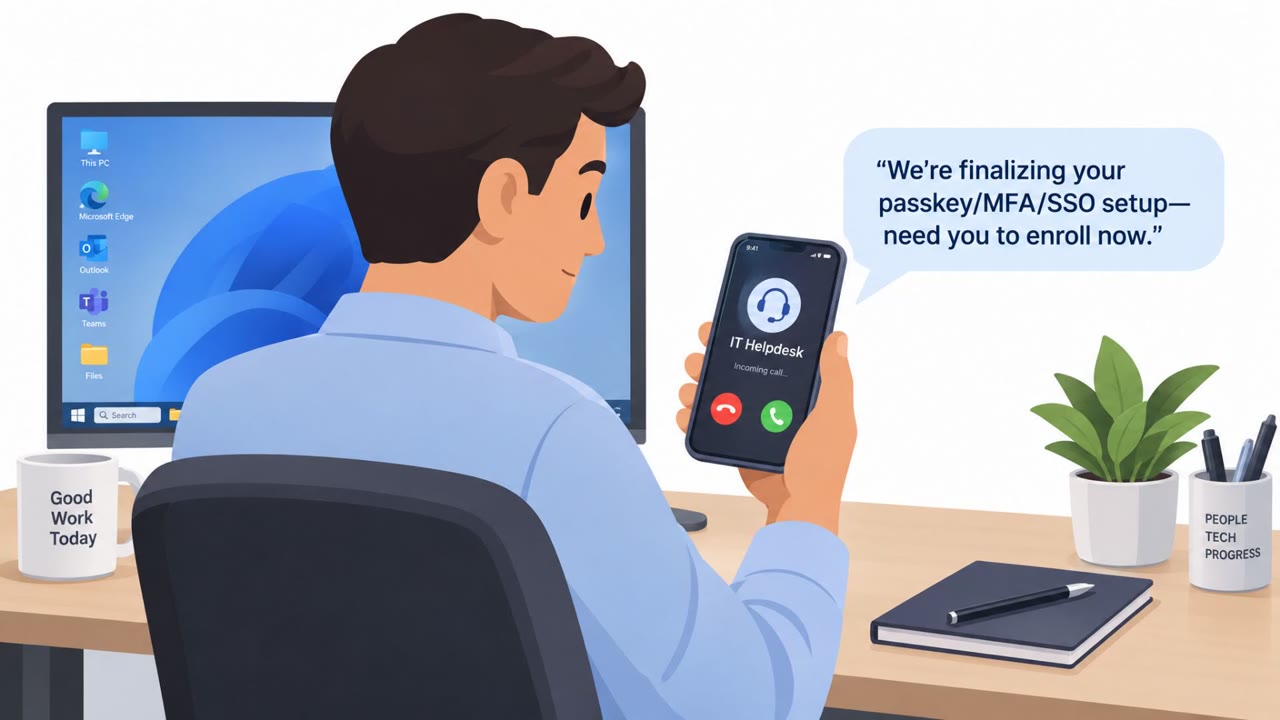
You pick up the phone: “Hi, this is IT security. We need you to click a password reset right now to secure your account.” Groups like ShinyHunters are vishing healthcare staff, getting belligerent to force you onto fake “reset” links and medical-themed login pages that steal your credentials. They may send you to a site like my-passkeys.com or a clinic-sounding domain that says, “Please sign in to manage your passkeys.” If you didn’t start the reset, that’s your red flag. Your move: if a caller tells you to reset your password or MFA, hang up and call your real IT number or open your normal ticketing portal yourself to verify.

Similar attacks

ReliaQuest Employee Tricked Into Okta SSO Login

ReliaQuest Employee Tricked Into Okta SSO Login

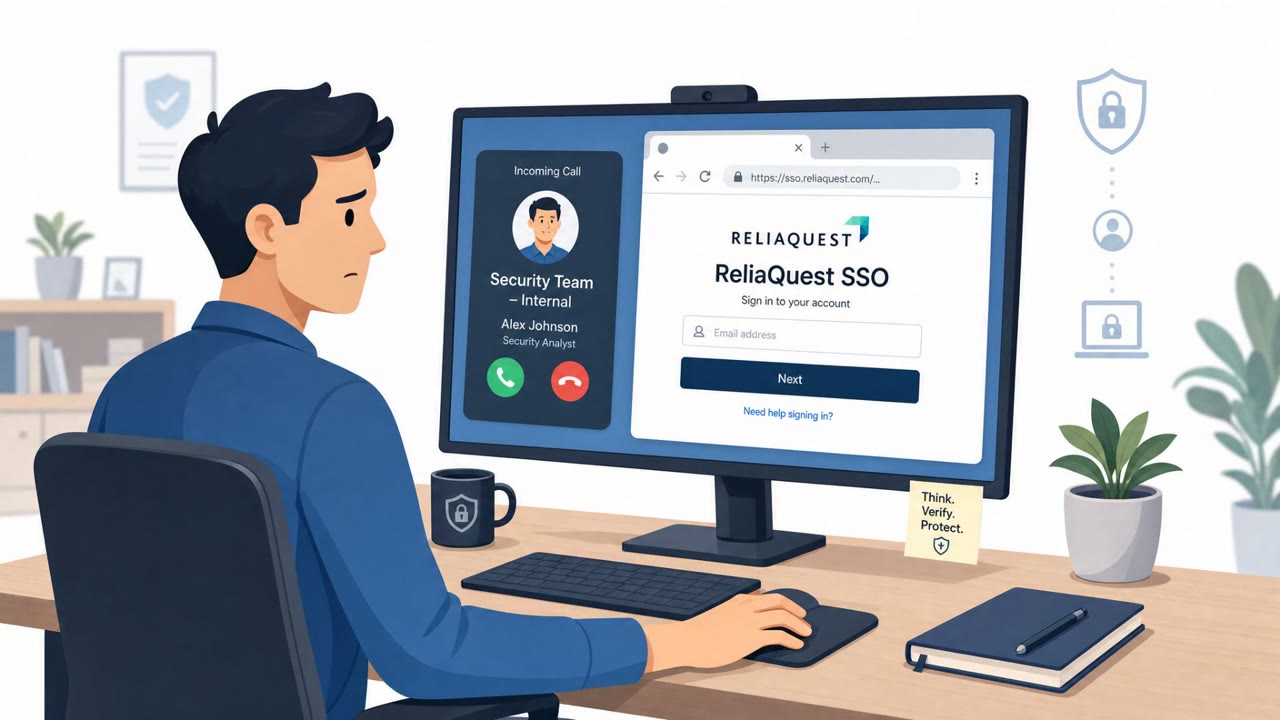
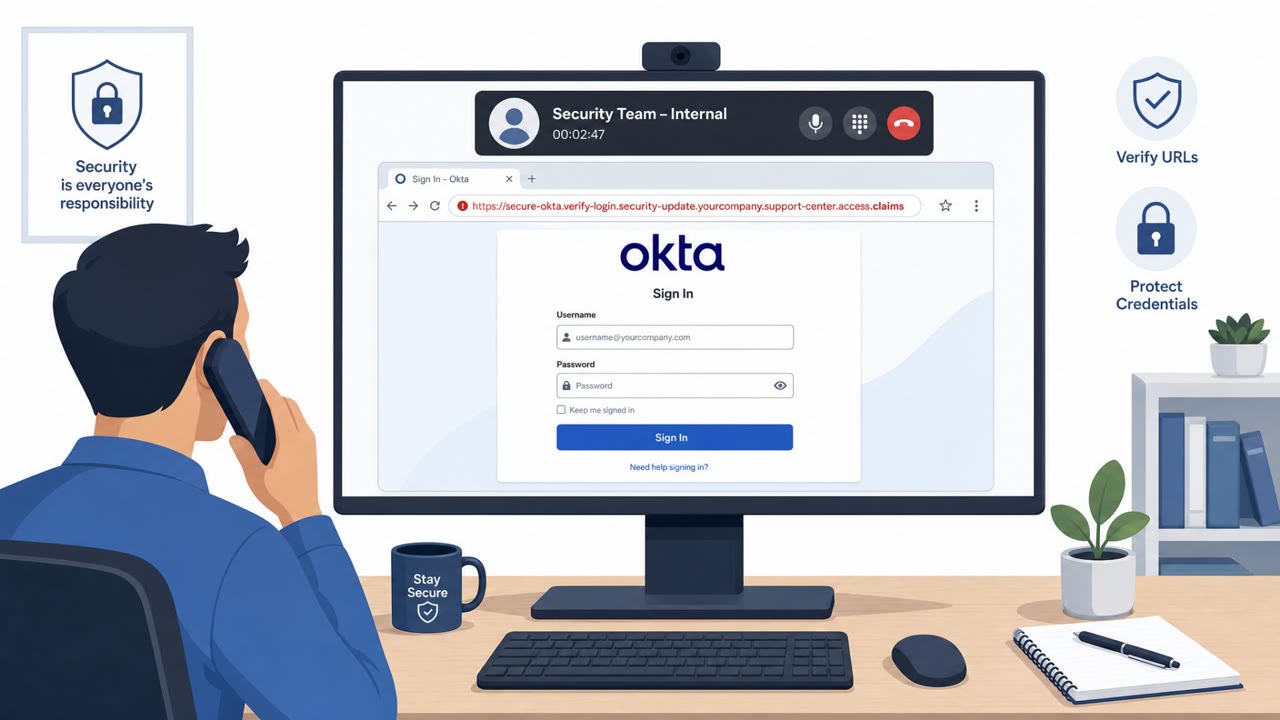
ReliaQuest confirmed an employee was socially engineered into entering their password on a fake SSO page and approving an MFA push, giving attackers a brief “view only” session in the company’s identity dashboard. The attackers allegedly impersonated a named member of the security team over the…

August 25, 2026
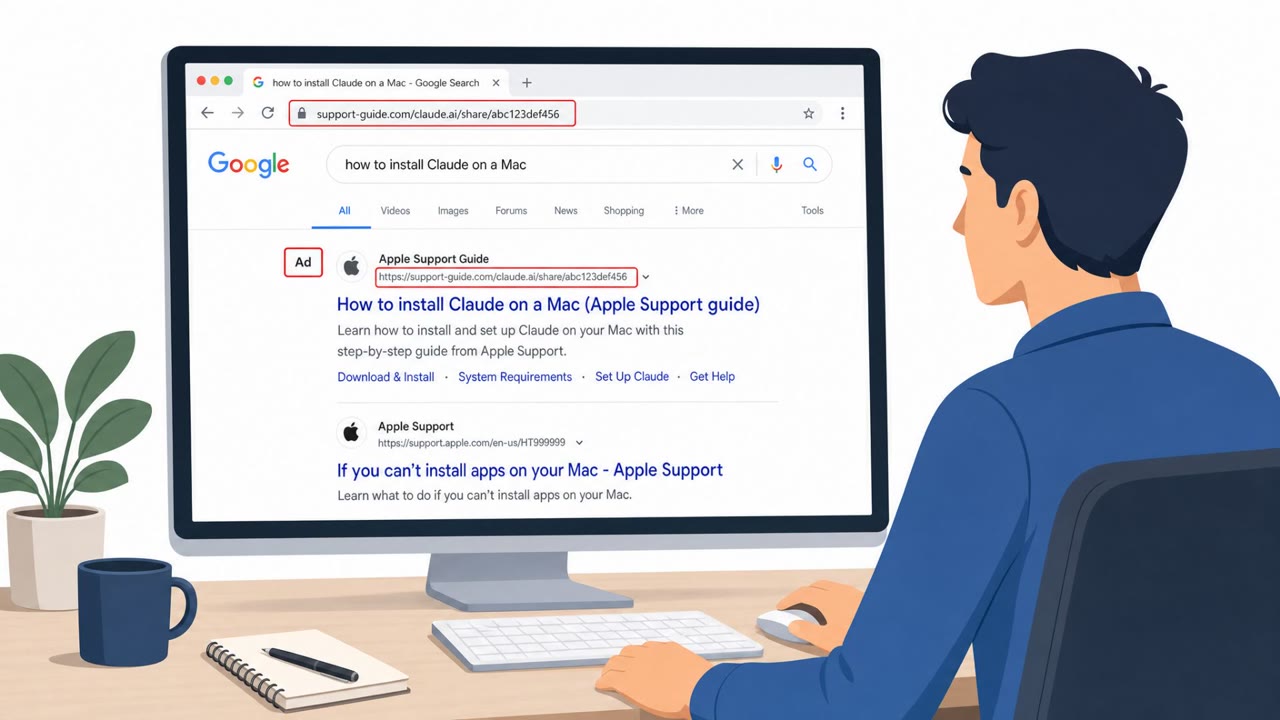
Fake Install Guides and Helpdesk Calls Drive Attacks

Fake Install Guides and Helpdesk Calls Drive Attacks

This bulletin describes multiple real-world social engineering campaigns where attackers trick people into trusting a familiar screen, like a search result “install guide,” a recruiter outreach, or a helpdesk phone call. The lures push victims to paste commands, install fake software, or reset MFA,…

July 30, 2026
Fake Helpdesk Passkey Setup Steals Cloud Access

Fake Helpdesk Passkey Setup Steals Cloud Access

The article describes real intrusions where attackers impersonate a company helpdesk and lure employees into "passkey, MFA, or SSO setup" steps. Victims are sent links via text (often to personal phones), leading to account takeover through adversary-in-the-middle phishing or device-code…

September 16, 2026
ShinyHunters Hit ReliaQuest With SSO Phish + Calls

ShinyHunters Hit ReliaQuest With SSO Phish + Calls

ReliaQuest said it was targeted in a ShinyHunters-linked social engineering attack that used a fake domain hosting a ReliaQuest single sign-on (SSO) phishing page. Attackers then called employees while impersonating named security staff to push victims to the fake login page, resulting in one…

August 24, 2026
Attackers Phish via Teams & Slack, Not Email

Attackers Phish via Teams & Slack, Not Email

Research and incident examples show attackers increasingly using trusted collaboration tools (like Microsoft Teams and Slack) to impersonate IT/support or known community members, then push victims to phishing sites, approve MFA prompts, or run malicious files. Because messages come through…

August 20, 2026
Teams Helpdesk Vishing Pushes Remote Control Tools

Teams Helpdesk Vishing Pushes Remote Control Tools

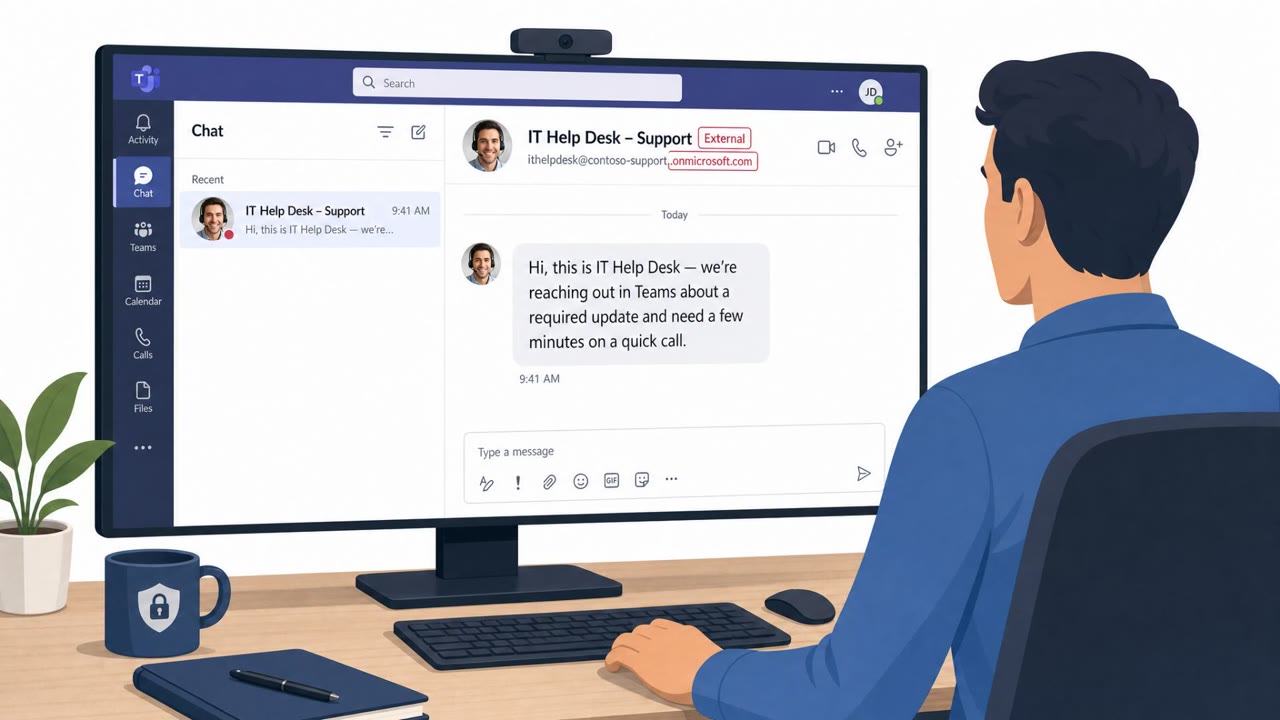
Researchers observed a coordinated social-engineering operation (“Spring Ring”) where attackers used external Microsoft Teams accounts to pose as internal IT help desk staff and start voice calls. Victims were pressured to install remote-control tools (like Quick Assist or other RMM software) or…

August 31, 2026