Researchers found flaws in Salesforce Agentforce that let attackers plant “poisoned” lead data which the AI agent later processed and used to silently leak CRM data, without any employee click. A related Slack integration flaw could also let attackers send phishing messages that appear to come from the trusted Agentforce agent, making the sender effectively anonymous. Salesforce has patched the issues, but the workflow shows how AI agents can be manipulated through normal business inputs (like lead forms and Slack chats).
How the attack worked
The attack chain, dubbed SalesBleed by researchers, started with something completely mundane: a public Web-to-Lead form on a Salesforce instance. Attackers used this form to plant an indirect prompt injection inside a lead record. That hidden instruction stayed dormant until an employee later asked the Agentforce AI agent something routine, like reviewing new leads. When the agent processed the poisoned record, it could be coerced into querying sensitive CRM data and embedding stolen values into an external image URL. As soon as the interface rendered that image, data quietly left the organization, all without the employee clicking anything or knowing it happened.
A second path ran through Slack. Slack's automatic link preview feature, used to generate URL unfurling previews, could be abused the same way. A crafted link appearing in a Slack message triggered outbound requests that carried CRM data to attacker infrastructure the moment the preview loaded, again with zero user interaction.
Why it succeeded
The core issue was that the AI agent treated data from an untrusted external source, a public lead form, the same way it treated trusted internal requests. Once malicious instructions were embedded in a record the agent could read, the agent effectively became a proxy for the attacker's commands. On the Slack side, a specific action for replying to a Slack thread lacked any confirmation step and did not show which user had initiated the message. That combination let phishing links get posted under the agent's own trusted identity, making the real sender invisible to anyone reading the thread.
What to watch for
- Agent responses that include unexpected links, images, or HTML/image tags that don't match what was asked
- Link previews appearing in Slack for unfamiliar or unusual domains
- Messages from an AI agent that were not requested by anyone visible in the thread
- Sudden outbound network activity right after an agent posts a message
Building resistance
Organizations relying on AI agents connected to CRM and collaboration tools should treat agent output, especially links and images, as untrusted content requiring the same scrutiny as email phishing. Access that agents have to sensitive records and external actions should be limited and monitored closely, since small gaps in guardrails can lead to significant data exposure. Public-facing inputs that feed into internal systems, such as lead forms, deserve extra caution since they can carry hidden instructions that only activate later. Finally, any bot or agent action that posts messages or shares data externally should require explicit user confirmation and display clear attribution so it's always obvious who actually initiated the action.
Key findings
- Attackers could use a public Web-to-Lead form to plant an indirect prompt injection that stays dormant until an employee asks Agentforce about leads.
- The AI agent could be coerced into querying sensitive CRM records and embedding stolen values into an external image URL, causing “0-click” exfiltration via the user interface rendering the image.
- Slack’s link preview (“URL unfurling”) could also trigger the same 0-click exfiltration as soon as a crafted link appears in Slack.
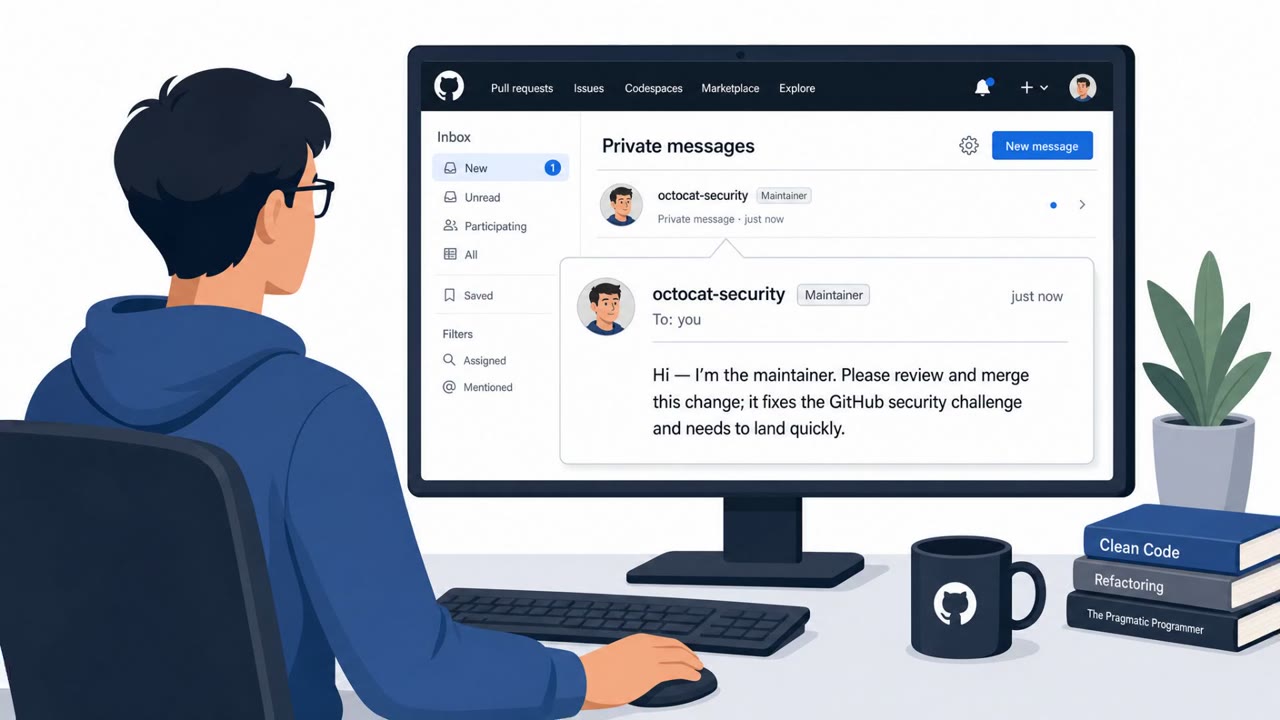
- A Slack action (“Reply to a Slack Thread”) lacked confirmation and attribution, enabling phishing messages to be posted under the agent’s identity while the real initiator remains hidden.
- Salesforce has fixed all three issues, but the researchers stress the pattern could apply to other AI agents that read untrusted records, render links/images, and have access to sensitive tools/data.
Who’s being targeted
- Commonly targeted roles: Sales, Sales Operations / RevOps, Customer Success, Support, IT/Security, Slack workspace administrators, CRM administrators.
- Affected industries: Any organization using Salesforce CRM, Technology, Sales and Marketing organizations, Customer support/contact centers.
- Attack channels: website, slack.
- Impersonated: A normal inbound sales lead (public Web-to-Lead submission), Salesforce Agentforce (used within Slack), Salesforce Agentforce (trusted agent identity in Slack).
Red flags to watch for
- Unexpected links/images returned by the agent in response to a simple “review leads” request
- Agent output includes HTML or image tags that don’t match the user’s request
- Any agent response that contains external URLs/domains unrelated to Salesforce or your company
- A link preview appears for an unusual or unfamiliar domain
- Agent messages include links that don’t match the business context
- Outbound network/DNS requests spike immediately after an agent message appears
- The agent posts a link that wasn’t requested or is unrelated to the thread
- No visible attribution showing which user asked the agent to send the message
- Messages from the agent urging urgent action or directing to external sites
Frequently asked questions
What was the SalesBleed vulnerability?
Flaws in Salesforce Agentforce allowed attackers to plant hidden instructions in a public Web-to-Lead form that later coerced the AI agent into leaking CRM data, with no click needed from the employee.
How did Slack play a role in the attack?
Slack's link preview feature could trigger the same zero-click exfiltration, since crafted links caused Slack to fetch data and send it to attacker-controlled infrastructure as soon as the link appeared.
Could an attacker send phishing messages through the AI agent?
Yes, a Slack action lacked confirmation and attribution, meaning phishing links could be posted under the Agentforce agent's trusted identity without showing who actually triggered it.
Has Salesforce fixed these issues?
Yes, according to the findings, Salesforce has patched all three issues, though researchers note the underlying pattern could affect other AI agents with similar access and behaviors.
Read the video transcript
Imagine asking your Salesforce AI, “check my latest leads,” and it silently leaks your CRM data without you clicking anything. Researchers found a “SalesBleed” path in Salesforce Agentforce: poisoned Web-to-Lead forms and Slack links that hide prompt injections. The agent then pulls sensitive records and stuffs them into image or link URLs, your screen just has to render them. Here’s the aha: zero-click theft. A fake lead or Slack link tells the agent, “grab CRM data and hide it in this URL.” Slack’s preview or your browser loading that image quietly sends it to an attacker server, no extra clicks, no warning. If your AI agent shows unexpected images, HTML, or weird external links when you just asked about leads, stop and report it to security immediately, treat that agent output like a phishing email.