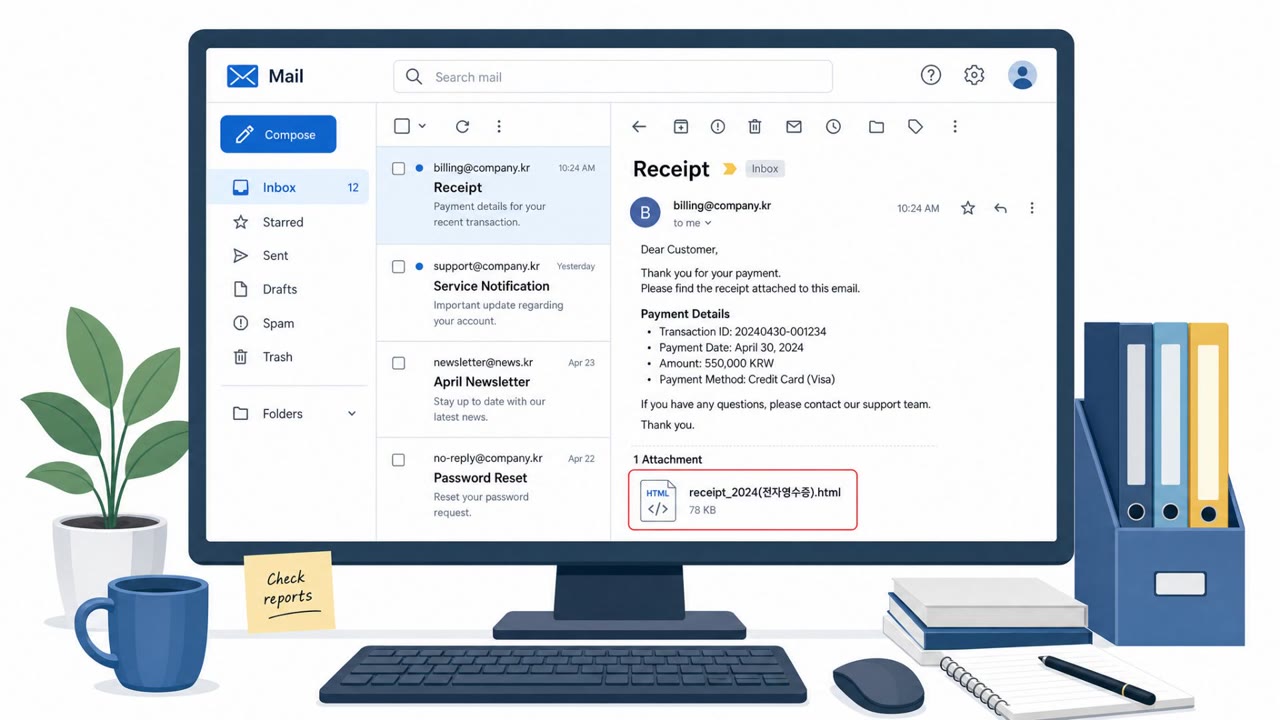
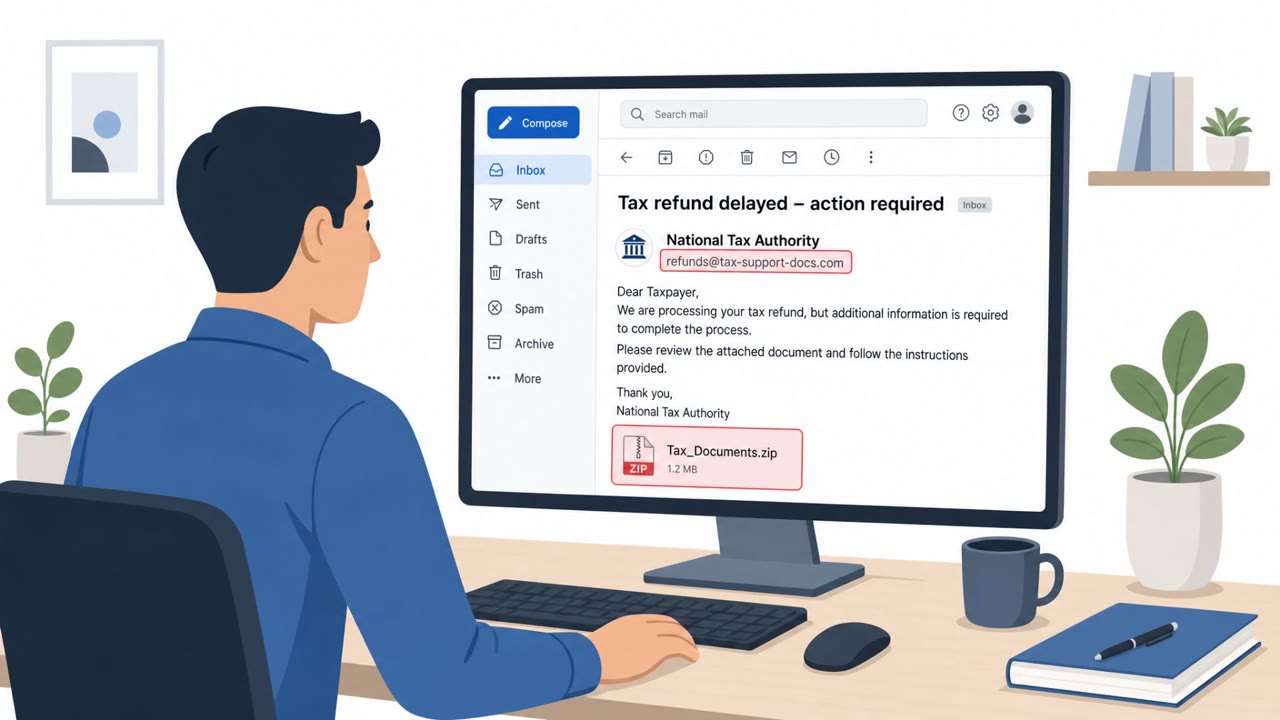
A state-sponsored campaign in South Korea used spear-phishing and hacked “trusted” local websites to infect visitors who had vulnerable AnySign4PC installed. In some cases, simply visiting a compromised page triggered the exploit and installed SIGNBT or COPPERHEDGE backdoors without any download prompt. Authorities and multiple security firms say the activity affected dozens of organizations across several sectors.
How the attack worked
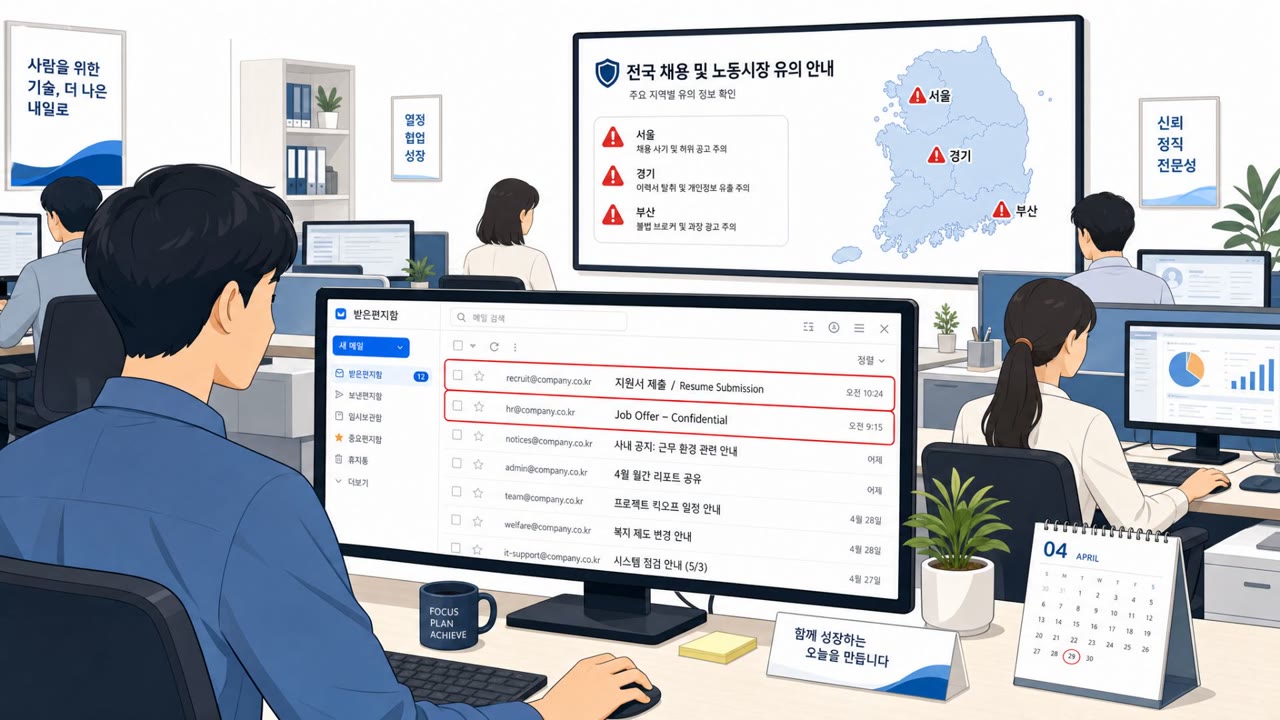
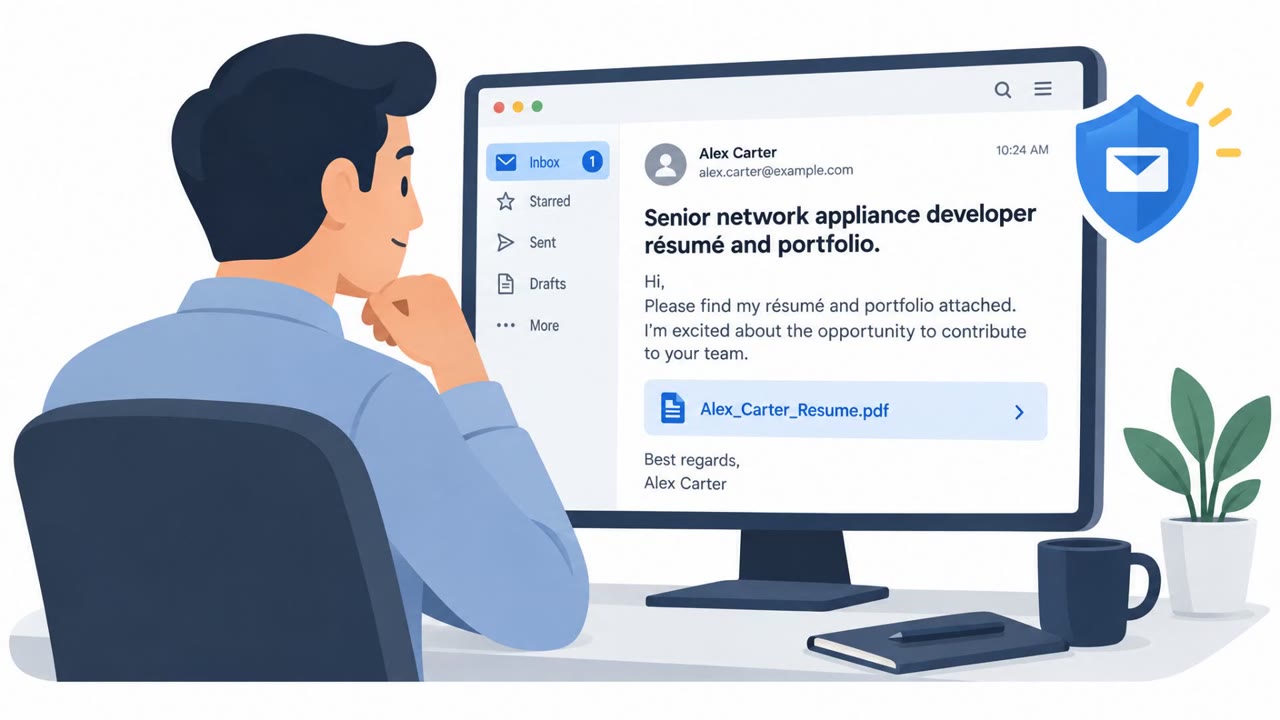
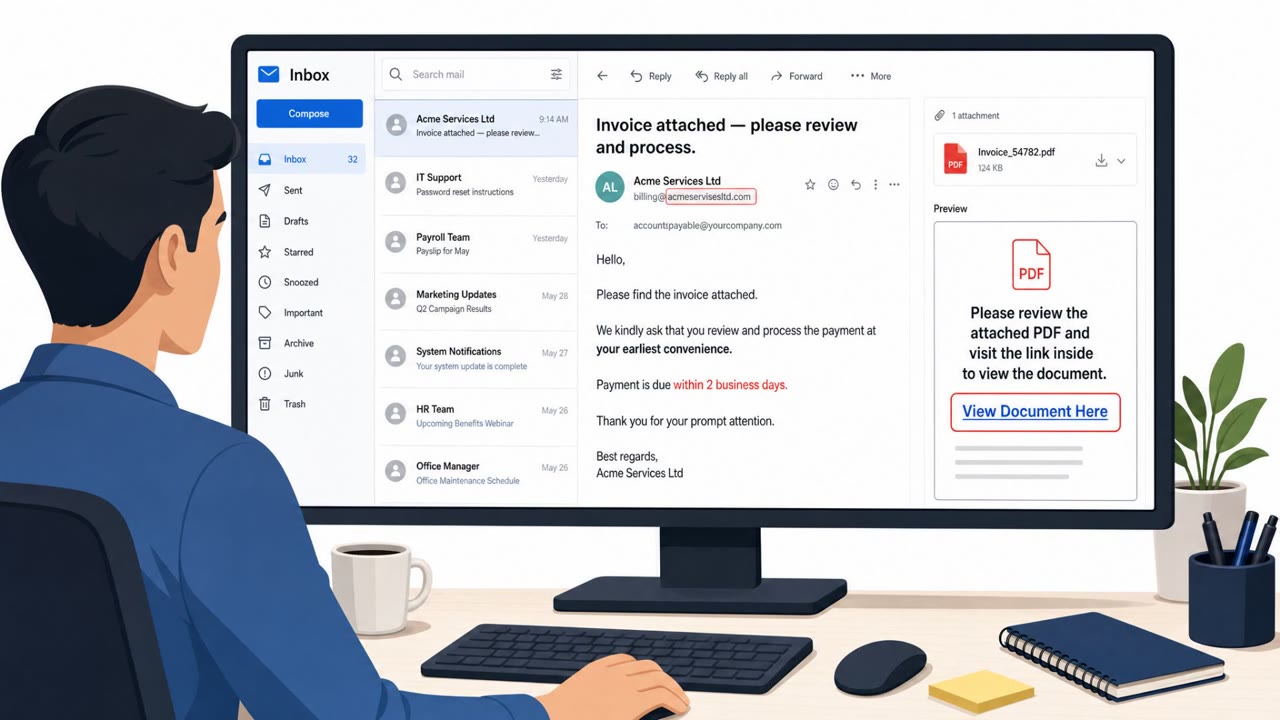
This campaign combined two social engineering paths aimed at the same outcome: getting a backdoor onto a target's machine. The first path used spear-phishing messages disguised as resumes, recruitment approaches, investment material, and industry surveys, sent to specific employees, often in HR or recruiting roles who routinely open unsolicited attachments as part of their job.
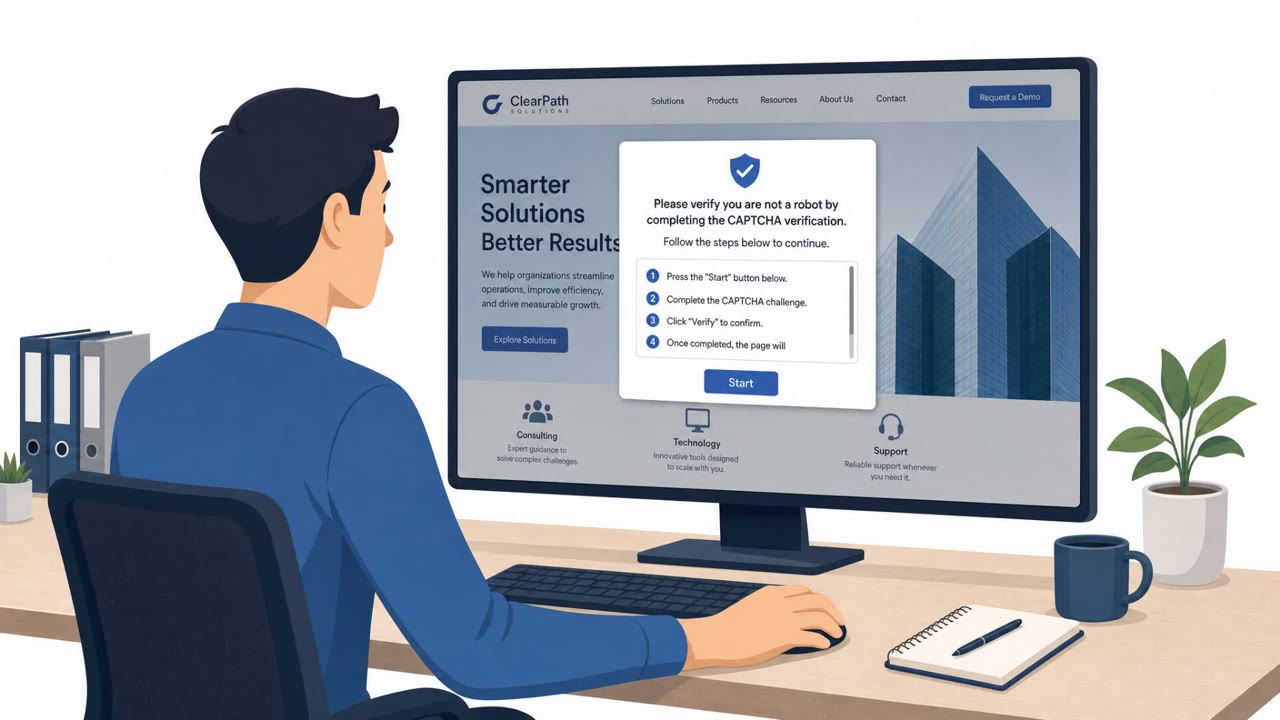
The second path was a watering hole approach. Attackers compromised legitimate websites, including news, healthcare, education, and manufacturing sites, that intended victims were likely to visit during normal browsing. If a visitor's machine had a vulnerable version of AnySign4PC (versions 1.1.4.4 to 1.1.4.6) installed, simply loading the compromised page could trigger an exploit and drop a malicious DLL without any download prompt or other user interaction.
Why it succeeded
The phishing lures worked because they targeted roles whose normal job function requires opening resumes and outreach messages from strangers, making typical "don't click unknown attachments" advice hard to apply cleanly. The watering hole component removed the need for any user decision at all: no attachment to open, no link to click, just a normal visit to a site employees already trusted. That combination let attackers reach a wide range of sectors, with related activity reportedly affecting dozens of organizations across finance, media, healthcare, education, and manufacturing.
What to watch for
- Unsolicited resume, recruiting, investment, or "industry survey" outreach that pressures quick review, especially when the sender doesn't match a known recruiting channel.
- Unexpected attachments or links tied to resume or survey themes.
- Unusual security-software errors or background activity after visiting a routine, trusted website.
- Reports of "weird" browser or endpoint-security behavior with no obvious cause.
Building resistance
- Treat unsolicited recruiting and survey outreach as high risk; verify through a separate, trusted channel before opening attachments.
- Keep endpoint software patched and remove outdated or vulnerable security plug-ins rather than leaving them installed unused.
- Encourage staff to report odd security-software errors or unexpected behavior after normal browsing, and treat those reports as potential incidents needing quick escalation.
- Recognize that some infections require no user action beyond visiting a page, so technical controls and patching matter as much as user awareness training.
Key findings
- Attackers used spear-phishing lures (resumes, recruitment approaches, investment material, industry surveys) and also compromised legitimate websites victims were likely to visit.
- Visiting a compromised page could exploit vulnerable AnySign4PC (versions 1.1.4.4–1.1.4.6) and install backdoors without a download prompt or user action.
- AhnLab reported evidence of related attacks at 72 organizations in 2026 and identified 15 legitimate websites used as watering holes.
- Infrastructure overlap was observed with a separate intrusion chain ending in Gunra ransomware (e.g., shared filenames and distribution domain).
Who’s being targeted
- Commonly targeted roles: All employees, HR/Recruiting, Executives, IT endpoint management, Security operations.
- Affected industries: Finance and insurance, News/media, Healthcare, Education, Manufacturing.
- Attack channels: email, website.
- Impersonated: Job applicant or recruiter, Legitimate domestic website (news/healthcare/education/manufacturing site).
Red flags to watch for
- Unsolicited job/resume outreach that pressures quick review
- Unexpected attachments/links tied to “resume” or “survey” themes
- Sender identity does not match a known recruiting channel
- No visible prompt, but unusual browser/system behavior after visiting a trusted site
- Unexpected security-software errors during normal browsing
- Background connections or processes starting after a simple page view
Frequently asked questions
How did visiting a legitimate website lead to infection?
Attackers compromised legitimate news, healthcare, education, and manufacturing sites that intended victims were likely to visit. If a visitor had a vulnerable version of AnySign4PC installed, the page could trigger an exploit and install a malicious DLL without any download prompt or user action.
What lures were used in the phishing emails?
The attackers sent spear-phishing messages disguised as resumes, recruitment approaches, investment material, and industry surveys, primarily targeting HR and recruiting staff.
What software versions were affected?
AnySign4PC versions 1.1.4.4 through 1.1.4.6 were vulnerable to exploitation through compromised web pages.
What should organizations do to reduce risk from this type of attack?
Keep endpoints patched, remove outdated or vulnerable security plug-ins, verify unsolicited recruiting or survey outreach through trusted channels, and treat unusual browser or security-software errors after normal browsing as a potential incident.
Read the video transcript
In South Korea, dozens of companies got hit just by opening a resume… or reading a normal news article. State-backed groups sent fake resumes, recruiter pitches, and industry surveys, and also hacked 15 trusted local sites. If you had vulnerable AnySign4PC, just visiting a compromised page silently installed backdoors, no download prompt, no clicks. The only clue on your side: the email is unsolicited recruiting, survey, or investment material, or your browser and security tools act weird right after visiting a trusted local site, errors, freezes, or sudden background activity. Your move: if you ever see weird AnySign4PC or browser errors right after opening a resume email or a common local site, stop using that device and report it to IT immediately.