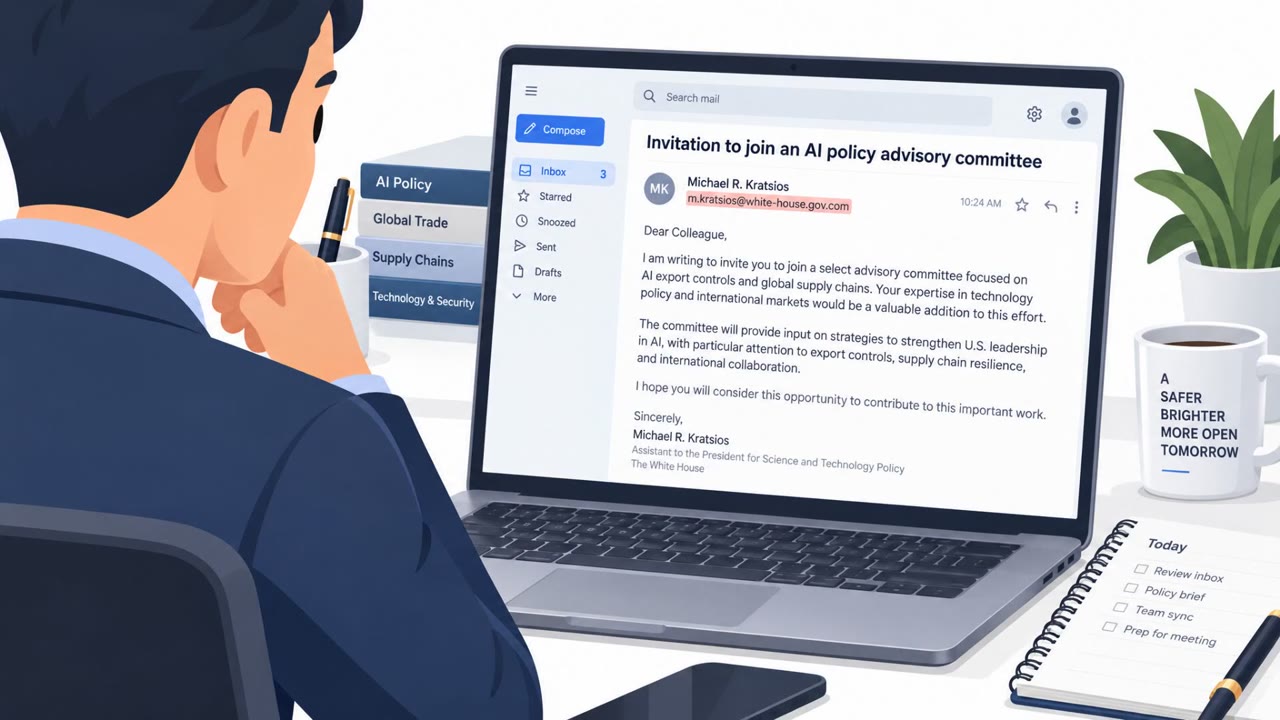
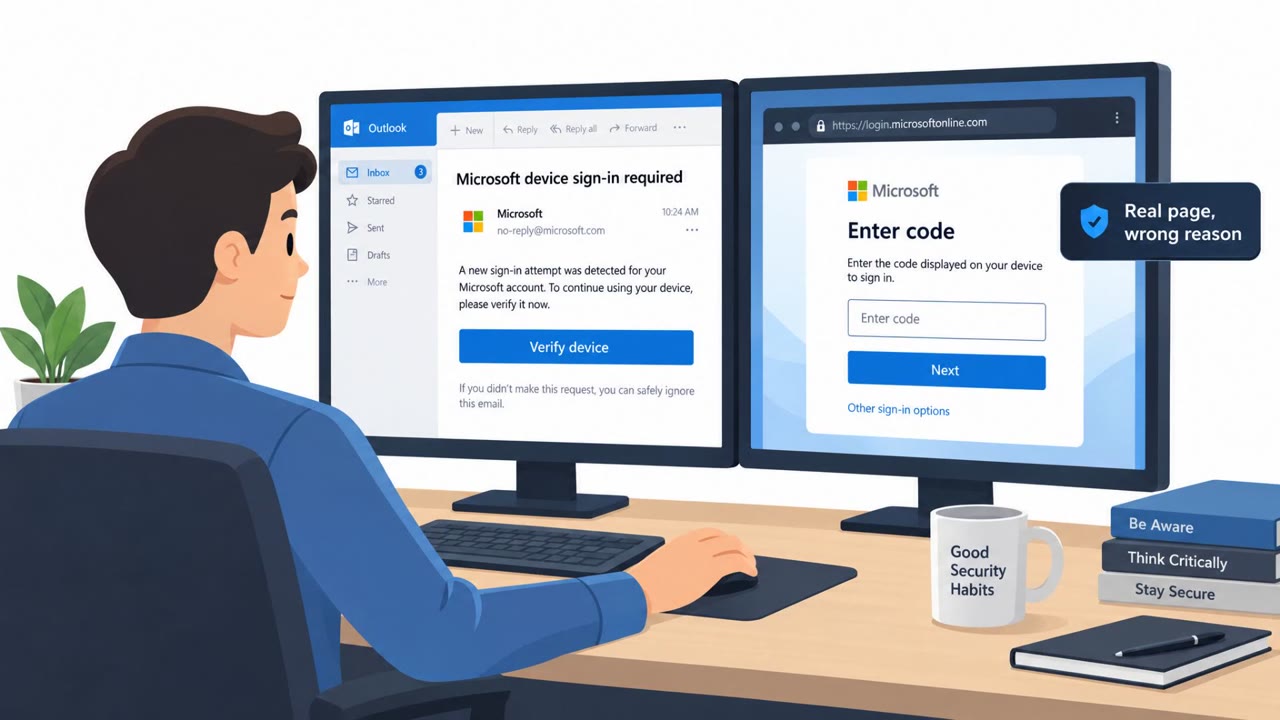
A construction/landscaping firm’s executive email account was compromised and used to send convincing “request for proposal” (RFP) emails to another company, tricking recipients into entering Microsoft 365 credentials and an MFA code on a fake login page. The attackers used a man-in-the-middle workflow so Microsoft sent the real SMS code, which the victim then unknowingly handed over via the phishing site. In a separate case, a small construction company that declined security help was later hit by ransomware and shut down within months after backups were also encrypted.
How the attack worked
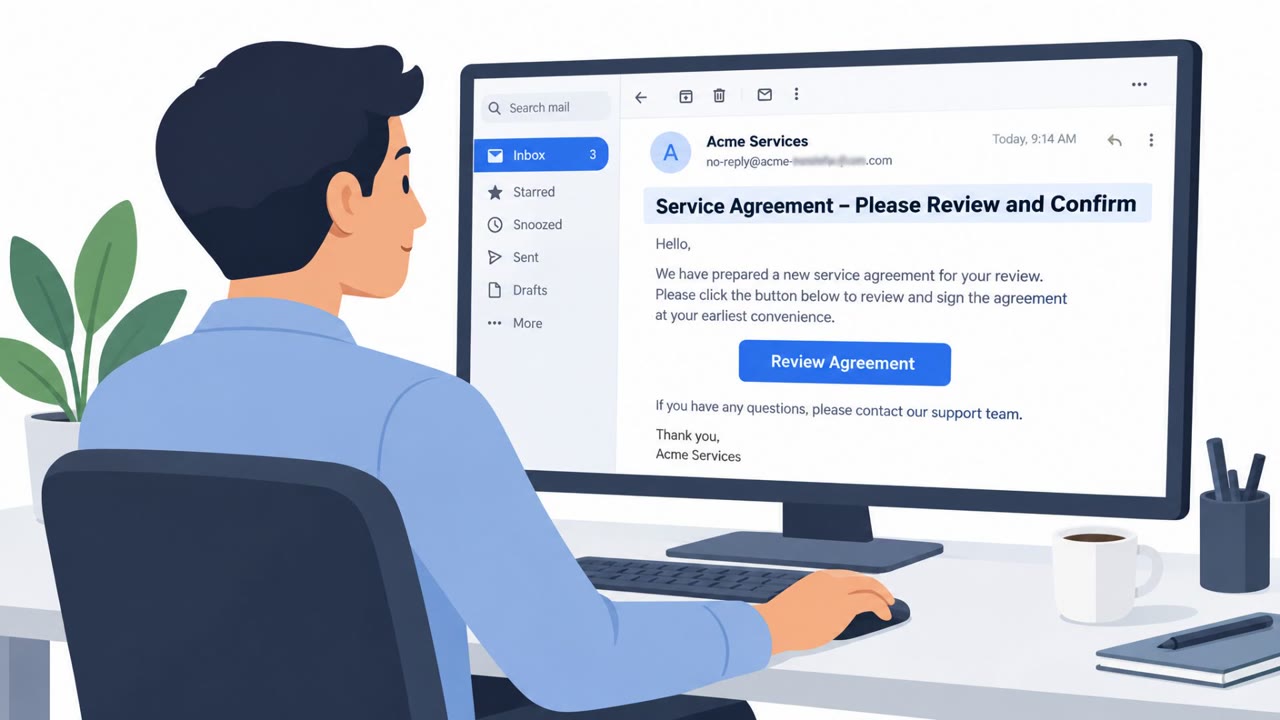
Attackers first compromised the email account of an executive at a construction/landscaping firm. From that trusted mailbox, they sent phishing emails to a partner company framed as RFPs, requests for proposal. Instead of an attached document, the email included a download button. Clicking it led recipients to a page that looked identical to the real Microsoft 365 login screen but was hosted on a domain other than microsoft.com.
Because the targeted user had two-factor authentication enabled, the fake page also asked for a limited-time 2FA code. The attackers relayed the stolen username and password to Microsoft's real login system in real time, which triggered a genuine SMS code to be sent to the victim. The victim then typed that real code into the fake page, handing the attackers everything needed to complete a man-in-the-middle session takeover.
Why it succeeded
The lure worked because it came from a real, known contact rather than a stranger. An RFP is an attractive, plausible reason for a partner company to reach out, and recipients who had interacted with the sender before had little reason to be suspicious. The attackers also created email filtering rules inside the compromised executive's mailbox to hide outgoing campaign messages, reducing the chance the real user would notice the abuse of their own account.
What to watch for
- Unexpected RFP, quote, or new-business requests delivered as a link or download button rather than a normal attachment
- A Microsoft 365 login page that is not on the microsoft.com domain
- A prompt to enter a one-time 2FA code into a web page just to view a document
- Unusual mailbox filtering rules that could be hiding malicious outgoing mail
How to build resistance
Detection tooling in this case identified the anomalous login and revoked the session token within minutes, which limited how long the attackers could operate. Organizations can reduce the risk of similar incidents by treating unsolicited business requests as higher risk and verifying them through a separate known contact channel before clicking any link. Checking the web address before entering any credentials is a simple but effective habit. Because one-time SMS codes can be relayed by attackers in real time, moving high-value users to phishing-resistant MFA such as hardware security keys or passkeys closes off this specific man-in-the-middle technique entirely, since there is no code for an attacker to intercept and reuse.
Key findings
- Attackers compromised an executive’s email at one company and used it to phish a partner company with realistic business-themed messages (RFPs).
- The phishing email used a download button (link) instead of an attachment, leading to a fake Microsoft 365 login page on a non-microsoft.com domain.
- The fake login page also asked for a limited-time 2FA code; the attackers relayed credentials to Microsoft so the victim received a real SMS code, enabling a man-in-the-middle takeover.
- Attackers created email filtering rules in the compromised executive mailbox to hide campaign messages from the real user.
- Detection tooling identified the anomalous login and revoked the session token within minutes, limiting attacker dwell time.
- A different small construction company suffered ransomware after relying on an old unpatched Windows server and a connected backup drive that was encrypted along with primary data, contributing to business failure.
Who’s being targeted
- Commonly targeted roles: Executives, Sales, Operations/Estimating, Finance, IT/Helpdesk, All Microsoft 365 users.
- Affected industries: Construction, Landscaping services.
- Attack channels: email, website.
- Impersonated: A known partner company (using a real executive’s compromised email account).
Red flags to watch for
- The Microsoft 365 login page is "not on the microsoft.com domain"
- Unexpected prompt to enter an MFA code into a web page to view an RFP
- RFP delivered via a button/link instead of a normal attachment (PDF/PowerPoint)
Frequently asked questions
How did attackers steal Microsoft 365 credentials in this attack?
Attackers compromised an executive's email account and sent RFP-themed phishing emails to a partner company. Clicking a download button led victims to a fake Microsoft 365 login page not hosted on the microsoft.com domain, where they entered their credentials and a 2FA code.
How did the attackers bypass two-factor authentication?
The fake login page relayed the stolen credentials to the real Microsoft site in real time, prompting Microsoft to send a genuine SMS code. The victim entered that code on the phishing page, completing a man-in-the-middle takeover.
What made this phishing email convincing?
The email came from a real, previously compromised executive mailbox and was framed as a legitimate RFP (request for proposal), a lure designed to look like a genuine new business opportunity from a known contact.
How can organizations defend against this kind of attack?
Awareness takeaways include verifying unexpected RFP or quote requests through a separate known contact method, checking login page domains before entering credentials, and moving to phishing-resistant MFA such as hardware keys or passkeys.
Read the video transcript
An exec’s real email gets hacked, then used to send you a shiny new RFP. Looks like easy new business, right? You click the download button and land on a perfect-looking Microsoft 365 login page that even asks for your limited-time SMS code. But the web address is not microsoft.com. Here’s the trick: this is a man-in-the-middle. When you type your password and SMS code, they relay it to Microsoft in real time and walk straight into your M365 account as you. If an RFP or quote email makes you click a link and log in, stop and call your known contact to confirm before you touch that download button.