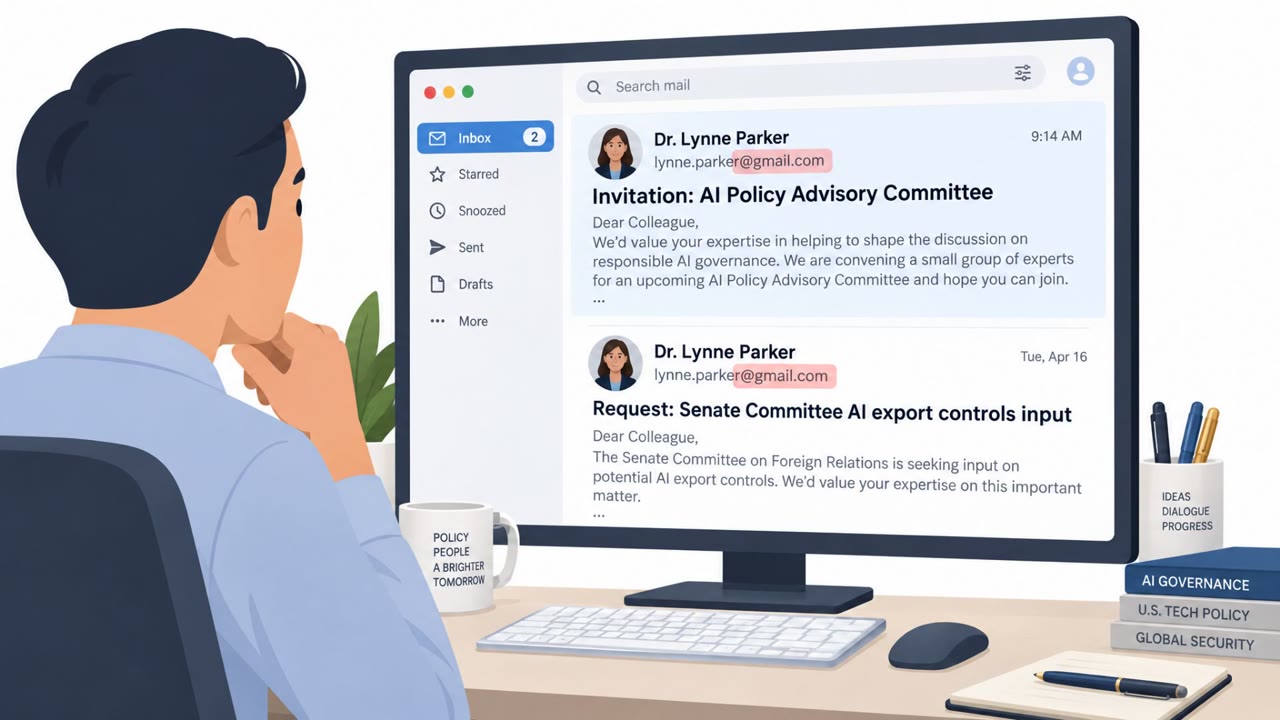
Proofpoint reports a China-aligned espionage group (TA419) targeted U.S. AI policy experts at think tanks, universities, and law firms using phishing emails that impersonated well-known officials and AI industry figures. The attackers tried to start a conversation first, then sent a shortened link that ultimately led to a fake Microsoft OneDrive login page designed to steal cloud credentials and active sessions.
Key findings
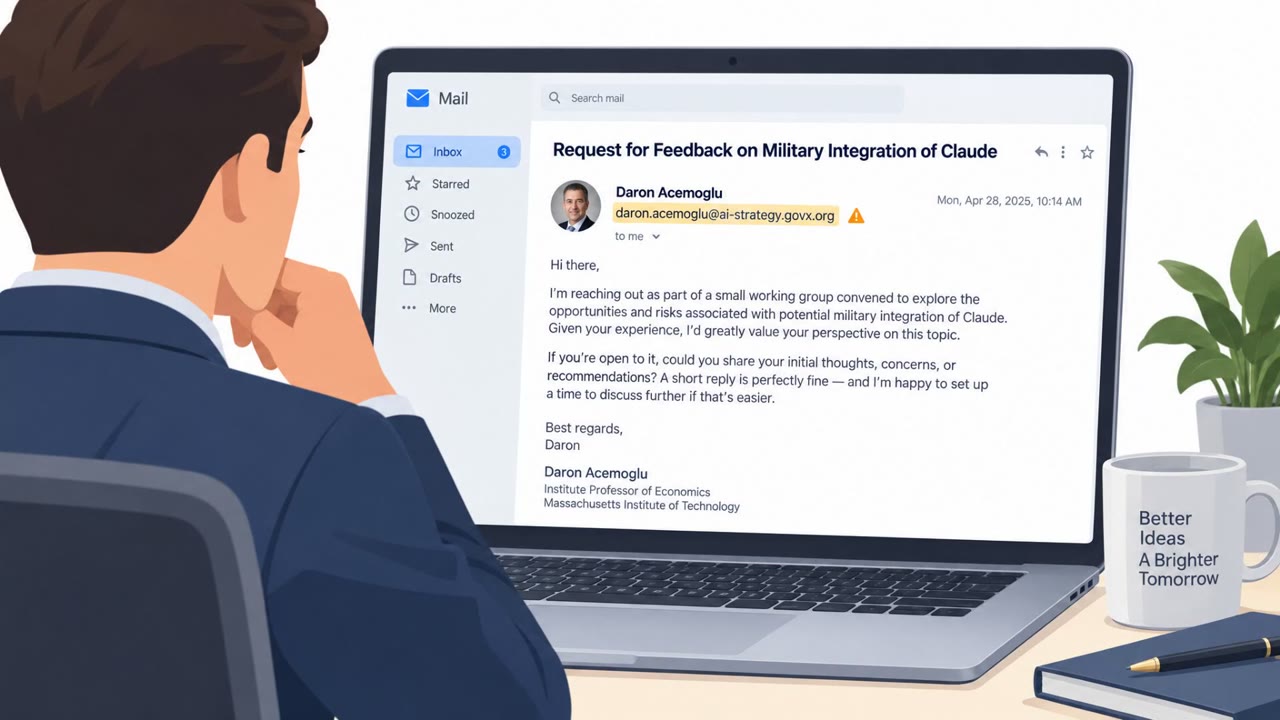
- TA419 impersonated “prominent officials, economists and an employee of AI company Anthropic” to target AI policy experts.
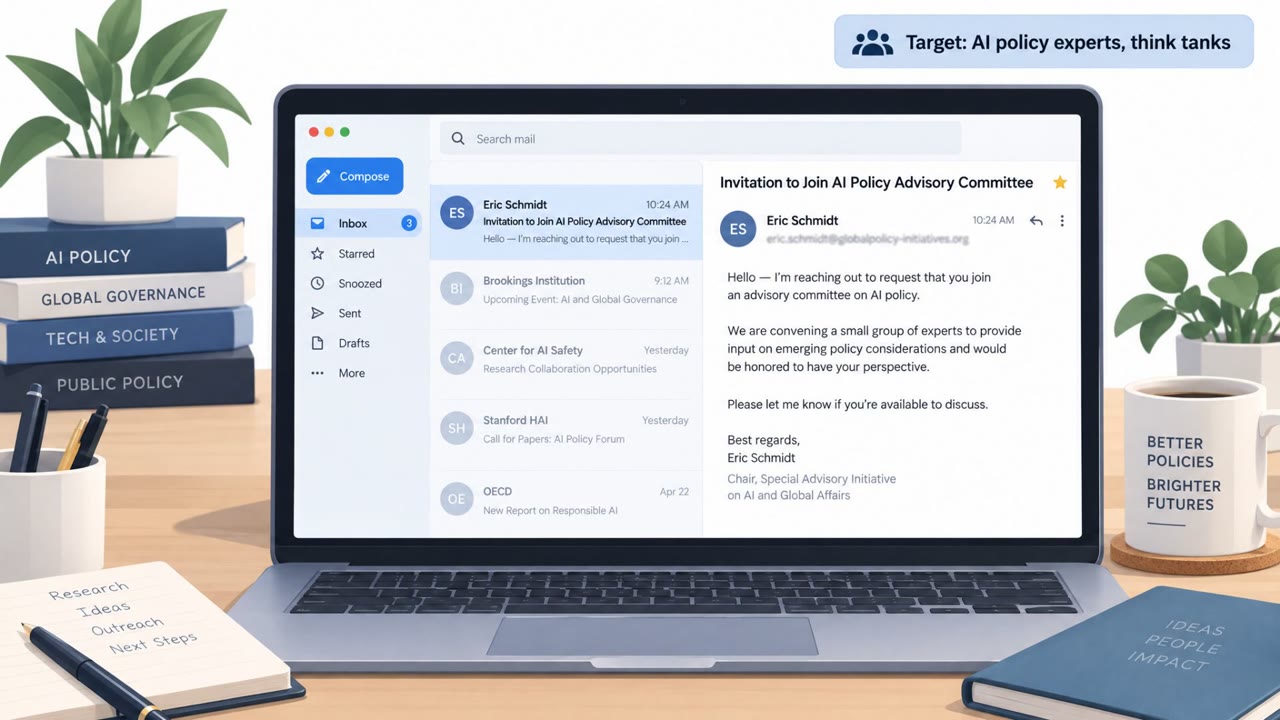
- The operation focused on “access to cloud accounts held by people at think tanks, universities and law firms.”
- The attackers used a trust-building workflow: “The initial messages did not immediately request passwords… After a target replied, the group sent a shortened link…”
- Victims were redirected to “a false Microsoft OneDrive sign-in page” intended to capture “account credentials and active browser sessions.”
- Proofpoint described it as “an adversary-in-the-middle phishing attack,” where victims may complete MFA while attackers capture session data.
- Proofpoint says the group used a modified open-source tool: “Frameless BitB.”
Who’s being targeted
- Commonly targeted roles: Think tank staff, AI policy analysts, University researchers and faculty, Legal (attorneys and paralegals), Executives in policy/research organizations.
- Affected industries: Think tanks / policy research, Higher education (universities), Legal services (law firms), Defense contractors.
- Attack channels: email, website.
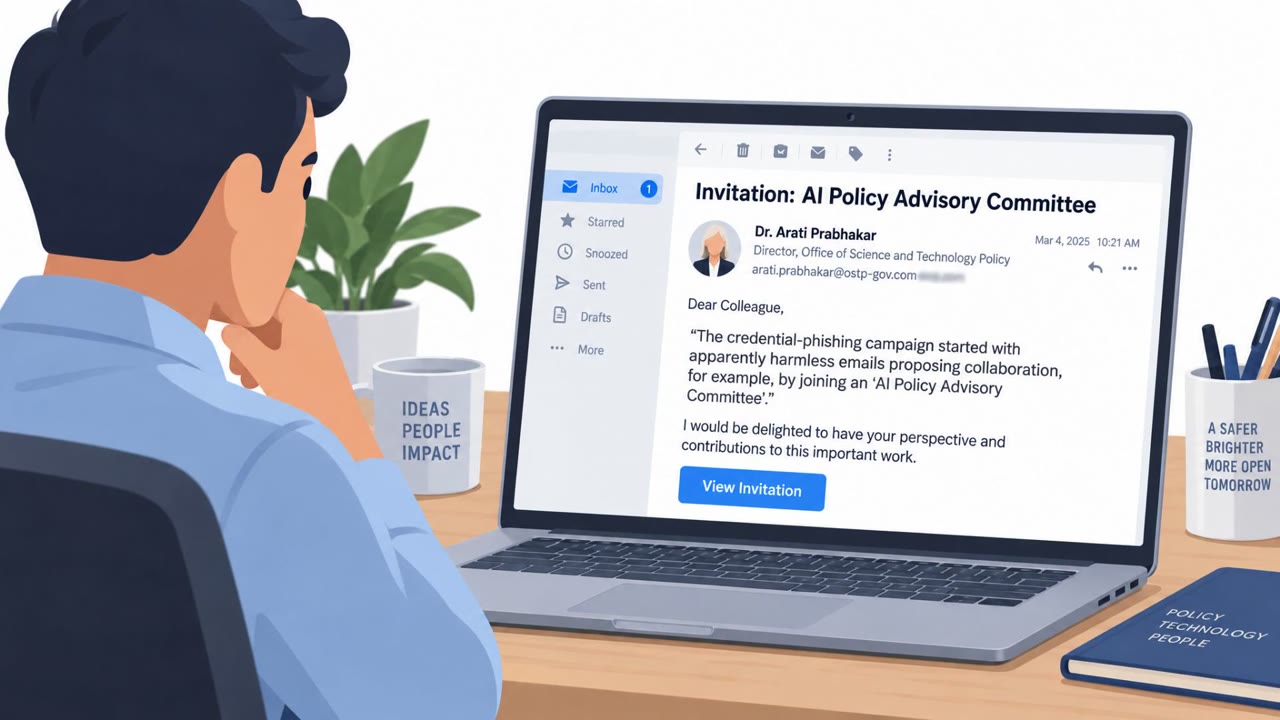
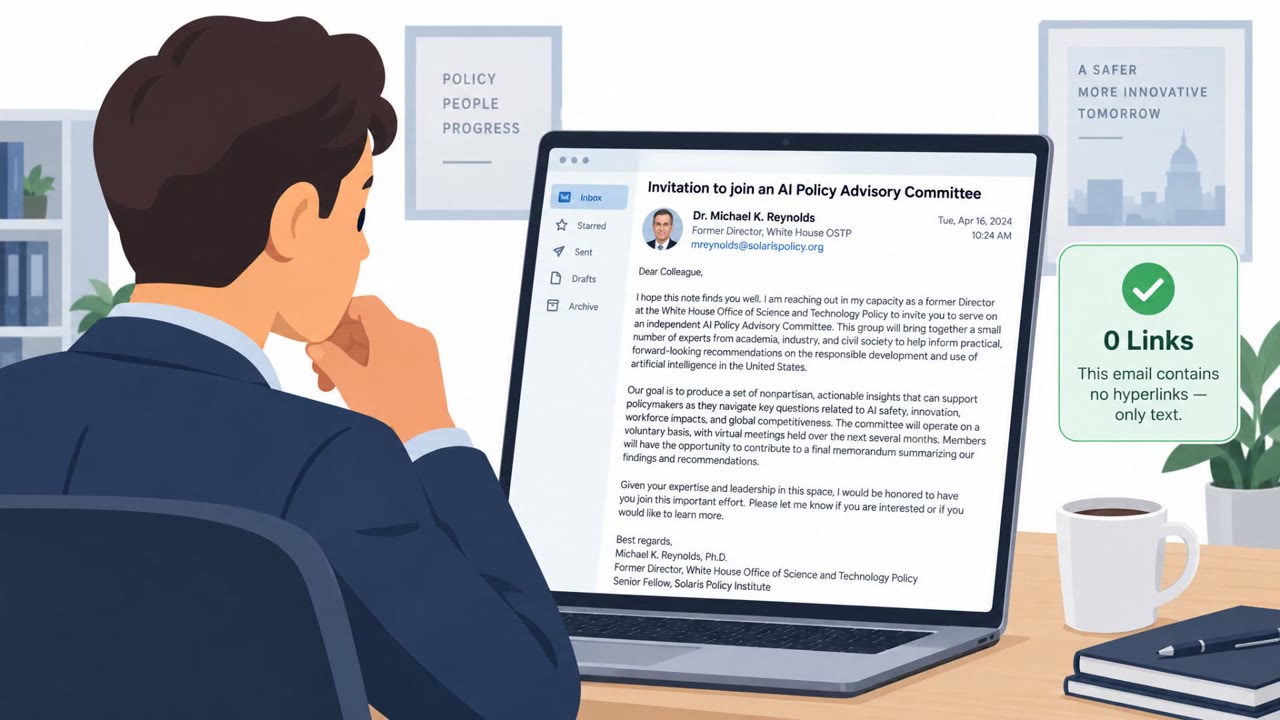
- Impersonated: Former White House OSTP official / well-known economist & foreign policy expert, Senior Anthropic employee.
Awareness takeaways
- Treat “friendly” outreach emails as suspicious when they try to move you into a link-based workflow after you reply.
- Be cautious with shortened links and multi-redirect chains, these are common ways to hide the true destination.
- Train users that MFA alone doesn’t prevent all phishing, some attacks can steal an active session even after MFA approval.
- When an email claims to be from a prominent official or major company, verify the request through a trusted channel before clicking anything.
Red flags to watch for
- Conversation-first approach designed to build trust before sending a link
- Shortened link that redirects through multiple websites
- Unexpected OneDrive/Microsoft login prompt for a policy collaboration invite
- Highly sensitive/controversial topic used to prompt urgent engagement
- Impersonation of a recognizable AI company employee
- Login request that appears during a feedback request
Read the video transcript
You get an email: "Invitation to join an AI policy advisory committee" from a former White House OSTP official. Sounds flattering, right? This China-linked group, TA419, doesn’t ask for passwords right away. They chat first, then send a shortened link to "more info" that lands on a fake Microsoft OneDrive login using a Frameless BitB, an adversary-in-the-middle trick that can even capture MFA sessions. Here’s the aha: the OneDrive page looks perfect, but it’s actually a browser-in-the-browser, or BitB, window floating inside the site. It even shows "microsoftonline.com" in a fake address bar while quietly stealing your cloud credentials and active session. If a "prominent official" or Anthropic contact moves you from friendly chat into a shortened link and surprise Microsoft sign-in, stop. Don’t log in there, forward it to security and go to your cloud account from your normal bookmark instead.