Huntress reports attackers are increasingly installing legitimate remote monitoring and management (RMM) tools after a phishing click, giving them persistent remote control that can blend in with normal IT activity. The article also describes common identity-focused schemes like hidden mailbox rules for invoice fraud and adversary-in-the-middle token theft that bypasses MFA prompts. It includes several practical lures, fake service agreements, device-code login prompts, and fake downloads, that can be used for security awareness simulations.
How the attack worked
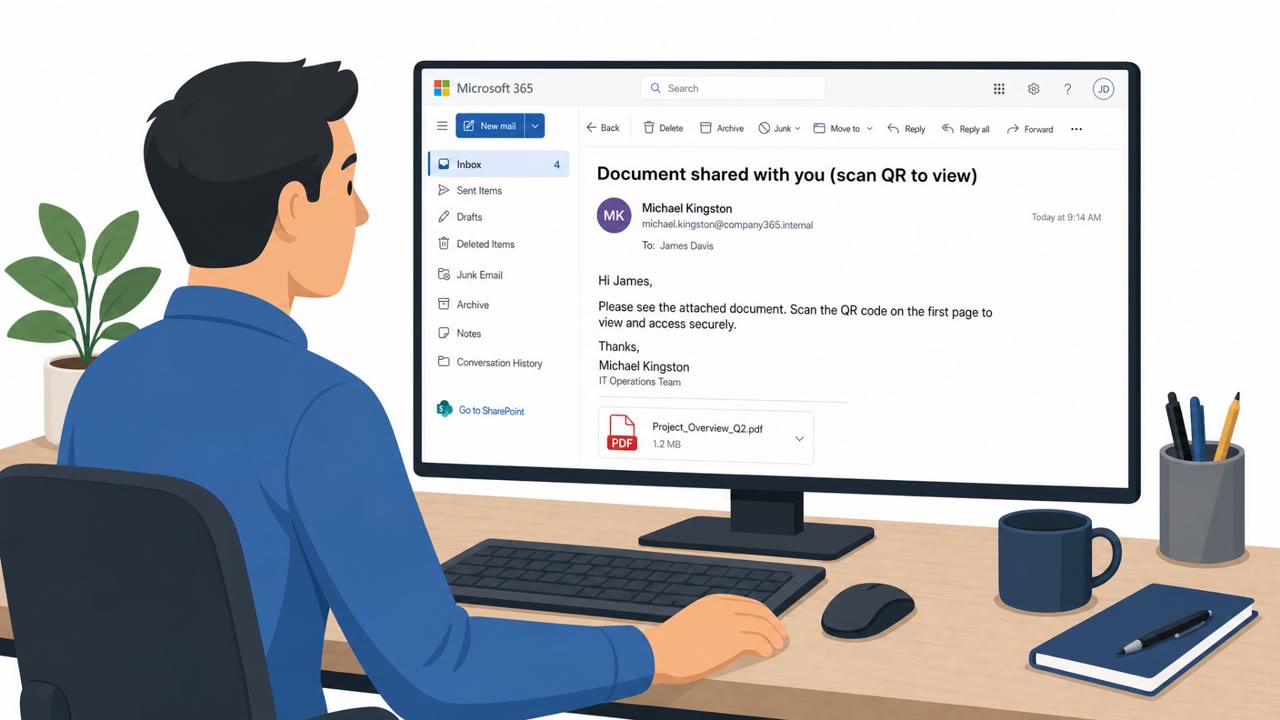
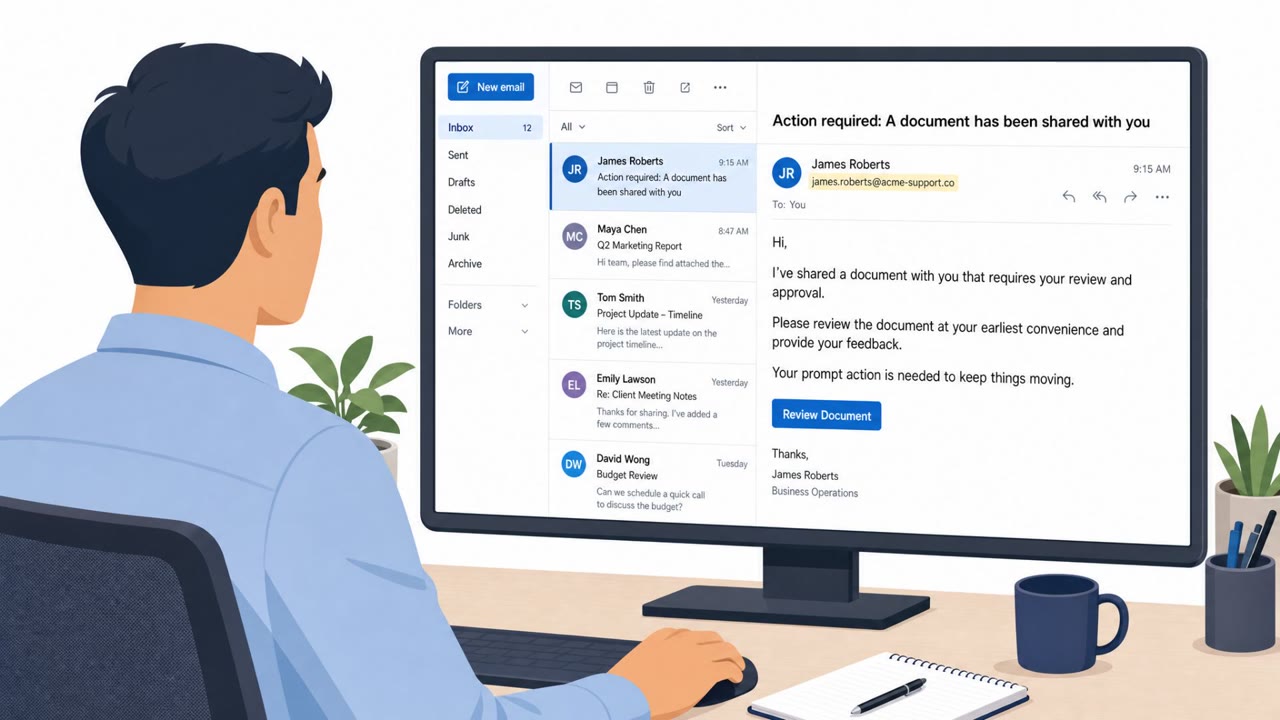
According to Huntress, legitimate remote monitoring and management (RMM) software was involved in 45% of endpoint-related incidents the firm recorded in Q1 2026. The entry point is often mundane: a phishing email disguised as a service agreement asks the recipient to review or sign a document. One click installs an RMM tool, and in one documented case, a single click led to an attacker installing Tiflux and then stacking UltraVNC, Splashtop, and ScreenConnect on the same device, giving multiple paths back into the environment from one initial compromise.
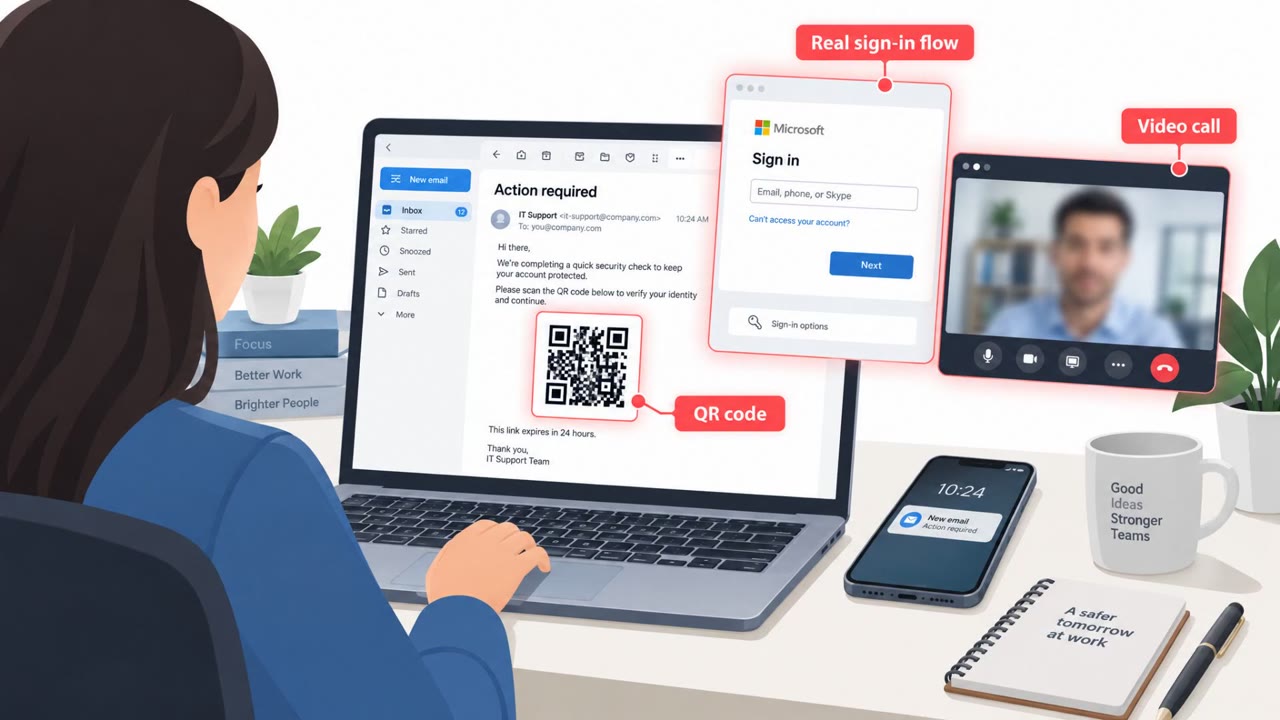
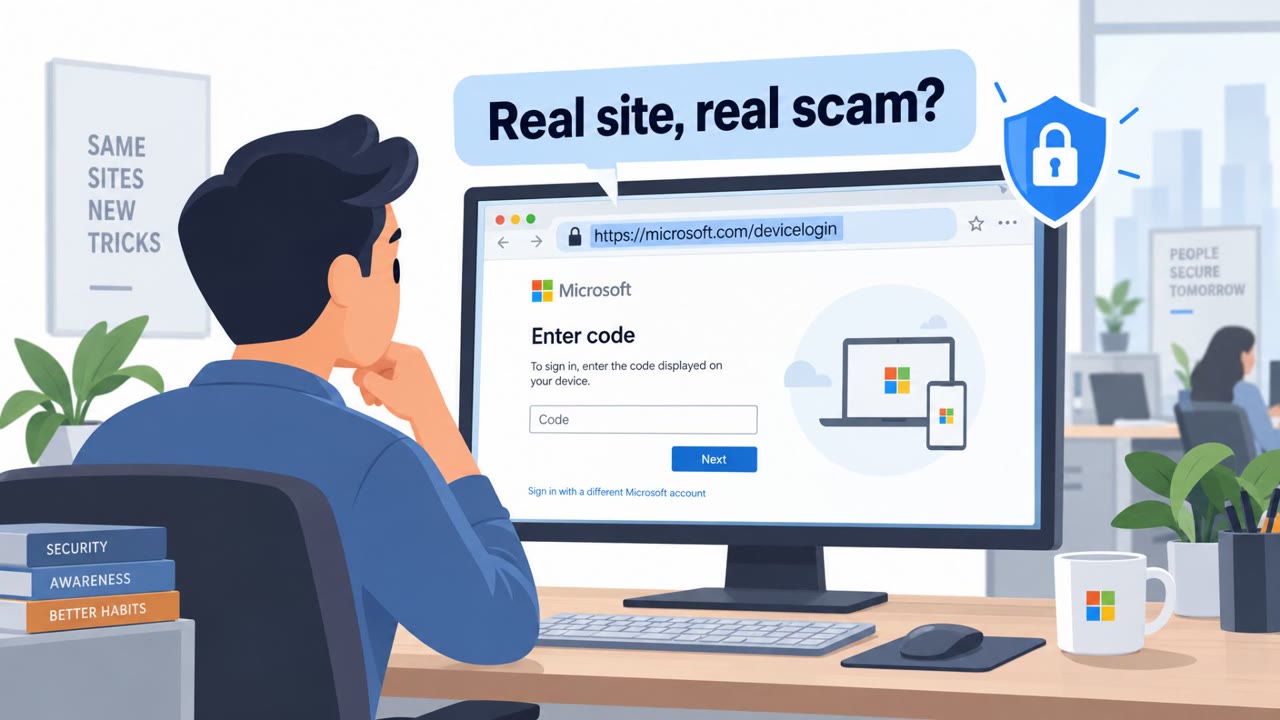
The same reporting describes two other identity-focused schemes. In mailbox manipulation, an attacker already inside an inbox creates a hidden rule that routes a vendor's replies to a folder like Archive, then swaps in an altered invoice that redirects payment. Separately, adversary-in-the-middle attacks intercept Microsoft 365 session tokens, letting an attacker remain signed in without a password or an MFA prompt. Device code phishing works similarly: a fake workflow prompt sends a victim to Microsoft's real device code login, and once the code is entered, the attacker holds an access token that can survive a password reset.
Why it succeeded
Each of these techniques exploits trust in something that looks ordinary. RMM tools are the same software IT teams use every day, so remote command execution through them looks like normal administrator work. Mailbox rules are an everyday productivity feature, so a rule quietly diverting vendor replies rarely draws attention. Device code logins are a real Microsoft sign-in mechanism, so victims are completing a legitimate-looking workflow, not an obviously fake login page.
What to watch for
- Unexpected "service agreements" or shared documents that require a click to review
- Multiple remote access tools appearing on a device shortly after a single click
- Payment or remittance details changing mid-thread without verification
- Vendor replies that seem to stop arriving or go missing
- Being asked to enter a device code you did not request, outside normal sign-in steps
How to build resistance
- Treat unsolicited agreements and shared documents as potential installation traps and report rather than click
- Maintain an allow-list of approved RMM tools and investigate any unapproved tool immediately
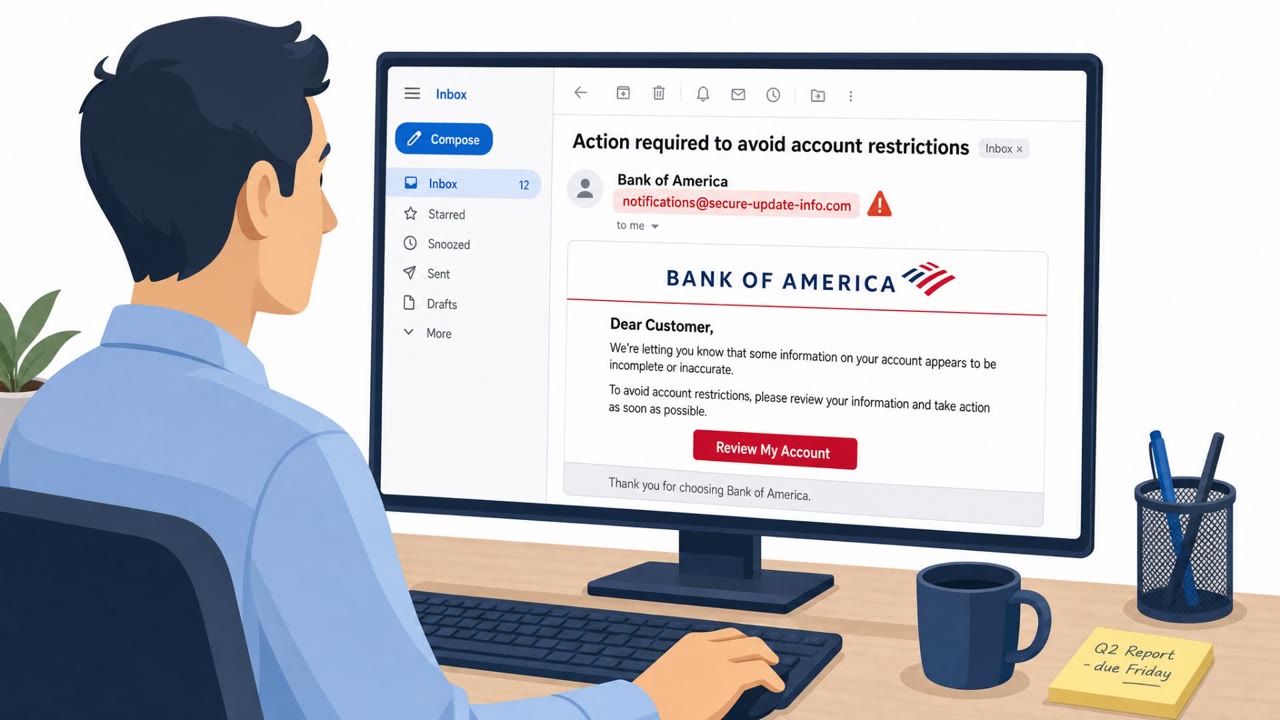
- Require finance and accounts payable staff to verify invoice or bank-detail changes through a known phone number or vendor portal, not through email alone
- Train employees to recognize that session-token theft and device-code tricks can bypass passwords and MFA prompts, and to report unexpected login workflows
These patterns show that high-impact access often starts with an ordinary-looking click, not an obviously malicious one.
Key findings
- Huntress observed legitimate RMM software involved in 45% of endpoint-related incidents it recorded in Q1 2026, making RMM abuse a frequently seen, high-impact tactic.
- A single phishing click can install multiple remote access tools; one example used a fake service agreement to install Tiflux and then added UltraVNC, Splashtop, and ScreenConnect.
- Mailbox manipulation can hide vendor replies via inbox rules (e.g., sending messages to “Archive”) and enable invoice swapping to redirect payments.
- Adversary-in-the-middle (AiTM) attacks can steal Microsoft 365 session tokens so attackers remain signed in without needing a password or triggering MFA prompts.
- Device code phishing can trick users into entering a code on Microsoft’s real device code login, giving the attacker an access token that may survive a password reset.
- The article notes a case of AI-platform abuse where a malicious Claude Artifact hosted on the real claude.ai domain was used to deliver SectopRAT.
Who’s being targeted
- Commonly targeted roles: All employees, IT, Security team, Finance / Accounts Payable, Procurement, Executives.
- Affected industries: IT services, Professional services, Any organization using Microsoft 365, Finance and accounting functions (invoice payment workflows).
- Attack channels: email, website.
- Impersonated: A vendor or service provider sending a “service agreement”, A legitimate vendor (invoice/payment thread hijack), Microsoft 365 login / Microsoft device code sign-in flow.
Red flags to watch for
- Unexpected “service agreement” that requires a click/open to review
- Installs remote admin tools that “look like ordinary administrator work”
- Multiple remote access tools appear on the same device shortly after the click
- Payment details change mid-thread without verification
- Missing vendor replies due to messages being routed to a folder like “Archive”
- Urgency to pay based on an altered invoice
- Being asked to enter a device code you did not request
- Login flow happens outside normal single sign-on steps
- Access gained without the usual MFA prompt/interaction
Frequently asked questions
How does a fake service agreement lead to RMM abuse?
A phishing email disguised as a service agreement prompts a click that installs a legitimate RMM tool like Tiflux, after which attackers can stack additional tools such as UltraVNC, Splashtop, and ScreenConnect on the same device for persistent access.
Why is RMM software abuse hard to detect?
Because RMM tools are the same software IT teams use for legitimate remote management, an attacker's activity through them can look like ordinary administrator work rather than an intrusion.
What is device code phishing and why does it bypass MFA?
A fake workflow prompt directs a victim to Microsoft's real device code login page, and once they enter the attacker-supplied code, the attacker receives an access token that can survive a password reset without triggering an MFA prompt.
How does mailbox manipulation enable invoice fraud?
An attacker already inside an inbox creates a hidden rule routing a vendor's replies to a folder like Archive, then swaps in an altered invoice to redirect payment while the real vendor's messages go unnoticed.
Read the video transcript
You get an email: “Service Agreement – Please Review and Confirm.” Looks routine, right? But one click on that “agreement” can silently install real IT tools like Tiflux, UltraVNC, Splashtop, even ScreenConnect, giving someone remote control that looks like normal admin work. Huntress saw this in 45% of endpoint incidents: one phishing click, several RMM tools, and a backdoor that blends in with real IT. If you didn’t ask for it, that “agreement” is not harmless paperwork. Your move: if you get an unexpected agreement or shared doc, don’t open it, report it to IT or Security so they can check before anyone clicks.