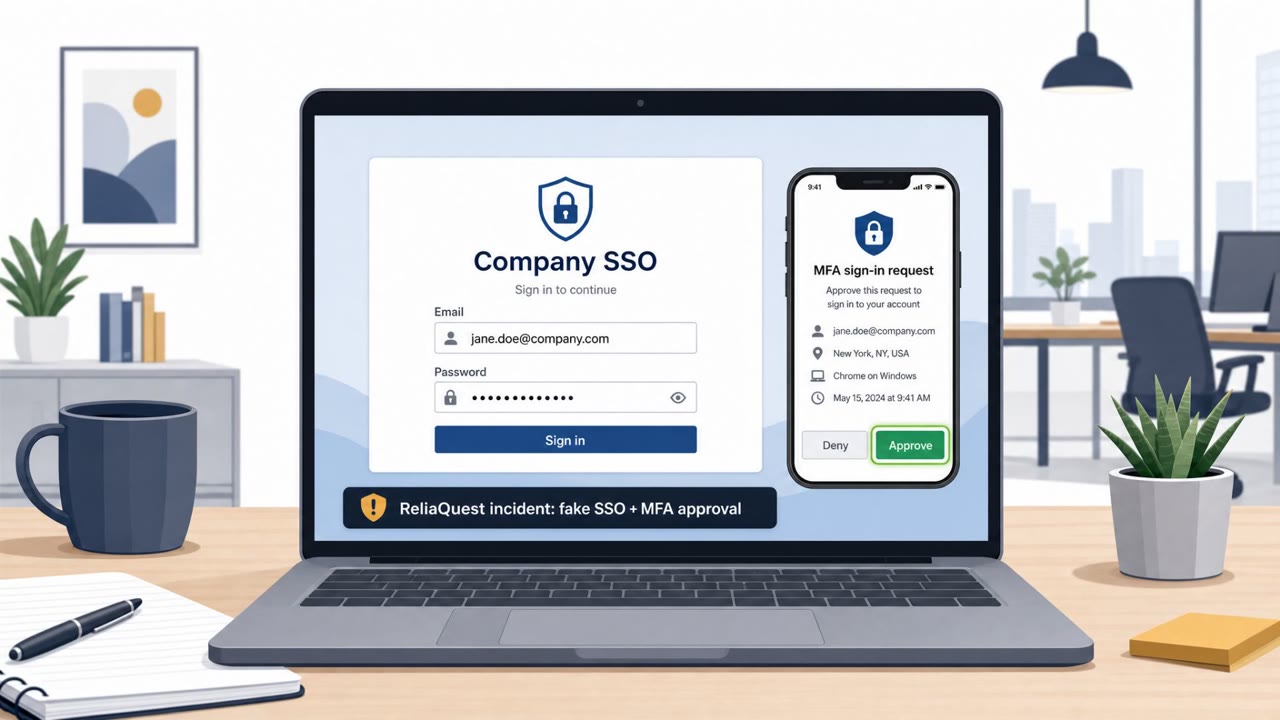
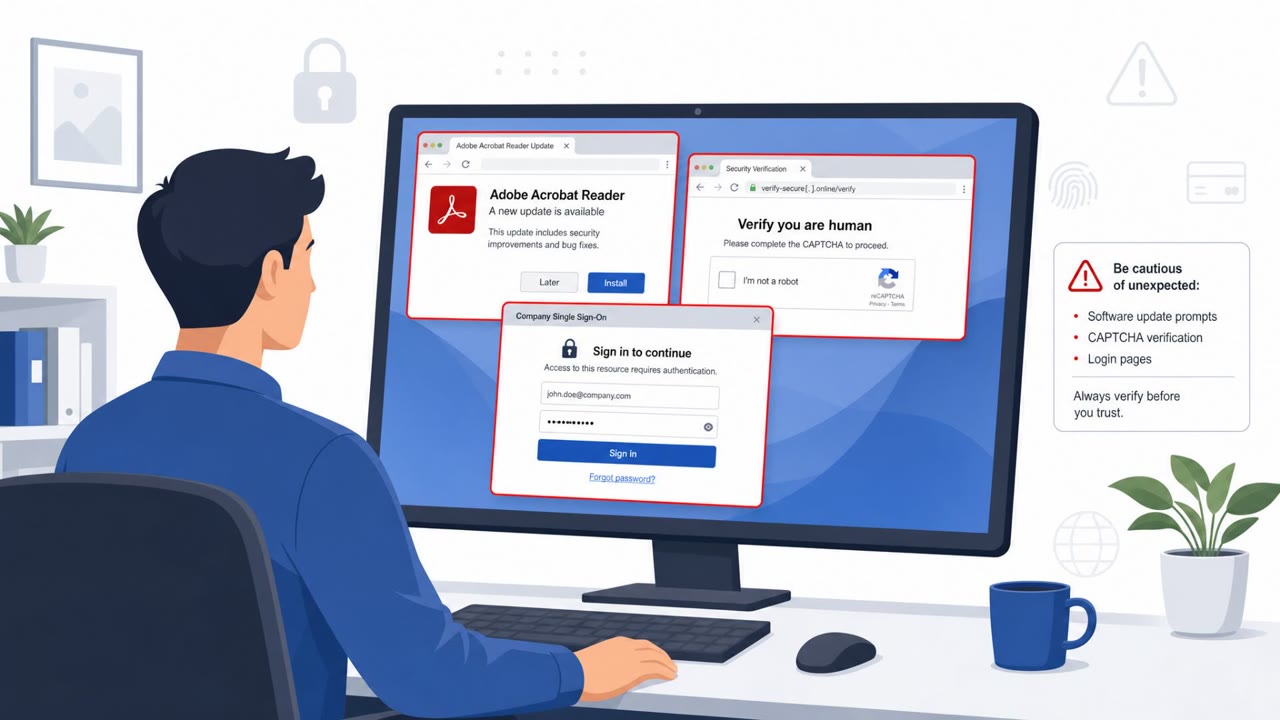
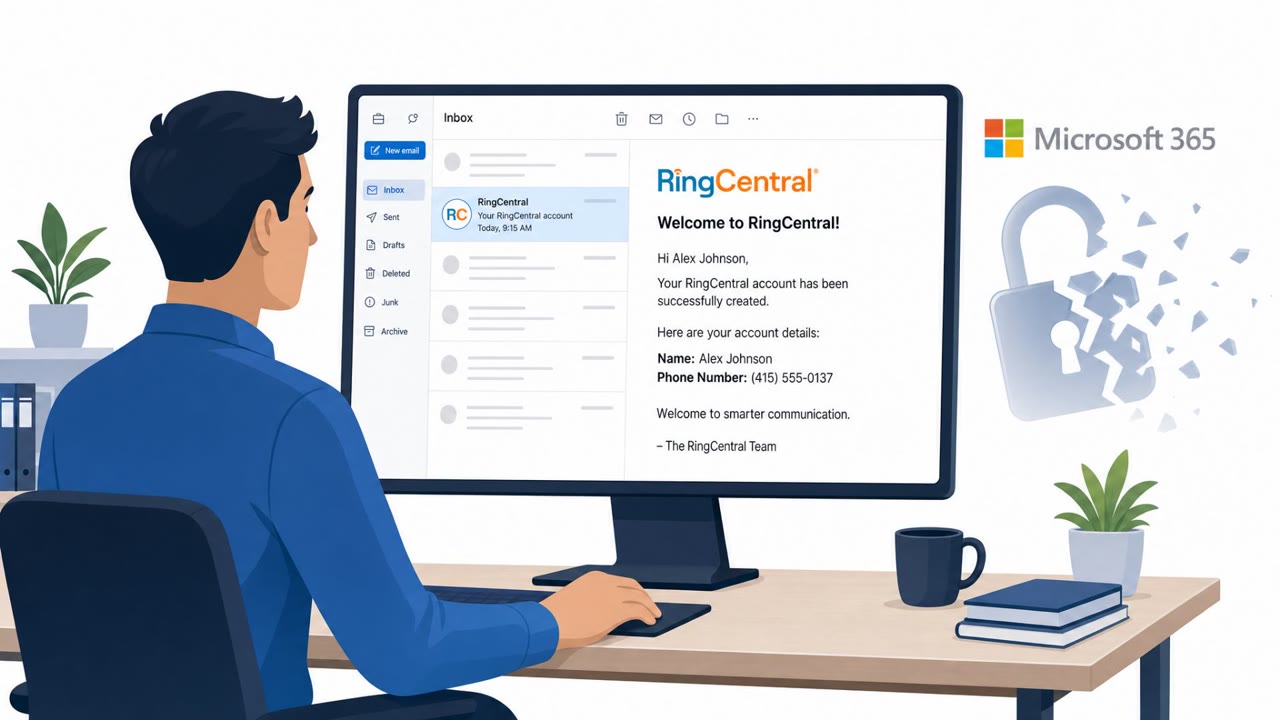
Nikkei said an attacker took over an employee’s Microsoft 365 email account and used it to send about 9,000 phishing emails to people who had previously communicated with Nikkei staff, including journalistic sources. The messages contained links leading to malicious websites, creating a high-trust “known sender” lure that could trick recipients into clicking.
How the attack worked
An attacker took control of a Nikkei employee's Microsoft 365 email account and used that access to send approximately 9,000 phishing emails. Because the messages came from a real, compromised mailbox rather than a spoofed address, they carried the built in trust of an existing business relationship. The emails contained links directing recipients to malicious websites, and targeting was not random: the attacker specifically reached people who had previously communicated with Nikkei employees, including journalistic sources.
Why it succeeded
This attack worked because it exploited an established communication pattern rather than trying to invent one. Recipients had genuine prior contact with the sender's mailbox, so a follow-up message asking them to click a link did not look out of place at first glance. This is a known-sender lure: the technical indicators of phishing (spoofed domains, unfamiliar senders) were absent, which left behavioral red flags, such as an unexpected request or an unusual link, as the main signal available to recipients.
What to watch for
- An email from a known contact that asks you to click a link to "review" something, with no prior thread or context
- A message that otherwise matches your normal correspondence with a sender but introduces a link you weren't expecting
- Links that lead to unfamiliar or unrelated websites rather than the sender's usual domains
- A general increase in messages impersonating people at a company known to have had a recent compromise, since Nikkei itself warned of this risk
How to build resistance
Organizations and individuals who regularly correspond with external partners, journalists, executives, and communications staff among them, should treat the identity of a sender as only one input, not proof of safety. Practical steps include:
- Verifying unexpected requests to click links through a separate channel, such as a phone call or a known chat system, before acting
- Typing known URLs directly or using bookmarks instead of clicking embedded links, even from familiar senders
- Reinforcing awareness that a breach at one organization often triggers follow-on impersonation attempts, so heightened scrutiny should persist for a period after any disclosed compromise
- Encouraging staff to report and delete suspicious messages promptly, consistent with how Nikkei asked affected recipients to handle the malicious emails
This incident is a reminder that trusted relationships, not just technical spoofing, are a primary vector attackers rely on once they gain control of a legitimate account.
Key findings
- An attacker compromised a Nikkei employee’s Microsoft 365 account and used it to send roughly 9,000 phishing emails.
- The phishing emails were sent to recipients inside and outside Nikkei, including people who had previously communicated with Nikkei employees (high-trust targeting).
- The emails “contained links directing recipients to malicious websites.”
- Nikkei warned of possible follow-on impersonation attempts: “There may be an increase in emails impersonating Nikkei employees or our group companies.”
- A separate incident involved unauthorized access to a Google Workspace account starting in late July, discovered after “an alert from Google.”
Who’s being targeted
- Commonly targeted roles: All employees, Journalists and editors, Executive leadership, Communications/PR, Anyone who regularly emails external partners (sales, procurement, vendor management).
- Affected industries: Media and publishing, Journalism, Financial services (brokerage), Insurance, Logistics and delivery, Manufacturing (broadcast equipment).
- Attack channels: email, website.
- Impersonated: Nikkei employee (from a compromised Microsoft 365 account).
Red flags to watch for
- Unexpected link in an email that appears to come from a known contact
- Message sent outside normal context (no prior thread or vague request to “review” something)
- Link directs to an unrelated or unfamiliar website
Frequently asked questions
How did the attacker gain access at Nikkei?
An attacker compromised a Nikkei employee's Microsoft 365 account, which gave them a trusted mailbox to send phishing emails from.
Who received the phishing emails?
The roughly 9,000 phishing emails went to people inside and outside Nikkei, including journalistic sources who had previously communicated with Nikkei employees.
What did the phishing emails contain?
The emails contained links directing recipients to malicious websites.
Should recipients expect more attacks after this incident?
Nikkei warned there may be an increase in emails impersonating Nikkei employees or its group companies, so recipients should stay alert to follow-on impersonation attempts.
Read the video transcript
Imagine you get an email from a real Nikkei contact you’ve worked with before, same Microsoft 365 address, same signature. That’s exactly what happened at Nikkei: an attacker hijacked a Microsoft 365 mailbox and blasted about 9,000 phishing emails to people who’d already emailed that employee. The trick: the email looks normal, but the link quietly sends you to a malicious website. No thread, vague ask to 'review' something, and the URL isn’t a Nikkei or other familiar site. If a known contact sends an unexpected link, don’t click it, confirm by calling, messaging, or starting a fresh email to them before you open anything.