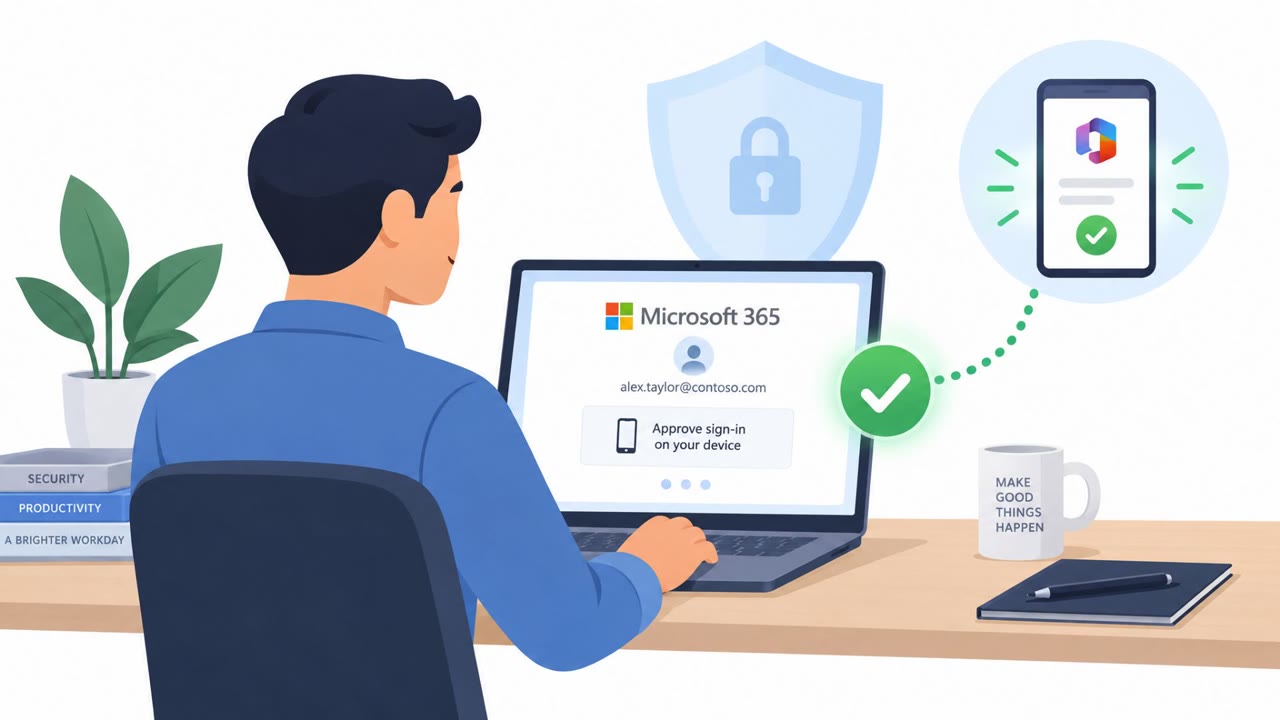
Stolen Microsoft 365 Tokens Hit 79 Organizations

Cybersecurity News · High sophistication
Last updated October 27, 2026

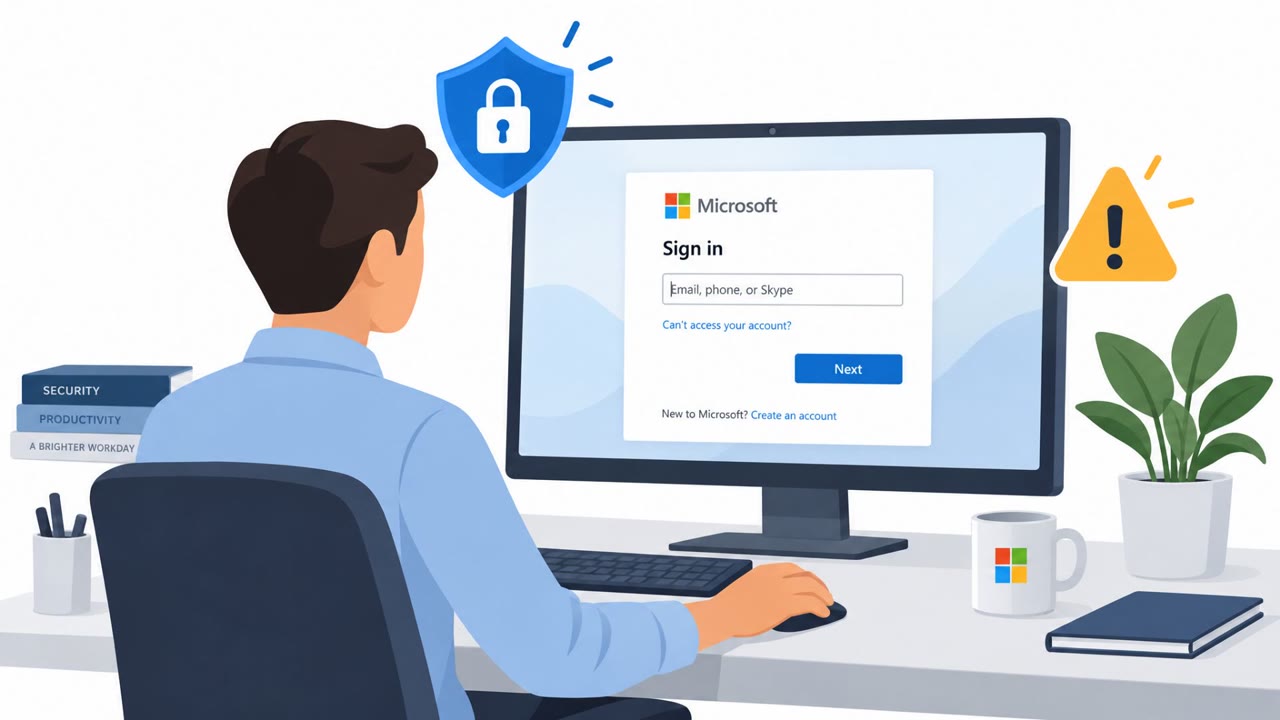
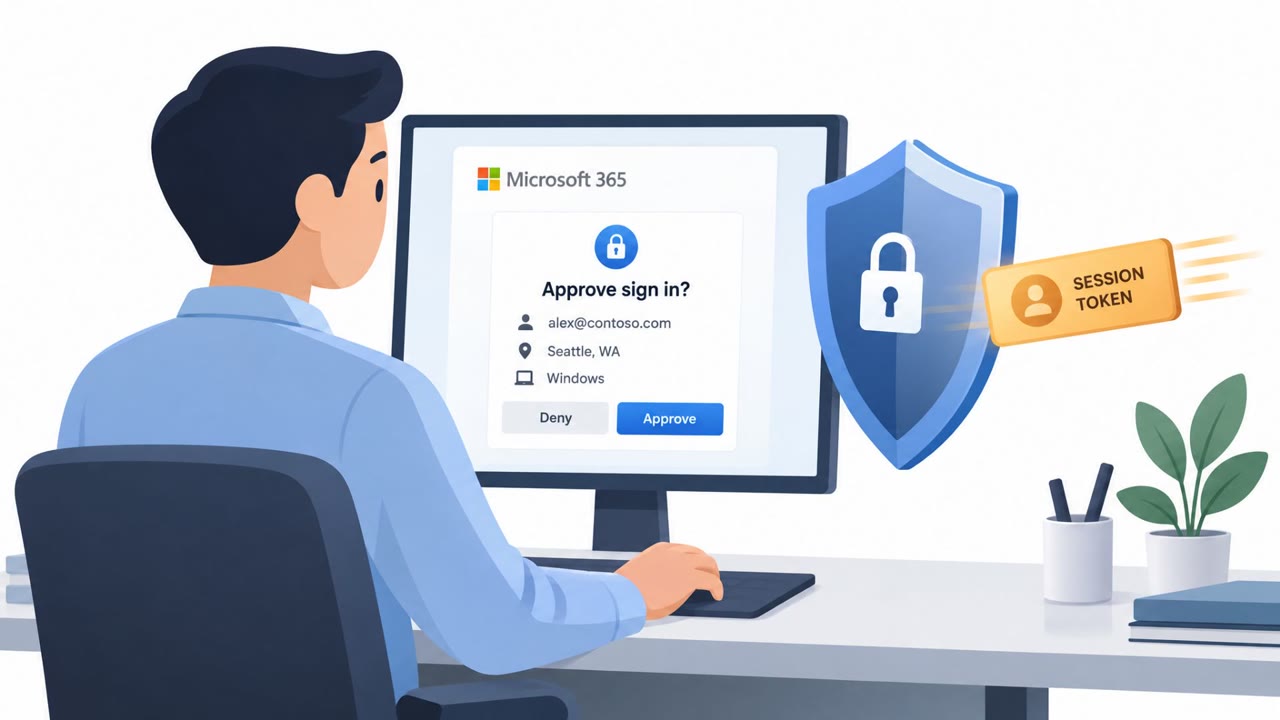
Attackers used fake Microsoft sign-in pages and device-code phishing to capture or obtain authenticated Microsoft 365 sessions, bypassing the need to repeat multi-factor authentication. They then took over accounts, added their own devices and authentication methods, and hid messages with inbox rules, sometimes within minutes of the victim authenticating.

Key findings

  • Attackers compromised Microsoft 365 accounts at 79 organizations and recorded at least 497 successful sign-ins between July 14 and September 22, 2026.
  • The campaign combined adversary-in-the-middle phishing, device-code phishing, and stolen-session replay rather than password guessing.
  • Fake sign-in pages relayed victims' credentials and MFA challenges to Microsoft, then captured the authenticated session created after successful sign-in.
  • In 19 organizations, attackers removed existing MFA methods and registered replacement methods within three hours of their first campaign-linked sign-in.
  • Attackers registered at least 48 rogue Microsoft Entra devices to retain access.
  • One compromised account sent a payroll-related message to an external accountant while inbox rules hid banking-related messages and replies.
  • Conditional Access blocked 1,052 attempts at four organizations during one campaign wave.

Who’s being targeted

  • Commonly targeted roles: All Microsoft 365 users, Finance and payroll teams, Accounts payable, Executive assistants, IT helpdesk, Microsoft 365 administrators.
  • Affected industries: Multiple industries using Microsoft 365.
  • Attack channels: website.
  • Impersonated: Microsoft 365 sign-in service, Microsoft device authorization sign-in.

Awareness takeaways

  • Treat unexpected Microsoft 365 sign-in and MFA prompts as suspicious. Do not enter credentials or approve MFA unless you initiated the sign-in and have verified the destination.
  • Do not complete a device-code sign-in or approve a device session unless you personally initiated it for a recognized device or application.
  • Finance and payroll staff should independently verify unexpected payment, banking, or accountant-related messages using a known contact method.
  • Report unfamiliar MFA methods, devices, or missing email messages immediately; these may indicate an account takeover rather than a simple login issue.

Red flags to watch for

  • The sign-in page may use a lookalike or unexpected web address.
  • An MFA approval appears when the user did not expect to sign in.
  • A sign-in request is triggered from an unexpected email, message, or browser prompt.
  • A device-code sign-in is requested without the user setting up a device or application.
  • The user is asked to approve a session whose device or application they do not recognize.
  • The request is unexpected even if it uses a legitimate Microsoft website.
Try Mirage

Mirage safely runs attacks like this one against your own team, so you find out what happens before a real adversary does.

Get a demo
Read the video transcript

That Microsoft login can steal your session, even after MFA. A fake page says, ‘Sign in to your Microsoft 365 account to continue.’ It relays your password and MFA to Microsoft, then captures the signed-in session. The giveaway? An unexpected address or MFA prompt. Device-code phishing can even use Microsoft’s real site: a code you didn’t request approves someone else’s session. In this campaign, stolen sessions reached 79 organizations. Didn’t start the sign-in yourself? Stop, don’t approve it.

MITRE ATT&CK techniques

T1566.002 - Phishing: Spearphishing Link · PhishingT1550.004 - Use Alternate Authentication Material: Web Session CookieT1656 - ImpersonationT1098 - Account ManipulationT1098.005 - Account Manipulation: Device Registration · Account ManipulationT1114.003 - Email Collection: Email Forwarding Rule · Email Collection

Similar attacks

Token Replay Hits 79 Microsoft 365 Orgs

Token Replay Hits 79 Microsoft 365 Orgs

Attackers used fake Microsoft sign-in pages and device-code tricks to steal completed Microsoft 365 login sessions, then replayed those sessions without needing passwords or new MFA approvals. After entering accounts, they registered rogue devices, replaced MFA methods, and hid mailbox messages,…

October 23, 2026
Stolen Microsoft Sessions Fuel Email Takeovers

Stolen Microsoft Sessions Fuel Email Takeovers

Attackers used fake Microsoft sign-in pages to capture already-authenticated Microsoft 365 sessions, then replayed those sessions to enter business accounts without passwords or new MFA prompts. The campaign affected 79 organizations and expanded access by registering rogue devices, changing MFA…

October 27, 2026
OAuth Phishing Turns MFA Into a Bypass

OAuth Phishing Turns MFA Into a Bypass

Attackers are using real OAuth sign-in and consent flows to steal access tokens or trick users into authorizing malicious apps. Because the victim signs in through a legitimate identity provider and completes MFA, attackers can gain durable access that may survive password resets. The article…

October 22, 2026
Fake Bid Emails Abuse Microsoft Device Codes

Fake Bid Emails Abuse Microsoft Device Codes

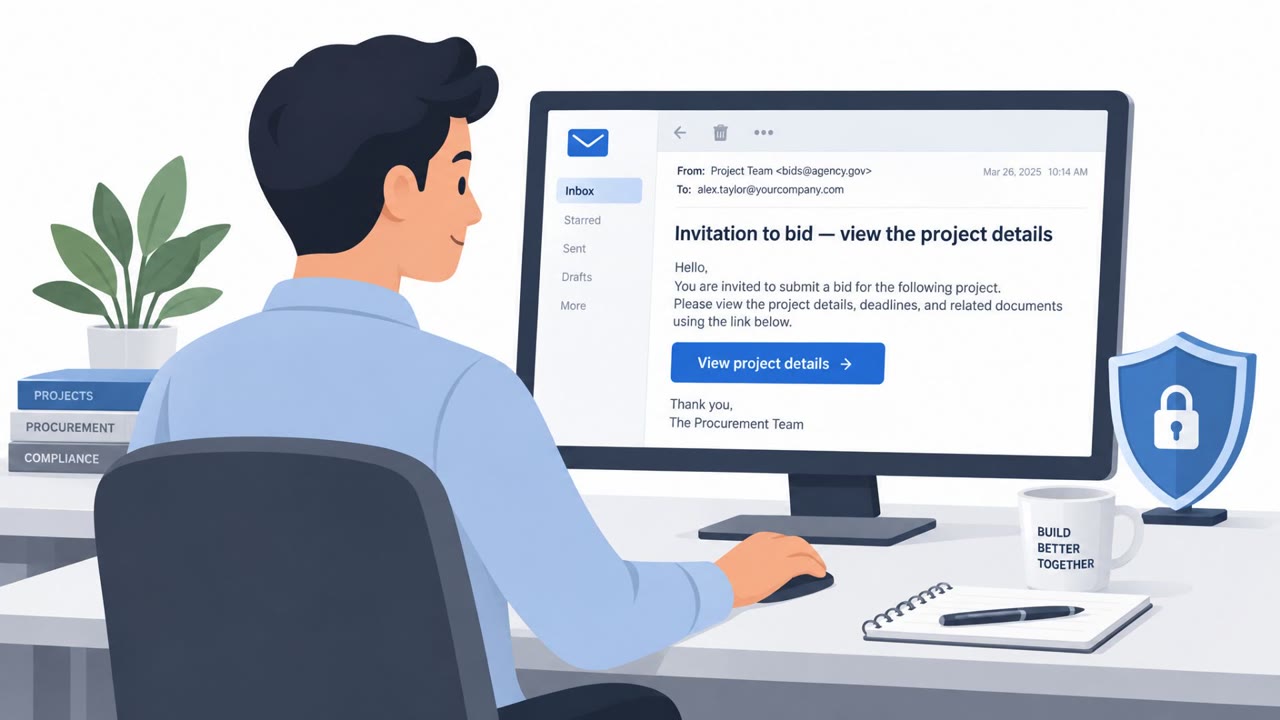
Cofense analyzed real phishing emails disguised as bidding invitations. The emails send recipients to fake, branded login and device-enrollment pages, then trick them into entering a device code in a genuine Microsoft prompt. Doing so can authorize an attacker’s session without giving them the…

October 20, 2026
Antidetect Browsers Fuel Stealth Phishing Fraud

Antidetect Browsers Fuel Stealth Phishing Fraud

The report documents how criminals use antidetect browsers to make stolen sessions and phishing logins appear to come from legitimate, local devices. A commercially available Browser-in-the-Middle workflow can relay a victim’s login details to real services such as Google, Microsoft, Facebook, and…

October 20, 2026
Attackers Hide Malware in Trusted Email Threads

Attackers Hide Malware in Trusted Email Threads

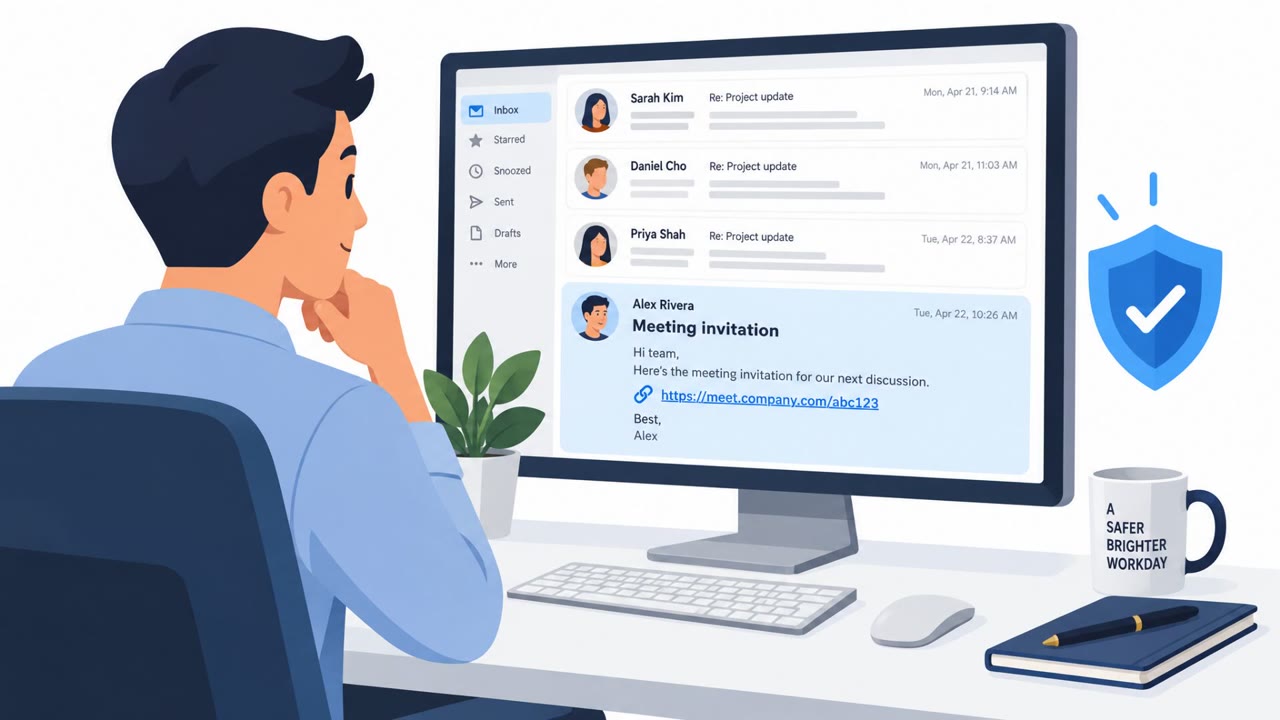
Threat actors are hijacking existing email conversations, or patiently starting new ones, to build trust before sending a malicious reply. The final message commonly poses as a meeting invitation, secure message, shared file, or important document and leads to credential theft or remote-access…

October 21, 2026