Attackers used fake Microsoft sign-in pages and device-code tricks to steal completed Microsoft 365 login sessions, then replayed those sessions without needing passwords or new MFA approvals. After entering accounts, they registered rogue devices, replaced MFA methods, and hid mailbox messages, sometimes to support payroll-related fraud.
How the attack worked
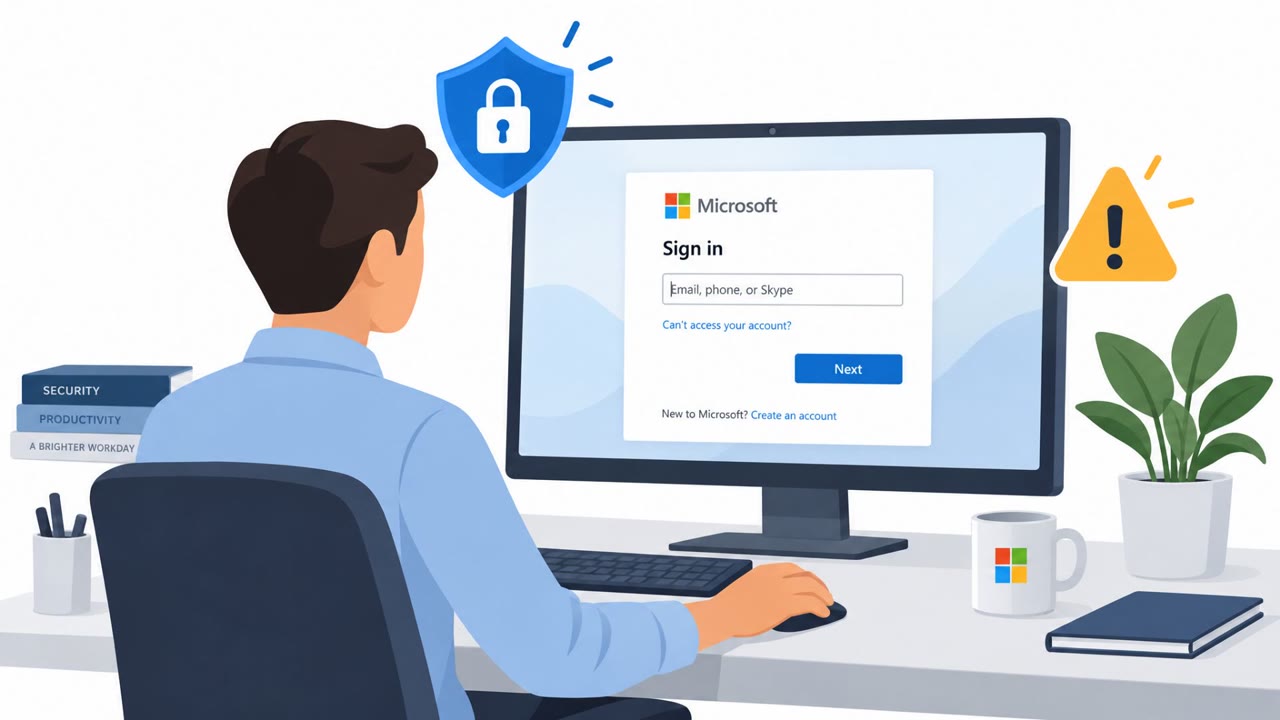
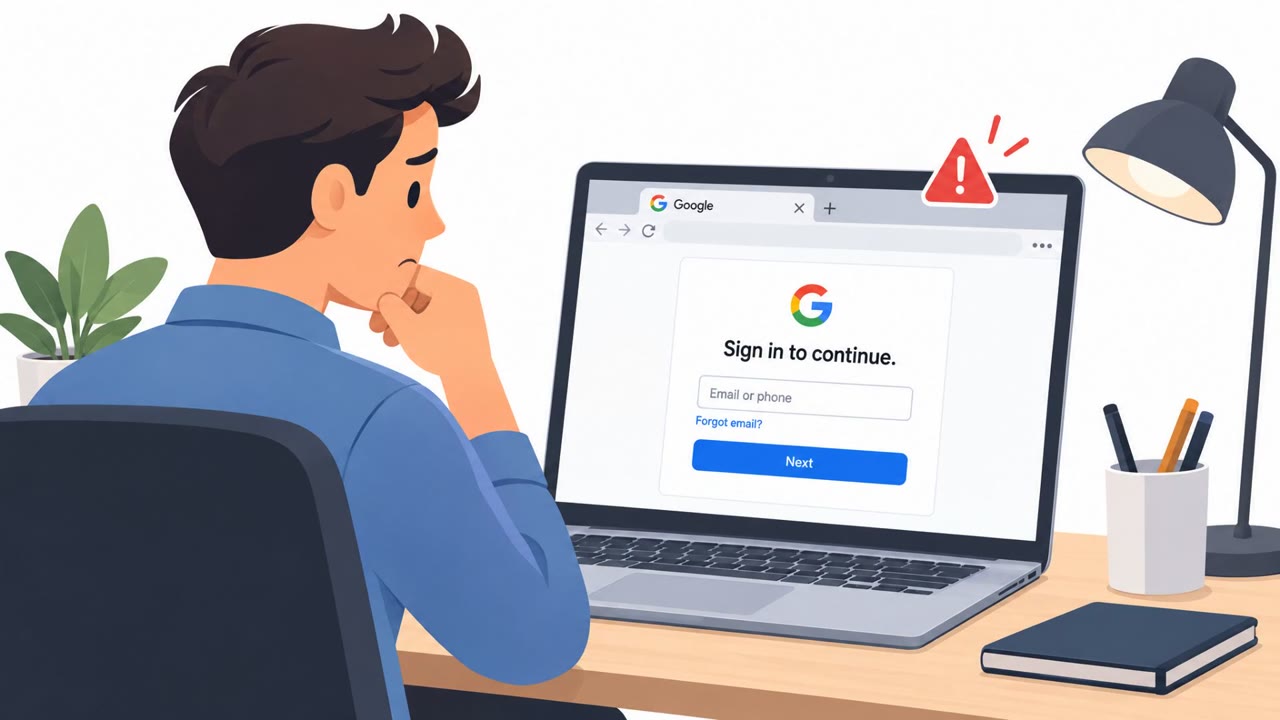
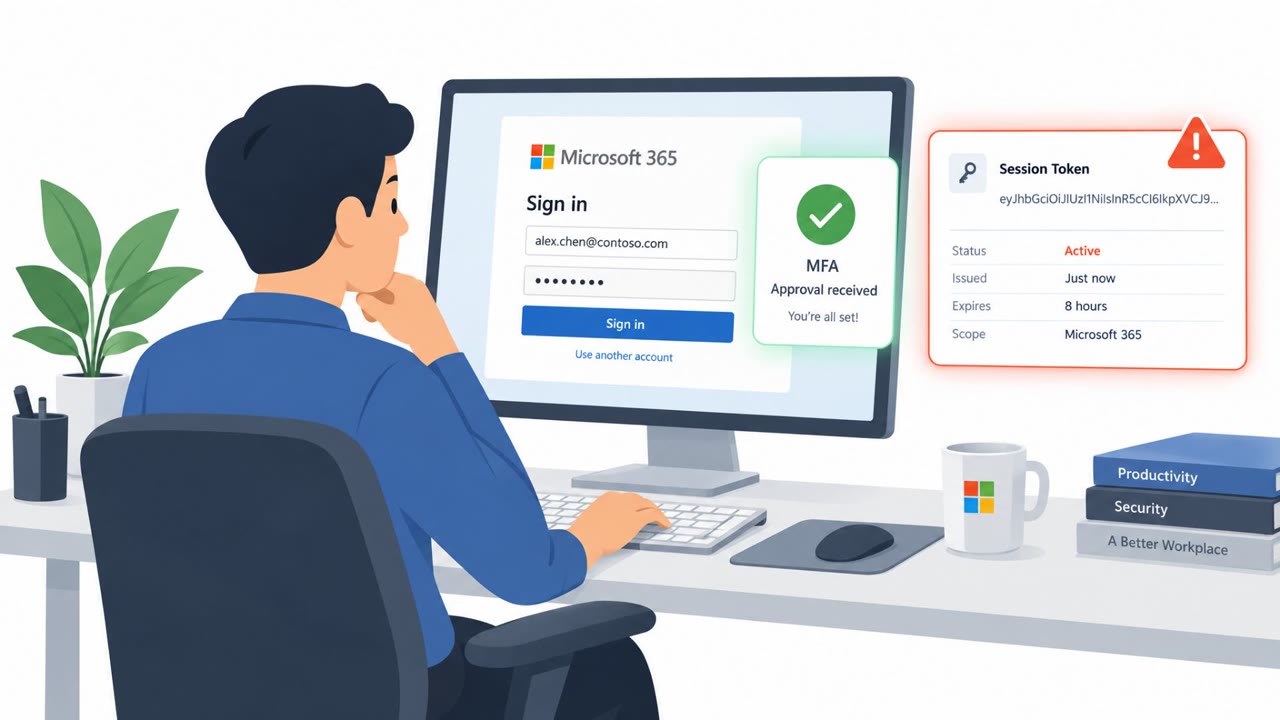
This campaign targeted Microsoft 365 accounts across 79 organizations between July and September 2026, resulting in 497 successful sign-ins without attackers ever needing a victim's password. Attackers used adversary-in-the-middle fake sign-in pages that relayed the genuine Microsoft login and MFA prompt to victims, while silently capturing the session token Microsoft issues after sign-in completes. Because that token is generated after MFA, anyone holding it can reuse it without triggering another MFA challenge. Other victims were compromised through device-code phishing, where they were tricked into entering an attacker-supplied code on Microsoft's own legitimate sign-in page, or through social engineering during an otherwise ordinary login.
Why it succeeded
The technique succeeded because it did not try to defeat MFA directly. Instead, it waited for the victim to complete the real authentication process and then stole the resulting session. In some cases, the hijacked session appeared from attacker infrastructure within minutes of the victim reaching the MFA prompt, showing how quickly captured tokens were replayed. Because the sign-in and MFA steps looked completely normal to the victim, there was little visible indication that anything had gone wrong.
What to watch for
- Unexpected requests to sign in or enter a device code that the employee did not initiate.
- New sign-ins from unfamiliar infrastructure shortly after a legitimate MFA completion.
- Newly registered devices in Microsoft Entra directories, including unfamiliar "DESKTOP-" named machines.
- Sudden changes to existing MFA methods, sometimes occurring within hours of a suspicious sign-in.
- Inbox rules that hide or delete messages referencing payroll, direct deposit, bank details, or bonuses.
How to build resistance
Organizations can reduce exposure by training employees to treat any unsolicited MFA prompt or device-code request as suspicious, especially if they did not personally start the sign-in. Employees should use known bookmarks or typed addresses to reach Microsoft 365 rather than clicking sign-in links from messages. Administrators and identity teams should monitor for rapid MFA-method changes and new device registrations following unusual sign-in activity. Finance and payroll staff should independently verify any unexpected payment or direct-deposit requests, since attackers in this campaign used compromised mailboxes and hidden inbox rules to intercept payroll-related conversations. Conditional Access policies also played a role in this case, blocking over a thousand sign-in attempts from the campaign's infrastructure at some organizations, which highlights the value of layered access controls alongside user awareness.
Key findings
- The campaign affected 79 organizations between July 14 and September 22, 2026, with 497 successful sign-ins.
- Attackers captured post-login Microsoft 365 session tokens through adversary-in-the-middle fake sign-in pages, device-code phishing, and social engineering during normal login.
- The stolen tokens were replayed in bulk, sometimes within minutes of a victim completing MFA.
- Attackers established persistence by registering at least 48 rogue devices and replacing MFA methods at 19 organizations.
- Inbox rules deleted or concealed messages, including payroll and bank-related correspondence, to prevent victims from seeing fraud-related email.
- Conditional Access policies blocked 1,052 sign-in attempts from the campaign infrastructure at four organizations.
Who’s being targeted
- Commonly targeted roles: All Microsoft 365 users, Finance and payroll teams, Accounting staff, Microsoft 365 administrators, Identity and access management teams, IT service desk.
- Affected industries: Multiple industries, Finance and payroll functions, Accounting.
- Attack channels: website.
- Impersonated: Microsoft 365 sign-in service, Microsoft sign-in service.
Red flags to watch for
- The sign-in page is reached through an unexpected link or request.
- Completing MFA can still expose an active session if the page is an attacker-controlled relay.
- A login from unfamiliar infrastructure may appear shortly after the user completes MFA.
- An unexpected request asks the employee to enter a code they did not initiate.
- The code-entry request is not tied to a sign-in activity the employee started.
- A legitimate Microsoft page does not make an unsolicited code request safe.
Frequently asked questions
How did attackers bypass MFA in this campaign?
Attackers used fake sign-in pages that relayed the real Microsoft login and MFA prompt, capturing the session token issued after MFA completed. Since the token was created post-MFA, whoever held it could reuse it without passing MFA again.
What is device-code phishing?
It is a technique where victims are tricked into entering an attacker-provided code on Microsoft's legitimate sign-in page, which allows the attacker to obtain a valid session without needing the victim's password.
How did attackers maintain access after stealing a session?
They registered rogue devices in victims' directories and replaced existing MFA methods at 19 organizations, often within hours of the initial unauthorized sign-in.
How were inbox rules used in this attack?
Attackers created rules to hide or delete messages mentioning payroll, direct deposit, bank, or bonus, and to conceal replies from specific contacts, preventing victims from noticing fraud-related correspondence.
Read the video transcript
You approved MFA. Someone else got into your Microsoft 365 account anyway. An unexpected link says, ‘Sign in to your Microsoft 365 account to continue.’ The fake page relays the real login and MFA, then keeps the finished session token. That’s the catch: MFA was real, but the session was stolen. In this campaign, replayed tokens opened accounts minutes later; rogue devices and hidden payroll emails followed. Unexpected sign-in link or device code? Skip it. Open Microsoft 365 from your own bookmark.