Attackers used fake Microsoft sign-in pages to capture already-authenticated Microsoft 365 sessions, then replayed those sessions to enter business accounts without passwords or new MFA prompts. The campaign affected 79 organizations and expanded access by registering rogue devices, changing MFA methods, hiding email activity with inbox rules, and sending payroll-related messages.
Key findings
- Attackers accessed Microsoft 365 environments at 79 organizations by replaying stolen authenticated sessions rather than guessing or stealing passwords directly.
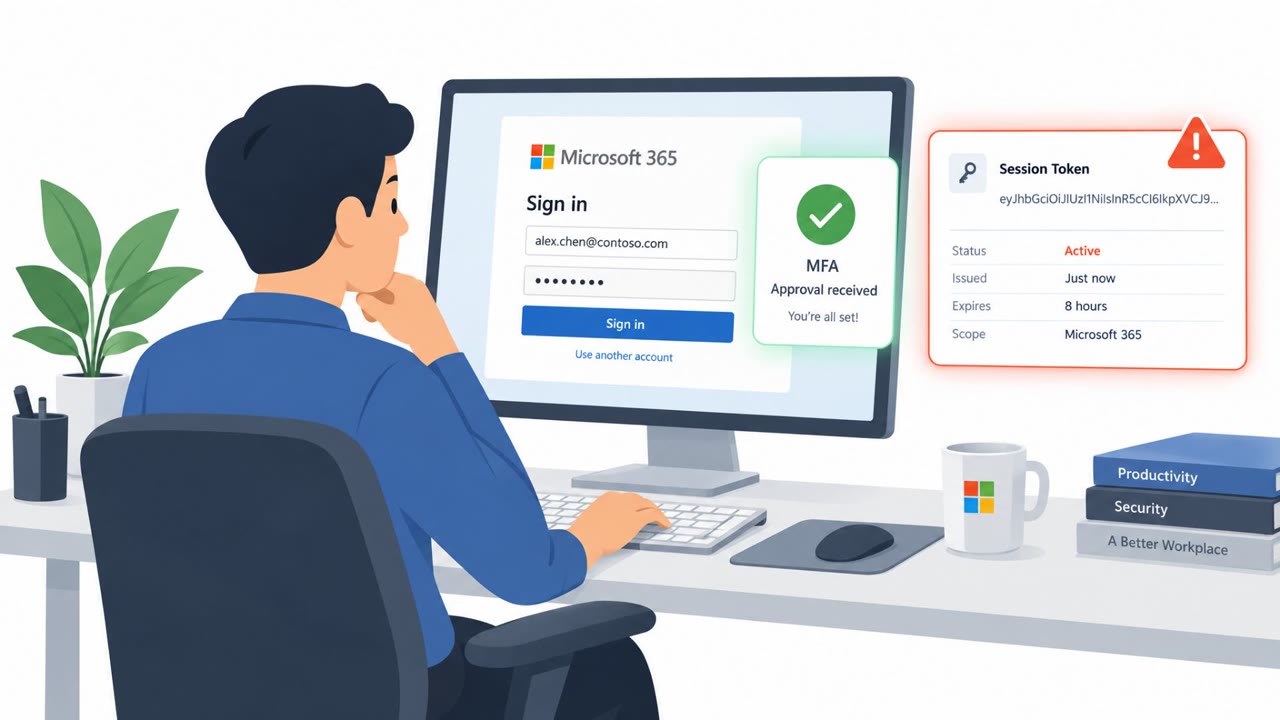
- Victims were directed to attacker-relayed Microsoft sign-in pages, completed legitimate MFA, and had their authenticated sessions captured.
- The campaign recorded 497 successful sign-ins over ten weeks, from July 14 through September 22, 2026.
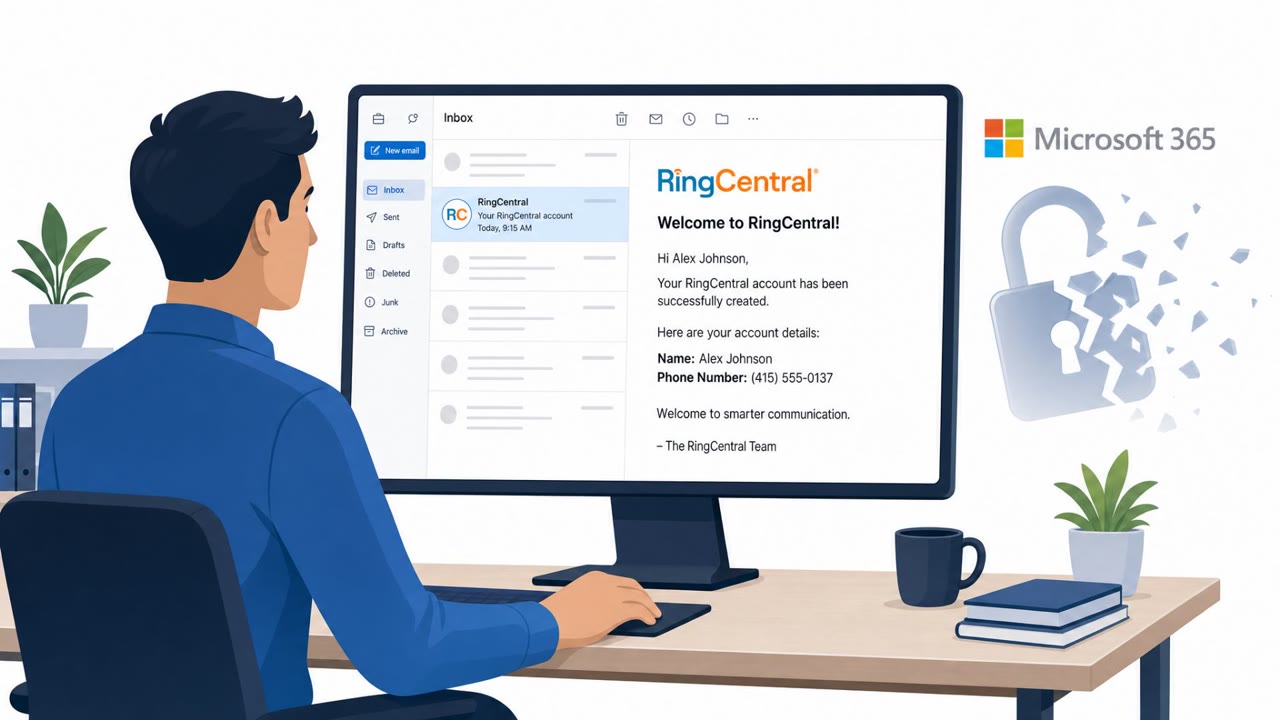
- Attackers registered at least 48 rogue Entra devices, commonly named with the pattern "DESKTOP-" followed by eight uppercase hexadecimal characters.
- At 19 organizations, existing MFA methods were removed and replaced within three hours of campaign-linked access.
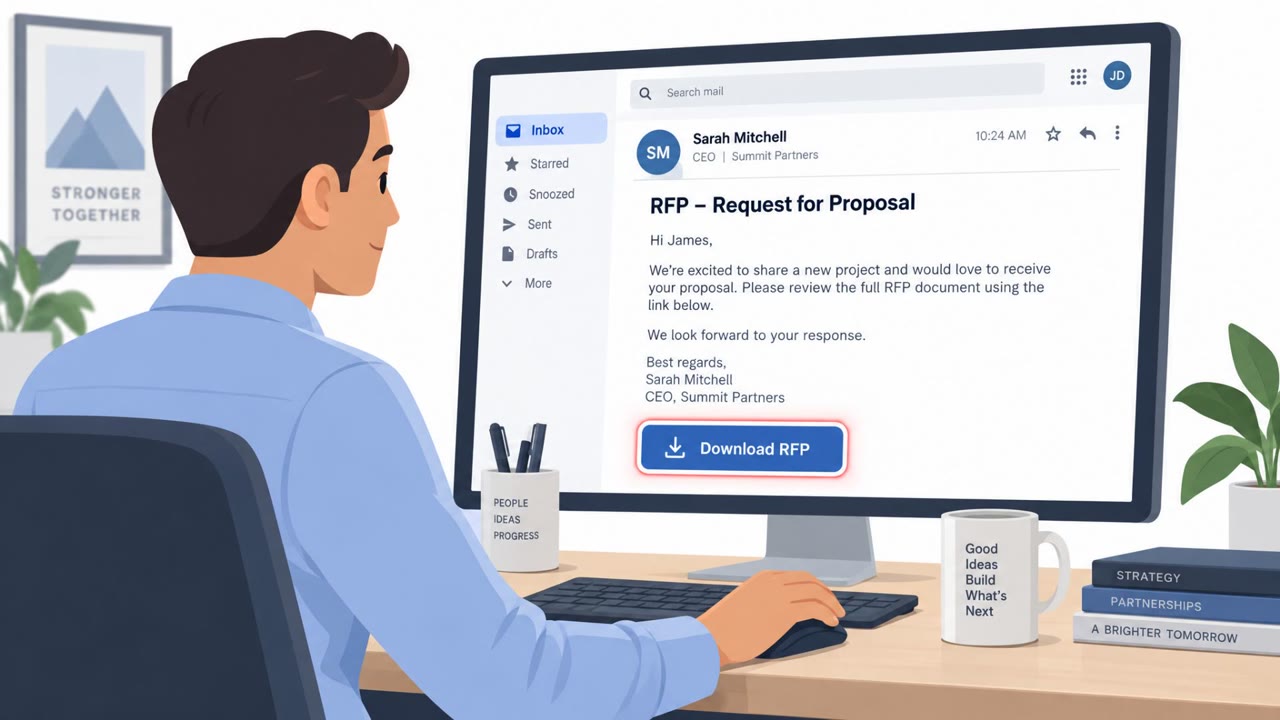
- Attackers used inbox rules to hide messages and, in one case, sent a payroll-related message to an external accountant from a compromised account.
Who’s being targeted
- Commonly targeted roles: All Microsoft 365 users, Finance teams, Payroll staff, External accountants, Executive assistants, Microsoft 365 and identity administrators, Security operations teams.
- Affected industries: Multiple industries using Microsoft 365, Finance and payroll functions, External accounting services.
- Attack channels: website, email.
- Impersonated: Microsoft 365 sign-in service, Compromised employee or payroll contact.
Awareness takeaways
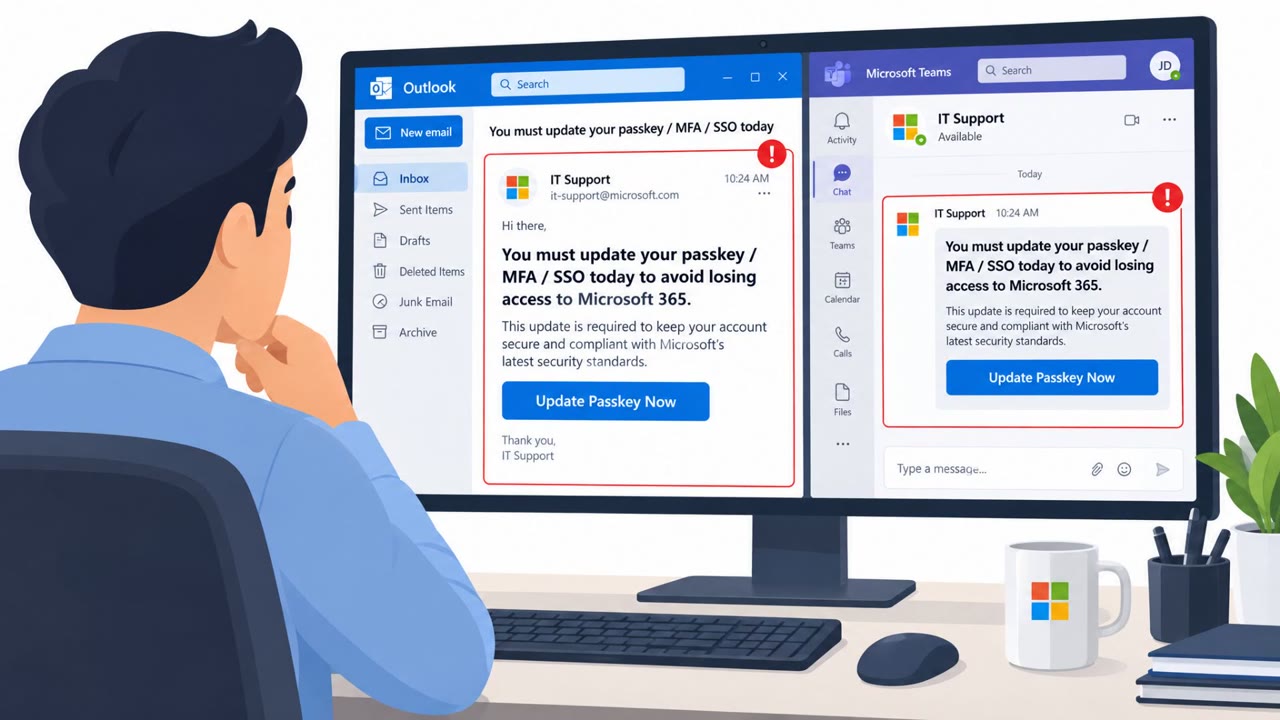
- Treat an unexpected Microsoft MFA prompt as a warning sign. Do not approve it unless you personally initiated the sign-in, because an attacker can capture the resulting authenticated session.
- Verify payroll, payment, or accountant requests through a known phone number or other independent channel, even when the email comes from a familiar internal account.
- Report missing, automatically read, deleted, or unexpectedly filed email promptly, especially for finance and payroll conversations.
- Security teams should remove unauthorized MFA methods and devices as part of account recovery; a password reset alone may not evict an attacker.
Red flags to watch for
- The Microsoft sign-in flow is reached through an unfamiliar relay address or unexpected link.
- An MFA prompt appears when the user did not initiate a sign-in.
- Completing MFA unexpectedly can authorize an attacker-held session even if no password is shared directly.
- A payroll request arrives unexpectedly, even if it comes from a known internal account.
- Messages or replies related to payroll are missing, marked as read, deleted, or moved to unusual folders.
- A request involving payroll should be verified using a known, separate contact method.
Read the video transcript
You passed Microsoft MFA. So how did someone else get in? An unfamiliar link opens a relayed page: ‘Sign in to Microsoft 365 to continue.’ You complete real MFA. The adversary-in-the-middle relay captures your signed-in session. Aha: MFA worked, but it authorized their session. No new prompt needed. They can hide payroll replies with inbox rules, then email an accountant from your account. If a Microsoft sign-in or MFA prompt surprises you, stop and report it to security.