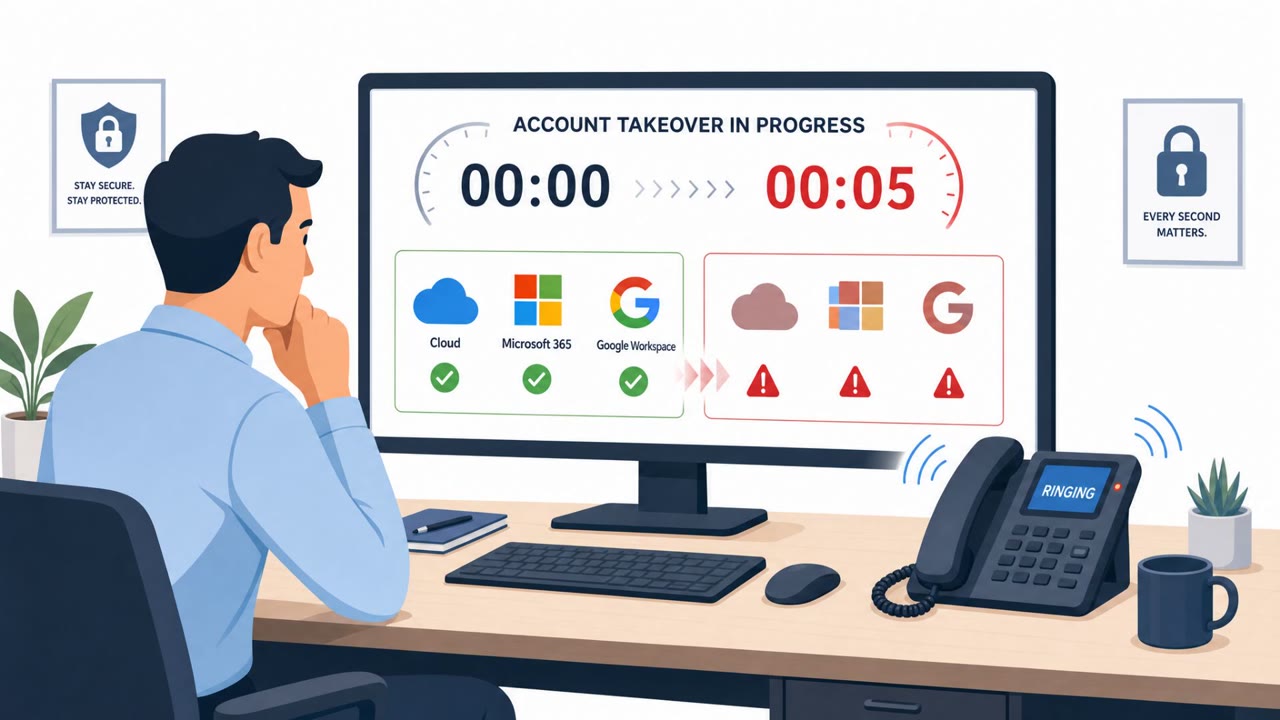
Microsoft says Russian SVR operators (Storm-2945/Midnight Blizzard) are compromising public Wi‑Fi captive portals in hotels and conference venues to redirect users to attacker-controlled pages. Those pages use fake “fix/verification/update” prompts to trick travelers into installing malware or completing “device code” sign-ins that hand over Microsoft 365 access tokens.
How the Attack Worked
Microsoft attributes this campaign to Storm-2945, a group linked to Russia's SVR and tracked as Midnight Blizzard. The operation targets public Wi-Fi users in hospitality venues such as hotels and conference centers. After compromising a location's captive portal, the attackers manipulate DNS and HTTP traffic to reroute connecting users through attacker-controlled infrastructure, a classic adversary-in-the-middle setup that sits between the victim and the internet.
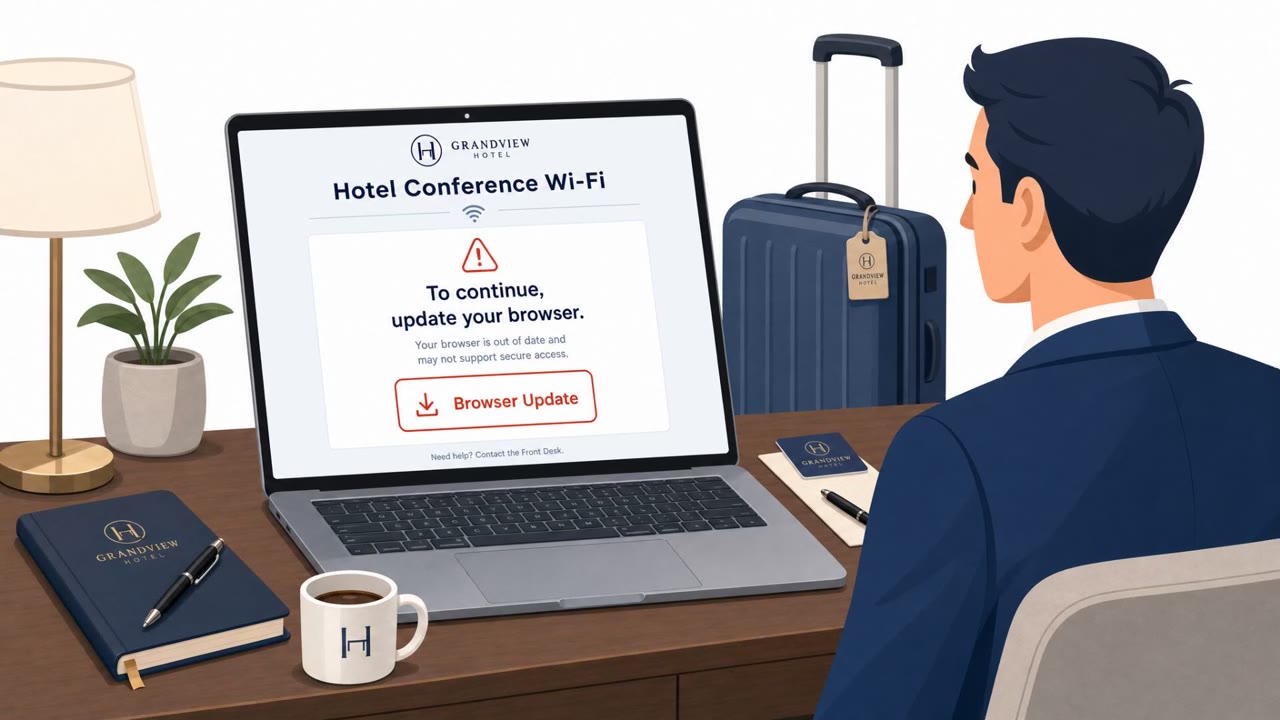
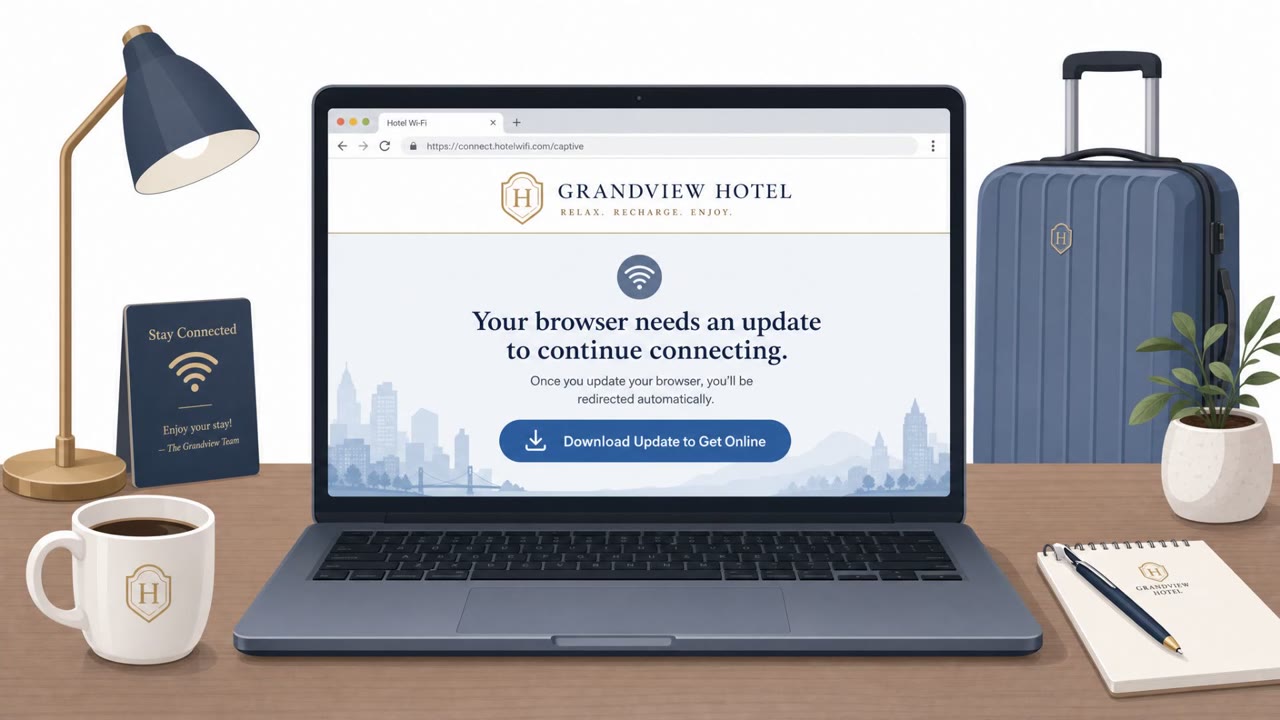
Once redirected, victims see ClickFix-style prompts disguised as OS updates, driver repairs, or web verification failures. Following the prompt's instructions can install malware, primarily on Windows machines, though Microsoft has also seen Android-tailored prompts urging users to sideload an APK file. The malware families observed include CornFlake, a persistent remote access trojan, and ChocoShell, an in-memory infostealer that harvests cookies, passwords, SSO tokens, and Wi-Fi credentials.
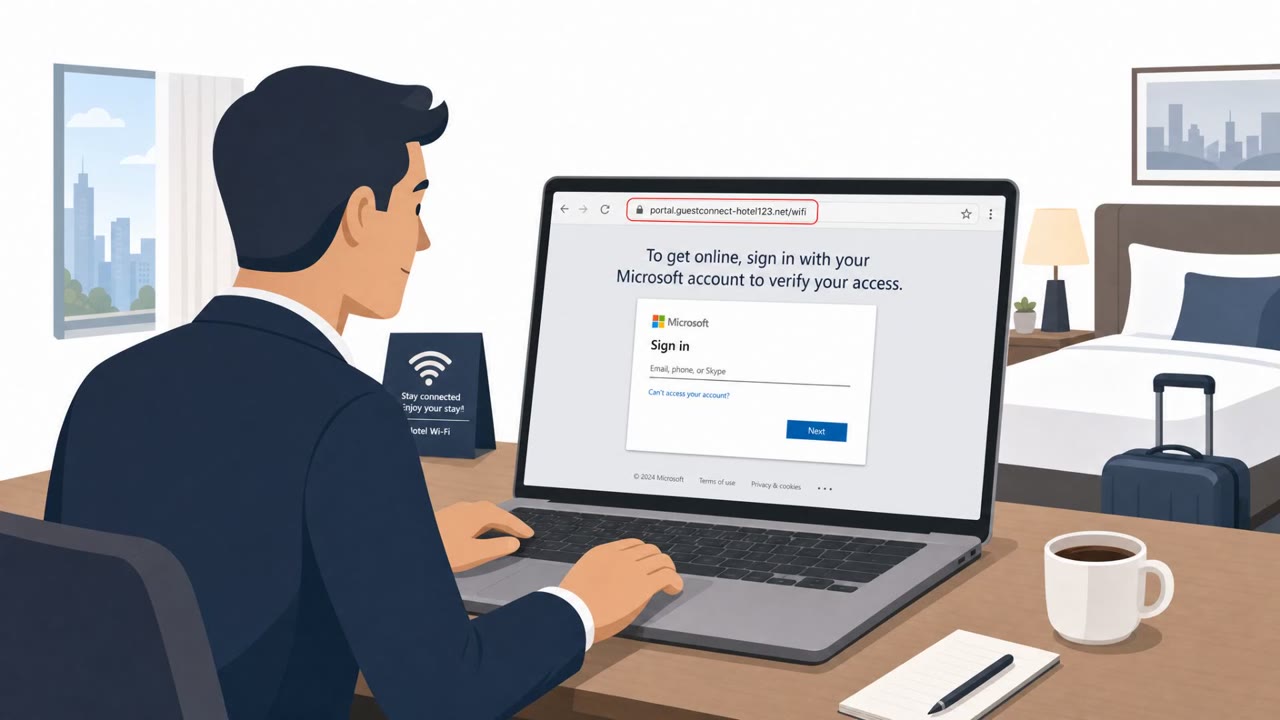
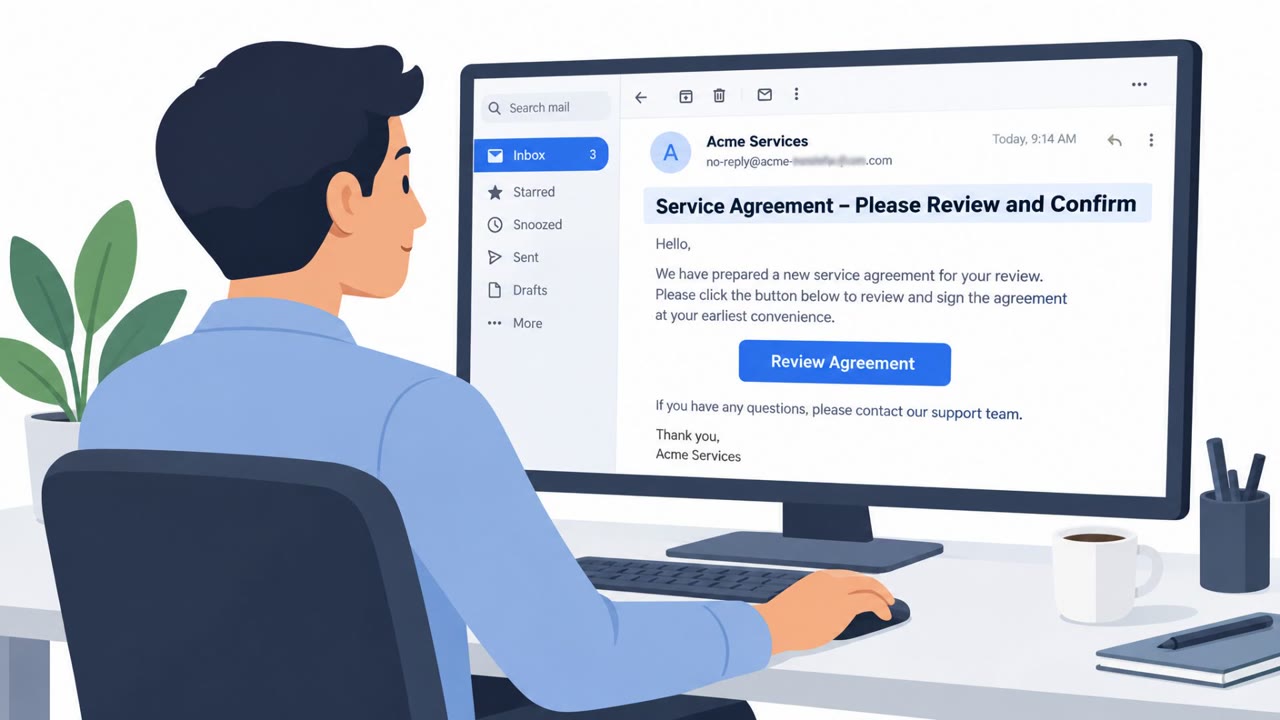
A second track uses device code phishing. Some redirected pages instruct users to copy a code, open a legitimate Microsoft authentication page, and enter that code to "connect." Completing this flow authenticates the attacker into the chosen account, handing over a valid OAuth token for the victim's Microsoft 365 account.
Why It Succeeded
The attack exploits the routine trust travelers place in hotel and conference Wi-Fi. A prompt to "fix" connectivity or verify identity feels like a normal part of getting online, so it doesn't trigger the same suspicion an unsolicited email might. Because the compromise happens at the network level, the malicious redirect can appear consistent with the venue's own portal, making it harder for a typical user to distinguish it from a legitimate step.
The device code flow is especially effective because the authentication itself happens on a genuine Microsoft page. Victims are not entering credentials into a fake site, they are completing a real sign-in, just one initiated by an attacker rather than themselves.
What to Watch For
- An update, driver repair, or verification prompt appearing immediately after joining public Wi-Fi
- A request to install software or sideload an APK just to restore internet access
- A portal page that looks different from the venue's normal branding
- Being asked to enter a device code you did not request into a Microsoft sign-in page
Building Resistance
Treat any install prompt from a public Wi-Fi portal as untrusted, since legitimate networks rarely require software installs to grant access. Never complete a device code sign-in unless you personally initiated it, and report unexpected code prompts right away. Favoring personal hotspots or satellite connections over shared hotel and conference networks reduces exposure. Organizations can further reduce risk by disabling device code authentication where feasible, removing this particular path for attackers to seize workplace cloud access.
Key findings
- Microsoft attributes the campaign to Storm-2945, linked to SVR/Midnight Blizzard, targeting public Wi‑Fi users in hospitality venues.
- Attackers manipulate DNS/HTTP traffic after captive portal compromise to reroute users through attacker-controlled infrastructure (adversary-in-the-middle).
- Victims are shown ClickFix-style prompts that impersonate OS updates/driver repairs/verification issues to trick them into installing malware.
- Delivered malware includes CornFlake (persistent RAT) and ChocoShell (in-memory infostealer) that targets cookies, passwords, SSO tokens, and Wi‑Fi credentials.
- The operation also uses device code phishing to trick users into authorizing attacker sessions and obtaining valid OAuth tokens for Microsoft 365.
- Microsoft advises reducing trust in public Wi‑Fi (prefer hotspots/satellite) and organizations should consider disabling device code auth where possible.
Who’s being targeted
- Commonly targeted roles: Executives, Sales and field teams, Frequent travelers, All Microsoft 365 users, IT / Identity & Access Management.
- Affected industries: Hospitality (hotels, conference centers, shared venues), Business travelers / conferences (cross-industry exposure).
- Attack channels: website.
- Impersonated: Windows / Operating System update service (via captive portal), Microsoft sign-in / organization authentication.
Red flags to watch for
- Update/install prompt appears immediately after joining public Wi‑Fi
- Requests software install (or APK sideload) just to access the internet
- Unusual redirect/portal page that doesn’t match the venue branding
- A random “device code” is presented by a Wi‑Fi portal rather than initiated by the user
- User is told to authenticate in a separate, legitimate Microsoft window using a code they didn’t request
- The step is framed as “Wi‑Fi access” but results in Microsoft 365 account authorization
Frequently asked questions
How does the hotel Wi-Fi attack actually work?
Attackers compromise public Wi-Fi captive portals and manipulate DNS/HTTP traffic to redirect users to attacker-controlled pages that show fake update or verification prompts, tricking victims into installing malware or completing a device code sign-in.
What malware is delivered in this campaign?
Microsoft identified CornFlake, a persistent remote access trojan, and ChocoShell, an in-memory infostealer that targets cookies, passwords, SSO tokens, and Wi-Fi credentials.
What is device code phishing and why is it dangerous here?
Victims are told to enter a code the attacker generated into a legitimate Microsoft sign-in page, which unwittingly authorizes the attacker's session and hands over a valid OAuth token for the victim's Microsoft 365 account.
What can organizations do to reduce this risk?
Microsoft recommends reducing trust in public Wi-Fi, favoring personal hotspots or satellite connections over hotel networks, and disabling device code authentication where feasible.
Read the video transcript
You connect to hotel Wi‑Fi, and instantly see: “Web verification failure – install this Windows fix to get online.” Microsoft says SVR group Storm-2945 is hijacking hotel and conference Wi‑Fi like this, swapping the real portal for their own page to push fake ClickFix-style “OS updates” and Android APKs that quietly drop CornFlake and ChocoShell malware. Their nastiest trick: the portal tells you to copy a Microsoft device code, open the real Microsoft sign‑in page, and enter it. You feel safe because the site is legit, but you’ve just handed them a valid OAuth token into your Microsoft 365. If public Wi‑Fi ever asks you to install a fix or use a device code, stop. Kill the page, switch to your phone’s hotspot, and report it to security.