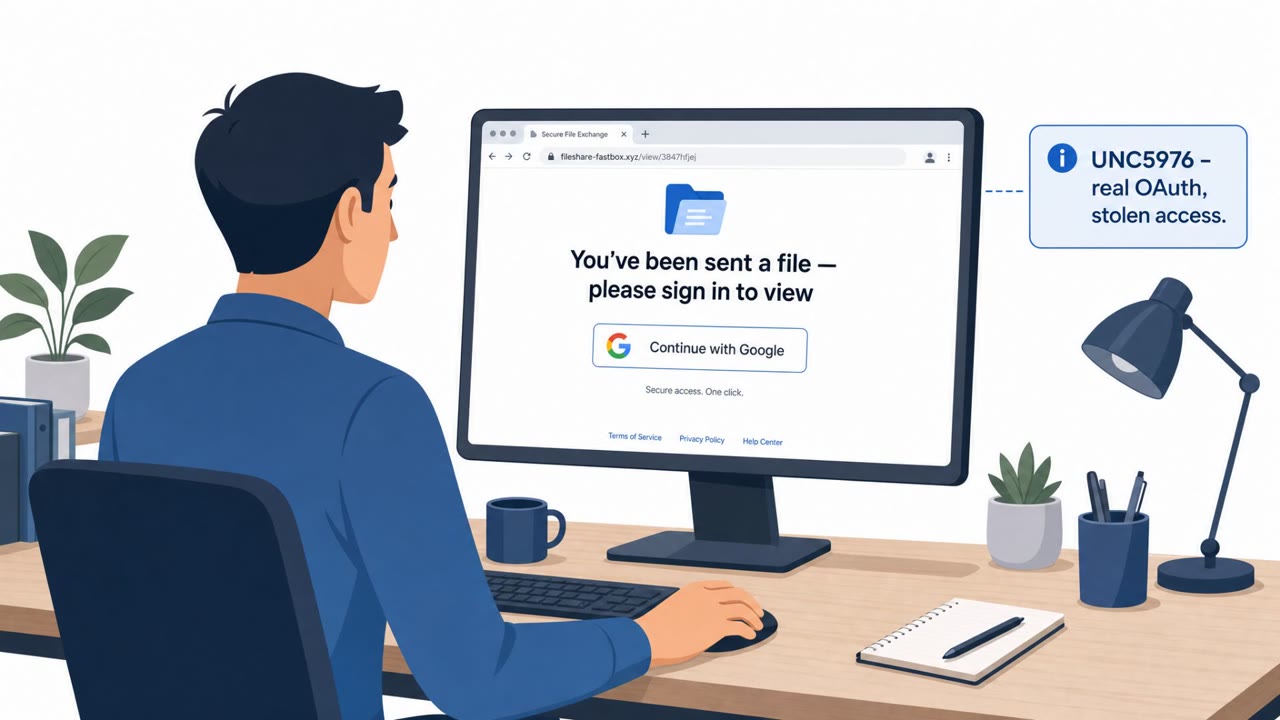
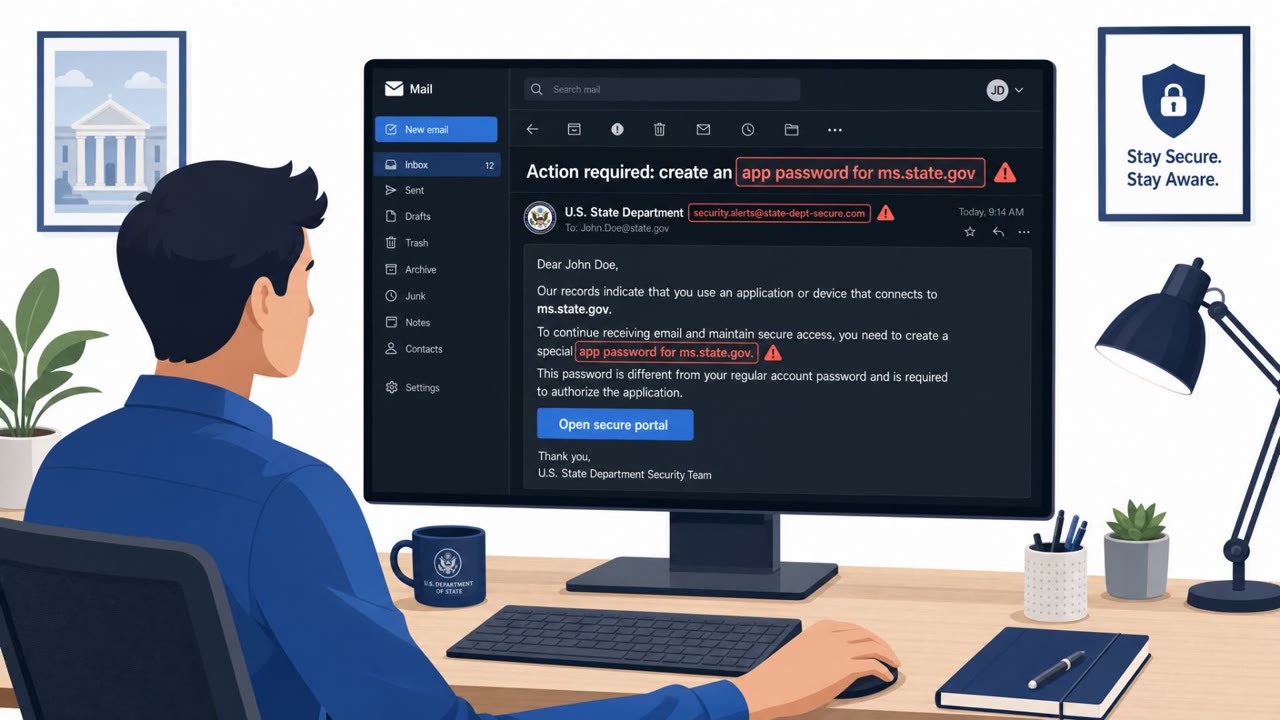
Microsoft and ReliaQuest report a real campaign where attackers tampered with public Wi‑Fi captive portal networks (hotels/conference venues) to redirect users to attacker-controlled pages. The goal was to steal Microsoft 365 credentials (and sometimes deliver malware) by using adversary-in-the-middle tactics, fake “browser update” lures, and device-code sign-in prompts that look legitimate to travelers.
How the attack worked
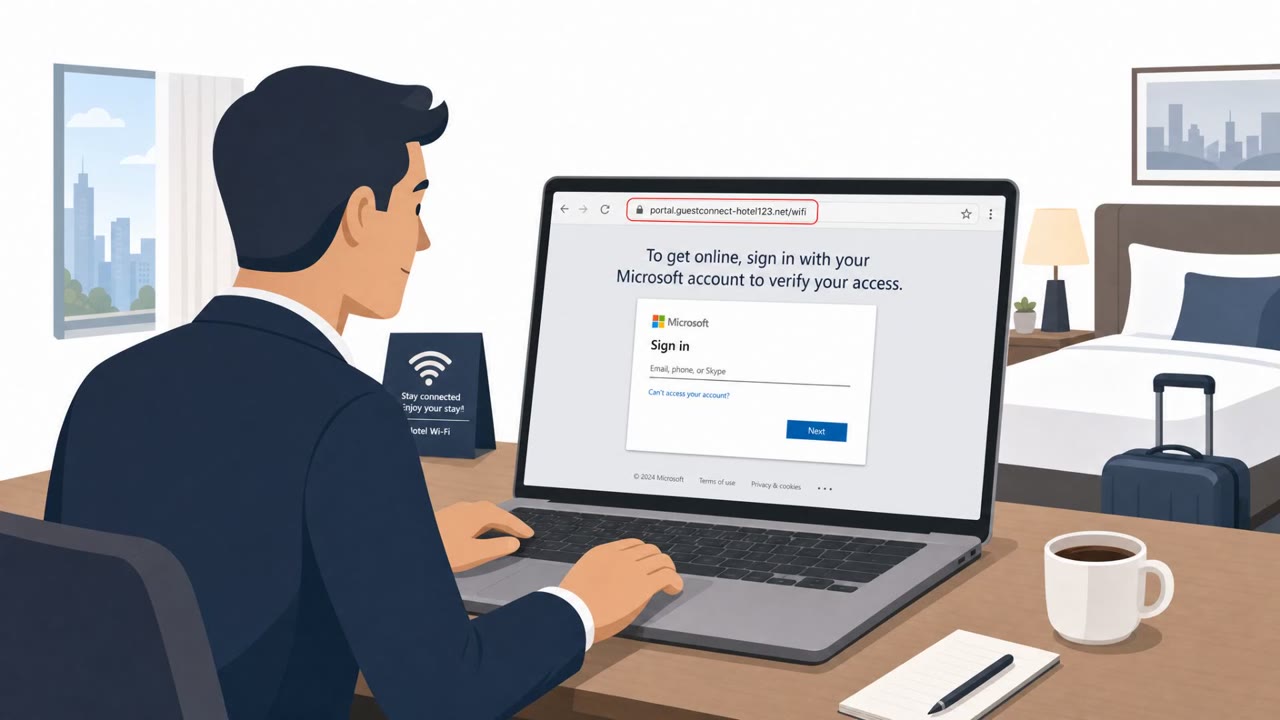
This campaign targeted the moment employees are most vulnerable: connecting to Wi-Fi in an unfamiliar hotel, conference center, or shared venue. Attackers manipulated DNS and HTTP traffic within captive portal networks, redirecting users away from the legitimate Wi-Fi login page toward attacker-controlled infrastructure. From there, the operation used adversary-in-the-middle techniques to intercept Microsoft 365 credentials as victims tried to sign in.
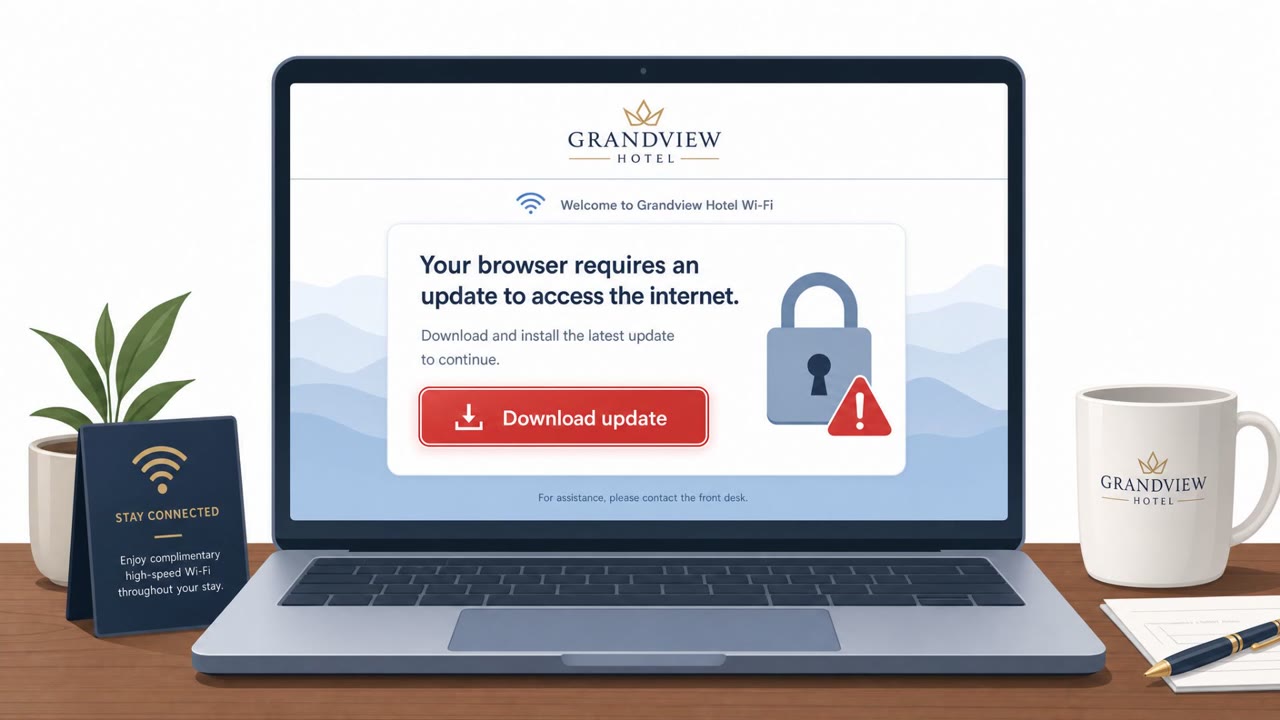
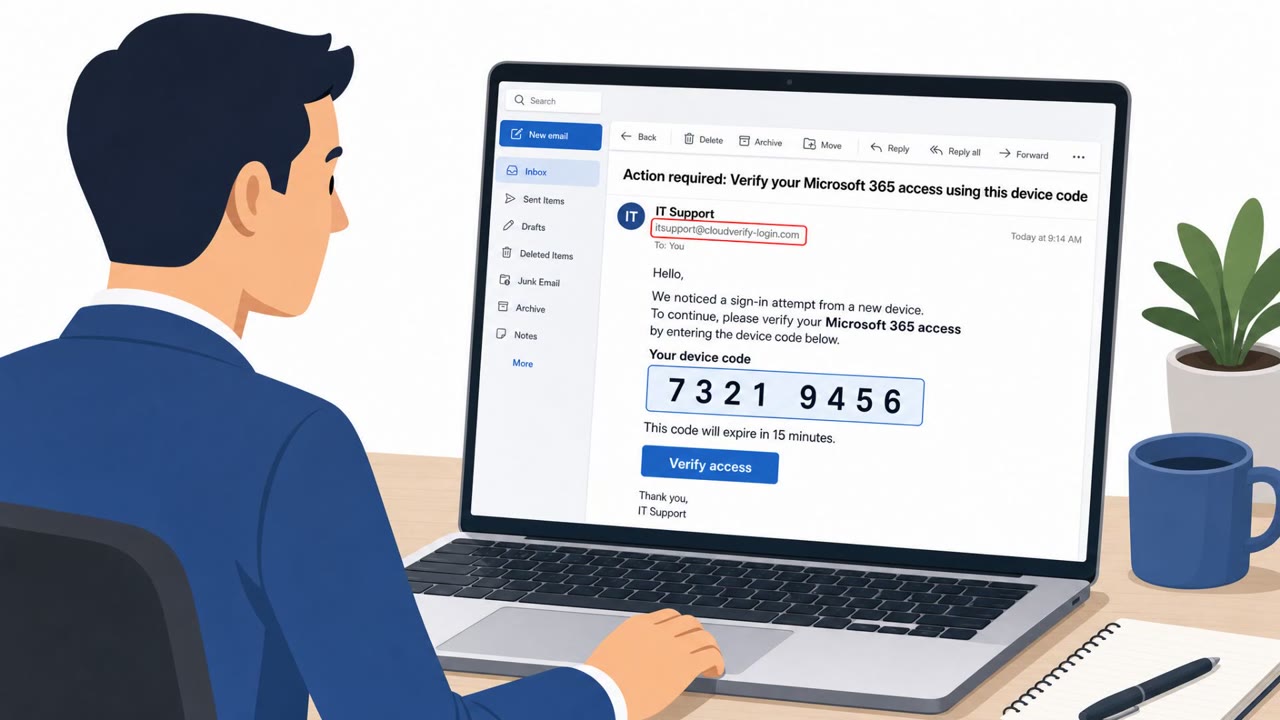
The redirected pages presented two main lures. One claimed the user's browser needed an update to get online, which actually delivered a Golang-based Windows remote access trojan, or tried to entice Android users into installing a malicious APK using ClickFix-style prompts. The other pushed a Microsoft device code authentication flow, asking victims to enter a code into a legitimate-looking Microsoft sign-in page, which in reality authorized the attacker's own session.
Why it succeeded
The attack exploited trust in an everyday routine. Travelers expect to click through a Wi-Fi login page before getting online, so a prompt to "update your browser" or authenticate a session did not feel unusual. Embedding the phishing inside the captive portal itself, rather than sending a separate suspicious email, increased the likelihood that users would perceive the requests as a normal part of connecting to the network rather than as an attack.
What to watch for
- A Wi-Fi login page asking you to install or update software before you can get online
- An unexpected APK download prompt on Android while joining venue Wi-Fi
- A device code sign-in request you did not initiate on another device
- Authentication prompts that appear immediately after connecting to public Wi-Fi rather than through your normal corporate login flow
Building resistance
Employees who travel, along with executives, sales, consultants, finance, legal, and healthcare staff, should treat public Wi-Fi portals as untrusted by default. Corporate credentials should never be entered into a captive portal page, and no browser update or app install should ever be accepted from one. If a device code prompt appears unexpectedly, the safest move is to stop and report it rather than complete the sign-in, since it may hand an attacker control of an active session. Building this habit into travel security awareness reduces the chance that a routine hotel or conference Wi-Fi connection turns into a credential theft incident.
Key findings
- Attackers modified DNS settings on compromised routers/captive portal ecosystems to redirect users to attacker-controlled infrastructure.
- Campaign targeted traveling employees on shared/public Wi‑Fi (hotels, conference centers, shared venues) to intercept Microsoft 365 credentials via adversary-in-the-middle techniques.
- Malware delivery used fake browser update pages and “ClickFix” style prompts to convince users to download and run/install malicious files (including an Android APK).
- Some landing pages used device code authentication prompts to trick users into authenticating the attacker’s session.
- Microsoft attributes the activity to Storm-2945, a subgroup of Midnight Blizzard (APT29/Cozy Bear), and names the campaign CaptiveCrunch.
Who’s being targeted
- Commonly targeted roles: All employees who travel, Executives, Sales, Consultants/Client-facing staff, Finance, Legal, Healthcare staff, IT/Helpdesk, Anyone using Microsoft 365 on public Wi‑Fi.
- Affected industries: Hospitality (hotels, conference centers, shared venues), Financial services, Professional services, Legal services, Healthcare, Energy, Retail.
- Attack channels: website.
- Impersonated: Public Wi‑Fi captive portal / browser update page, Microsoft sign-in (device code flow).
Red flags to watch for
- A Wi‑Fi login page asking for a software install/update to get online
- Unexpected download/APK prompt while joining venue Wi‑Fi
- Browser update presented by a captive portal rather than the official browser/app store
- Device-code prompt appears immediately after joining public Wi‑Fi
- You are asked to enter a code to sign in when you did not initiate a login on another device
- Authentication request is presented through the venue Wi‑Fi portal context
Frequently asked questions
How did attackers use public Wi-Fi portals to steal credentials?
They manipulated DNS and HTTP traffic from captive portal networks at hotels, conference centers, and shared venues to redirect users to attacker-controlled pages, then used adversary-in-the-middle techniques to intercept Microsoft 365 credentials.
What is the device code sign-in trick used in this campaign?
Some landing pages directed victims to Microsoft's device code authentication flow, instructing them to enter a code into a real Microsoft sign-in page, which authorized the attacker's session instead of the user's.
What malware was delivered through fake browser updates?
The campaign served Golang-based Windows remote access trojans disguised as browser updates and used ClickFix-style prompts to get Android users to install a malicious APK.
Who is most at risk from this type of attack?
Traveling employees, executives, sales staff, consultants, and anyone using Microsoft 365 on public Wi-Fi at hotels, conference centers, or shared venues are the primary targets.
Read the video transcript
You connect to hotel Wi‑Fi, and the login page says, “To continue, update your browser.” That’s the trap. Microsoft calls this CaptiveCrunch. Storm‑2945 hacked hotel and conference Wi‑Fi DNS so the portal can push fake browser updates and even Android APKs that are actually malware. Even sneakier: some portals show a Microsoft device code screen, “Enter this code at Microsoft to connect.” If you do it, you’re authenticating their Microsoft 365 session, not yours. Here’s the rule: if public Wi‑Fi ever asks you to install a browser update, APK, or enter a Microsoft device code you didn’t start, disconnect and report it to security immediately.