Microsoft reports a real-world campaign where attackers tamper with Wi‑Fi captive portal traffic at hotels and similar venues to redirect travelers to attacker-controlled pages. Victims are pushed into fake Microsoft sign-ins (device code/OAuth phishing) or tricked into installing “browser/OS updates” that deliver malware and steal Microsoft 365 credentials and session tokens.
How the Attack Worked
This campaign targets travelers connecting to Wi-Fi at hotels, conference centers, and other shared venues. Rather than relying on email, the attackers manipulate DNS and HTTP traffic served through captive portals, the login pages that appear when joining public Wi-Fi. This redirects victims through actor-controlled infrastructure before they ever reach a legitimate website.
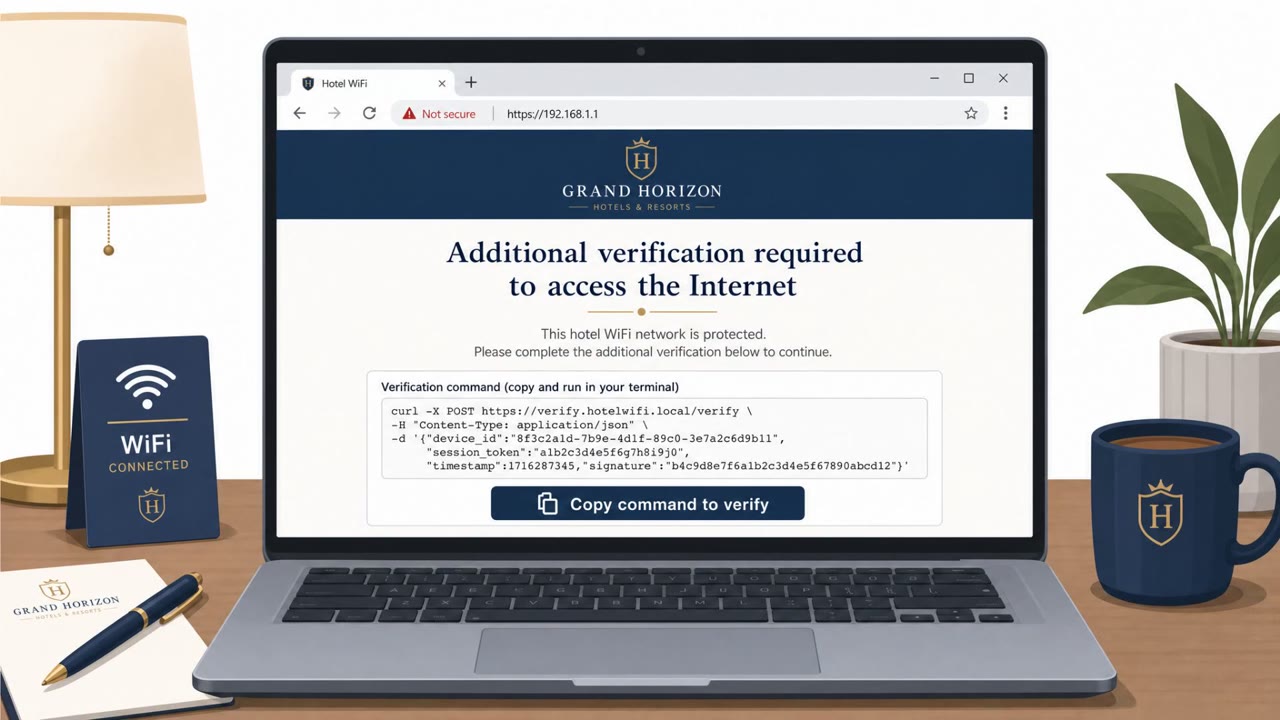
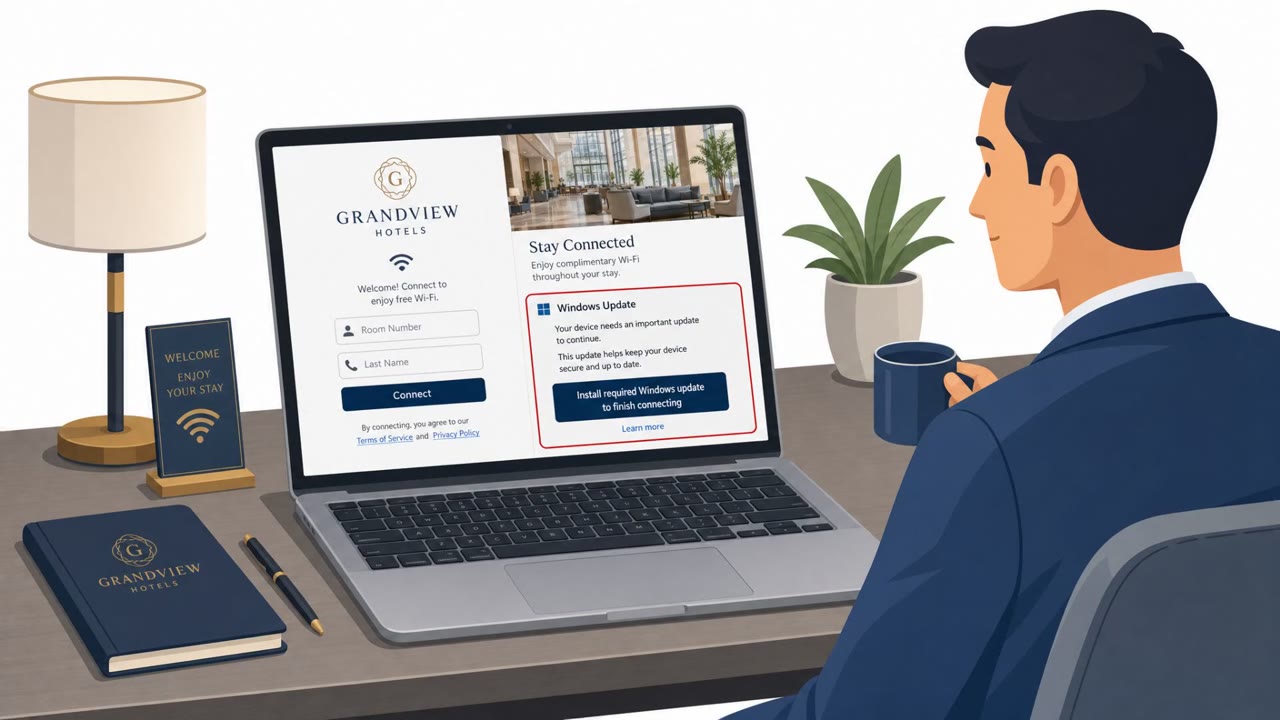
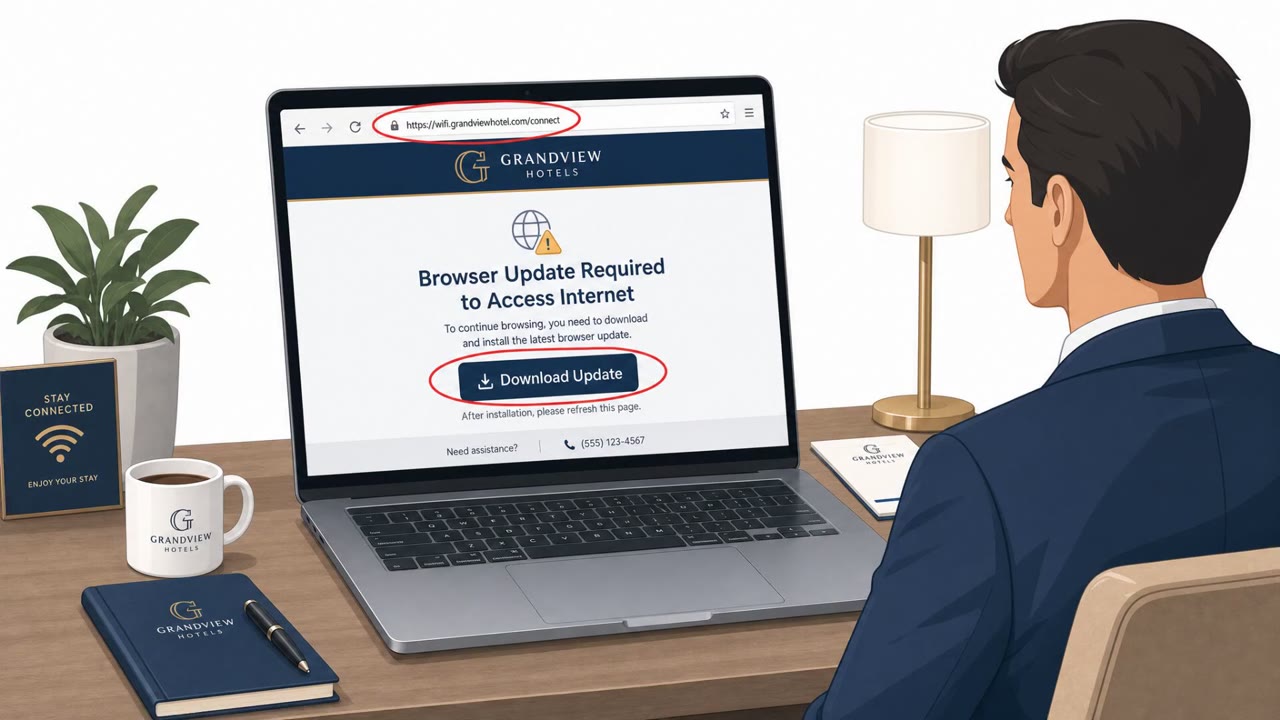
From that position, the attackers ran two main plays. First, victims were shown fake browser or operating system update prompts, sometimes tied to automated connectivity checks. Some of these used ClickFix-style techniques, prompting users to manually run scripts or commands to "repair" their connection, which instead installed malware. Android users were sometimes told to download and install an APK file directly from the captive portal page.
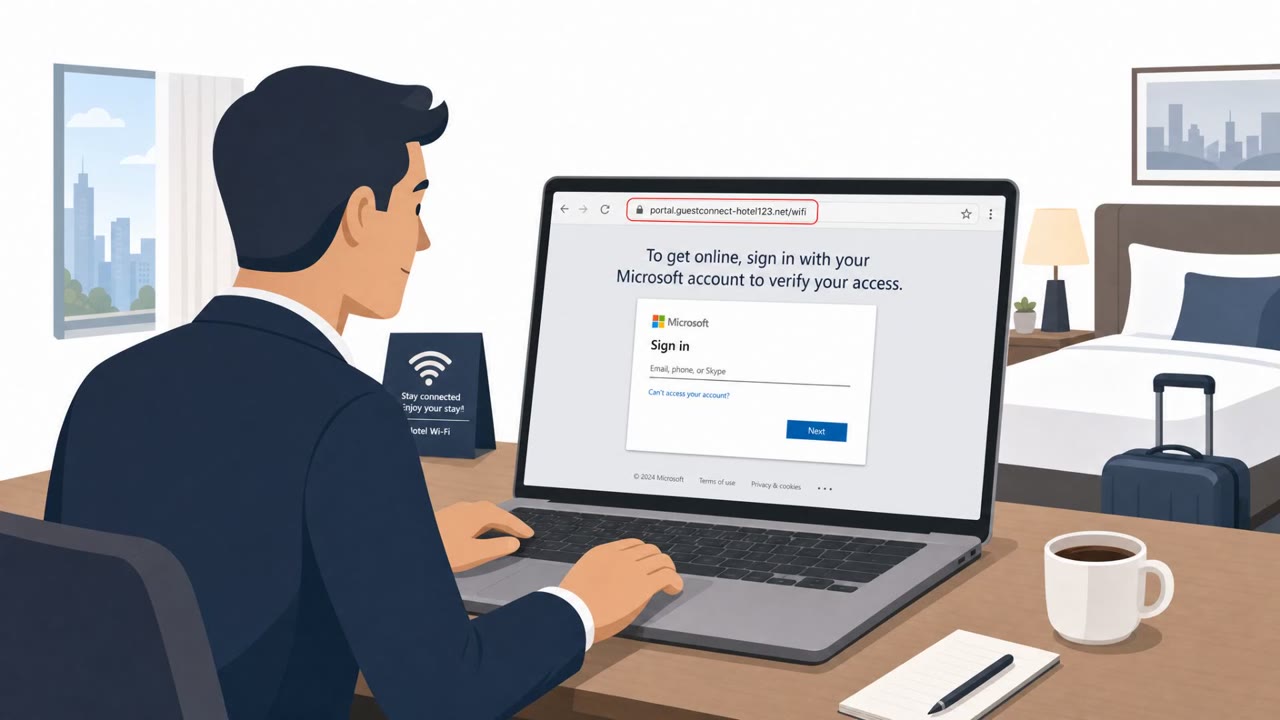
Second, the attackers used adversary-in-the-middle phishing with doppelganger domains that closely mimic Microsoft's online services. These pages abused the device code and OAuth authentication flows in Microsoft Entra ID, tricking users into approving what looked like a normal sign-in but actually let the attacker register a device and access Microsoft 365 data.
Why It Succeeded
The attack succeeds because it exploits a moment when users have low suspicion: connecting to Wi-Fi in an unfamiliar location and just wanting to get online. Captive portals and connectivity checks are a normal part of using public networks, so a prompt to "update" or "verify" blends into an expected experience. The use of device code authentication is especially effective because many users are unfamiliar with what a legitimate device code flow looks like, making it hard to distinguish from a real Microsoft prompt.
What to Watch For
- Any prompt to install an update or app immediately after joining public Wi-Fi, rather than through your device's normal update mechanism
- Instructions asking you to manually run scripts or commands to fix connectivity
- Sign-in pages reached only after a Wi-Fi redirect, especially ones using device code prompts you did not initiate
- Domains that look like Microsoft but are subtly altered
- Any site instructing Android users to install an APK outside the official app store
How to Build Resistance
- Treat captive portal popups as untrusted; never install updates or run commands to get online
- Verify domains carefully before entering credentials, especially after joining unfamiliar networks
- Avoid approving device code or OAuth prompts unless you explicitly initiated a device setup
- Use a cellular hotspot or VPN when possible instead of relying on venue Wi-Fi
- Report suspicious prompts quickly, since stolen session tokens and cookies can grant access even without a password
Key findings
- Attackers manipulated DNS/HTTP traffic on captive-portal-served hospitality networks to redirect users through actor-controlled infrastructure.
- The campaign included adversary-in-the-middle phishing using lookalike (“doppelganger”) domains mimicking Microsoft online services and abusing Microsoft Entra ID device code authentication.
- Victims were also prompted to install fake browser/OS updates, leading to malware installation and credential/session token theft.
- Microsoft observed AI being used to support a significant portion of the operations.
- The activity appears widespread across multiple countries and venues (hotels, conference centers, shared venues), with a goal of accessing corporate traveler accounts.
Who’s being targeted
- Commonly targeted roles: All employees who travel, Executives and senior leaders, Sales/BD and field teams, Finance (high-value accounts), IT administrators and Microsoft 365 administrators, Helpdesk/Service desk.
- Affected industries: Hospitality (hotels), Conference centers/shared venues, Organizations with traveling employees (cross-industry).
- Attack channels: website.
- Impersonated: Browser or operating system update page presented via venue Wi‑Fi captive portal, Microsoft online services / Microsoft Entra ID sign-in, Venue Wi‑Fi support / device update page.
Red flags to watch for
- Update prompt appears immediately after joining public Wi‑Fi/captive portal (not from normal update mechanisms)
- Instructions ask you to manually run commands/scripts (ClickFix-style)
- Update/repair UI looks generic or doesn’t match your device’s normal update experience
- Sign-in page is reached only after joining venue Wi‑Fi/captive portal (unexpected redirect)
- Domain looks like Microsoft but is slightly off (doppelganger domain)
- Unusual prompt to use a device code flow when you weren’t setting up a device
- Any website telling you to install an APK to access Wi‑Fi is highly suspicious
- App is not installed via the official app store
- Instruction appears after a network redirect rather than a known corporate mobile management process
Frequently asked questions
What is a captive portal Wi-Fi attack?
Attackers manipulate DNS and HTTP traffic on hospitality networks served by captive portals to redirect travelers through actor-controlled infrastructure, where they are shown fake update prompts or phishing sign-in pages.
How does the fake update trick work?
After joining venue Wi-Fi, users see a prompt saying their browser or operating system needs an update to continue connecting. Following the instructions, which sometimes involve running commands via ClickFix techniques, installs malware instead.
Why is the Microsoft sign-in phishing dangerous?
The campaign uses lookalike doppelganger domains that mimic Microsoft online services and abuses the device code authentication flow in Microsoft Entra ID, allowing attackers to register devices and access Microsoft 365 data without needing the user's password directly.
Who is most at risk from this campaign?
Corporate travelers are the primary target, including executives, sales and field staff, finance, and IT administrators who connect to hotel or conference center Wi-Fi while working remotely.
Read the video transcript
You join hotel Wi‑Fi, and before you even open a site, a page pops up: “Your browser needs an update to continue connecting.” Microsoft calls this the CaptiveCrunch campaign. Attackers tamper with captive portal traffic at hotels and conference centers, pushing fake browser or OS updates that are actually malware stealing your Microsoft 365 credentials and session tokens. Or you get bounced to a Microsoft sign-in that looks normal, but the address bar shows a doppelganger domain, and it asks for a device code you never started. That’s CaptiveCrunch abusing Microsoft Entra ID device code auth to hijack your session. Aha moment: captive portals are untrusted. If Wi‑Fi forces an “update” download or surprise Microsoft sign-in, stop, close the tab, and use your phone’s hotspot or VPN instead.