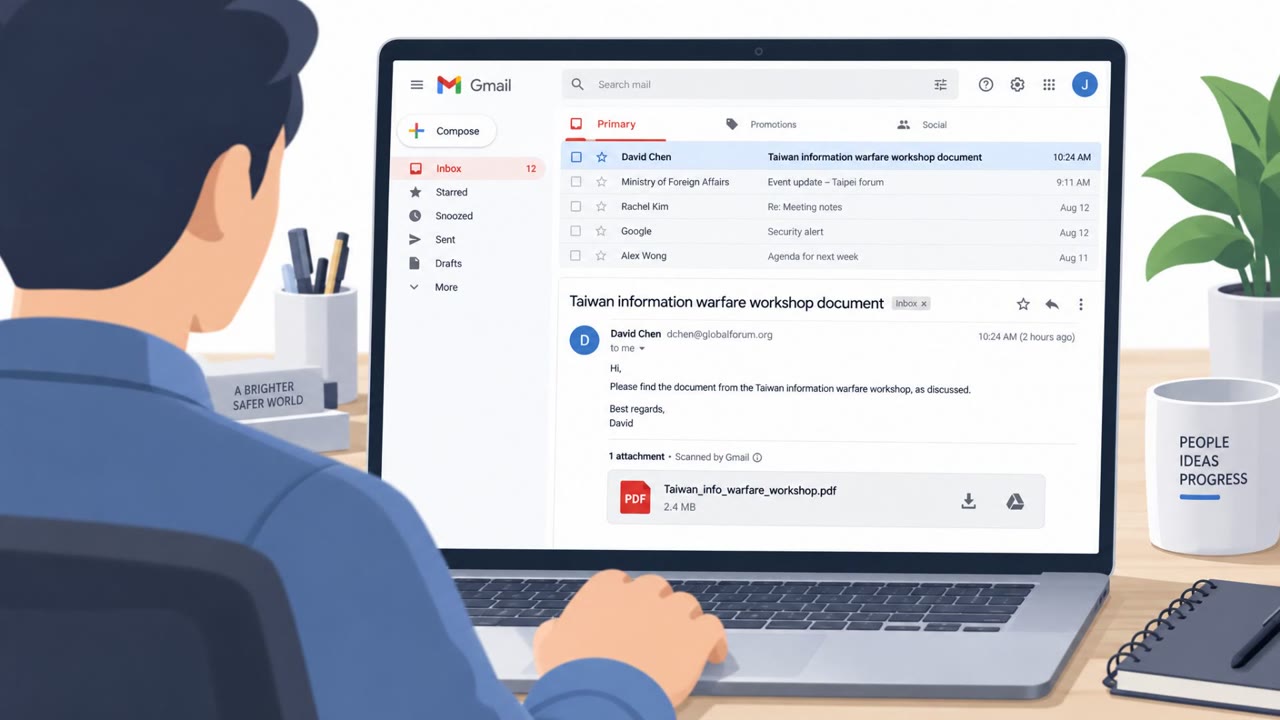
Researchers reported a real TA488 campaign where a specially crafted email exploits an Outlook Web Access (OWA) flaw and runs malicious JavaScript as soon as the user opens the message. The attack relies on normal-looking business topics to get people to quickly view the email, and then uses browser-based persistence so attackers can keep mailbox access even after password resets.
How the attack worked
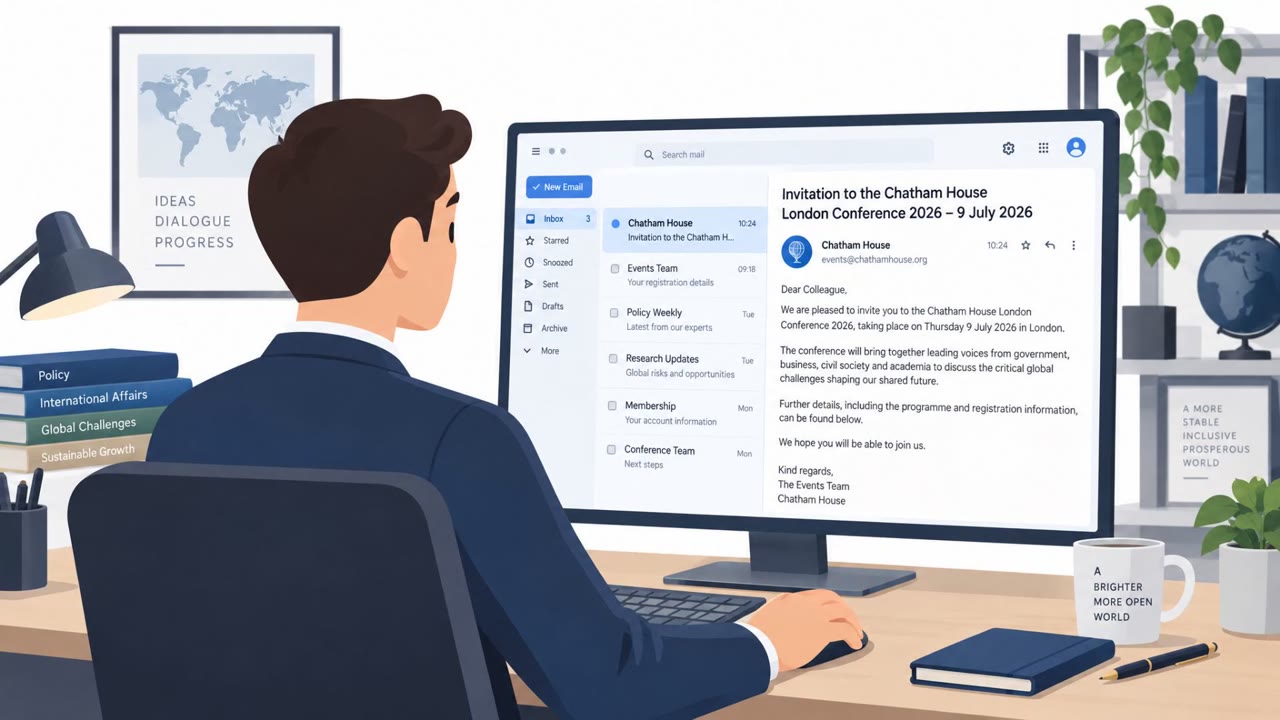
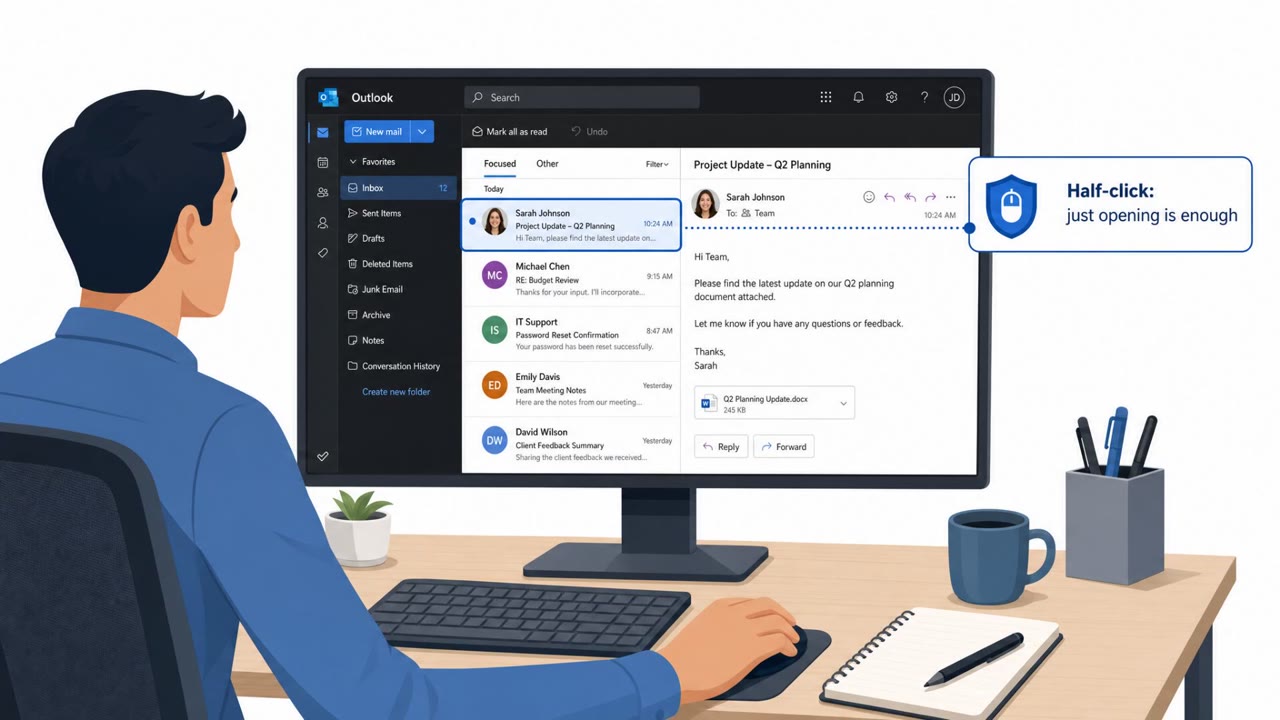
TA488 sent emails with plain, believable business subjects such as supply chain metrics updates, energy market notes, or public health indicators. These topics were chosen because they read as routine and unremarkable, encouraging recipients to open the message quickly in Outlook Web Access without a second thought. Once opened, a vulnerability in OWA allowed embedded JavaScript to execute automatically, meaning the act of opening the email in webmail was enough to trigger the exploit. No link click or attachment download was required.
Why it succeeded
The campaign succeeded by combining a technical flaw with a social engineering setup that lowered suspicion. Generic, non-urgent subject lines meant the messages did not stand out as threats, so recipients viewed them briefly and moved on rather than reporting them. Because the exploit fired on simply opening the email, normal caution around links or attachments offered no protection. The attackers then used browser-based tooling to attempt to harvest stored Outlook credentials via autofill, extending the impact beyond the initial email.
What to watch for
- Emails with ordinary, low-urgency business subjects from unfamiliar or unverified senders, especially referencing supply chain, energy, tourism, health, or semiconductor topics.
- Unexpected or unexplained changes to Exchange mailbox permissions.
- Signs of persistent mailbox access that continue after a password reset, which can indicate OAuth token abuse or lingering permission changes.
- Unusual outbound connections, since the associated implant used varied channels including code repository commit messages, email, content delivery networks, and DNS tunneling for command and control.
Building resistance
Organizations should treat routine-looking business emails with the same reporting expectations as obviously suspicious ones, since attackers deliberately design messages to appear harmless. Patch management and configuration hygiene for webmail platforms like OWA are essential, since this attack demonstrates that opening a message can be sufficient for compromise when the underlying service is vulnerable. After any suspected compromise, security teams should not rely on password resets alone; they need to validate that Exchange permissions, OAuth grants, and other persistence mechanisms have been fully removed. Given the range of targeted roles, from executive assistants to operations and IT staff, awareness training should emphasize that anyone using webmail is a potential entry point, not just high-profile executives.
Key findings
- TA488 used routine, generic business-themed email subjects to get recipients to open messages in OWA.
- Opening the email in OWA could automatically execute malicious JavaScript (no clicking required beyond opening).
- The browser-based implant (OWAReaper) attempted to steal stored Outlook credentials via browser autofill.
- Attackers aimed for long-term access by changing Exchange mailbox permissions and using OAuth tokens when possible.
- OWAReaper used multiple C2 channels (including GitHub commit messages, email, CDNs, and DNS tunneling) to make disruption and detection harder.
Who’s being targeted
- Commonly targeted roles: All employees using Outlook Web Access (OWA), Executives and executive assistants, Operations and supply chain teams, IT/Identity & Access Management (IAM), Security Operations (SOC).
- Affected industries: Government, Defense, Critical infrastructure support sectors, Commercial sectors supporting strategic supply chains.
- Attack channels: email.
- Impersonated: External business contact (generic/benign sender).
Red flags to watch for
- Generic, non-urgent business topic that encourages a quick glance
- Unfamiliar sender but plausible subject matter
- Email rendered in webmail (OWA) where simply opening may be enough to trigger an exploit
Frequently asked questions
What is the TA488 OWA attack?
TA488 sent emails with routine business subjects that, when opened in Outlook Web Access, exploited a vulnerability to automatically execute malicious JavaScript, requiring no additional clicks.
Does resetting a password stop this attack?
Not necessarily. Attackers changed Exchange mailbox permissions and used OAuth tokens to retain access, so security teams must remove those persistence mechanisms in addition to rotating credentials.
What made the phishing emails hard to spot?
The emails used generic, non-urgent business topics like supply chain metrics or energy markets, which made recipients quickly view them and dismiss them without reporting.
Who was targeted by this campaign?
The campaign targeted staff using Outlook Web Access broadly, including executive assistants, operations and supply chain teams, IT/IAM, and security operations personnel.
Read the video transcript
You open one routine email in Outlook Web Access… and boom, your mailbox is theirs. TA488 abuses an OWA bug, CVE-2026-42897. Just opening their email runs hidden JavaScript in your browser, no link clicks, no attachment, nothing. Their OWAReaper code quietly grabs your stored Outlook credentials, tweaks mailbox permissions, and uses OAuth tokens so they stay in even after you change your password. If a “totally normal” business email in OWA feels even slightly off, don’t just close it, hit the phish report button so security can check for this half-click attack.