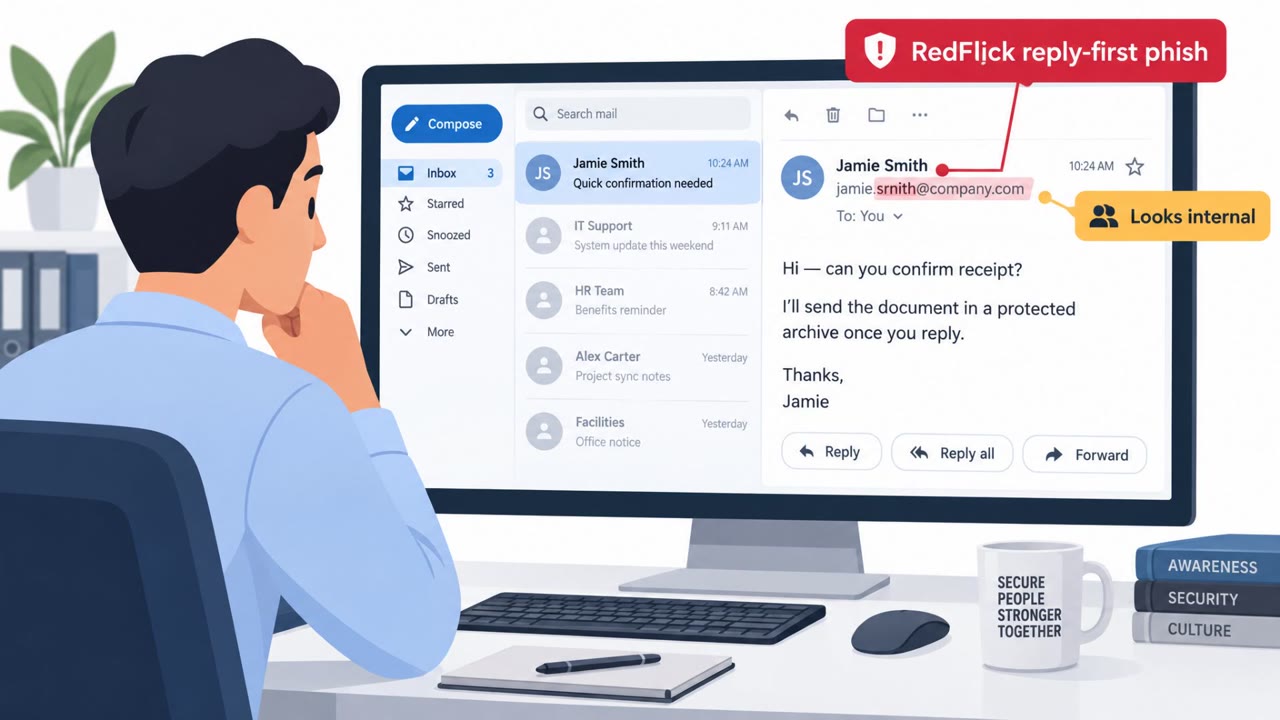
Researchers reported a real phishing operation spanning 46 countries that tricks people into installing legitimate remote monitoring and management (RMM) tools, giving attackers remote access that can look like normal IT activity. The lures use familiar business themes (tax documents, invoices, shipping notices, DocuSign) and sometimes arrive as password-protected ZIP files that run scripts to download the RMM software.
Key findings
- A newly documented RMM phishing campaign was observed in 46 countries, with ~45% of activity tied to the United States (per ANY.RUN).
- Attackers use business-themed lures (tax documents, invoices, shipping notices, DocuSign) to convince users to install legitimate remote-management software.
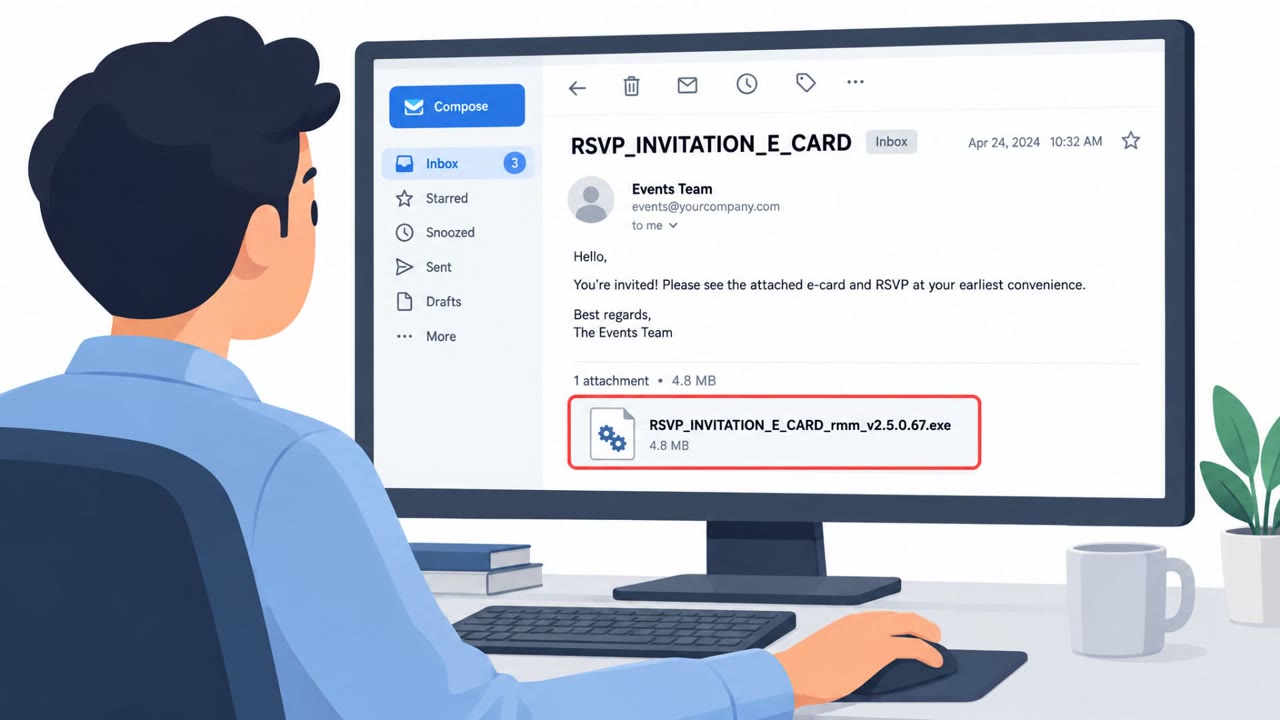
- Some messages deliver password-protected ZIP files containing VBS scripts that start PowerShell to download legitimate RMM tools.
- The campaign used large amounts of short-lived phishing infrastructure: 425 phishing-kit URLs across 240 hosts, and 94% of hosts appeared for only one day.
- MITRE maps this behavior to Remote Desktop Software (T1219.002), reflecting abuse of legitimate remote support applications for control.
Who’s being targeted
- Commonly targeted roles: Finance (AP/AR), HR/Payroll, Operations, Sales and Legal (DocuSign users), All employees (general phishing awareness), IT and Service Desk.
- Affected industries: Professional services, IT and managed service providers (MSPs), General business (cross-industry).
- Attack channels: email.
- Impersonated: Tax agency or Social Security, Vendor billing department or shipping company, DocuSign.
Awareness takeaways
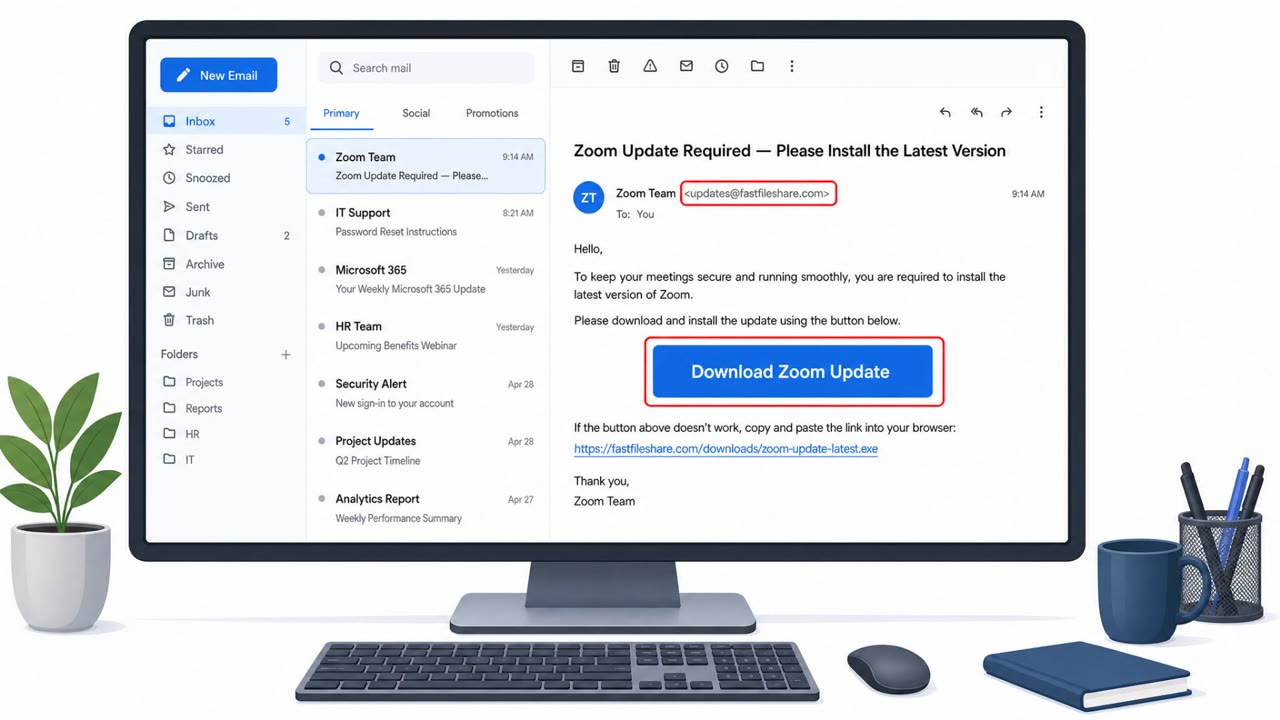
- Treat unexpected tax, invoice, shipping, and e-signature messages as high-risk, especially if they include ZIP attachments or ask you to run anything to view a document.
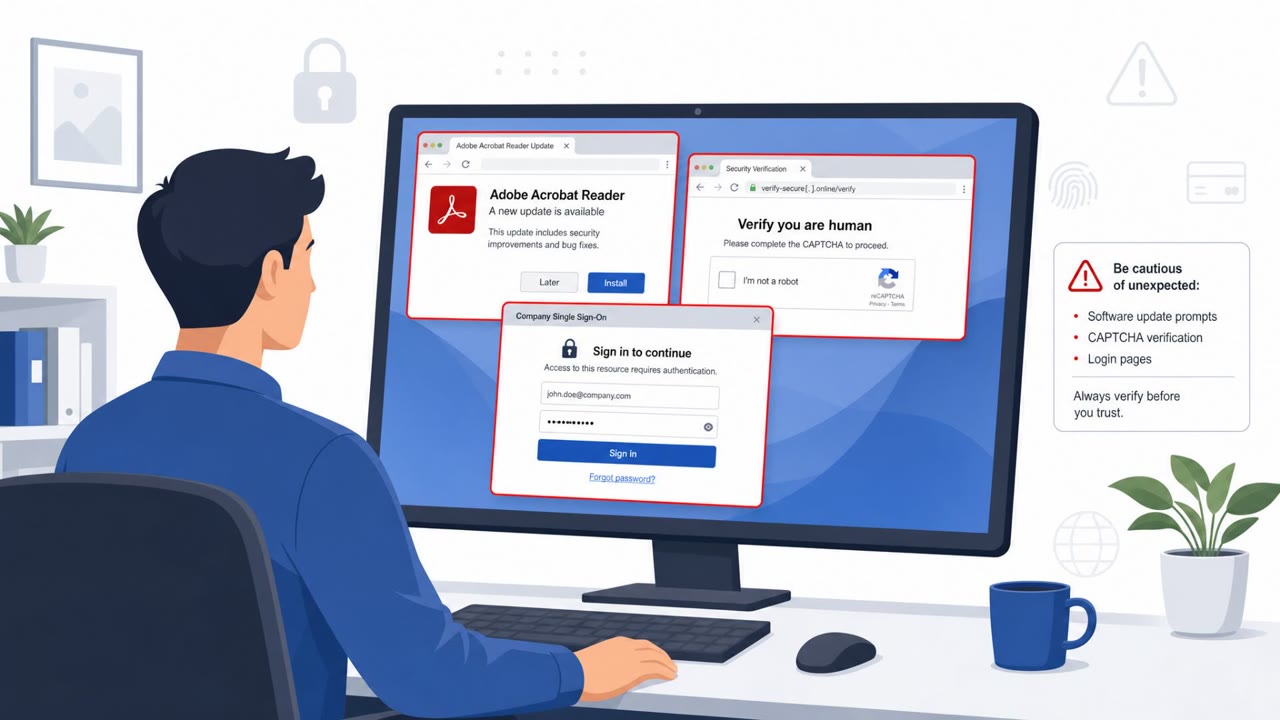
- A ‘legitimate tool’ can still be part of an attack, report any unexpected remote-access or IT management software prompts immediately.
- Keep a clear list of approved remote-access tools and who is allowed to use them; fewer tools makes suspicious activity easier to spot.
- Don’t rely only on blocking bad links, attackers can rotate infrastructure quickly; focus on inventory, monitoring, segmentation, and rehearsed response.
Red flags to watch for
- Unexpected password-protected ZIP attachment
- Script-based attachment (VBS) tied to a 'document' theme
- Request to run/enable content to view a supposed tax notice
- Unsolicited invoice or shipping notice
- Attachment requires running scripts or unusual steps to view
- Remote-access tool appears on a system where it is not normally used
- DocuSign request you were not expecting
- Business workflow used to introduce remote-admin software
- New remote sessions or remote-access software on non-IT endpoints
Read the video transcript
You get an email: “Tax Document, Action Required (Password-Protected ZIP).” Looks official, right? In a real campaign across 46 countries, that ZIP hid a VBS script that fired up PowerShell and quietly installed legit remote monitoring tools, exactly what IT uses, but now under someone else’s control. The lure looks boringly normal: fake tax notices, invoices, shipping updates, even DocuSign. The giveaway isn’t the logo, it’s the ask: a password-protected ZIP and a script you have to run just to “view” a document. If you ever see a tax, invoice, shipping, or DocuSign email that wants you to open a password-protected ZIP or run anything, stop and forward it to Security, do not open the ZIP.