Microsoft reported that phishing tied to the Tycoon2FA phishing-as-a-service platform dropped sharply after a disruption, pushing attackers to change tactics rather than stop. The report highlights real campaigns that shifted toward Microsoft Teams-based social engineering, highly automated BEC email blasts, and multi-stage phishing using calendar invites and Microsoft login redirects to deliver malware.
How the attack worked
After Microsoft disrupted the Tycoon2FA phishing-as-a-service platform, phishing volume tied to that service dropped 92%, including declines in QR code and CAPTCHA-gated phishing. Rather than stopping, attackers shifted tactics. One notable adaptation was using Microsoft Teams as a social engineering channel, where attackers established conversations to build trust before attempting credential theft or delivering malicious payloads. Separately, Microsoft observed a multi-stage phishing campaign that used nested EML files, calendar invitations, and a Microsoft authentication redirect to deliver malware, abusing trusted cloud infrastructure to disguise the attack.
Why it succeeded
These campaigns succeeded by exploiting trust in familiar tools rather than obviously suspicious external senders. A Teams message from what appears to be internal IT does not carry the same skepticism as an unknown email. Similarly, calendar invites and Microsoft authentication redirects look like normal workflow steps, making it easy for a target to click through without questioning the process. On top of this, Microsoft also observed a highly automated BEC campaign using scripted emails, Amazon SES, and engagement tracking, reaching tens of thousands of users in a very short window, showing attackers can scale trust-based tactics quickly.
What to watch for
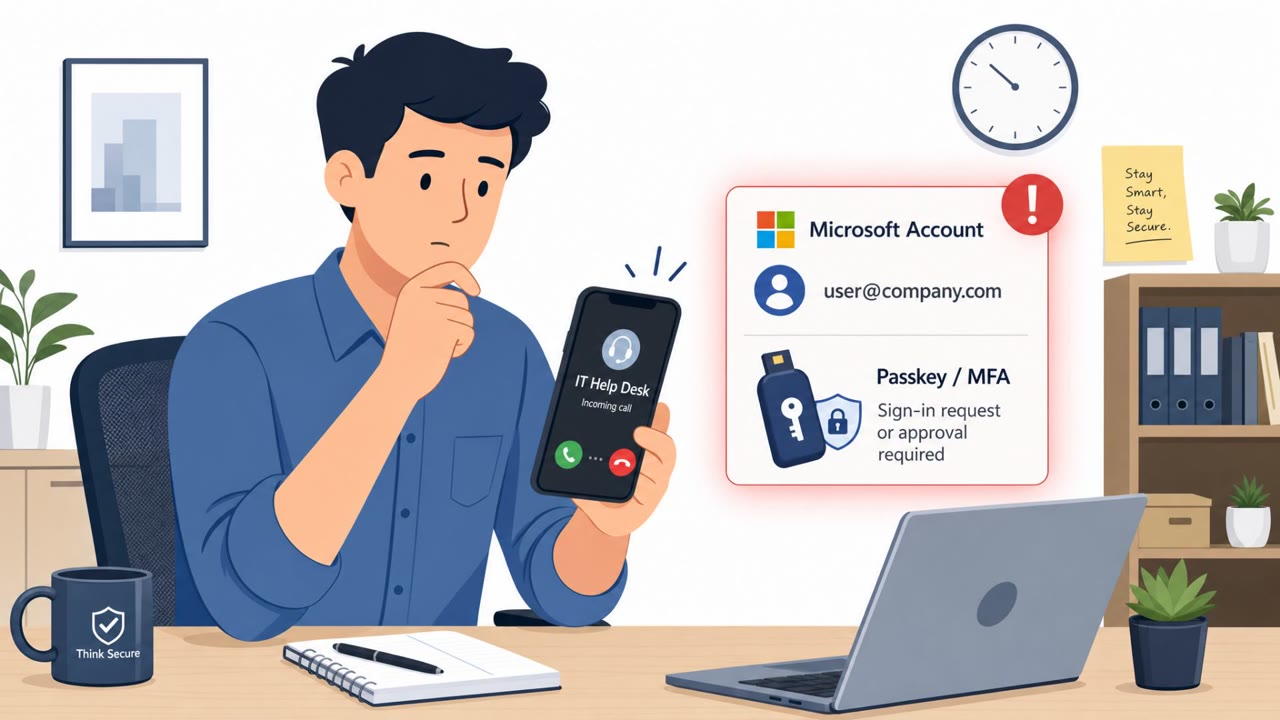
- Unsolicited Teams chats from "IT" or helpdesk accounts initiating a trust-building conversation before asking for credentials or files
- Pressure to share login details or MFA codes inside a chat rather than through normal support channels
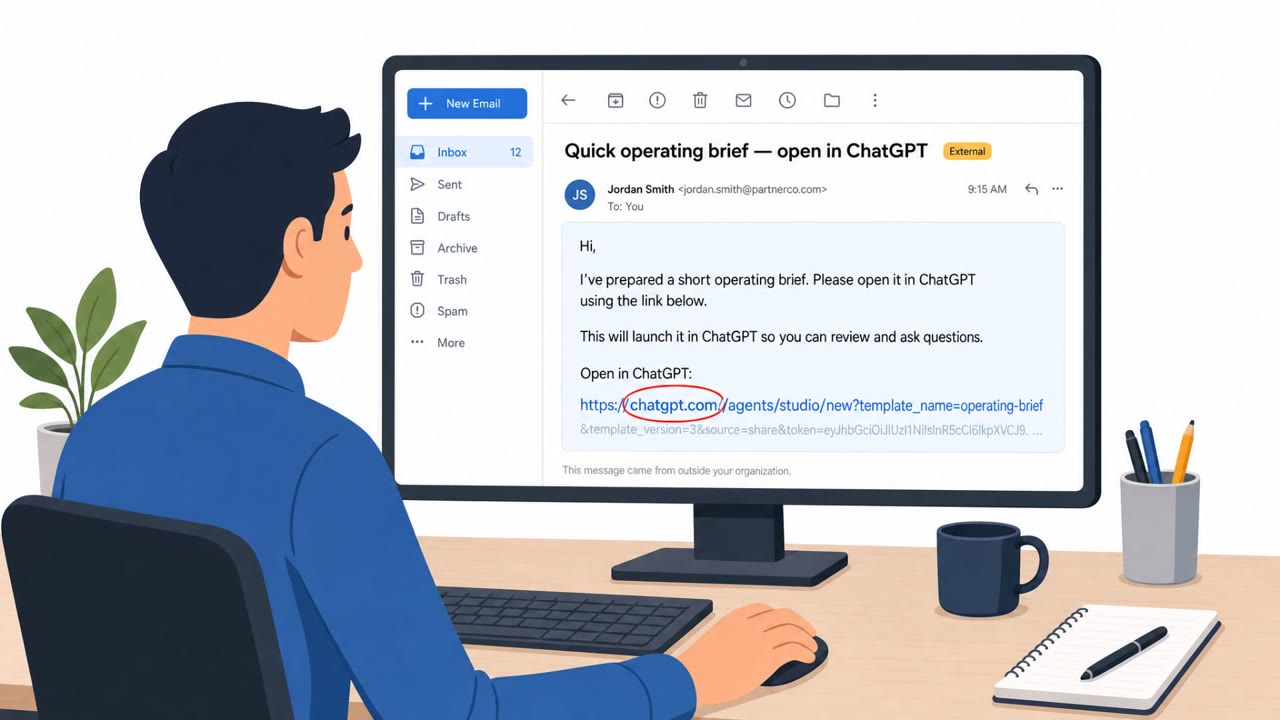
- Emails containing nested .EML attachments or unexpected calendar invites used as a delivery mechanism
- Being routed through an authentication flow that doesn't match the task at hand
- Generic but urgent emails designed to prompt a fast reply, especially around payment or invoice changes
Building resistance
Organizations should not treat Teams messages as automatically safe just because they arrive on an internal platform. Employees should be trained to question unexpected calendar invites, login redirects, or file requests, even when they appear to come from legitimate-looking Microsoft 365 workflows. Microsoft recommends blocking emails containing known bad URLs or subject fields and moving toward passwordless authentication or MFA for accounts that still require passwords. Complementing email filtering with phishing-resistant authentication, such as passkeys and phishing-resistant MFA, reduces the effectiveness of credential theft attempts even when a message gets through. Because automated BEC campaigns can reach tens of thousands of users within hours, fast reporting and response to suspicious messages remain essential, particularly for finance, accounts payable, executives, and IT/service desk staff who are frequently targeted.
Key findings
- Microsoft said phishing volume linked to Tycoon2FA fell 92% after disruption, including QR code and CAPTCHA-gated phishing declines.
- Attackers shifted to newer channels and methods, including Microsoft Teams conversations used to build trust before credential theft or malware delivery.
- Microsoft observed a highly automated BEC campaign using scripted emails, Amazon SES, and engagement tracking, reaching tens of thousands of users quickly.
- A separate multi-stage phishing campaign used nested EML files, calendar invitations, and a Microsoft authentication redirect to deliver malware.
- Microsoft recommended blocking known bad URLs/subject fields and moving toward phishing-resistant authentication (passkeys, passwordless, phishing-resistant MFA).
Who’s being targeted
- Commonly targeted roles: All employees, Finance/Accounts Payable, Executives, IT/Service Desk, Microsoft 365 administrators.
- Affected industries: Multiple industries (cross-sector), Any organization using Microsoft 365/Teams/Exchange Online.
- Attack channels: teams, email.
- Impersonated: Internal IT Helpdesk, Legitimate-looking Microsoft 365 workflow (calendar invite / authentication prompt), Business contact (generic BEC-style outreach).
Red flags to watch for
- Unsolicited Teams chat from “IT” initiating a trust-building conversation
- Pressure to share credentials or take unusual steps in chat
- Links/files delivered via Teams instead of the normal helpdesk process
- Email contains nested .EML files or unusual attachments
- Unexpected calendar invite used as a delivery mechanism
- Being redirected through an authentication flow when it doesn’t match the task
- Generic but urgent email designed to prompt a quick reply
- High-pressure timing and unusual secrecy
- Payment or invoice details changing without normal verification
Frequently asked questions
Why did phishing shift to Microsoft Teams after the Tycoon2FA takedown?
Microsoft reported phishing volume linked to Tycoon2FA fell 92% after the disruption, so attackers adapted by using Microsoft Teams as a new social engineering channel to build trust before stealing credentials or delivering malware.
What is the calendar invite phishing technique described in this report?
A multi-stage campaign used nested EML files, calendar invitations, and a Microsoft authentication redirect to deliver malware, disguising the attack behind trusted Microsoft 365 infrastructure.
How fast can automated BEC campaigns spread?
Microsoft observed one automated BEC campaign reach 42,000 organizations in under three hours, and another reach over 67,000 users using scripted emails and engagement tracking.
What defenses does Microsoft recommend against these tactics?
Microsoft recommends blocking known bad URLs and subject fields, and moving toward passwordless or phishing-resistant MFA to reduce the impact of credential theft attempts.
Read the video transcript
That big Tycoon2FA takedown? Phishing didn’t stop; it just moved into places we trust, like Microsoft Teams and calendar invites. Example one: you get a Teams message, “Hi, IT Helpdesk here. We need to confirm your account to resolve an access/security issue.” They chat a bit, then ask for your login or MFA code, or drop a file or link to ‘fix’ it. That’s phishing in Teams. Example two: an email says, “Please review the attached message and calendar invite for the updated details.” Inside are nested .EML files and an ICS invite. You click, get bounced through a Microsoft login screen that feels out of place, and behind that, malware. Here’s the move: if a Teams chat or email pushes you to share credentials, MFA codes, or log in when it doesn’t match the task, stop and report it to the security team immediately, fast reporting beats their automation.