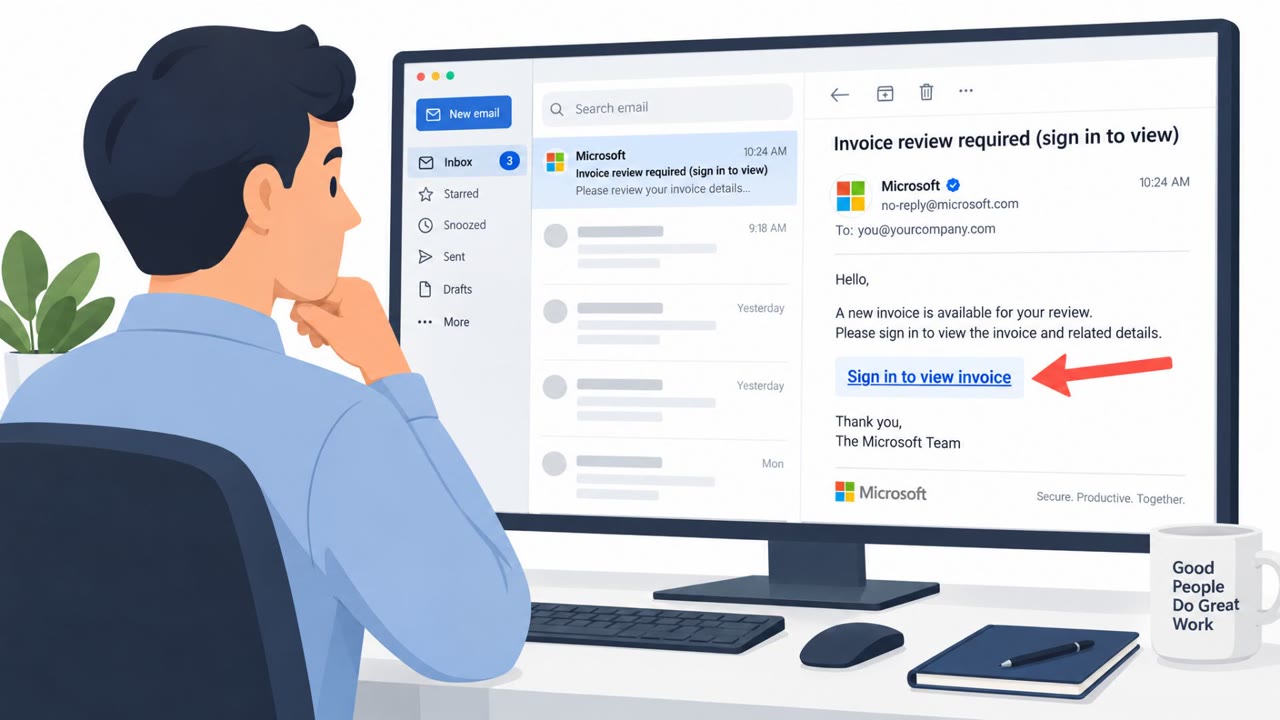
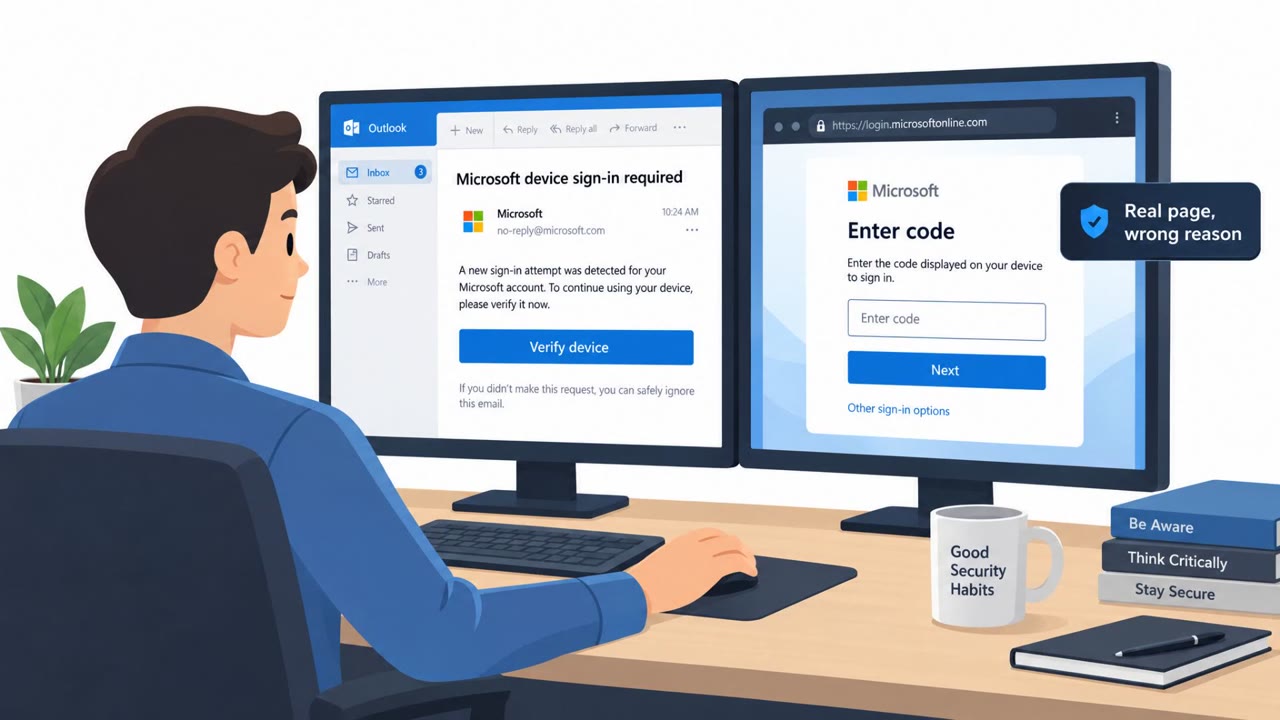
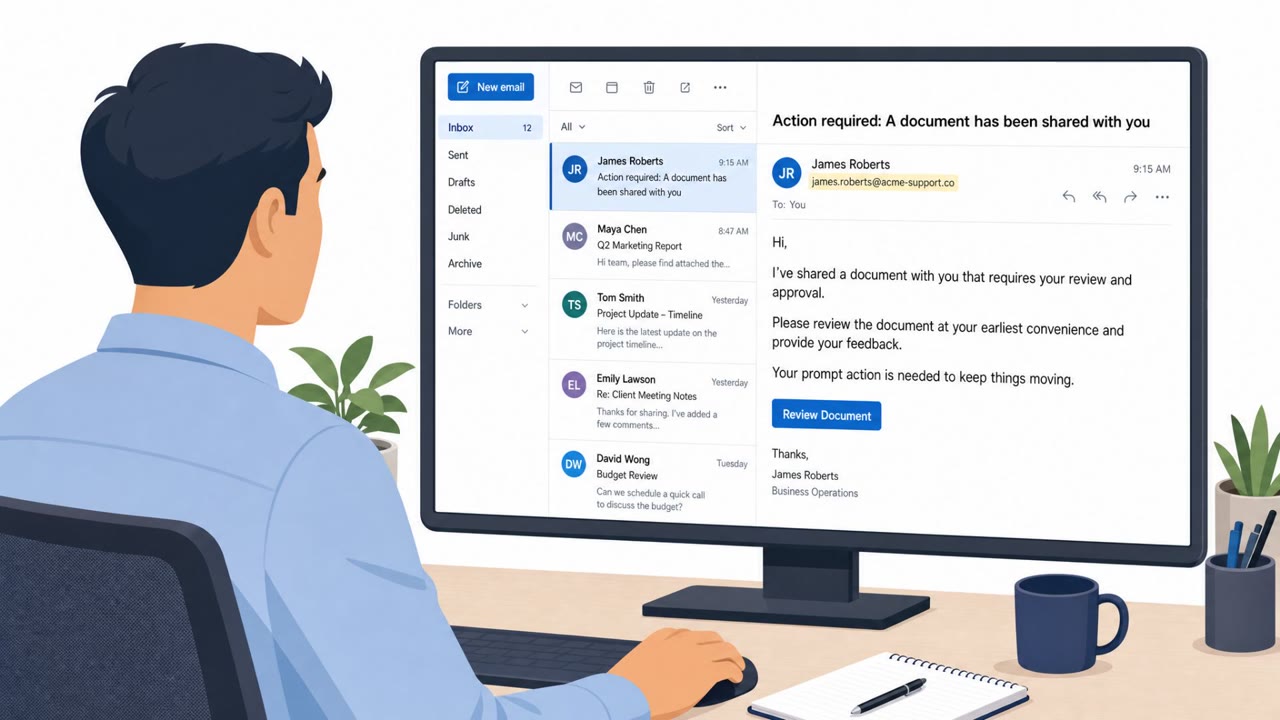
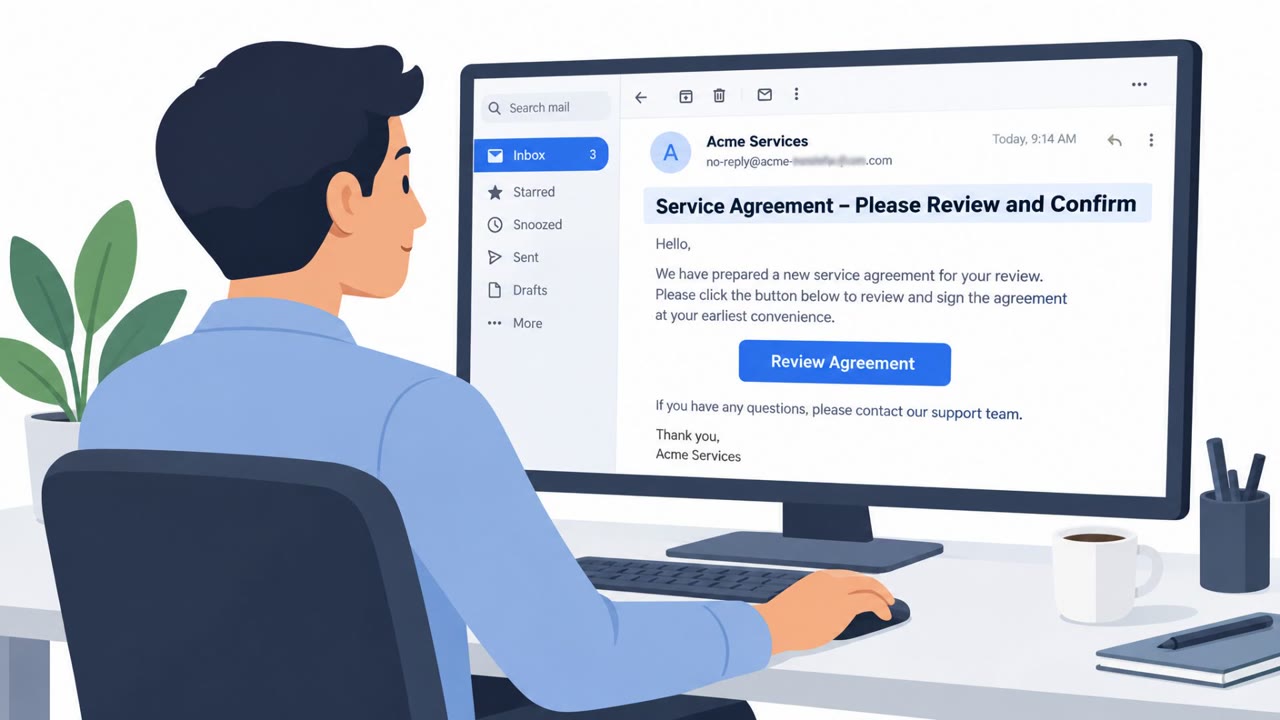
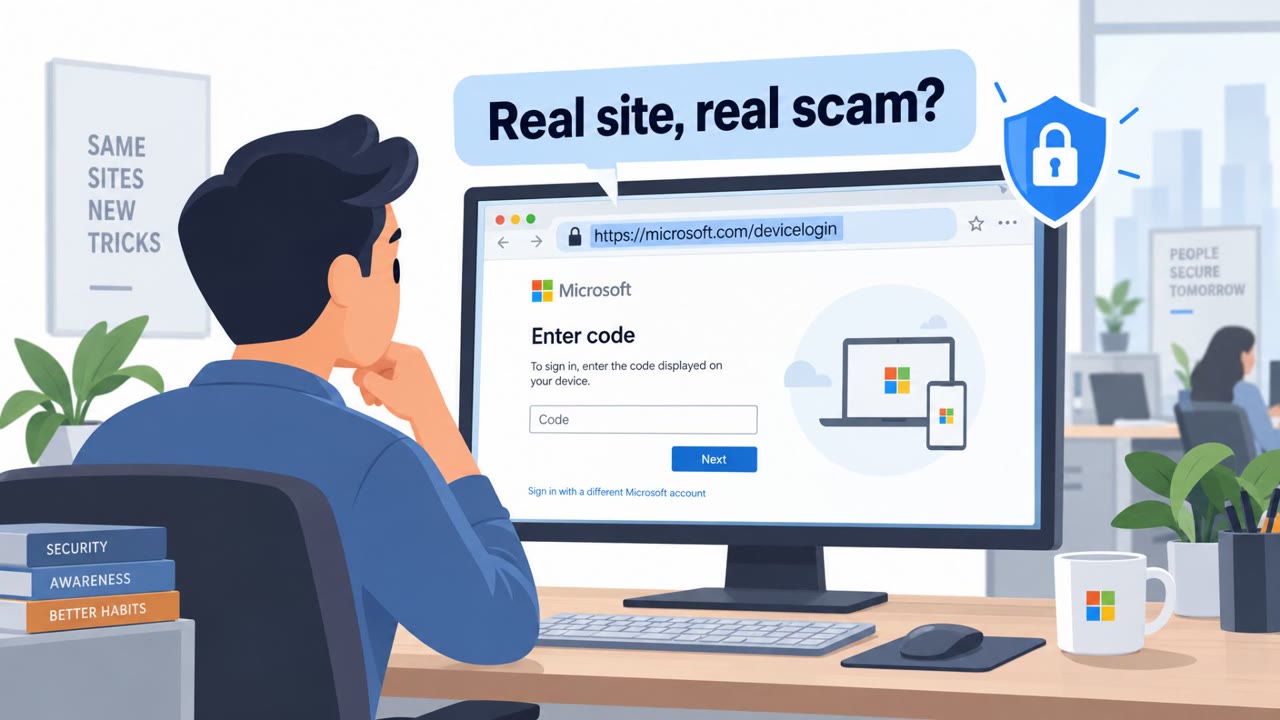
A widespread campaign used fake Microsoft 365 sign-in pages and device-code phishing to capture legitimate session tokens after users had completed MFA. Attackers replayed those tokens to access corporate accounts, then changed MFA settings, registered their own devices, hid emails, and in one case sent a payroll-themed phishing message from a real compromised mailbox.
Key findings
- Huntress observed at least 200,000 login attempts and 497 successful sign-ins across a global campaign targeting Microsoft 365 environments.
- The attackers used fake sign-in pages, device-code phishing, and adversary-in-the-middle methods to steal login tokens that remained valid after the victim completed MFA.
- Attackers often entered victim environments within minutes of token theft.
- After gaining access, attackers removed victims' MFA settings, added their own phone-based authenticator, registered their devices, and created hidden inbox rules.
- A compromised mailbox was used to send a payroll-related phishing email, demonstrating how a trusted internal sender can be used for BEC.
Who’s being targeted
- Commonly targeted roles: All Microsoft 365 users, Finance, Payroll, Accounts payable, Microsoft 365 administrators, Identity and access management teams.
- Affected industries: Organizations using Microsoft 365, Cross-industry corporate environments.
- Attack channels: website, email.
- Impersonated: Microsoft 365 sign-in service, A trusted internal payroll contact.
Awareness takeaways
- Treat unexpected Microsoft 365 sign-in pages and MFA prompts as suspicious, especially if you did not initiate the sign-in. Report them rather than approving or completing the request.
- Verify payroll and payment requests through a known, separate communication channel, even when they arrive from a legitimate internal email address.
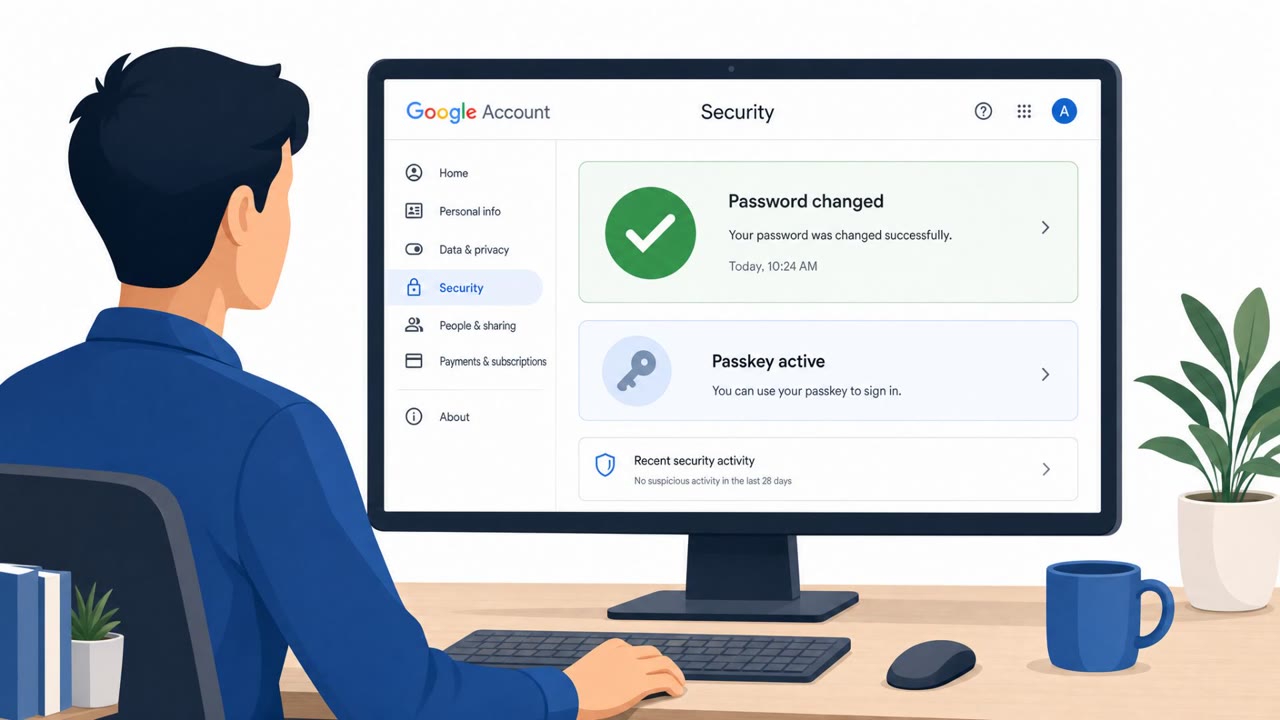
- Administrators should investigate suspected account compromise by revoking active sessions, resetting passwords, and checking MFA methods, registered devices, and inbox rules for unauthorized changes.
Red flags to watch for
- Unexpected sign-in page or authentication prompt
- A sign-in flow that appears outside the normal Microsoft 365 application or browser path
- An MFA approval prompt that the user did not initiate
- A payment or payroll request that is unexpected, even when it comes from a known internal sender
- Urgent financial requests without normal approval steps
- Changes to payment details that are not verified through a known, separate contact method
Read the video transcript
Passed Microsoft 365 MFA? Your account could still be stolen. A fake page says, ‘Sign in to your Microsoft 365 account to continue.’ You sign in and approve MFA. An adversary-in-the-middle steals the session token. That token works after MFA. Within minutes, they can enter your account, add their phone, hide emails, and send a payroll request from your real mailbox. Unexpected Microsoft 365 sign-in or MFA prompt? Don't complete it. Report it to your security team.