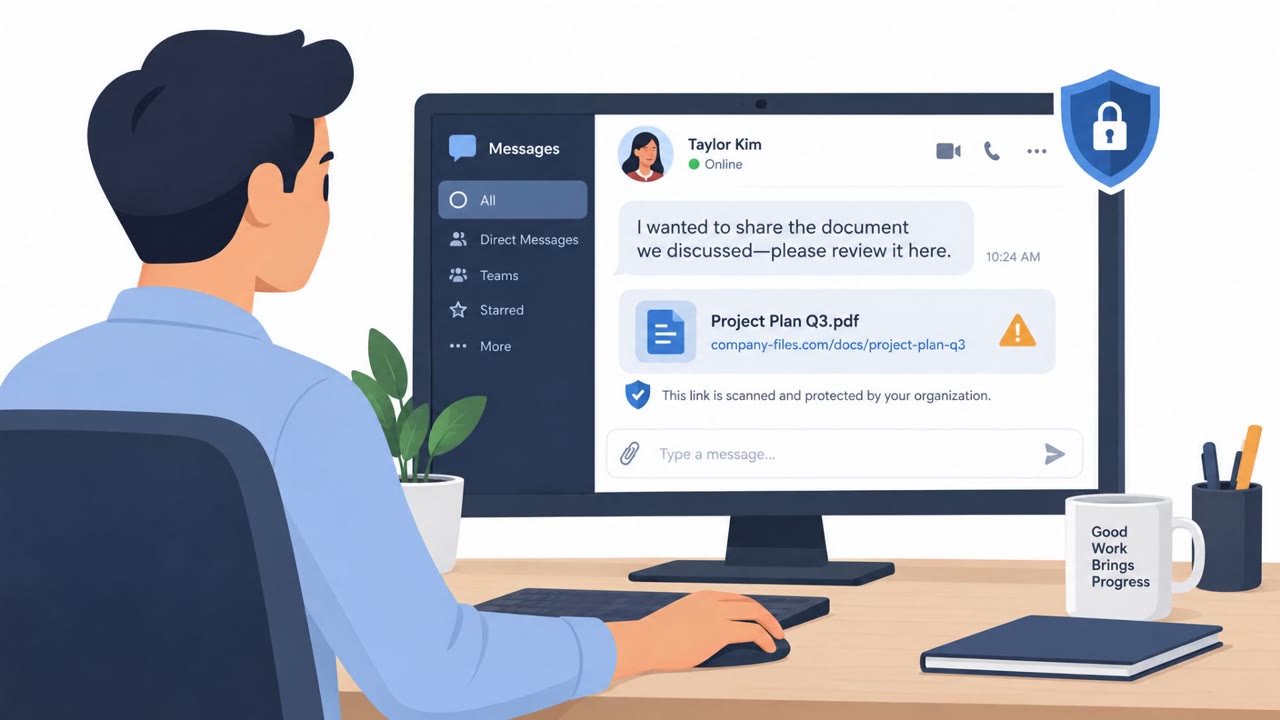
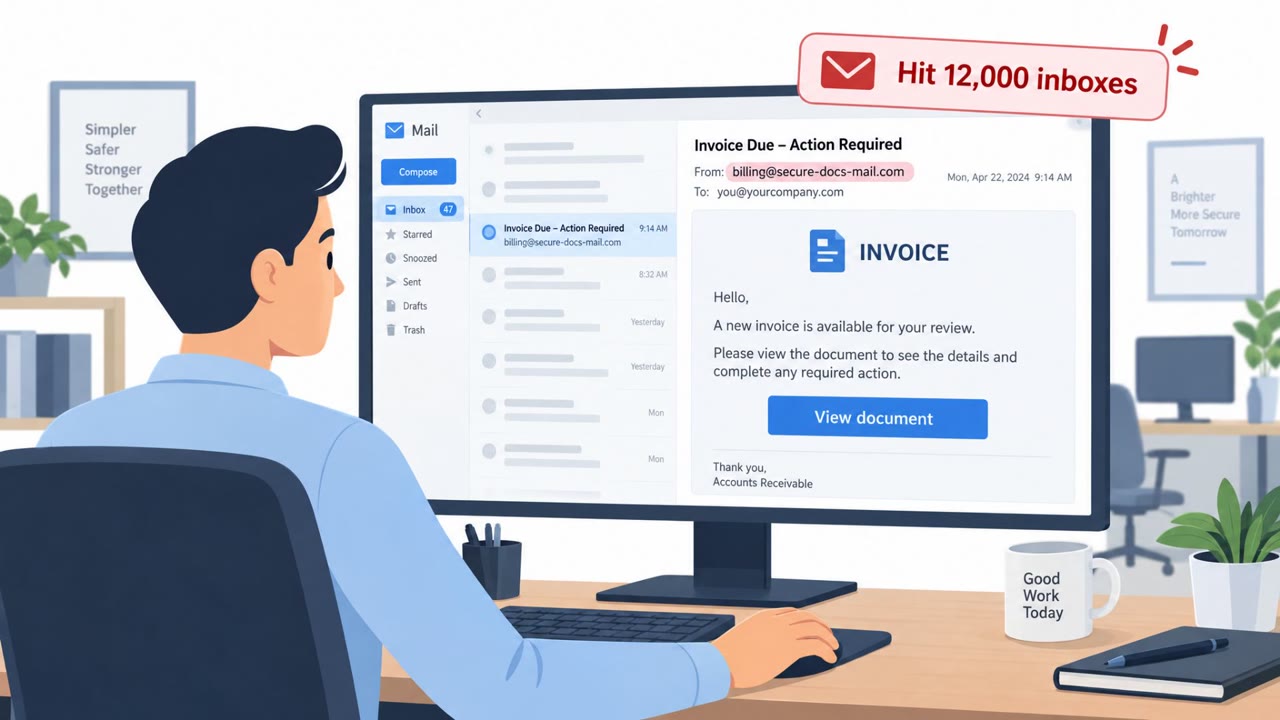
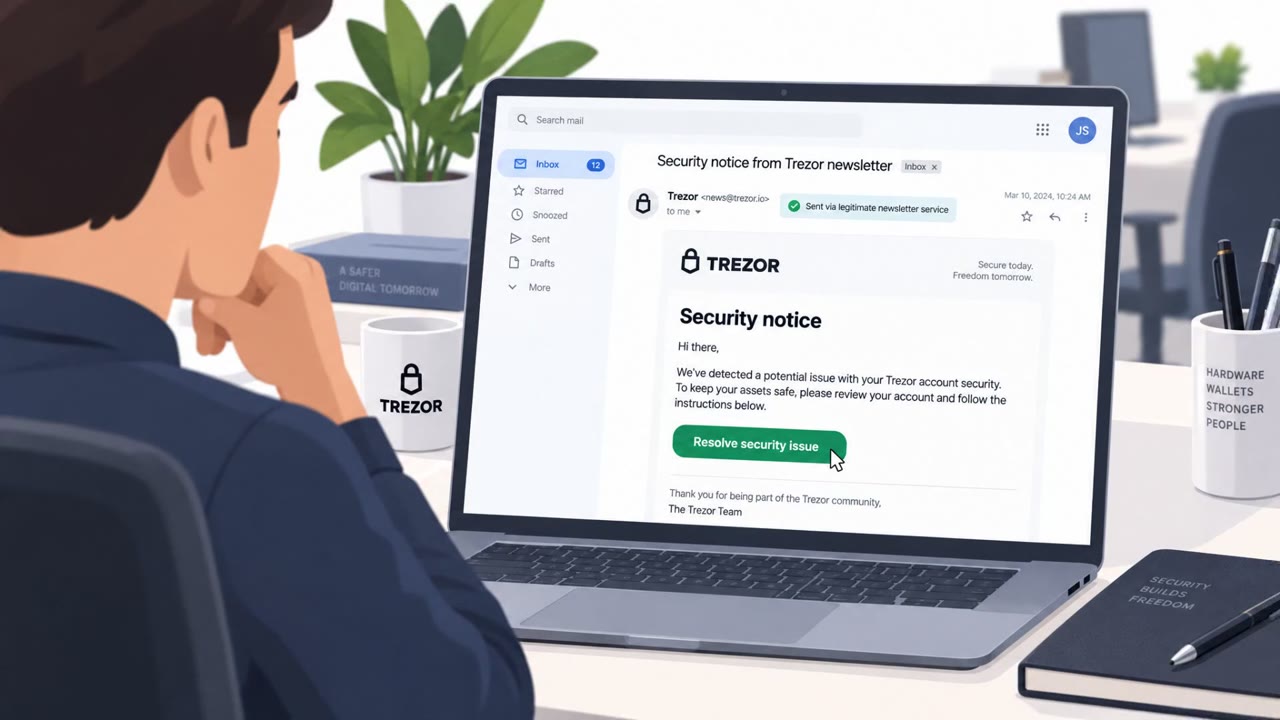
Elastic describes real campaigns that trick victims into approving legitimate Microsoft sign-ins, pasting commands from fake verification prompts, or trusting familiar tools. For financial institutions, the danger is that a seemingly normal login or device action can lead to account access, changed payment beneficiaries, and fraudulent transfers.
Key findings
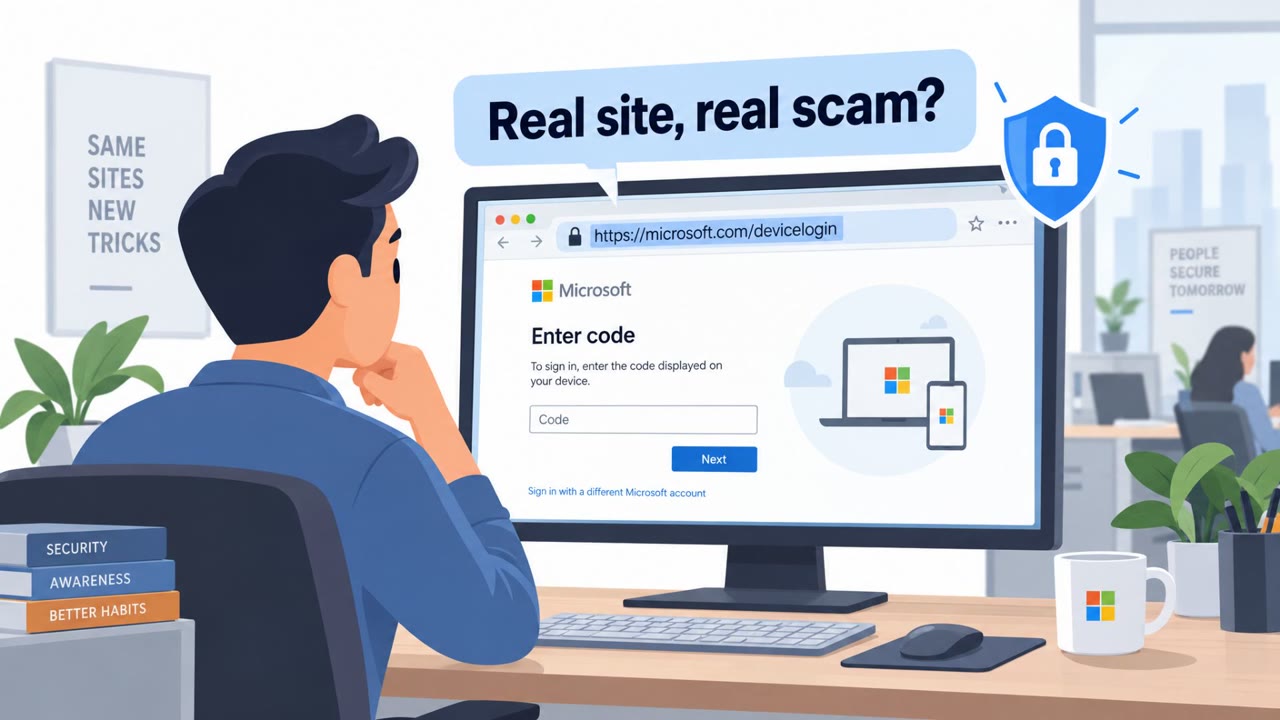
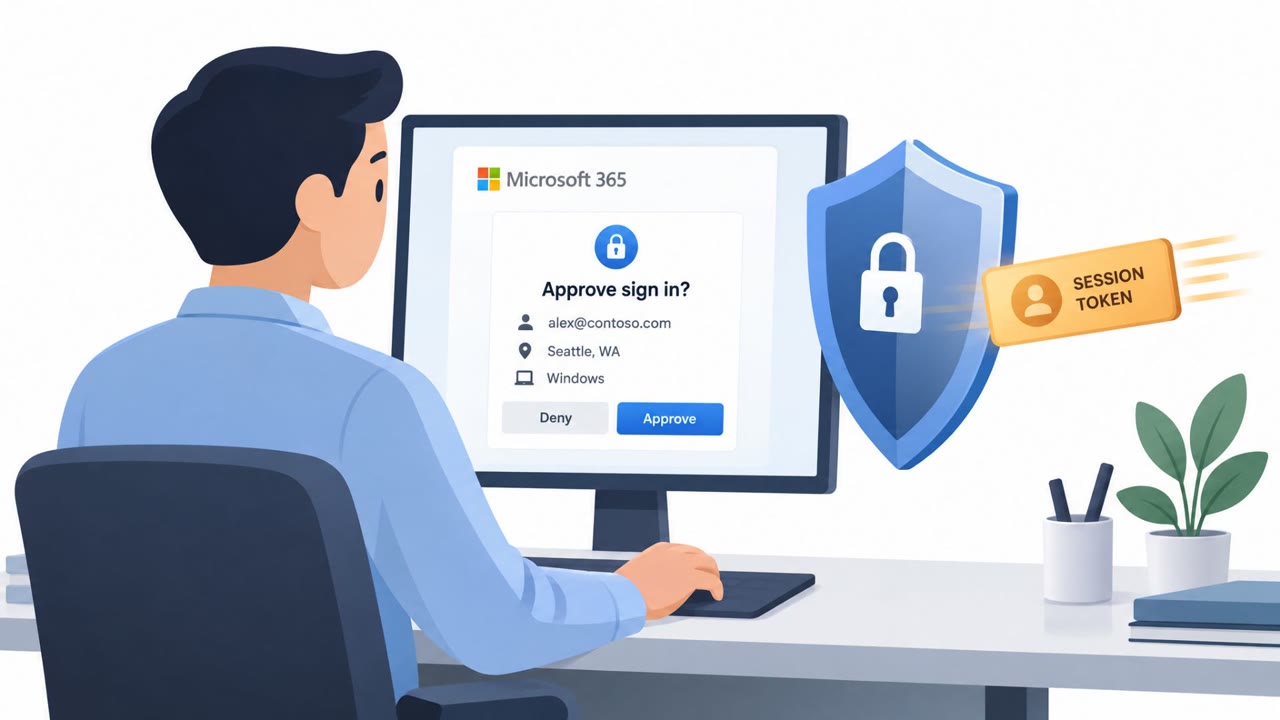
- A phishing kit directed victims to a genuine Microsoft device sign-in page, where entering a code and approving the request gave the attacker a session token.
- Elastic observed Microsoft Graph API activity and registration of a virtual device after the victim approved the sign-in request.
- Paste-and-run attacks used convincing pop-ups or CAPTCHA-style verification prompts to persuade users to copy and run commands.
- SCMBANKER targeted customers of Mexican banks, fintechs, payment processors, and cryptocurrency exchanges.
- TCLBANKER monitored browser activity for financial sites and could show fraudulent full-screen overlays.
- The report also documented abuse of approved AI applications and legitimate remote-management software to run commands or retain access.
Who’s being targeted
- Commonly targeted roles: Treasury, Payments operations, Fraud operations, Finance staff, Bank customers, Identity and access management teams, Security operations center personnel, IT support and vendor-management teams.
- Affected industries: Banking, Financial technology, Payment processing, Cryptocurrency exchanges, Insurance, Capital markets.
- Attack channels: website.
- Impersonated: A seemingly legitimate website or verification service, Microsoft.
Awareness takeaways
- Do not copy and run commands from a CAPTCHA, pop-up, or website verification prompt. Report the page instead.
- Approve Microsoft device-code sign-ins only when you personally initiated the sign-in and recognize the device or application involved.
- Independently verify beneficiary or payment-instruction changes, especially when they coincide with unusual sign-in or device activity.
- Treat unfamiliar device registrations and unexpected remote-support sessions as events requiring prompt review, even when the software or login brand is legitimate.
Red flags to watch for
- A CAPTCHA or verification step asks the user to run a command rather than simply confirm they are human.
- The user is told to copy and paste text into a command prompt or terminal.
- The verification appears while visiting only a seemingly legitimate website.
- The sign-in approval was not initiated by the employee.
- A device registration appears after an unexpected sign-in approval.
- The request leads to unfamiliar activity, such as payment-beneficiary changes or Microsoft Graph API access.
Read the video transcript
The Microsoft sign-in page can be real, and the request can still be a trap. A phishing kit gives you a code. You enter it on Microsoft's genuine page and approve. That approval gives the kit's session a token, not yours. Elastic then saw Microsoft Graph API activity and a virtual device registration. The red flag? You never started that sign-in. A familiar logo doesn't make an unexpected approval safe. If you didn't start the Microsoft device sign-in, deny the approval.