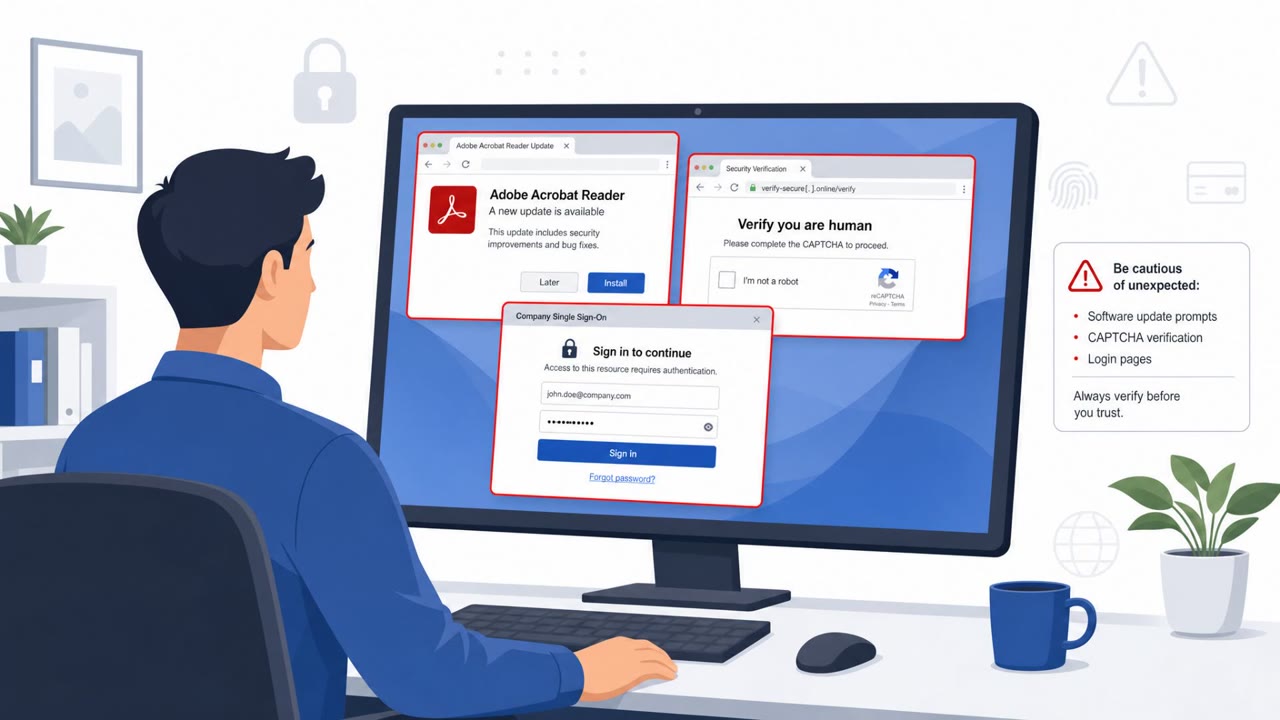
Russian espionage group COLD RELIC used stolen employee identities, contact lists, and business context from one cloud breach to convincingly target people at other organizations. It impersonated known professional contacts over a secure messaging app, then sent phishing links that led to relevant document lures and stole Microsoft Entra ID credentials and authentication tokens.
How the Attack Worked
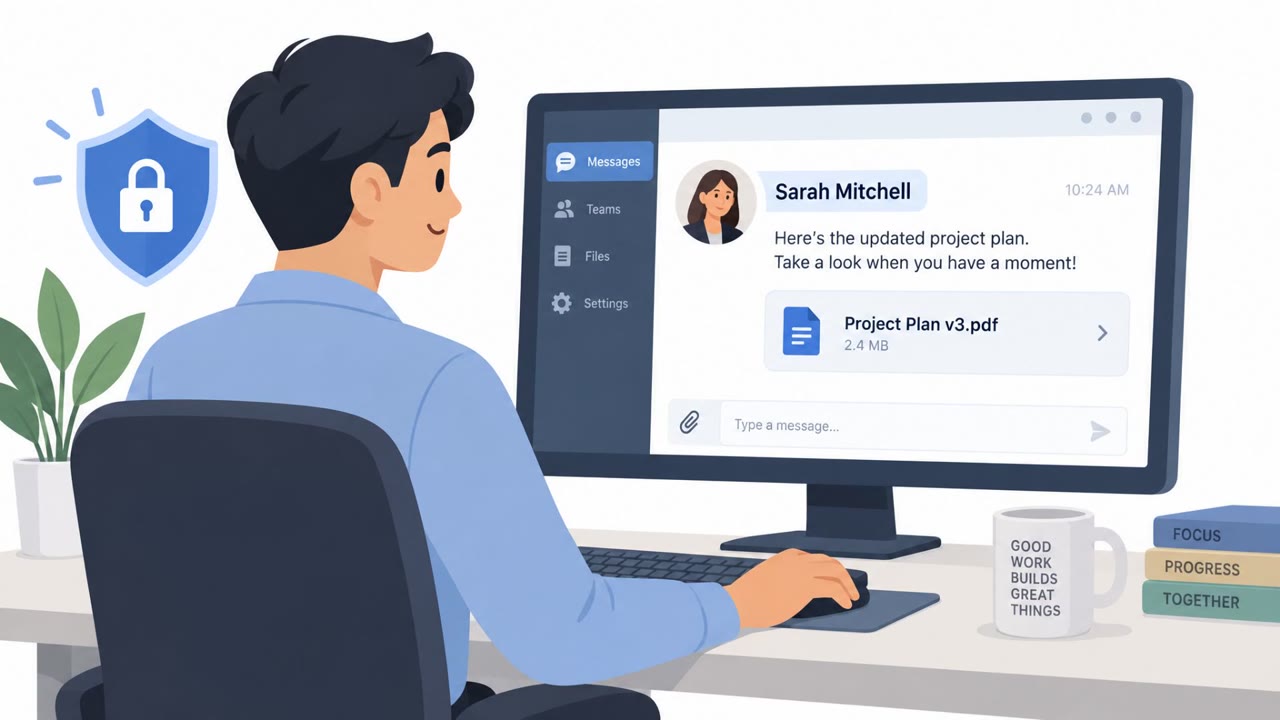
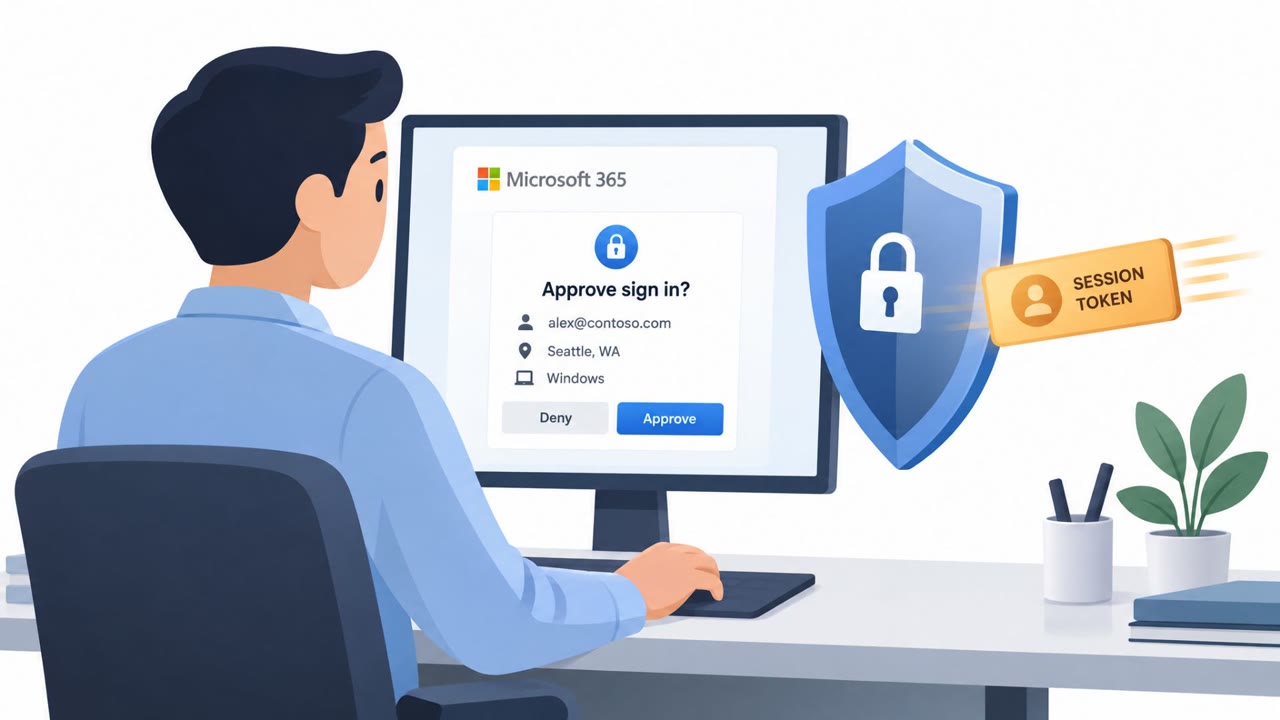
COLD RELIC, a Russian espionage group, built its campaigns on information taken from a prior breach. After compromising one organization, the group extracted employee identities, contact lists, and business context, then reused that material to approach people at a second organization. The attacker impersonated a known professional contact over a secure messaging app, built rapport in conversation, and then shared a phishing link framed as a document relevant to the discussion. Because the link matched the topic of the ongoing chat, it was less likely to raise suspicion. In at least one case, the group paired stolen Super Admin credentials with an MFA push notification fatigue attack, repeatedly prompting a victim until a login request was approved.
Why It Succeeded
The campaign worked because it exploited trust that already existed between professional contacts, not trust in an unfamiliar sender. Targets had no reason to doubt a message that appeared to come from someone in their own network. The phishing links also routed through a compromised website before reaching the actual credential-harvesting page, adding a layer of legitimacy to the path a target would see. Once inside, COLD RELIC registered rogue MFA devices, passkeys, and backup codes, which let it retain access even after some remediation steps were taken, particularly when not all active sessions were revoked.
What to Watch For
- Unexpected document links from a professional contact, even one you recognize
- Links that pass through an unfamiliar or unrelated website before reaching a sign-in page
- URLs containing unusual parameters that may reference a prior victim or lure topic
- Repeated or unprompted MFA push notifications
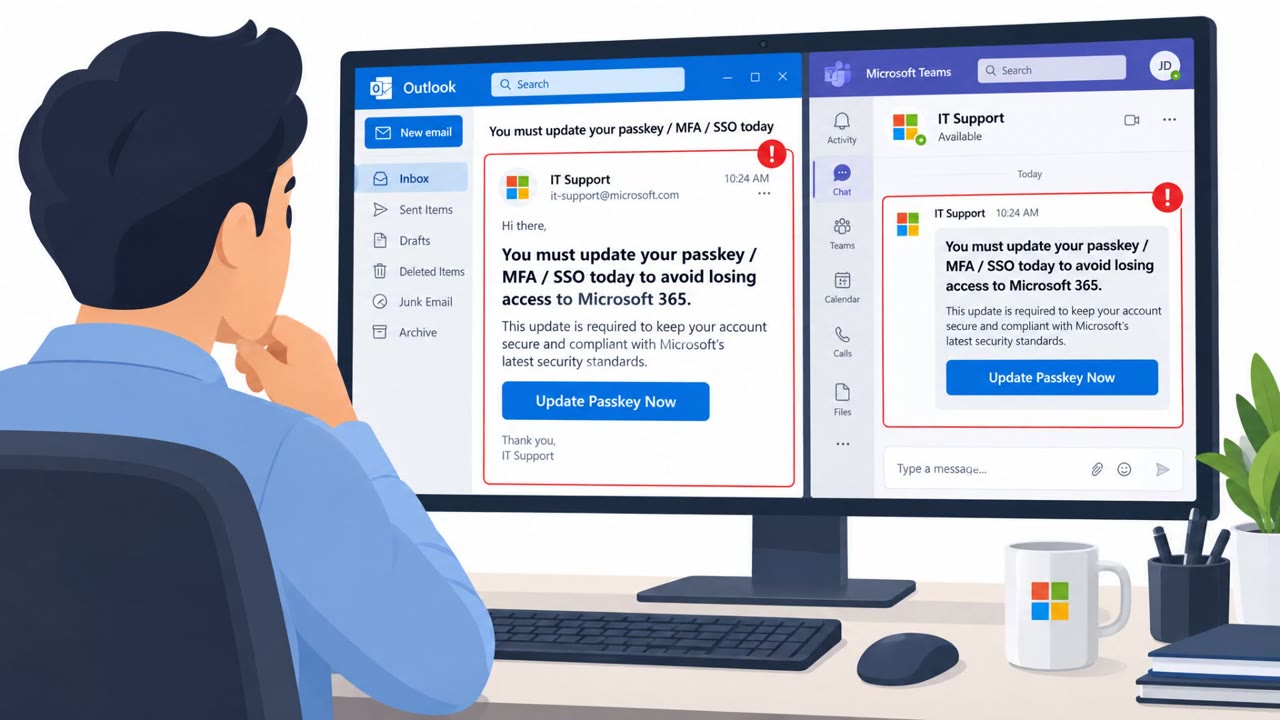
- New or unrecognized device models, passkeys, or backup codes appearing in account security settings
Building Resistance
Defenders can reduce the impact of this type of campaign by treating document-sharing requests from professional contacts with the same scrutiny as unknown senders, especially when the request leads to a login prompt. Verifying requests through a separate, known channel before authenticating is one of the simplest defenses. Staff should be trained to never approve an MFA prompt they did not initiate and to report repeated prompts right away. On the response side, identity and access management teams should assume that a password reset alone may not end an intrusion. Full remediation after a suspected compromise should include revoking all active sessions, removing unauthorized MFA devices, passkeys, and backup codes, and reviewing OAuth application access tied to the affected accounts. Because COLD RELIC reuses stolen identities and contact information to reach new targets, organizations connected to a previously breached partner, vendor, or collaborator should treat unexpected outreach from that network with added caution.
Key findings
- COLD RELIC used information stolen from one US-based organization to create credible impersonation pretexts against a second organization.
- The group impersonated an employee from a previously compromised organization over a secure messaging app before sharing phishing links.
- Phishing links redirected targets to document lures related to the ongoing conversation, helping the attack appear legitimate.
- In one case, the group combined stolen Super Admin credentials with MFA push-notification fatigue to gain access to a cloud environment.
- After access, COLD RELIC registered rogue MFA devices, passkeys, and backup codes to retain access and downloaded cloud files, emails, employee lists, and contact information.
- The group reused compromised identities and professional-network context to target additional people and organizations.
Who’s being targeted
- Commonly targeted roles: Government officials, Defense contractor employees, NGO staff, Executives, Administrative staff, Cloud administrators, Identity and access management teams, Employees who regularly receive shared documents or collaborate with external contacts.
- Affected industries: Government, Defense contractors, Non-governmental organizations, Organizations using Google Workspace, Organizations using Microsoft Entra ID.
- Attack channels: website.
- Impersonated: An employee from a previously compromised organization in the target's professional circle, A trusted contact or organization associated with the personalized lure.
Red flags to watch for
- The contact asks the recipient to authenticate through an unexpected link.
- The destination may first pass through a compromised website before redirecting to the credential-harvesting page.
- The sender identity is based on familiarity in a professional network rather than an independently verified address or account.
- The URL may contain an unusual personal-name or topic parameter.
- The link may begin on an unrelated or compromised website before redirecting elsewhere.
- An unexpected sign-in page appears after opening a document link.
Frequently asked questions
How did COLD RELIC gain initial access to target organizations?
COLD RELIC impersonated an employee from a previously compromised organization over a secure messaging app, then shared phishing links disguised as relevant documents to steal Entra ID credentials and tokens.
What role did MFA fatigue play in the attack?
In one case, the group combined stolen Super Admin credentials with an MFA push notification fatigue attack, prompting the victim to accept a login request and allowing the attacker to register a new device within the tenant.
How did COLD RELIC keep access after the initial compromise?
The group registered rogue MFA devices, passkeys, and backup codes, and maintained access partly because the victim organization did not revoke all existing sessions.
What should organizations do if an MFA push notification looks unfamiliar?
Never approve a push notification you did not initiate, and report repeated or unexpected prompts immediately so security teams can investigate.
Read the video transcript
A colleague sends the document you just discussed. Seems safe, right? COLD RELIC stole contacts and conversation details from one organization, then impersonated its employee to message people at another. The link opens a relevant document lure. Here's the catch: that link can pass through an unrelated website, then demand a Microsoft Entra ID sign-in. Familiar sender, relevant document, wrong place to enter credentials. Got an unexpected document link, even from someone you know? Before signing in, contact them using a number you already have.