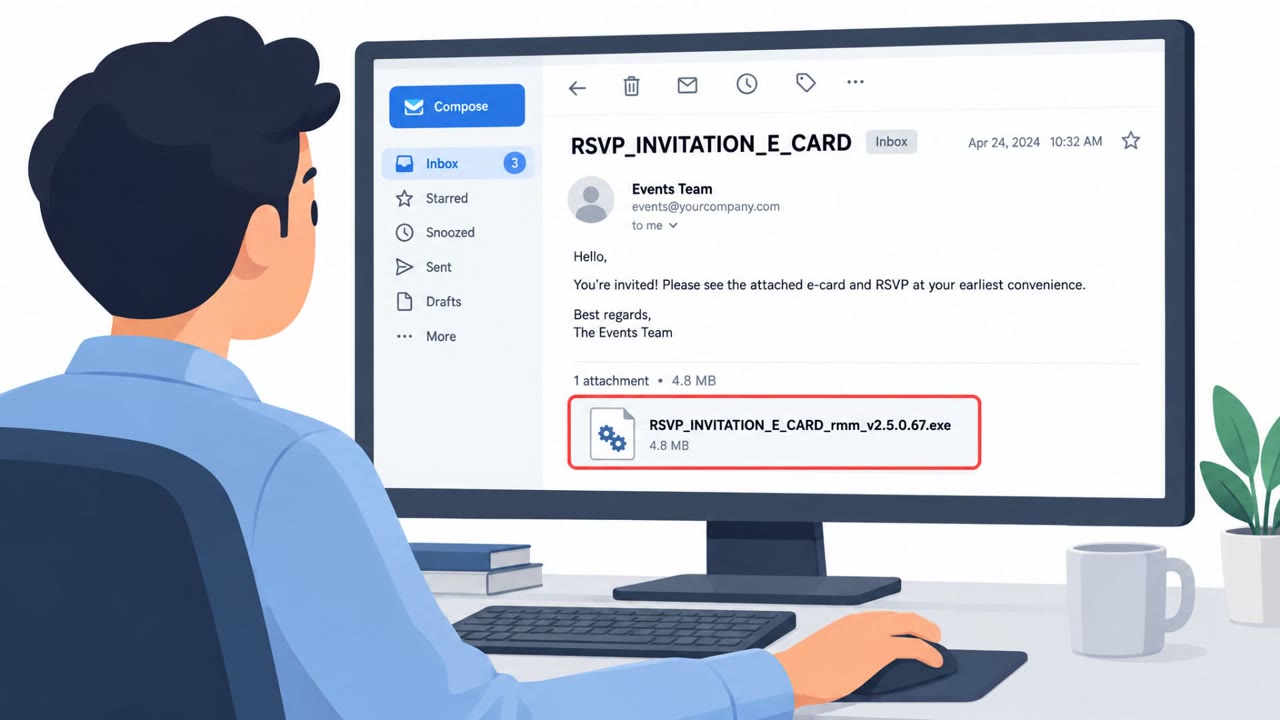
Researchers uncovered an active malware campaign ("TWINLOOT") that hides its command-and-control traffic inside trusted Microsoft services like SharePoint, Teams, and Microsoft Graph. It can trick users by showing a realistic Windows lock screen and capturing every password attempt, then sending those captured credentials out through SharePoint.
How the attack worked
TWINLOOT is malware observed in an active campaign in July that abuses trusted Microsoft services to hide its activity. Rather than relying on obviously malicious infrastructure, it uses SharePoint Online as a command channel and data drop, polling frequently and exfiltrating stolen credentials and reconnaissance data through it. It can also route interactive operator access through Microsoft Teams TURN/WebRTC, which makes internal network access appear to originate from the victim's own machine.
The credential theft component works by displaying a Windows 10 or Windows 11 lock screen populated with the victim's real account information. The screen never validates the password entered. Instead, every attempt is captured, encrypted, and sent to the SharePoint command and control channel. The victim sees a normal-looking incorrect password message before eventually being let through, which masks the theft as an ordinary login hiccup.
Why it succeeded
The campaign's effectiveness comes from abusing trust in a widely used platform. Because TWINLOOT authenticates to an attacker-controlled Azure tenant rather than the victim's own tenant, it reduces visibility in the victim's Entra ID logs. Traffic to SharePoint, Teams, and Microsoft Graph looks like normal enterprise activity, so defenders who have been trained to treat Microsoft traffic as inherently safe may overlook anomalies that would otherwise stand out.
What to watch for
- An unexpected lock screen or sudden re-authentication prompt appearing during normal work
- Repeated incorrect password messages even when the user is confident the password was correct
- A login prompt appearing without a clear reason, such as no reboot or manual lock action by the user
- Unusual polling patterns or anomalous activity in SharePoint, Teams, or Graph logs rather than relying on malware signatures alone
How to build resistance
Organizations can reduce risk from this kind of attack by combining user awareness with detection tuning. Employees across all roles, including IT support, IAM, SOC staff, and privileged users, should be taught to treat unexpected login or lock screens as suspicious and to report repeated password failures immediately, particularly when they did not lock or reboot their device. Security teams should focus on anomalous SharePoint, Teams, and Graph activity patterns rather than signature-based detection alone, and should be prepared to reset exposed credentials quickly and move toward phishing-resistant authentication when a suspicious prompt is reported.
Key findings
- TWINLOOT was observed in an active campaign in July and uses Microsoft 365/Azure components to blend into normal-looking enterprise traffic.
- It uses SharePoint Online as a command channel and data drop, polling frequently and exfiltrating stolen credentials and recon data via SharePoint.
- It can route interactive operator access through Microsoft Teams TURN/WebRTC, making internal network access appear to originate from the victim machine.
- It can steal passwords by presenting a realistic Windows lock screen with the victim’s real account info and capturing all password attempts.
- It authenticates to an attacker-controlled Azure tenant (not the victim’s M365 tenant), reducing visibility in the victim’s Entra ID logs.
Who’s being targeted
- Commonly targeted roles: All employees, IT support / helpdesk, Identity & access management (IAM), Security operations (SOC), Privileged users / admins.
- Attack channels: physical.
- Impersonated: Windows lock screen / the user’s own PC login prompt.
Red flags to watch for
- Unexpected lock screen or sudden re-authentication prompt during normal work
- Repeated "incorrect password" messages even when the user believes the password is correct
- Login prompt appears without a clear reason (e.g., no reboot/lock action by the user)
Frequently asked questions
What is TWINLOOT malware?
TWINLOOT is malware observed in an active campaign that abuses Microsoft 365 and Azure components like SharePoint, Teams, and Microsoft Graph to blend command-and-control traffic into normal enterprise activity.
How does TWINLOOT steal passwords?
It displays a realistic Windows 10 or Windows 11 lock screen populated with the victim's real account information, then captures every password attempt without ever validating it, sending the data to a SharePoint command channel.
Why is TWINLOOT hard to detect?
It authenticates to an attacker-controlled Azure tenant rather than the victim's own tenant, which reduces visibility in the victim's Entra ID logs, and it uses trusted Microsoft services to appear as normal traffic.
What should employees do if they see an unexpected lock screen?
Treat unexpected login or lock screen prompts, and repeated incorrect password messages, as suspicious and report them immediately, especially if they did not lock or reboot the device themselves.
Read the video transcript
Imagine you’re working, and suddenly your PC shows a Windows 10 or 11 lock screen with your name and email on it. With TWINLOOT malware, that lock screen can be fake. It never checks your password; every attempt you type is grabbed, encrypted, and quietly sent out through SharePoint like normal Microsoft 365 traffic. Here’s the tell: you didn’t lock or reboot, but you’re suddenly asked to sign in again, and your password keeps getting rejected with normal-looking error messages, then eventually works. That pattern is a TWINLOOT-style red flag. If your screen locks out of nowhere or your correct password fails twice, stop typing and call the security team immediately so they can reset your credentials and check for TWINLOOT activity.