Researchers reported that a popular Twitch browser extension sent users’ Twitch OAuth login tokens to proxy servers controlled by the extension’s developer. If a token was exposed, someone receiving it could potentially act as the account holder without needing the user’s password. The key user risk is that uninstalling or updating the extension may not automatically revoke tokens that were already transmitted.
Key findings
- A Twitch browser extension with ~30,000 Chrome users allegedly transmitted Twitch OAuth tokens to infrastructure controlled by its developer.
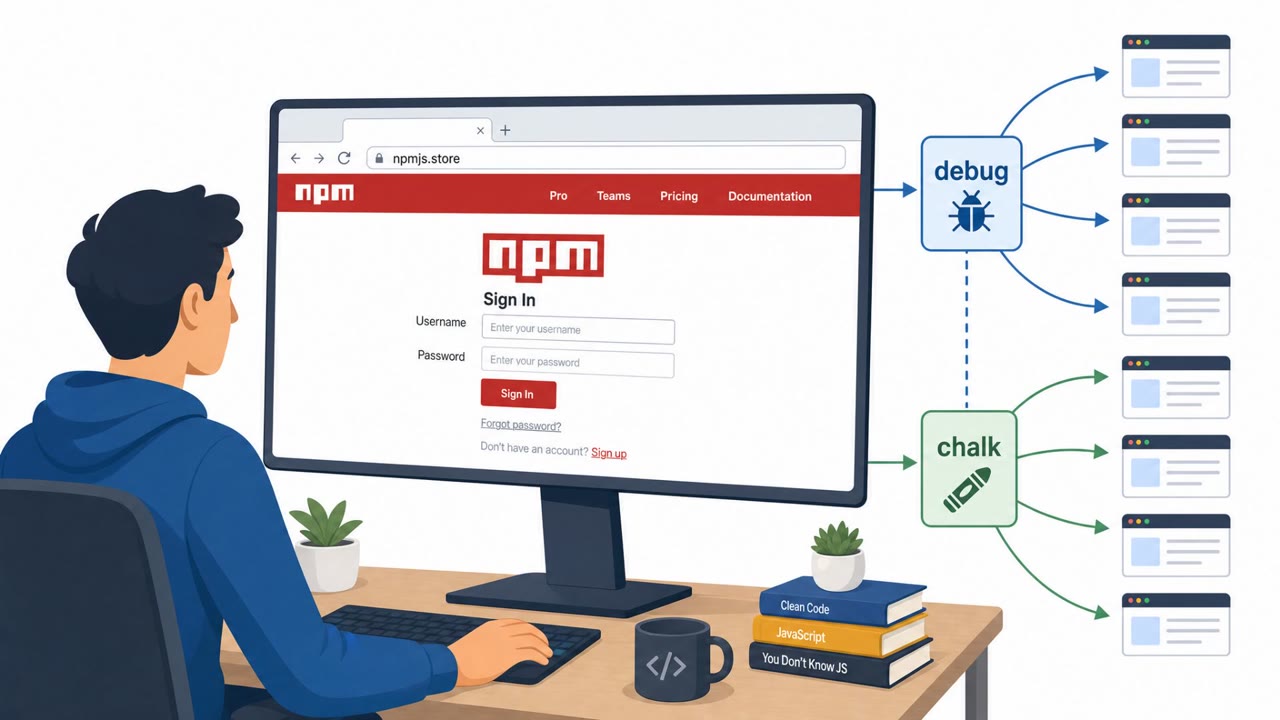
- The extension advertised viewer features (higher-quality playback, ad blocking, channel-point collection) but could also extract tokens from authenticated Twitch sessions and attach them to requests sent through developer-controlled proxies.
- Socket warned that the transmitted token could provide account-level capabilities (read/write actions) beyond what’s required for video playback.
- The extension appeared established (published June/July 2025) and remained live in the official Chrome/Firefox stores at the time of reporting.
- Updating/removing the extension may stop further exposure but does not automatically revoke tokens that may already have been transmitted.
Who’s being targeted
- Commonly targeted roles: All employees (browser users), IT / Endpoint Management, Security Awareness, Security Operations, Marketing/Social Media teams.
- Affected industries: Media and streaming platforms, Consumer internet services, Any organization allowing browser extensions on corporate endpoints.
- Attack channels: website.
- Impersonated: A legitimate Twitch utility extension in the official Chrome/Firefox stores (Twitch Enhanced Viewer | JeetBot), Twitch playback/proxy helper operated by the extension developer (JeetBot-controlled proxy servers).
Awareness takeaways
- Treat browser extensions as third-party access risk, especially if they can interact with logged-in sessions.
- Uninstalling or updating a risky extension may not be enough, revoke sessions/authorizations and review account activity.
- Don’t rely solely on ‘official store’ trust signals (age, popularity, privacy labels); validate permissions and network behavior.
- Implement enterprise controls: review/limit extension permissions and monitor the external domains extensions communicate with.
Red flags to watch for
- Extension requests/uses access that isn’t necessary for the advertised features
- Traffic is routed through “developer-controlled proxy servers”
- Sensitive credentials (tokens) are transmitted off-device
- A video/quality feature unexpectedly requires routing traffic through third-party proxies
- A feature set that does not justify transmitting authentication tokens
- Mismatch between store ‘data practices’ labels and observed behavior
Read the video transcript
You install a Twitch helper called “Twitch Enhanced Viewer | JeetBot” from the official Chrome store… and it quietly gets the power to be you. Researchers found this JeetBot extension was grabbing your Twitch OAuth token from your logged-in session and sending it through JeetBot-controlled proxy servers, letting someone act as your account without your password. Here’s the trap: the extension says it routes playlists through its proxy to unlock 1080p in restricted regions, but that video feature does not need full read/write account access. And even if you uninstall it, any token it already sent can still work. If you’ve ever used a Twitch enhancement extension like this, don’t just delete it, log into Twitch, kill old sessions and connected apps, and scan your account activity for anything you don’t recognize.