Surfside Beach, South Carolina lost $545,598.30 after staff wired money to a fraudulent account based on emails from a lookalike domain. The forensic review found no compromise of the town’s internal systems or Microsoft 365, attackers simply registered a near-identical domain and used it to impersonate a trusted contractor and redirect payment.
How the Attack Worked
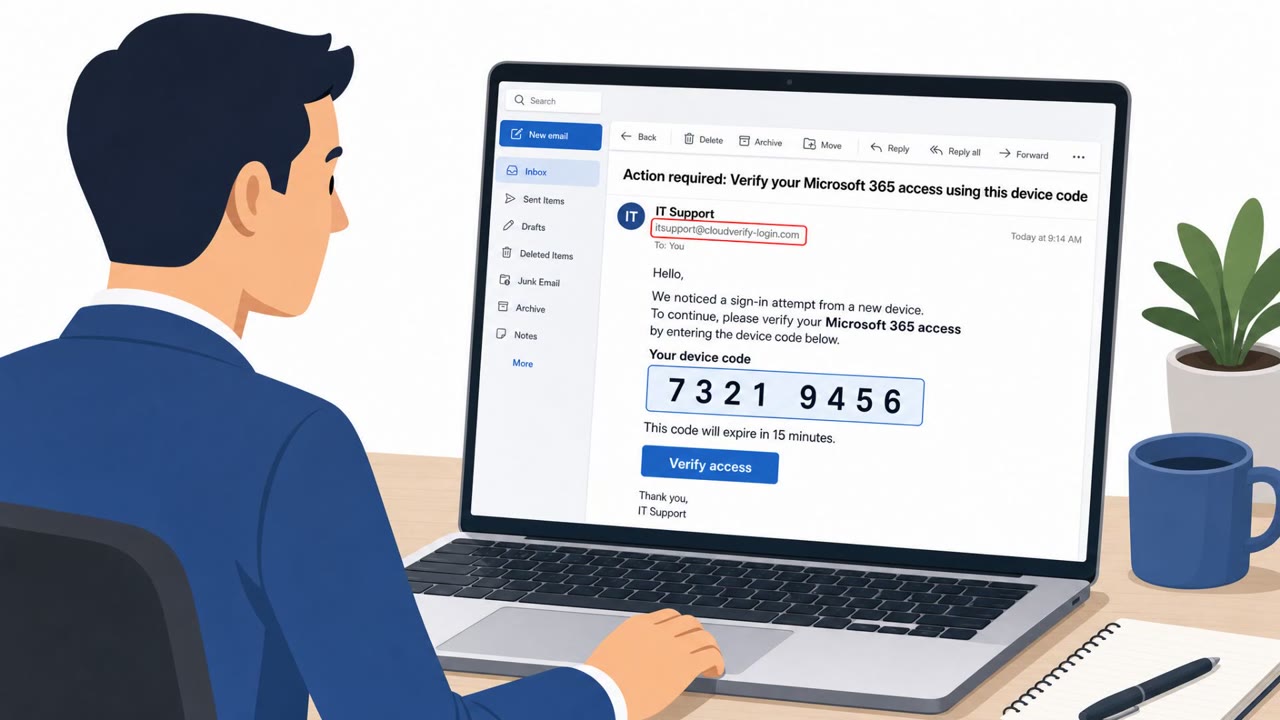
This incident centers on Surfside Beach, South Carolina, which wired $545,598.30 to an account its staff believed belonged to a legitimate contractor. Attackers had registered a lookalike domain, surfsidesbeach.org, just days before the fraud occurred. That domain was a single extra letter away from the town's real address, close enough to pass a quick visual check during a busy workday. Using that domain, attackers impersonated trusted communications tied to an in-progress contractor payment and persuaded staff to reroute the wire to a fraudulent account.
Why It Succeeded
The forensic review found no evidence of unauthorized access to the town's internal systems or Microsoft 365 accounts. This matters because it shows the attack did not rely on stolen credentials, malware, or network compromise. Instead, it exploited the narrow window between domain registration and detection, along with the natural trust placed in an ongoing vendor payment conversation. A convincing sender name and a request framed as a routine update to banking details were enough to override normal scrutiny.
What to Watch For
- Sender domains that are near-matches to known vendor or town addresses, such as an extra letter or a swapped character
- Requests to change bank account or remittance details tied to an existing payment, especially when framed as urgent or routine
- Domains registered only days before contact is made, since this timing gap is where attackers have the most leverage
- Email-only verification of payment changes with no callback to a known, previously verified phone number
How to Build Resistance
Finance, accounts payable, and procurement teams should treat any vendor payment change request as high-risk by default and verify it out-of-band, calling a number already on file rather than one provided in the email. Staff training should emphasize careful inspection of sender domains for subtle typos, doubled letters, or unexpected top-level domains before acting on financial instructions. Organizations should also consider monitoring for lookalike domains registered against their name, since the gap between registration and weaponization is a realistic window for intervention. Finally, teams should recognize that an absence of account compromise does not mean an absence of risk. As this case shows, a convincing domain name and a moment of misplaced trust can be enough to cause a significant financial loss without any technical breach at all.
Key findings
- Attackers registered a lookalike domain “surfsidesbeach.org” (extra “s”) and used it to impersonate trusted communications tied to a contractor payment.
- Surfside Beach staff wired $545,598.30 to a fraudulent account believing it was a legitimate contractor payment.
- The forensic investigation found “no evidence of unauthorized access to the town’s internal systems or Microsoft 365 accounts,” indicating the fraud succeeded without account takeover.
- The lookalike domain was registered “just days earlier,” helping attackers exploit the gap between domain registration and detection.
Who’s being targeted
- Commonly targeted roles: Finance / Accounts Payable, Procurement / Vendor Management, Executive assistants and administrators who coordinate payments, IT/Security teams responsible for email and domain monitoring.
- Affected industries: Local government / municipalities, Public sector finance & procurement.
- Attack channels: email.
- Impersonated: Legitimate contractor (using a lookalike town domain) / trusted payment conversation participant.
Red flags to watch for
- Sender domain is a near-match lookalike (extra letter): surfsidesbeach.org
- Urgency tied to an already-in-process payment conversation
- Payment instructions rely on email trust rather than a verified callback procedure
Frequently asked questions
How did the typosquat domain lead to the $545,598 wire fraud?
Attackers registered surfsidesbeach.org, a near-identical domain with one extra letter, and used it to impersonate a trusted contractor payment conversation, convincing staff to reroute a wire payment to a fraudulent account.
Was the town's email or Microsoft 365 system hacked?
No. The forensic investigation found no evidence of unauthorized access to the town's internal systems or Microsoft 365 accounts, meaning the fraud succeeded through domain impersonation alone, not account takeover.
How can organizations spot a lookalike domain before a payment is sent?
Staff should closely inspect sender domains for subtle changes like doubled letters, swapped vowels, or an unexpected TLD, and verify any vendor payment change request out-of-band using a known phone number.
Why did this scam succeed without malware or stolen credentials?
The attack relied on a convincing lookalike domain and a moment of misplaced trust rather than technical compromise, showing that domain impersonation alone can bypass traditional security controls.
Read the video transcript
Surfside Beach wired $545,598 to a fake vendor… all because of one extra letter in an email address. Attackers registered surfsidesbeach.org just days earlier, then jumped into a real contractor payment thread and said, ‘Hey, our bank details changed, send the wire here instead.’ No Microsoft 365 hack, no system breach, just a lookalike domain. Here’s the trap: the email looks routine, the payment is already in motion, and everyone trusts the thread. But the sender line has that single extra 's' and the domain flips from the real address to surfsidesbeach.org right when the bank details change. If an email changes vendor bank details, stop. Don’t trust the thread. Call the vendor using a number from your system, not the email, and confirm before a single dollar goes out.