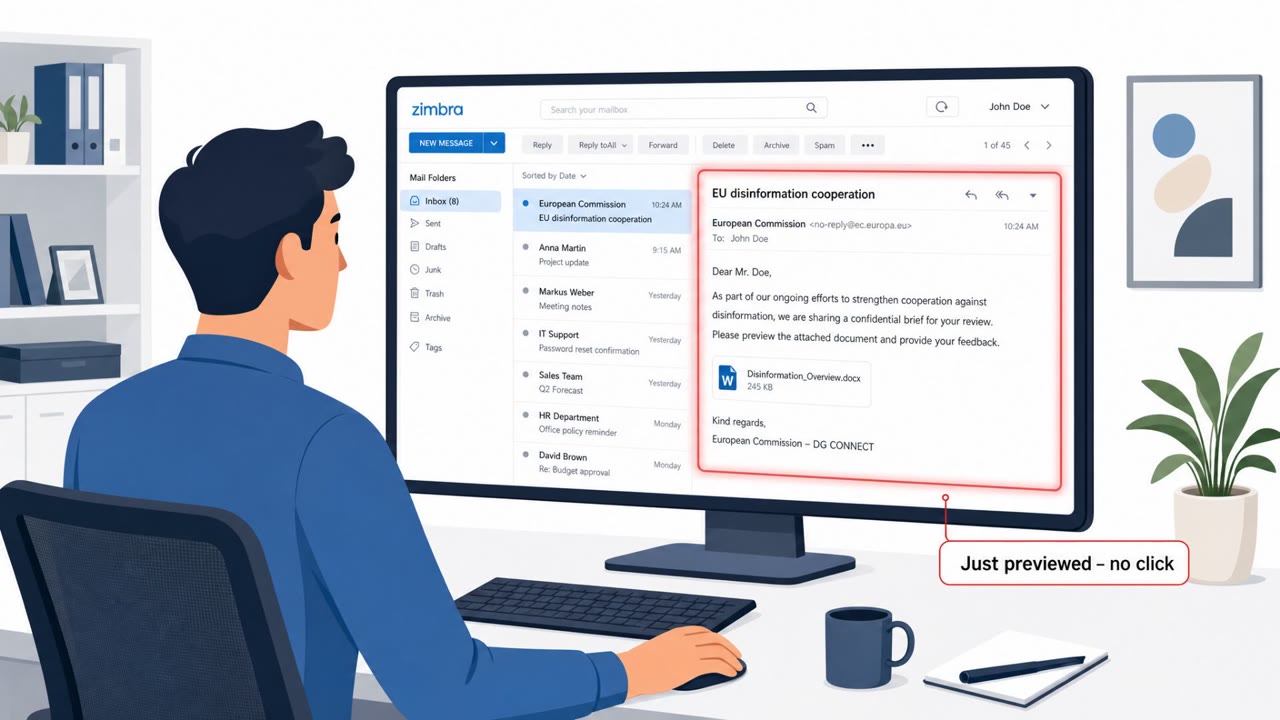
A Russia-aligned espionage group sent specially crafted HTML emails that could compromise vulnerable Zimbra webmail servers just by being opened or previewed, no link clicks or attachments needed. The exploit ran JavaScript inside the email body to steal mailbox data and credentials, then set up persistent access by creating an application password.
How the attack worked
This campaign relied on a previously unknown Zimbra webmail flaw that could be triggered simply by opening or previewing an HTML email. The message body contained embedded JavaScript that executed automatically once the email was displayed in a vulnerable Zimbra client, no attachment opening or link clicking required. Once triggered, the exploit harvested the victim's email address, browser-saved password, 2FA scratch codes, Zimbra environment details, address directory entries, and up to 90 days of email history.
After gaining access, the attacker created an application password named ZimbraWeb. This gave persistent mailbox access through IMAP, POP3, or SMTP and effectively bypassed normal two-factor authentication protections, allowing continued access even if the victim changed their primary password.
Why it succeeded
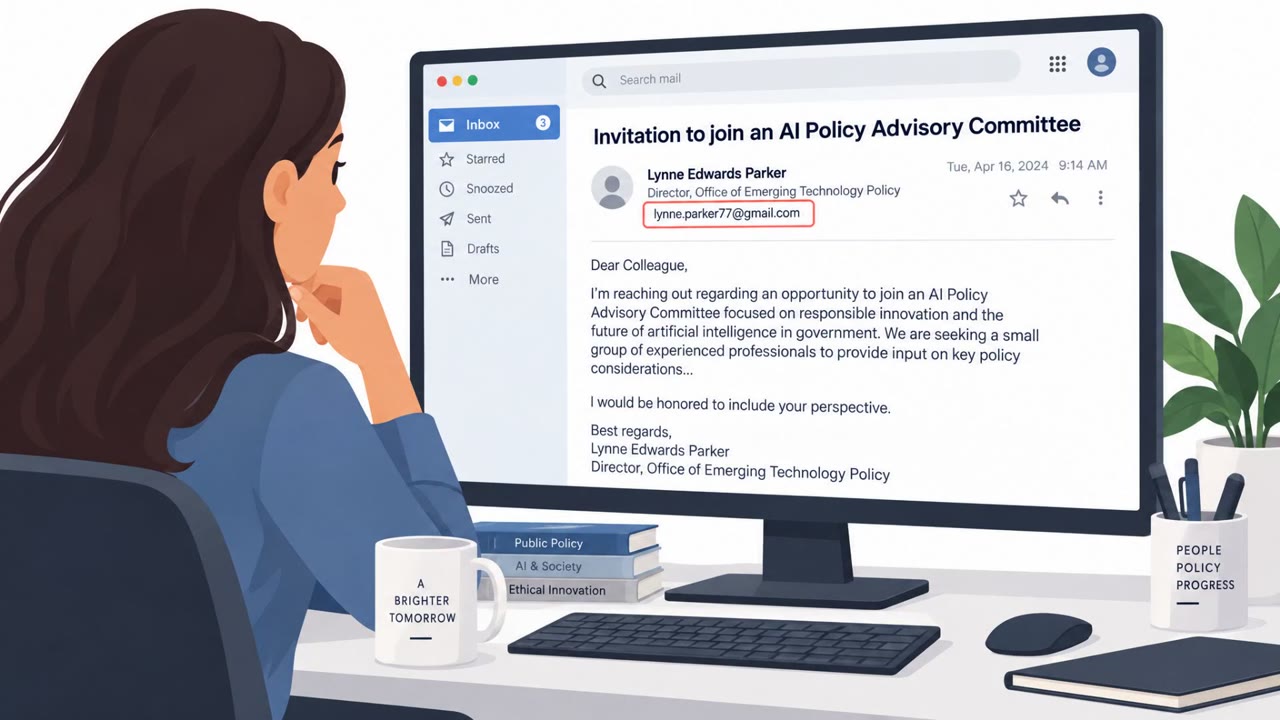
The attack succeeded largely because it removed the human decision point that most awareness training focuses on. Employees are commonly taught to scrutinize links and attachments, but this exploit required no interaction beyond viewing the message in a webmail preview pane. The emails also used generic business outreach themes and were sent from attacker-controlled Proton Mail addresses or from accounts compromised in earlier operations, which helped the messages appear more credible to recipients and reduced suspicion.
What to watch for
- Unexpected business outreach emails from unfamiliar senders, especially those using generic or vague business themes
- Messages originating from webmail providers like Proton Mail or from accounts that seem inconsistent with prior communication patterns
- HTML-heavy or unusually formatted email content, since the exploit was delivered through the HTML body
- Unexpected application passwords, particularly ones named ZimbraWeb, appearing in mailbox or admin audit logs
How to build resistance
Because this technique bypassed the usual click-based defenses, organizations using Zimbra webmail should prioritize patching exposed servers promptly. IT and helpdesk teams should routinely review server logs for requests that create new application passwords, particularly any named ZimbraWeb, and revoke unauthorized ones immediately. Awareness training should also evolve beyond “don't click the link” messaging to include the reality that simply previewing an email on a vulnerable system can be enough to trigger compromise. Encouraging staff, especially those in government, defense, energy, and research roles, to report unexpected business emails even when no action is requested can help surface early indicators of this kind of preview-triggered attack.
Key findings
- Victims could be compromised by opening or previewing a malicious email in a vulnerable Zimbra webmail client, no clicks required.
- The attacker used a previously unknown Zimbra flaw (CVE-2025-66376) by embedding malicious JavaScript in an HTML email body.
- Stolen data included email address, browser-saved password, 2FA scratch codes, Zimbra environment info, address directory entries, and up to 90 days of email.
- The threat actor created an application password named “ZimbraWeb” for persistent mailbox access via IMAP/POP3/SMTP, bypassing normal 2FA.
- Emails were sent from attacker-controlled Proton Mail addresses or from accounts previously compromised to improve credibility and reach new targets.
Who’s being targeted
- Commonly targeted roles: All employees using webmail, Executives, Government and defense staff, IT administrators (email/server admins), Helpdesk/service desk.
- Affected industries: Government, Defense, Energy (including nuclear), Scientific research, European public sector and commercial organizations.
- Attack channels: email.
- Impersonated: Cooperation Belgian Foundation (as referenced in lure image caption).
Red flags to watch for
- Unexpected “generic business” outreach from an unknown sender
- Sender originates from webmail providers or unusual accounts (e.g., Proton Mail)
- Email content is HTML-heavy/unusual formatting (implied by HTML/JS exploit delivery)
Frequently asked questions
How did the Zimbra zero-day attack work without clicking anything?
When a recipient opened or previewed the malicious email in a vulnerable Zimbra webmail client, malicious JavaScript embedded in the HTML body executed automatically, requiring no clicks or attachments.
What data did the attackers steal?
Stolen data included the victim's email address, browser-saved password, 2FA scratch codes, Zimbra environment information, address directory entries, and up to 90 days of email.
How did attackers maintain access after the initial compromise?
The threat actor created an application password named ZimbraWeb, which allowed continuing mailbox access through IMAP, POP3, or SMTP while bypassing normal 2FA.
Who was targeted in this campaign?
Targets included government and defense staff, executives, administrative staff, IT administrators, and helpdesk personnel, primarily in government, defense, energy, and scientific research sectors.
Read the video transcript
Imagine this: you just preview an email in Zimbra… and boom, your whole mailbox is hacked. A Russia‑aligned group used a Zimbra zero‑day, CVE‑2025‑66376. Just opening their HTML email ran hidden JavaScript that quietly stole up to 90 days of mail, saved passwords, even 2FA scratch codes. Their lure? Boring, generic business outreach: "Cooperation Belgian Foundation" from random Proton Mail or odd accounts. No scary links, just enough to make you preview it in webmail. If you use Zimbra and see odd "Cooperation"‑style emails, or IT spots an app password named "ZimbraWeb" on your account, report it to IT immediately and stop using webmail until they clear you.