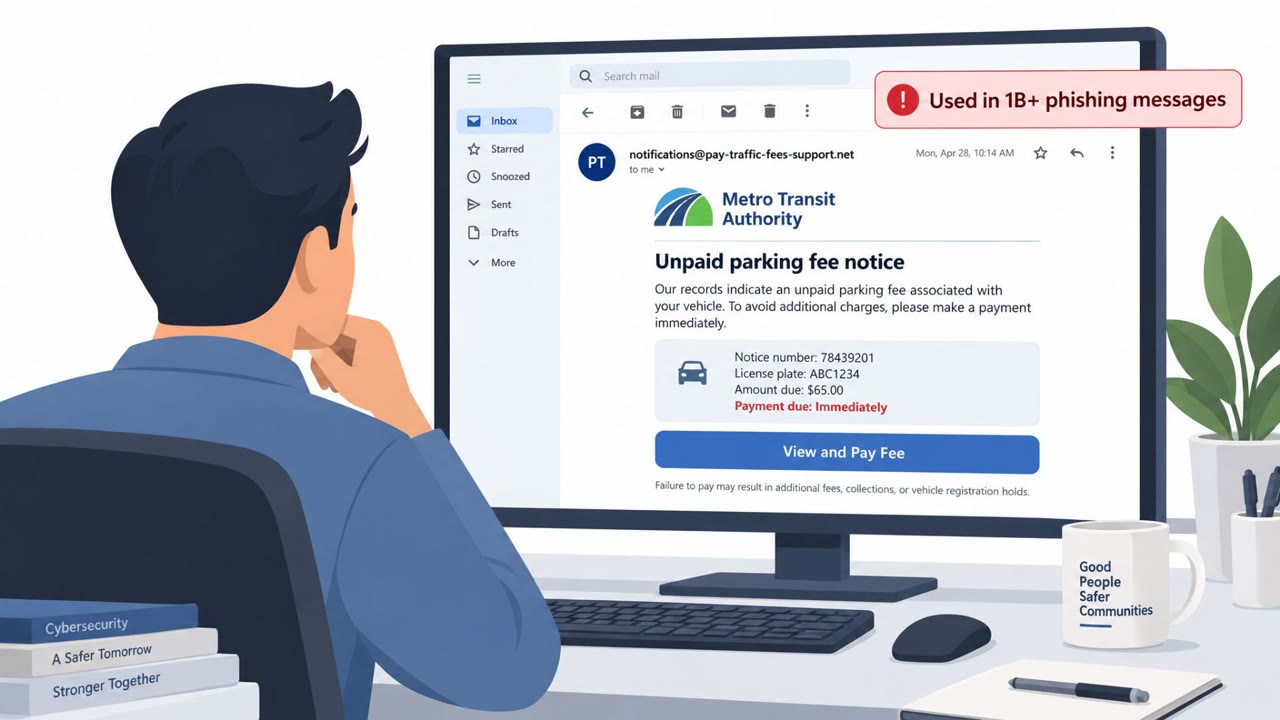
A phishing campaign is using more than 300 look-alike banking domains to steal business banking and treasury login credentials. First-time visitors see a convincing bank login page, but anyone returning from the same IP address sees a fake “account suspended” notice, making the sites appear to have been taken down.
How the attack worked
This campaign relies on more than 300 look-alike domains, including 248 impersonating 189 US financial institutions, to harvest business banking and treasury credentials. Domain names follow a repeatable pattern, pairing banking terms such as secure, protect, or commercial with a targeted bank's name. Newer variants use help-desk, live-support, treasury-portal, and primary-device themes to appear more legitimate.
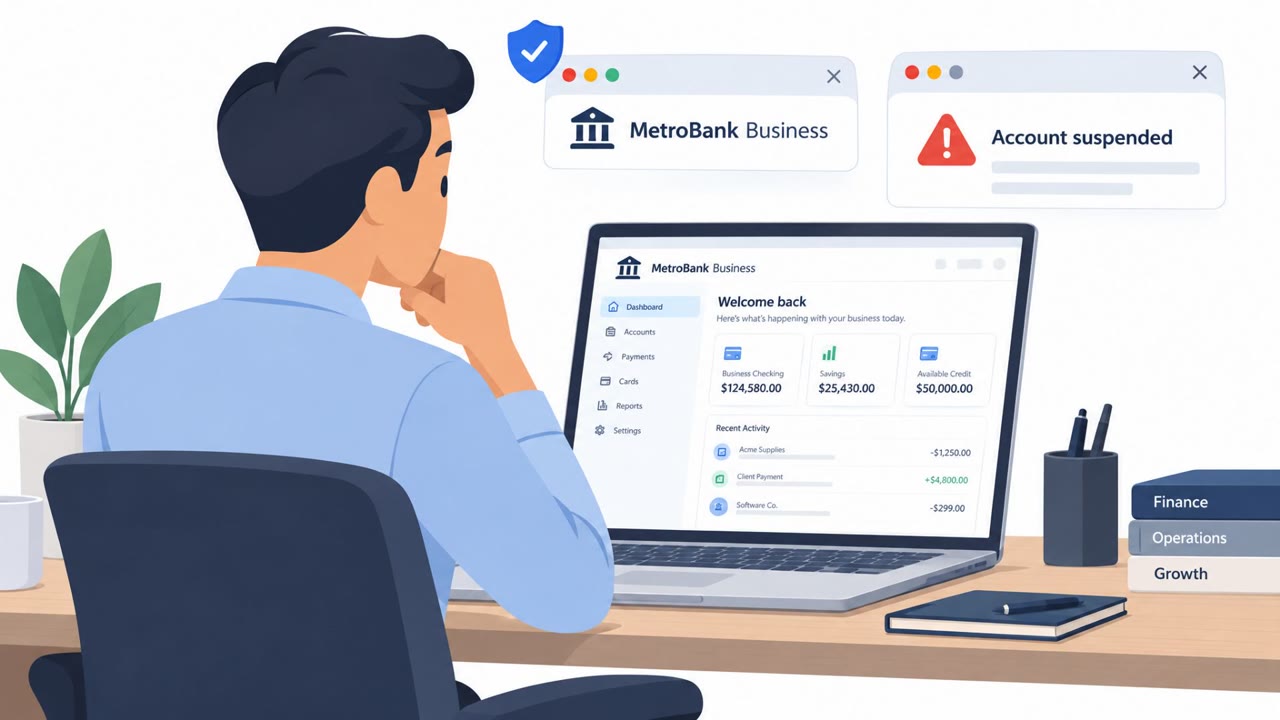
The core trick is IP-based cloaking. A first-time visitor sees a branded login page requesting a user ID and password, sometimes with a reCAPTCHA. The browser tab is titled Attention required, copying the look of a Cloudflare challenge page, and a script blocks developer tools to hinder inspection. Anyone who revisits the same page from the same IP address instead sees a fake account-suspension notice styled to look like a hosting provider shut the site down.
Why it succeeded
The suspension-page trick directly undermines the normal verification process used by security teams and takedown providers. When a scanner or analyst checks a reported domain, confirms it looks malicious, and then checks again to verify, the second check can return what appears to be a completed takedown. This can cause legitimate phishing infrastructure to be deprioritized or marked resolved while it continues collecting credentials from new victims. The branding accuracy, reCAPTCHA, and Cloudflare-style tab title also add a veneer of legitimacy that can delay suspicion from a typical business banking user.
What to watch for
- Domains combining words like secure, disable, protect, cancel, authorize, terminate, credentials, or commercial with a bank's name
- A browser tab titled Attention required on a page that should clearly identify the bank
- Any unsolicited page asking for business banking or treasury user ID and password
- A site that shows a login page on first visit but an account-suspension notice on a return visit
How to build resistance
Organizations can reduce exposure by training treasury, finance, and accounts payable staff to access banking portals only through bookmarks or known official URLs, never through links in email or search results. Security and fraud teams should avoid assuming a reported site is inactive simply because a repeat check shows a suspension page, and should instead verify from a fresh IP address or controlled environment before closing an investigation. Because this campaign focuses on business banking rather than personal accounts, awareness programs should emphasize immediate reporting of suspicious banking login prompts across treasury and finance teams specifically.
Key findings
- The campaign has used more than 300 fake domains, including 248 domains impersonating 189 US financial institutions.
- It primarily targets business banking and treasury login accounts at mid-sized regional banks.
- New visitors receive a branded bank login page requesting a user ID and password, sometimes with a reCAPTCHA.
- The phishing kit records visitor IP addresses and displays a fake hosting-account suspension page on repeat visits from the same IP.
- Domains use repeatable names combining banking terms such as “secure,” “protect,” or “commercial” with a bank name; newer examples use help-desk, live-support, treasury-portal, and primary-device themes.
- The campaign also targets organizations and victims in the UK, Australia, and New Zealand.
Who’s being targeted
- Commonly targeted roles: Treasury, Finance, Accounts payable, Business banking users, Fraud prevention teams, Security operations teams, Security awareness teams.
- Affected industries: Banking, Financial services, Business banking, Treasury services.
- Attack channels: website.
- Impersonated: Targeted bank business banking or treasury portal, Hosting provider account-suspension notice.
Red flags to watch for
- The domain is a look-alike using extra terms such as “secure,” “protect,” “commercial,” “help-desk,” or “treasury-portal” alongside the bank name.
- The page requests bank credentials from a link or domain that is not the bank’s official site.
- The browser tab uses the generic title “Attention required,” mimicking a Cloudflare challenge rather than clearly identifying the bank.
- A site that displayed a banking login page changes to an account-suspension notice only on a repeat visit.
- The notice is shown after revisiting from the same network or IP address.
- The apparent suspension page may be a conditional response, not proof that the phishing domain is inactive.
Frequently asked questions
How does this bank phishing campaign avoid takedown?
The phishing kit records the IP address of each visitor. First-time visitors see a branded bank login page, but anyone who returns from the same IP address is instead shown a fake hosting-account suspension notice, making the site look like it was already taken down.
Who is being targeted in this phishing campaign?
The campaign primarily targets business banking and treasury login accounts at mid-sized regional banks, with victims also identified in the UK, Australia, and New Zealand.
How can I spot one of these fake bank login pages?
Look for look-alike domains combining words like secure, protect, commercial, help-desk, or treasury-portal with a bank's name, a browser tab titled Attention required mimicking a Cloudflare challenge, and unexpected requests for business banking credentials.
Why can't security teams assume a flagged site is gone after a second check?
Because the site may serve a fake suspension page only to repeat visitors from the same IP, a scanner or takedown provider rechecking from the same network can mistakenly conclude the phishing page is already down while it is still live for new visitors.
Read the video transcript
That treasury login might vanish when you check it twice. First visit: a convincing bank page asks for your business user ID and password, maybe with reCAPTCHA. The tab says ‘Attention required.’ Come back from the same network? ‘This account has been suspended.’ That’s the trick: the site remembers your IP. Suspended doesn’t mean safe. See ‘secure,’ ‘help-desk,’ or ‘treasury-portal’ added to a bank name? Open your approved banking bookmark instead.