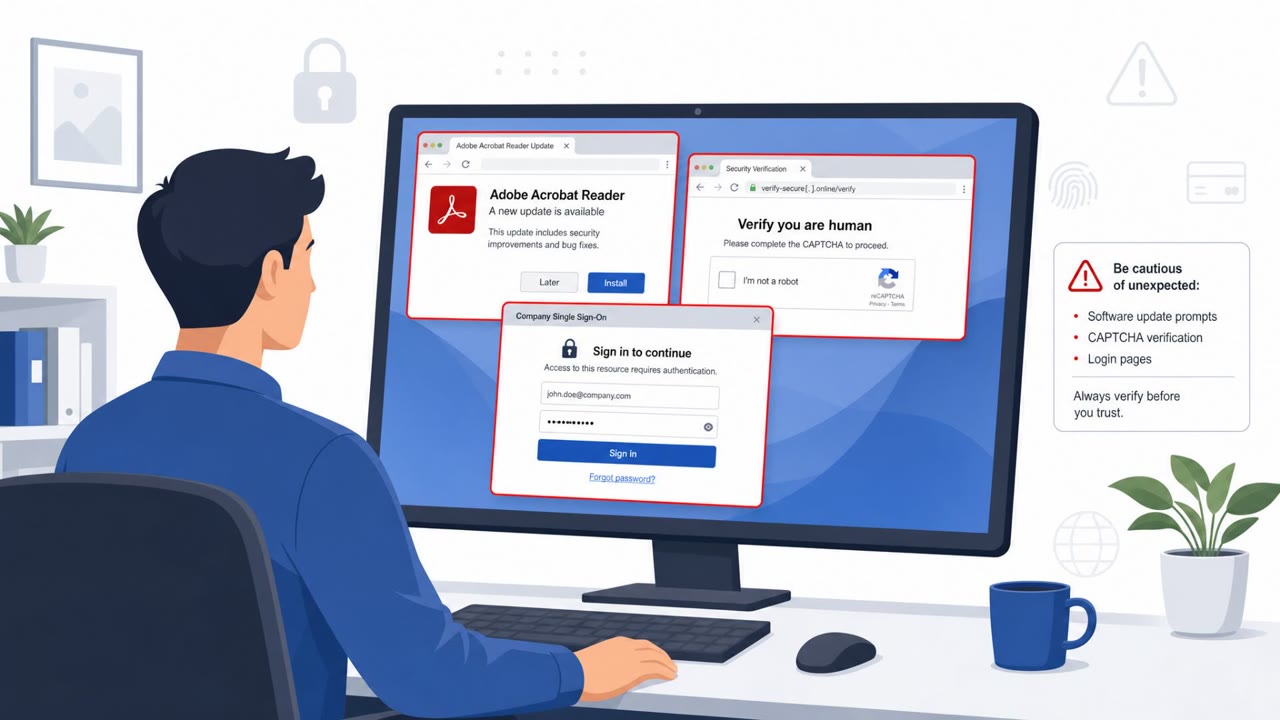
The article describes how real-world attackers are shifting common breach activity into the web browser, including phishing that steals live sessions, fake “copy/paste to fix” prompts (ClickFix), and OAuth consent/device-code tricks. It highlights how these browser-based lures can bypass MFA and lead to malware installs, account takeover, or session hijacking, often without relying on email.
How the attack worked
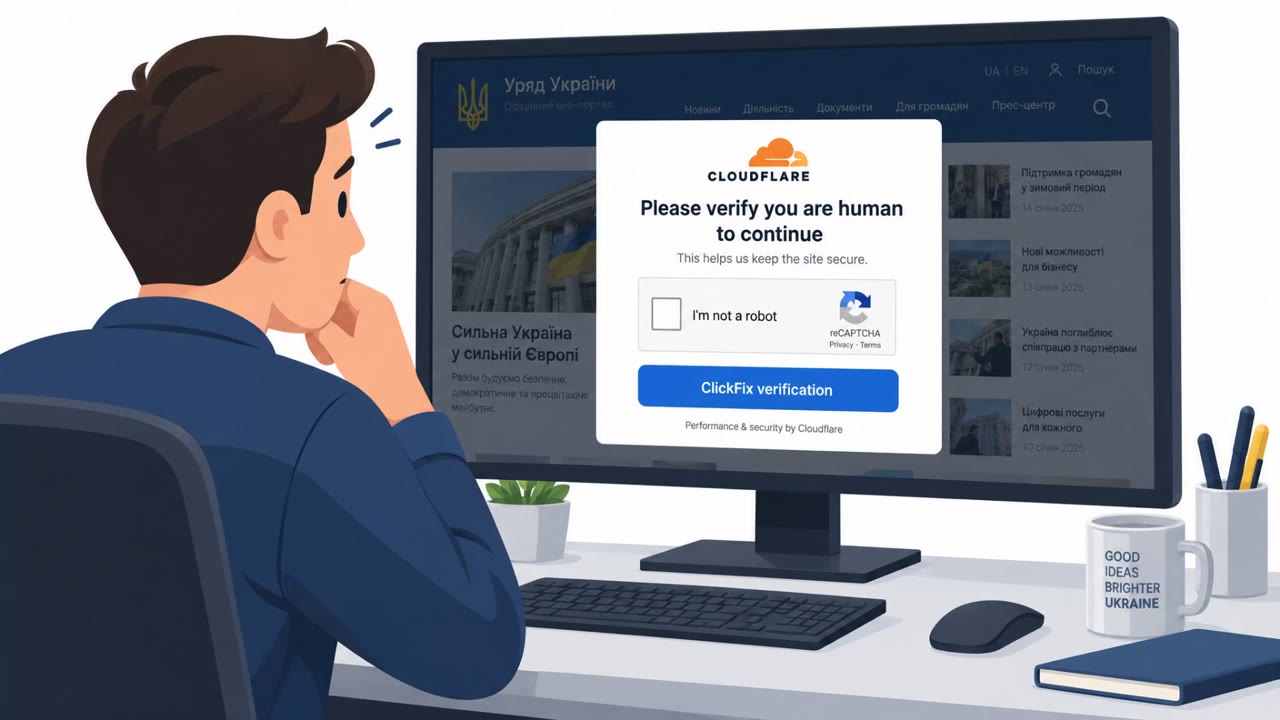
This breakdown covers a cluster of browser-based attack techniques that shift the classic phishing playbook away from email and into the browser itself. One common pattern is ClickFix: a fake CAPTCHA or verification page tells the user their access needs to be 'fixed,' then instructs them to copy a command and paste it into a terminal or Run prompt. That single copy-paste action runs code locally, often installing remote access tools or infostealer malware without ever touching email security controls.
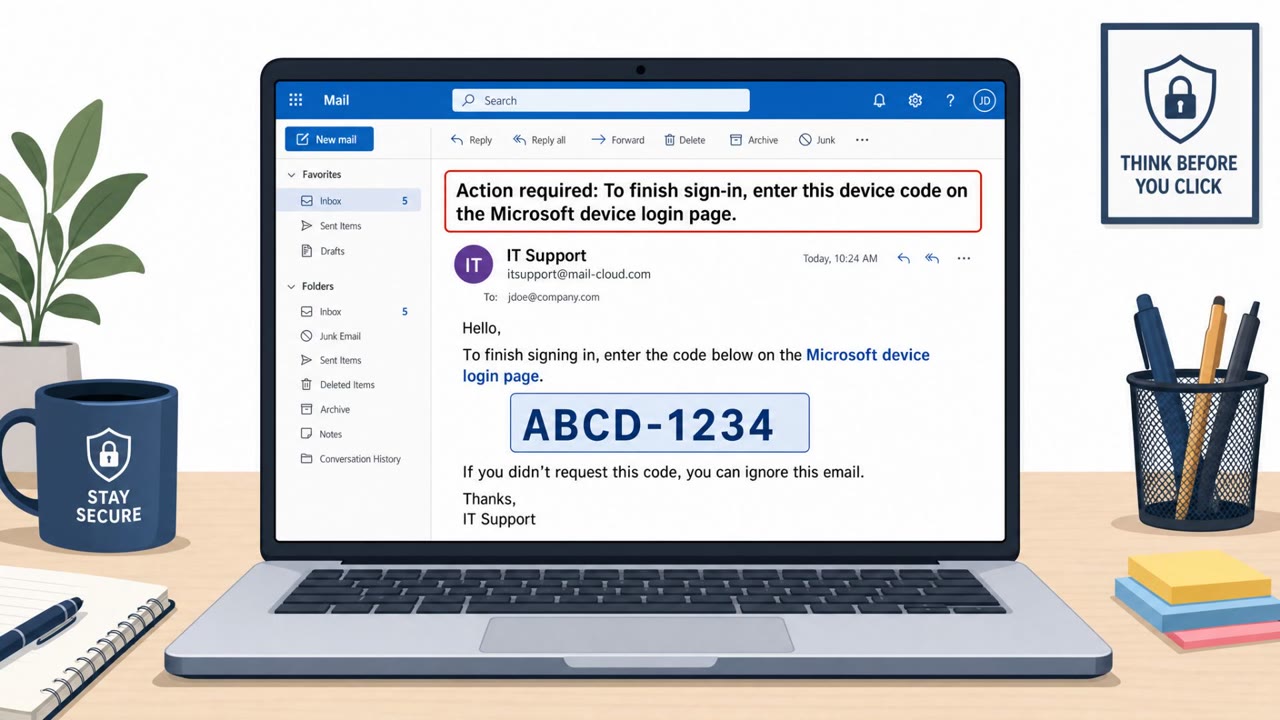
A related variant, sometimes called InstallFix, uses malvertised fake installer pages for developer tools, replacing the real install command with a malicious one. Another technique, authorization phishing, skips credential theft entirely. Instead of stealing a session from the normal authentication flow, it abuses OAuth consent grants, device code flows, and token exchanges to obtain access tokens directly, including a ClickFix-OAuth hybrid first observed in APT29 activity that has since spread into commodity criminal tooling.
Why it succeeded
These techniques succeed because they target assumptions defenders rely on. MFA protects the login screen, but session hijacking and reverse-proxy AiTM kits like Tycoon2FA, Sneaky2FA, and Evilginx steal the session token after authentication, making the MFA check irrelevant. OAuth-based tricks work similarly: the user never enters a password on a fake login page, so classic phishing detection misses it. Delivery also matters. Most ClickFix payloads arrive through search engines, compromised sites, malvertising, or SEO poisoning rather than email, and roughly half of all phishing overall is now delivered outside email through messaging apps, social media, SMS, or ads.
What to watch for
- A CAPTCHA, verification page, or installer that asks you to copy and run a command locally
- Unexpected OAuth consent prompts or device-code sign-in requests for unfamiliar apps
- Apps requesting broad permissions that do not match the task at hand
- Links or installers reached through search ads or sponsored results instead of a bookmarked, trusted source
- Malicious browser extensions, including legitimate extensions that push a later malicious update
How to build resistance
Organizations can reduce exposure by training users that verification pages should never require running commands, and that unexpected OAuth consent or device-code prompts deserve scrutiny before approval. Security teams should also address 'ghost logins,' password-based sign-ins that sit outside SSO and remain invisible to identity provider logs, since these accounts stay exposed to credential stuffing even when SSO and MFA are enforced elsewhere. Finally, awareness programs should extend reporting guidance beyond email, since a large share of phishing now arrives through messaging platforms, social media, and malicious advertising.
Key findings
- Reverse-proxy AiTM phishing kits (Tycoon2FA, Sneaky2FA, Evilginx) can steal session tokens in real time and bypass many MFA implementations.
- ClickFix lures users into copying and running commands locally under a “verification/fix” pretext; Microsoft cited it as a leading initial access vector.
- Authorization phishing abuses OAuth consent/device-code flows to obtain access tokens without touching the normal login flow, making MFA less effective.
- Attackers can use malicious browser extensions (often via a later malicious update to a previously legitimate extension) to steal data and credentials.
- “Ghost logins” (password logins outside SSO) keep accounts exposed to credential stuffing and reused/breached passwords.
- Session hijacking via stolen browser tokens can bypass phishing-resistant login controls because authentication already happened.
Who’s being targeted
- Commonly targeted roles: All employees, Executives, Finance, HR, IT helpdesk, Developers/Engineering, Security team.
- Affected industries: Cross-industry (any organization using browser-based apps), Technology, Professional Services, Finance, Healthcare, Education, Government.
- Attack channels: website.
- Impersonated: Website verification (fake CAPTCHA / challenge page), Software installer page for a developer tool, A legitimate-looking app requesting OAuth access / device sign-in flow.
Red flags to watch for
- A CAPTCHA/verification page instructs copying and running commands (not normal behavior)
- The 'fix' requires local script execution rather than browser-only verification
- Arrived via search results/ads rather than a trusted bookmarked site
- Installer reached through ads or search results instead of vendor site/bookmark
- Install instructions require unusual command copy/paste
- Domain/page looks slightly off or is not the official vendor download location
- Unexpected OAuth consent prompt for a new/unrecognized app
- App requests broad permissions that don’t match the task
- Sign-in request is initiated from an unsolicited page/link rather than a known internal workflow
Frequently asked questions
What is ClickFix and how does it trick users?
ClickFix lures users with a fake CAPTCHA or verification prompt that instructs them to copy and run a command on their own computer, which typically installs remote access tools or infostealer malware.
How does OAuth consent phishing get around MFA?
Instead of stealing credentials through the normal login flow, authorization phishing abuses OAuth consent grants and device code flows to obtain access tokens directly, so MFA on the login screen never comes into play.
Why can session hijacking defeat phishing-resistant MFA?
Session hijacking steals the browser token after authentication has already happened, so even strong MFA controls at login do not stop an attacker from reusing that stolen session.
Are these browser-based attacks limited to email phishing?
No, the article notes that phishing links are increasingly delivered through instant messaging, social media, SMS, malicious ads, and in-app messaging, not just email.
Read the video transcript
You’re on a site, a fake CAPTCHA pops up and says your access is broken, “run this command to fix it.” That’s ClickFix: since late 2024, sites and malicious ads have been tricking people into copy‑pasting commands that silently install remote access tools and infostealer malware. Real CAPTCHAs and install pages don’t need you to paste shell commands from the browser. If a “fix” or installer from search results tells you to copy a command into Terminal or Run, assume it’s malware. One rule: if any website tells you to copy and run a command, stop, close the tab, and report the link, no matter whether it came from email, chat, or an ad.