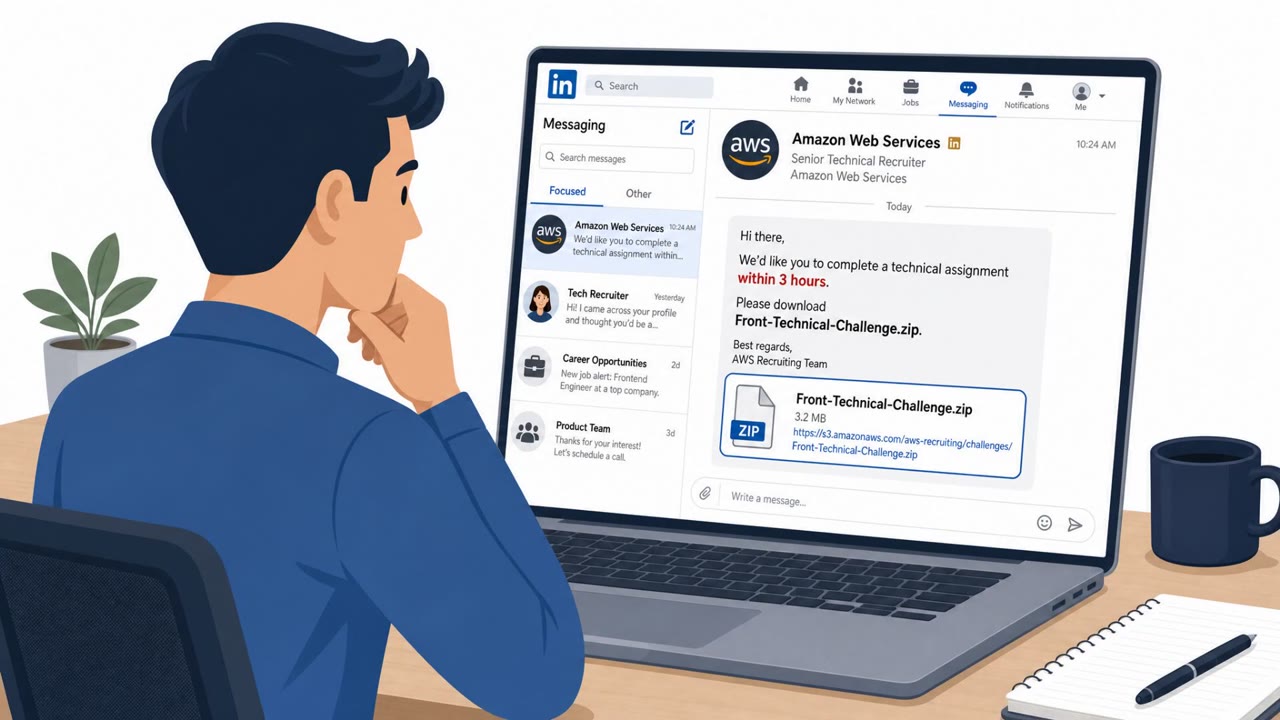
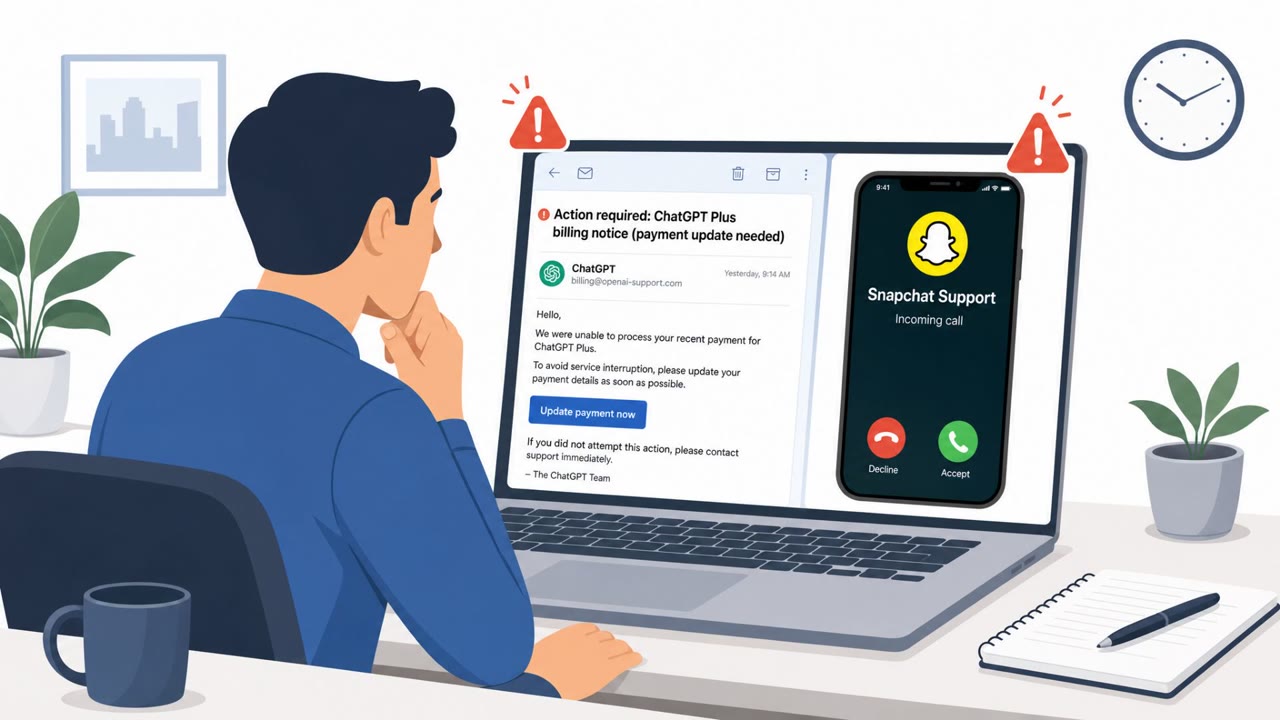
This weekly bulletin highlights multiple real-world incidents, including phishing and impersonation campaigns. Notably, researchers found attackers using malicious “Custom GPTs” on ChatGPT to redirect victims to a Google Sites page and trick them into running commands that install remote-access malware. The bulletin also describes an espionage campaign that builds trust via benign emails before sending victims to credential-stealing Microsoft 365 phishing pages.
How the Attack Worked
Researchers found that malicious Custom GPTs hosted on ChatGPT were used in a ClickFix style campaign to deliver remote access malware. A victim interacting with a seemingly helpful Custom GPT would be directed to follow troubleshooting steps on a linked page to resolve an issue. That link led to a Google Sites page where victims were tricked into running commands on their own computers. Huntress investigated at least 40 related incidents tied to this activity, including two confirmed infections that began through Custom GPTs.
A separate scenario in the same bulletin describes TA419, an espionage actor that targets US AI policy experts at think tanks, universities, and law firms. This group impersonates prominent economists and AI policymakers, builds rapport through benign emails, then redirects targets to phishing pages designed to steal Microsoft 365 credentials and session cookies. Both cases show how attackers use trusted-seeming interfaces, whether an AI chat assistant or a familiar-sounding sender, to move a target toward an action that compromises their device or account.
Why It Succeeded
The ClickFix style lure works because people are conditioned to trust guidance that appears inside a tool they already use for help, such as a chat assistant. Framing the malicious steps as a routine fix lowers suspicion and encourages victims to run commands without checking with IT support first. Hosting the final instructions on Google Sites, a legitimate and widely used platform, added a layer of apparent legitimacy that may have reduced scrutiny.
In the TA419 scenario, success relied on a slower build-up. Benign emails established rapport before any request was made, so by the time a Microsoft 365 login link appeared, the target had already built some trust with the sender.
What to Watch For
- Instructions that push you to run commands or scripts rather than using approved IT processes
- A "fix" hosted on an unusual location such as Google Sites instead of an official vendor domain
- Pressure to execute steps immediately without verification
- Unexpected Microsoft 365 sign-in prompts to view routine documents
- Rapport-building email threads that later pivot to a login link
Building Resistance
Treat instructions from AI assistants and chat tools the same way you would treat an unsolicited email: verify before acting. Do not run commands or install software based solely on guidance from a Custom GPT or similar tool without checking with IT or security staff. For email-based requests, especially ones that build familiarity over time before asking for a login, confirm the sender's identity through an independent channel before entering credentials anywhere, including Microsoft 365 pages reached via a link.
Key findings
- Arizona’s state court system reported a phishing-led attack triggered when an employee clicked a malicious link, leading to backup data being copied.
- Huntress reported at least 40 incidents where malicious Custom GPTs were used in a ClickFix campaign that redirected victims to a Google Sites page and convinced them to run commands, resulting in at least two confirmed infections.
- Proofpoint described TA419 targeting US AI policy experts by impersonating prominent economists/policymakers, building rapport via benign emails, then redirecting targets to Microsoft 365 credential- and session-cookie-theft pages.
Who’s being targeted
- Commonly targeted roles: All employees, Executives and assistants, IT support/helpdesk, Policy/research staff, Legal staff, University staff.
- Affected industries: Government, Education (universities), Legal services (law firms), Think tanks / policy organizations, Public sector / courts.
- Attack channels: website, email.
- Impersonated: A helpful AI assistant / troubleshooting guide (via a Custom GPT), Prominent economists and AI policymakers.
Red flags to watch for
- Instructions push you to run commands/scripts rather than using approved IT processes
- The “fix” is hosted on an unusual location (Google Sites) instead of an official vendor domain
- Pressure to execute steps immediately without verification
- Sender claims to be a well-known expert but communication is only via email and link-based authentication
- Unexpected Microsoft 365 sign-in prompt to access routine documents
- Rapport-building emails that later pivot to a login link
Frequently asked questions
What is the Custom GPT ClickFix attack?
It is a campaign where malicious Custom GPTs hosted on ChatGPT redirected victims to a Google Sites page and convinced them to run commands that installed remote-access malware.
How many incidents were tied to this campaign?
Huntress investigated at least 40 related incidents, including two confirmed infections that began through Custom GPTs.
Is this related to the TA419 phishing campaign?
No, TA419 is a separate espionage campaign described in the same bulletin that impersonates economists and policymakers to steal Microsoft 365 credentials and session cookies.
What should employees watch for to avoid falling for this attack?
Be wary of any instructions, including from AI assistants, that push you to run commands or scripts, especially when the content is hosted on an unusual site like Google Sites instead of an official vendor domain.
Read the video transcript
Imagine a Custom GPT called “ClickFix” tells you: “Click here and run these commands to fix your issue.” Looks legit, right? Researchers found malicious Custom GPTs doing exactly this, redirecting people to a Google Sites page and tricking them into running commands that installed remote‑access malware. Huntress saw at least 40 of these ClickFix cases. Here’s the trap: the GPT feels like a trusted helper, but the “fix” lives on an odd site like Google Sites and pushes you to copy commands into your machine, outside any normal IT process. If any AI tool tells you to run commands or install something from a link, stop and send a screenshot to IT or Security before you do anything.