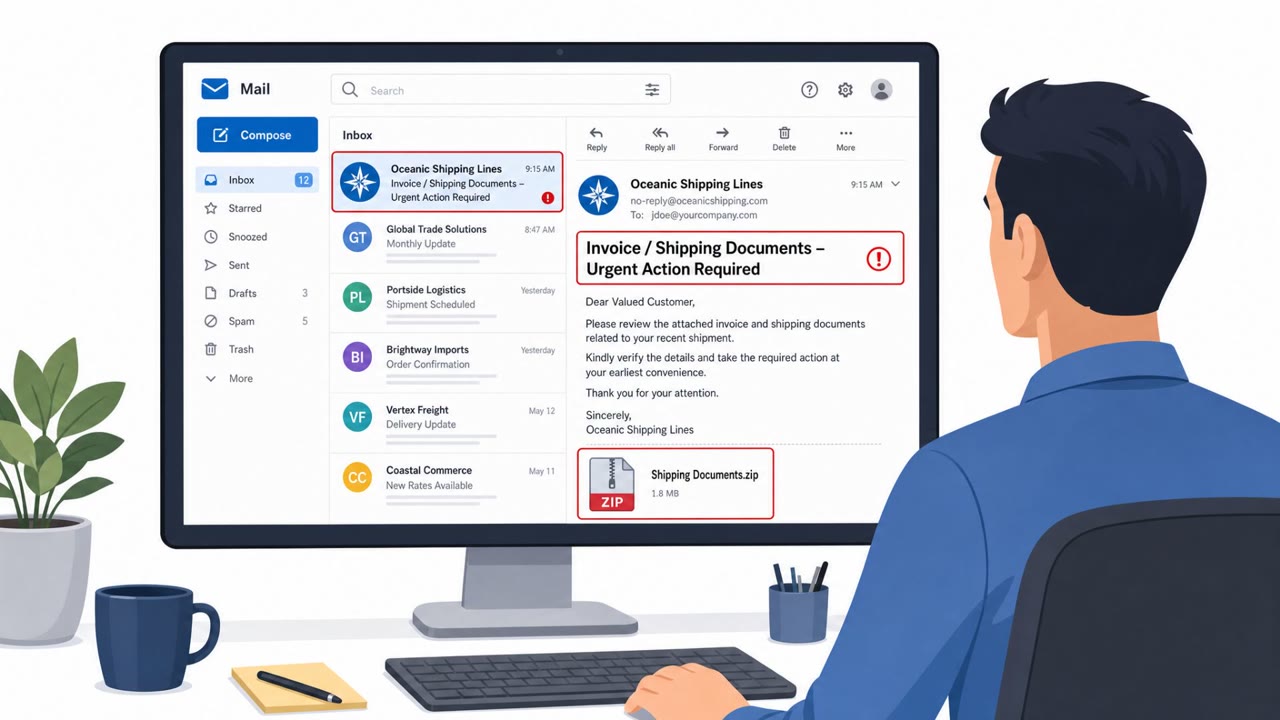
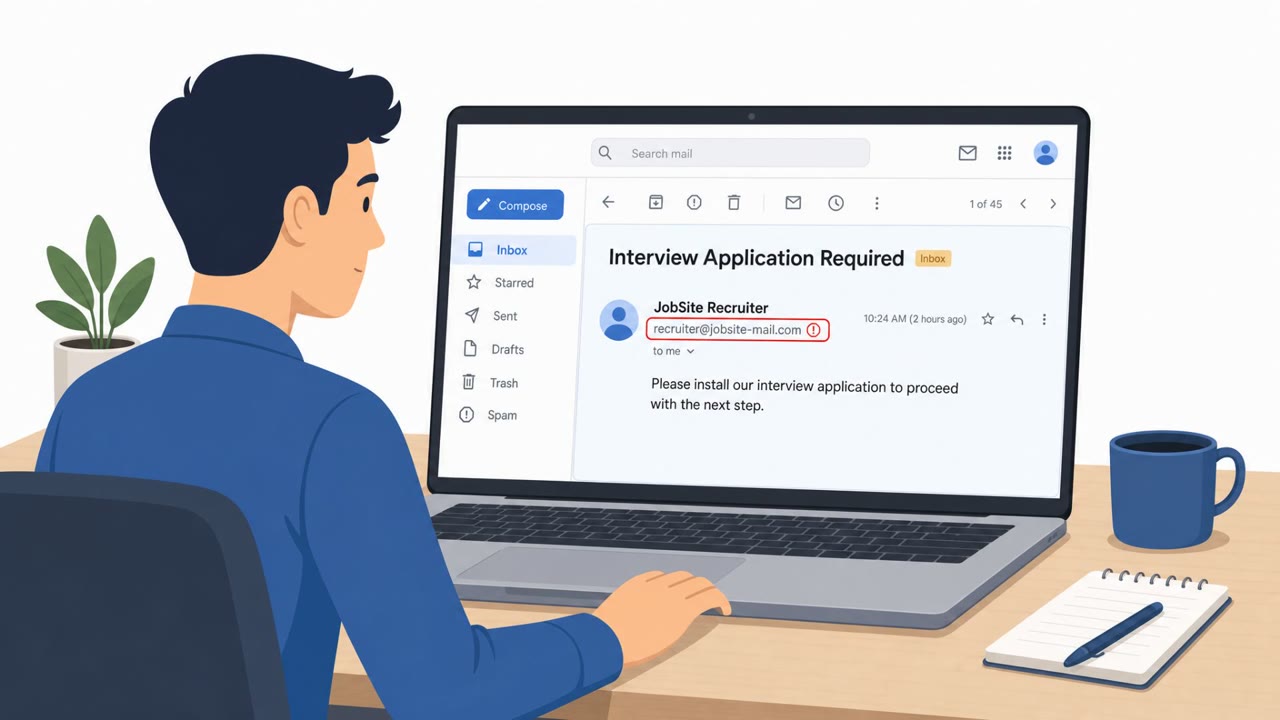
Researchers reported a real phishing campaign delivering the DarkMe remote-access trojan by emailing victims a link that appears to download a PNG image. Instead, the click downloads a disguised Windows executable (.pif) that runs when double-clicked and then pulls additional stages to install an infostealer/RAT.
How the Attack Worked
This campaign relies on a straightforward phishing email rather than a technical exploit. The message contains a link that supposedly points to a PNG image file. When a recipient clicks it, the link actually triggers the download of a file named image.pif, which is a Windows executable disguised as an image. Researchers noted that attackers are betting on a simple email to convince targets to run it on their machine, showing that sophisticated exploits are not needed when a basic file-naming trick can achieve the same result.
Once downloaded, the file requires a victim to double-click it to run. Victims did exactly that, not realizing what the file actually was. Because modern Windows systems execute .pif files as programs regardless of the extension shown or the icon displayed, the double-click launched a chain of additional downloads and executions that ultimately installed the DarkMe RAT and infostealer. This malware is capable of targeting cryptocurrency wallets and taking screenshots of the victim's system.
Why It Succeeded
The lure works because it exploits a basic assumption: that a file named or labeled as an image is safe to open. Most users do not inspect file extensions closely, especially when an icon or context suggests the file is harmless. The email itself required no urgency, spoofed branding, or executive impersonation to succeed, just a generic request to view an image. This simplicity is part of what makes the technique effective across a broad range of recipients, including everyday corporate staff rather than a narrowly targeted group.
What to Watch For
- Unsolicited emails asking you to click a link to view an image or document
- Downloaded files with unexpected extensions, such as .pif, that do not match a normal image format
- File icons or labels suggesting an image, when the underlying file type is actually a program
- Any downloaded file you did not explicitly request or expect from a known contact
Building Resistance
Employees should be trained to verify the sender and purpose of any email pushing them to click a link to view an image or file, especially when unsolicited. Before opening any downloaded file, confirm that its actual file type matches what was promised, for example checking that a supposed image is truly a .png or .jpg rather than an executable format like .pif. Reinforce that double-clicking an unexpected download can execute malware even when the icon looks harmless, since Windows will run certain file types as programs regardless of appearance. Given that this malware specifically targets cryptocurrency wallets and can capture screenshots, finance and trading teams and anyone handling crypto assets should receive additional attention in awareness efforts.
Key findings
- Attackers shifted from using zero-days to using a simple phishing email with a link that appears to be an image download.
- The link “supposedly points to a PNG file,” but triggers download of a “Windows executable” named image.pif.
- Victims executed the payload by double-clicking the downloaded file, not realizing .pif runs as a program on Windows.
- The malware chain performs multiple downloads/executions and ends with DarkMe RAT/infostealer that targets crypto wallets and can take screenshots.
- Huntress observed the same binary delivered into two customer environments, suggesting broader, higher-volume targeting of everyday corporate users.
Who’s being targeted
- Commonly targeted roles: All employees, Corporate staff, Finance/trading teams, Users handling cryptocurrency wallets.
- Affected industries: Corporate (cross-industry), Finance/trading, Cryptocurrency users.
- Attack channels: email.
- Impersonated: Unspecified sender (generic email lure).
Red flags to watch for
- Unsolicited email pushing you to click a link to view an image
- Downloaded file name/extension is not a normal image type (e.g., .pif)
- File icon/label suggests an image, but Windows treats it as a program
Frequently asked questions
How does the DarkMe RAT phishing email trick victims?
The email includes a link that appears to point to a PNG image file, but clicking it downloads a Windows executable named image.pif instead of an actual image.
Why is a .pif file dangerous even if it looks like an image?
Modern Windows systems execute .pif files as programs regardless of the file extension shown or the icon displayed, so double-clicking it runs malware rather than opening a picture.
What does the malware do once it runs?
The chain performs multiple downloads and executions that end with installation of the DarkMe RAT/infostealer, which targets cryptocurrency wallets and can capture screenshots.
Who is at risk from this type of attack?
The campaign targets all employees and corporate staff broadly, with particular relevance to finance and trading teams and anyone handling cryptocurrency wallets.
Read the video transcript
You get an email: “Please review the attached image (PNG) at the link below.” Looks harmless, right? But in this DarkMe campaign, that link doesn’t give you a PNG. It silently downloads image.pif, a Windows executable, that runs when you double-click it. Here’s the trap: modern Windows treats .pif as a program, no matter what the icon looks like. Huntress saw people just double-click it, thinking it’s a picture, and end up with DarkMe on their machine. Your move: if a link says it’s an image, check the downloaded file type first. If it’s not .png or .jpg, don’t open it, report it to IT.