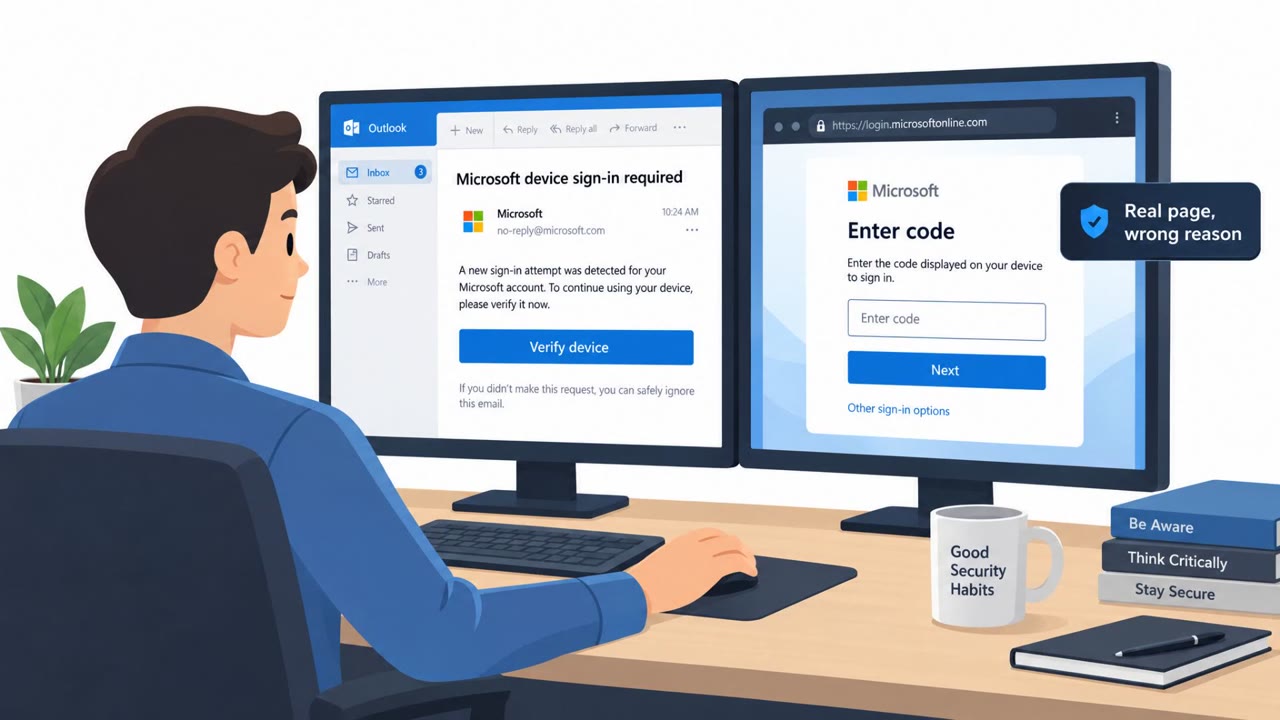
IEH Corporation disclosed that an attacker got into its Microsoft 365 email environment after an employee clicked what looked like a legitimate Microsoft file-sharing link from a supposed new business contact. The fake link led to a phony login page that captured the employee’s credentials, letting the intruder access emails, attachments, purchase orders, and engineering documentation, including potentially export-controlled technical information.
Key findings
- IEH reported an employee was phished, giving an attacker access to its Microsoft 365 environment.
- The attacker impersonated a prospective business contact and used a fake Microsoft sharing link leading to a fake login page to harvest credentials.
- The intruder accessed mailbox contents including customer communications, purchase orders, and engineering-related documents, including potentially export-controlled technical information.
- IEH discovered the intrusion on August 4; it did not disclose when access began or how long it lasted.
- Response actions included securing the account, disabling malicious mailbox rules, preserving evidence, and reviewing M365 authentication and account controls.
- IEH said it found no evidence of data exfiltration but acknowledged the mailbox data was accessible during the compromise window.
Who’s being targeted
- Commonly targeted roles: Engineering, Sales/Business Development, Procurement, Program/Project Management, Executive assistants and frequent email handlers, IT/Helpdesk (mailbox security and incident response).
- Affected industries: Defense manufacturing, Aerospace supply chain, Engineering, Government/Defense contractors.
- Attack channels: email, website.
- Impersonated: Prospective business contact (external partner/customer) using a Microsoft file-sharing link.
Awareness takeaways
- Treat unexpected Microsoft file-share links as suspicious, especially from new or unverified external contacts; confirm the request through a known channel before signing in.
- Never enter Microsoft 365 credentials on a sign-in page reached from an email link; instead, open a browser and sign in through your normal trusted Microsoft/SSO bookmark.
- Assume a compromised mailbox can expose sensitive business data (orders, engineering docs, customer emails) even if there is no clear evidence of downloads.
- After any suspected mailbox compromise, immediately check for and remove malicious inbox/mailbox rules and tighten authentication controls.
Red flags to watch for
- Unexpected file-share from an unknown/new contact
- Login page reached via a link in an email (possible fake sign-in)
- Pressure to access shared documents quickly without verification
Read the video transcript
A defense supplier got burned because one employee clicked a “Microsoft share” link from a supposed new business contact. They clicked, hit a fake Microsoft 365 login page, typed their password… and the intruder quietly walked into their mailbox: purchase orders, customer emails, engineering docs, even export‑controlled info. Here’s the twist: the link looked just like a real Microsoft share from a new contact. The only giveaway was where it took them, a sign-in page reached straight from an email link. Your move: if any email link sends you to a Microsoft 365 login, close it and instead open your normal Microsoft or SSO bookmark and sign in from there.