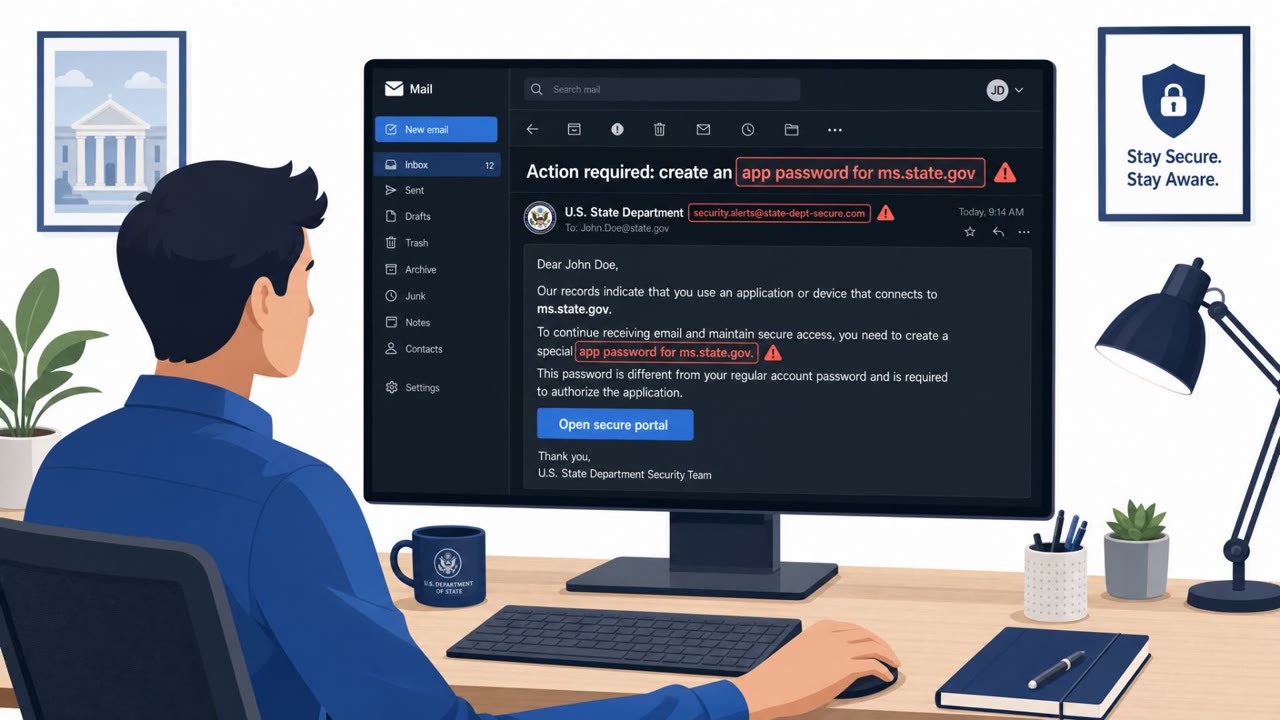
The FBI warns of an ongoing social-engineering campaign targeting high-profile individuals and their contacts through a commercial messaging app. Attackers impersonate trusted people (e.g., government officials, journalists) and send links that trick victims into approving OAuth access to a “malicious application,” giving long-term access to email/files without needing the password, even bypassing MFA.
How the attack works
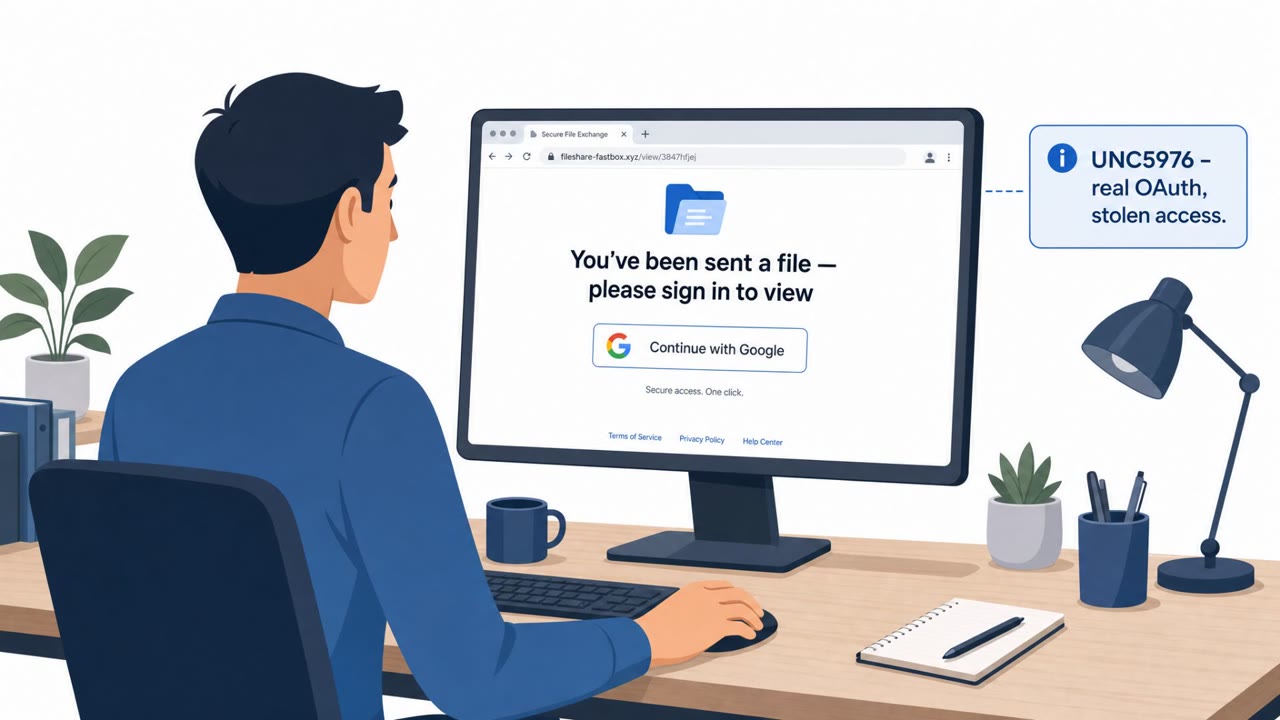
The FBI has issued a warning about an ongoing social engineering campaign that uses OAuth consent phishing to gain long-term access to victims' accounts. Instead of stealing a password directly, attackers send a link, often on a commercial messaging application, that leads to a legitimate-looking authorization screen for a cloud service such as Microsoft or Google. If the victim approves the request, they unknowingly grant a malicious application persistent access to their account data.
The campaign has used at least two documented lures. In one, attackers impersonate a journalist or government official and ask the target to review a draft article or document, with the review link triggering the consent prompt. In another, attackers pose as event coordinators or planners, sending invitations or identity verification requests that funnel the victim into the same type of authorization flow.
Why this technique succeeds
OAuth consent phishing is effective because it does not rely on stealing credentials at all. The attacker registers an application through a legitimate authorization protocol, then uses social engineering to convince the victim to click "allow." Because the access is granted through a token rather than a password, standard defenses like password resets and multi-factor authentication do not remove it. The FBI specifically notes this approach can bypass both passwords and MFA, which is what makes it especially dangerous for high-profile targets and their networks of contacts.
Who is being targeted
According to the FBI, attackers are targeting prominent, high-profile people, their family members and acquaintances. Impersonated identities include government officials, journalists and other publicly known personalities. This puts executive leadership, public affairs and government affairs staff, executive assistants, and anyone managing Microsoft or Google cloud accounts at elevated risk, since these roles are more likely to receive unsolicited requests to review documents or confirm event attendance.
What to watch for and how to build resistance
Defenders and high-profile individuals should watch for:
- Messages from unfamiliar phone numbers or accounts on messaging apps
- Any link that leads to a permission or "allow access" screen for a cloud account rather than a normal document view
- Requests framed as reviewing a draft, completing an invitation, or verifying identity that unexpectedly ask for app permissions
To build resistance, the FBI recommends independently verifying the identity of the sender through a separate, trusted channel before clicking any link. Anyone who has already granted a suspicious app permission should not rely on a password change alone. Instead, they need to revoke access directly by invalidating the token in their account's application security settings, since that is the only way to fully remove a malicious application's access.
Key findings
- Attackers target “prominent, high-profile people, their family members and acquaintances” via a commercial messaging application.
- Impersonation has included “government officials, journalists and publicly known personalities.”
- Lures include asking the target to review “a draft article or document,” and (previously) posing as “event coordinators and planners,” using “invitations and identity verification requests.”
- The links enable OAuth consent phishing, giving “persistent access” via tokens; changing the password does not remove access.
- The FBI warns this approach can “bypass both passwords and multi-factor authentication.”
Who’s being targeted
- Commonly targeted roles: Executive leadership, Executive assistants, Public affairs/communications, Government affairs, Anyone using Microsoft/Google cloud accounts.
- Affected industries: Government, Media and journalism, Individuals / VIPs and families.
- Attack channels: telegram.
- Impersonated: Journalist or government official (impersonation), Event coordinator / event planner.
Red flags to watch for
- Message from an unfamiliar number/account on a messaging app
- Unexpected request to grant app permissions to Microsoft/Google
- Pressure to open a link to view a “draft”
- Invitation/verification request from an unverified account
- Identity verification step unexpectedly asks to grant cloud app permissions
- Link leads to an authorization/consent flow instead of normal RSVP
Frequently asked questions
What is OAuth consent phishing?
It is an attack where victims are tricked into approving app permissions on a legitimate cloud service like Microsoft or Google, giving attackers persistent access via a token rather than a stolen password.
Can changing my password stop this attack?
No. Once permission is granted, it can only be revoked by the victim invalidating the token in their application security settings, not by changing the password.
Does multi-factor authentication protect against this?
Not necessarily. The FBI warns that consent phishing can bypass both passwords and multi-factor authentication because it relies on legitimate authorization protocols rather than credential theft.
Who is being targeted by this campaign?
The FBI says attackers are targeting prominent, high-profile people, their family members and acquaintances, often through a commercial messaging application.
Read the video transcript
You get a Telegram message from a “journalist” asking, “Can you review this draft article? Just open the link.” Looks legit, right? You tap the link and a real Microsoft or Google page pops up, asking you to ALLOW a cloud app to read your email and files. That’s OAuth consent phishing, the FBI says it can bypass both your password and MFA. Here’s the trap: even if you change your password later, those tokens give that malicious app long-term access to your inbox and documents. The FBI says attackers are doing this to high‑profile people, their families, and contacts. Aha moment: that “Allow” click is more powerful than your password. If any Telegram invite or draft link leads to an OAuth consent screen, stop and verify the person through a separate, trusted channel before you touch Allow.