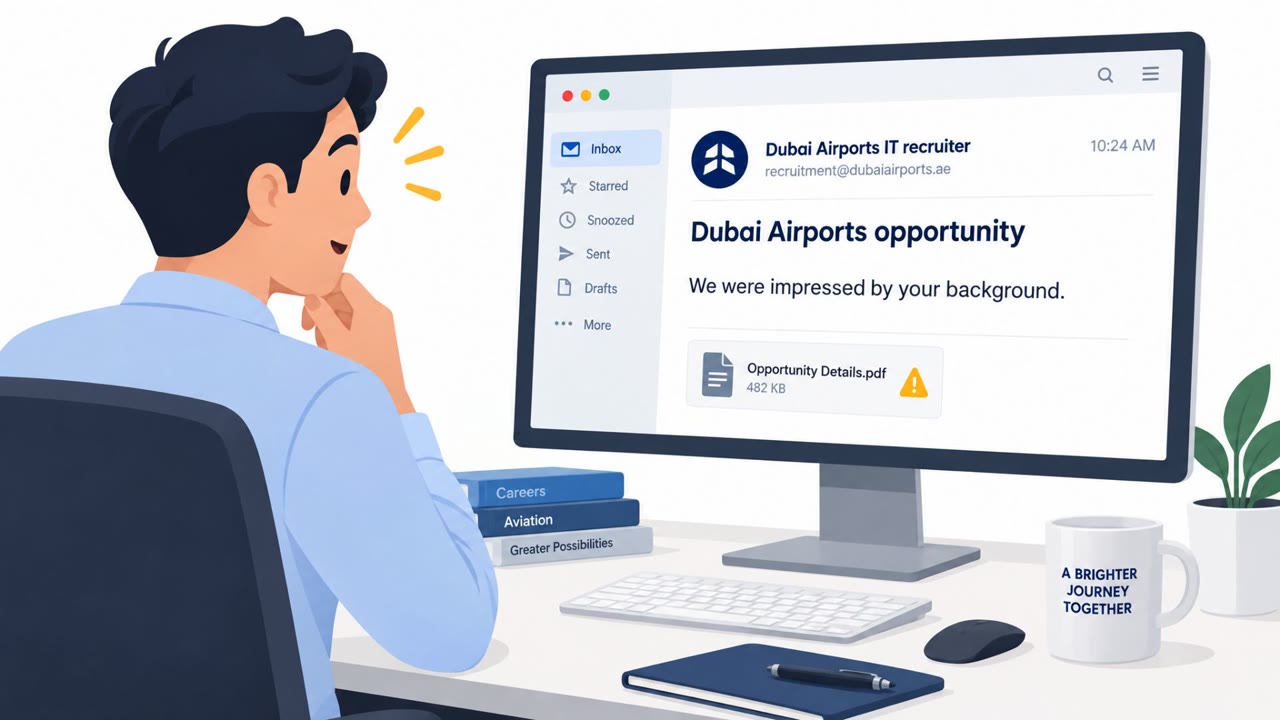
Microsoft fixed an exploited Outlook vulnerability that can expose a user’s Windows authentication information. An attacker must persuade a recipient to open a specially crafted message file; Outlook then connects to an attacker-controlled network location without its usual warning.
How the Attack Worked
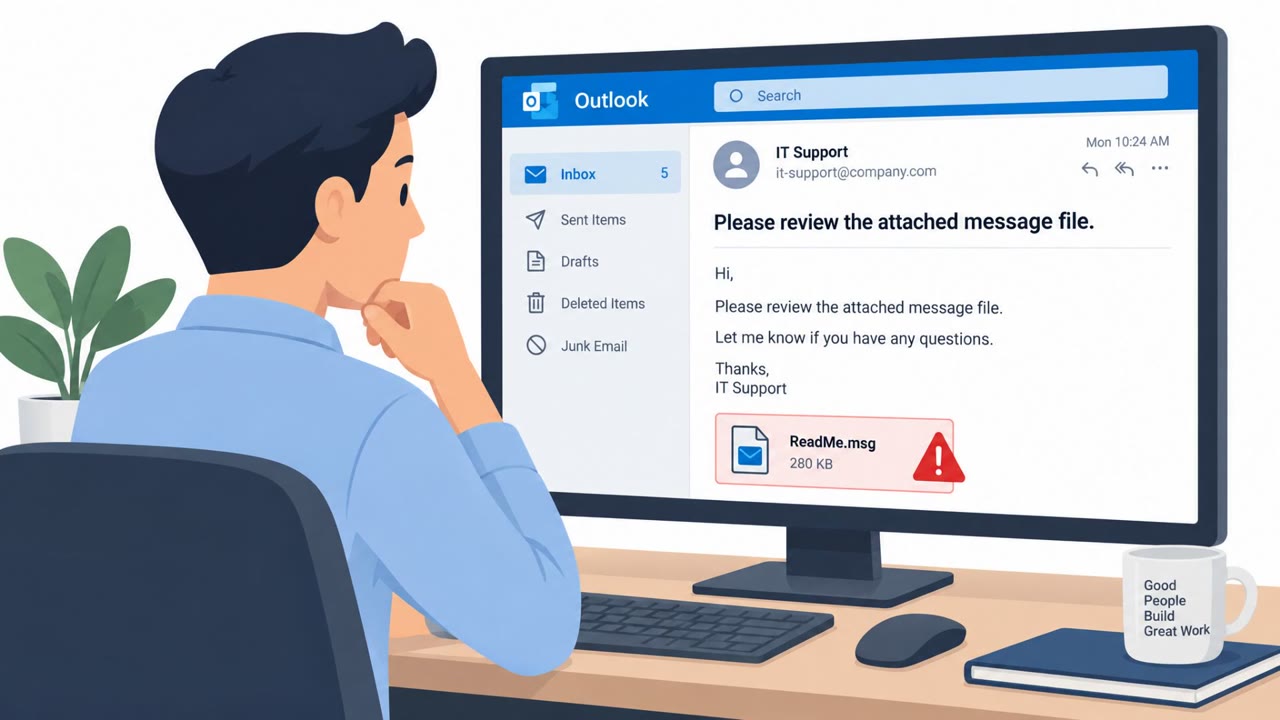
This attack targeted an exploited Outlook spoofing vulnerability, tracked as CVE-2026-124194. The method relied on simple social engineering rather than complex technical exploitation. An attacker sent a specially crafted message file and convinced the recipient to open it in an affected version of Microsoft Outlook. The victim had to be tricked into opening the malicious file for the attack to succeed, meaning no automatic exploitation occurred without user interaction.
Once opened, the file could cause Outlook to connect to an attacker-controlled network location. Normally, Outlook displays a warning before connecting to external content, but this crafted file bypassed that warning entirely. That silent connection could disclose the victim's NTLMv2 authentication hash, information an attacker could then use to authenticate as that user.
Why It Succeeded
The attack succeeded because it exploited a basic human assumption: that opening a file attachment is routine and safe, especially when the usual external-content warning does not appear. Without that visual cue, recipients had no obvious signal that anything unusual was happening. Microsoft noted that the Outlook Preview Pane could not trigger the vulnerability, so the victim had to actively open the file, a step attackers achieved through a believable pretext.
This reflects a broader pattern in phishing and credential theft: attackers rely on a target performing one small, seemingly ordinary action, like opening an attachment, to unlock a much larger compromise.
What to Watch For
- Unexpected message-file attachments, even if the sender appears familiar
- Requests to open attachments from unverified or unfamiliar senders
- Attachments that fall outside the pattern of normal business communication
- The absence of Outlook's usual external-content warning, which should not be treated as proof that a message is safe
Building Resistance
Organizations and individuals using Microsoft Outlook, including enterprise and education environments on Windows 11, should treat unexpected attachments with caution regardless of how legitimate the sender appears. Verifying unusual requests through a separate, known contact method before opening any file reduces the chance of falling for this type of lure.
Applying Microsoft's security updates promptly to affected Outlook and Office products, including Microsoft 365 Apps for Enterprise, Office LTSC 2021, and Office LTSC 2024, closes the underlying flaw. IT administrators and security awareness teams should reinforce that the absence of a warning dialog is not a reliable indicator of safety, since a crafted file can bypass it. Combining prompt patching with user awareness training around attachment handling addresses both the technical and human elements of this threat.
Key findings
- Microsoft reported that CVE-2026-124194, an Outlook spoofing vulnerability, has been exploited in attacks.
- The attacker sends a specially crafted message file and relies on the recipient to open it.
- Opening the file can make Outlook contact an attacker-controlled network location without showing the normal external-content warning.
- The connection may disclose the victim’s NTLMv2 authentication hash, which an attacker could use to authenticate as that user.
- Microsoft stated that the Outlook Preview Pane cannot trigger the vulnerability.
Who’s being targeted
- Commonly targeted roles: All Microsoft Outlook users, Employees who routinely open email attachments, IT administrators, Security awareness teams.
- Affected industries: Organizations using Microsoft Outlook, Enterprise and education organizations using Windows 11.
- Attack channels: email.
- Impersonated: Not specified.
Red flags to watch for
- Unexpected message-file attachment
- Request to open an attachment from an unverified sender
- An attachment that is not expected as part of normal business communication
Frequently asked questions
How does the exploited Outlook vulnerability work?
An attacker sends a specially crafted message file and convinces the recipient to open it in Outlook, which can then connect to an attacker-controlled network location without showing the normal external-content warning.
What information can attackers steal through this flaw?
Opening the malicious file can disclose the victim's NTLMv2 authentication hash, which an attacker could use to authenticate as that user.
Can the Outlook Preview Pane trigger this attack?
No, Microsoft stated that the Outlook Preview Pane cannot trigger the vulnerability; the victim must actively open the malicious file.
What should users do to protect against this threat?
Avoid opening unexpected message files or unfamiliar attachments, verify requests through a known contact method, and apply Microsoft's security updates promptly.
Read the video transcript
“Please open the attached message file.” That’s the trap. Open that crafted file in Outlook, and CVE-2026-124194 can make Outlook contact an outside network location, without its usual external-content warning. That silent connection can expose your Windows NTLMv2 login hash. The aha: Preview Pane won’t trigger this. Opening the file can. Unexpected Outlook message file? Don’t open it. Confirm the request using a contact method you already know.