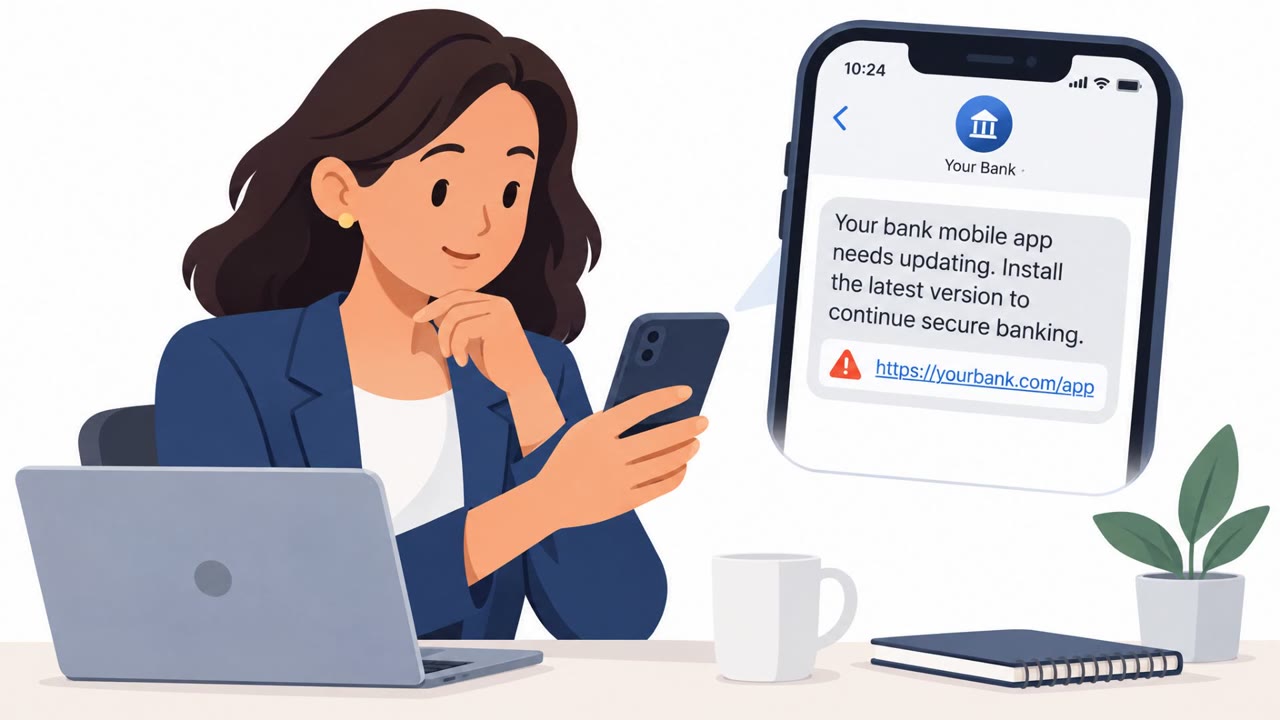
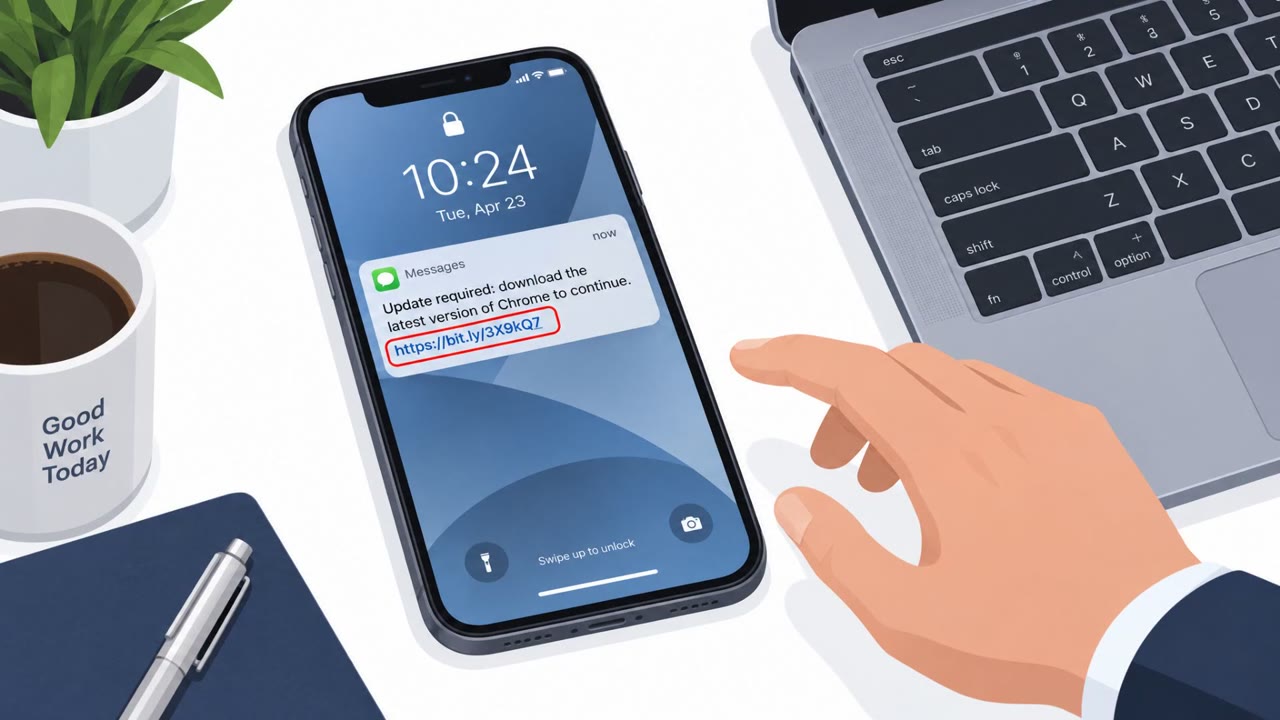
Researchers found that ArcticRAT is distributed through fake Android apps, phishing text messages, malicious ads, and counterfeit Google Play pages. The malware tricks people into installing it and granting powerful permissions, then hides remote activity behind a black screen while attackers steal credentials, authentication codes, and financial data.
Key findings
- ArcticRAT installers impersonated well-known apps, including Amazon and TikTok, as well as ordinary file managers.
- Attackers distribute the apps through malicious advertisements, phishing text messages, third-party forums, and counterfeit Google Play pages.
- The installer requests VPN access, disrupts network communications to interfere with Google Play Protect, and uses a deceptive screen to hide installation of a second malicious component.
- The malware seeks Android Accessibility permissions, which can let it read screen content and act on the user's behalf.
- A black-screen overlay and Hidden VNC allow attackers to remotely control a phone while making the victim think the device is locked or powered off.
- The malware can capture PINs, passwords, authentication details, screenshots, one-time security codes, account balances, and transfer notifications.
Who’s being targeted
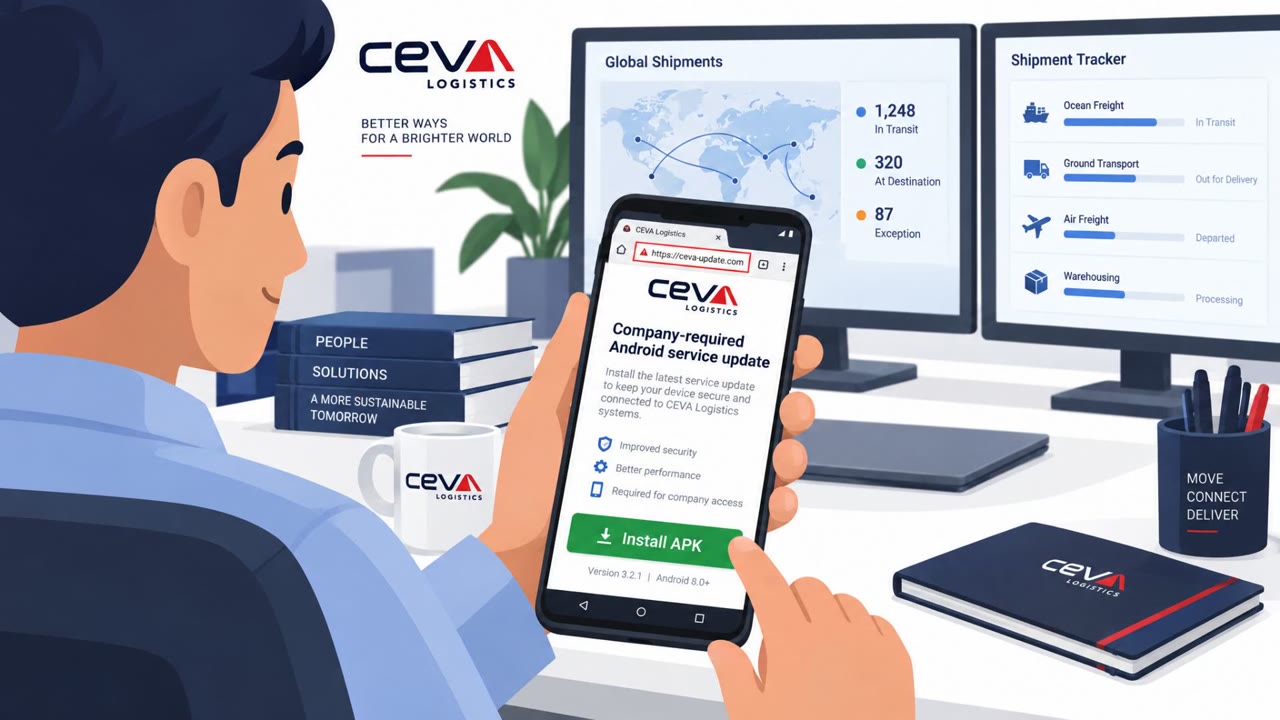
- Commonly targeted roles: All Android users, Employees using personal phones for work, Employees using corporate-owned Android devices, Mobile device management teams, IT and security operations teams, Users with banking or financial applications.
- Affected industries: Financial services, Cryptocurrency services, Any organization allowing corporate access from Android devices.
- Attack channels: smishing, website.
- Impersonated: A popular consumer app or service provider, Google Play and a recognizable Android app brand.
Awareness takeaways
- Only install mobile apps from the official app store, and treat app download links in texts, ads, and forums as suspicious.
- Do not approve VPN or Accessibility permissions for an app unless there is a clear, verified business reason for them.
- Treat an unexpected black or unresponsive phone screen as a possible security incident, especially if the device has access to banking or work accounts.
- If a work phone may be infected, stop its corporate access immediately and reset exposed credentials from a trusted device.
Red flags to watch for
- The app is delivered through a text message rather than the official app store.
- The download is from outside Google Play or from a counterfeit Google Play page.
- The app requests unusual VPN or Accessibility permissions during installation.
- The page encourages downloading software outside the official app store.
- The app requests Accessibility permissions that are not needed for its stated purpose.
- A deceptive installation screen appears while a second component is installed.
Read the video transcript
That TikTok update text? It could be ArcticRAT. The link opens a counterfeit Google Play page for TikTok, Amazon, or a file manager. Its installer asks for VPN access, then hides a second install. Next comes Accessibility access. The aha: a black screen may not mean your phone is off. Hidden VNC can control it and capture banking codes. Got an app-update text? Skip its link. Open the real Google Play app and search there.