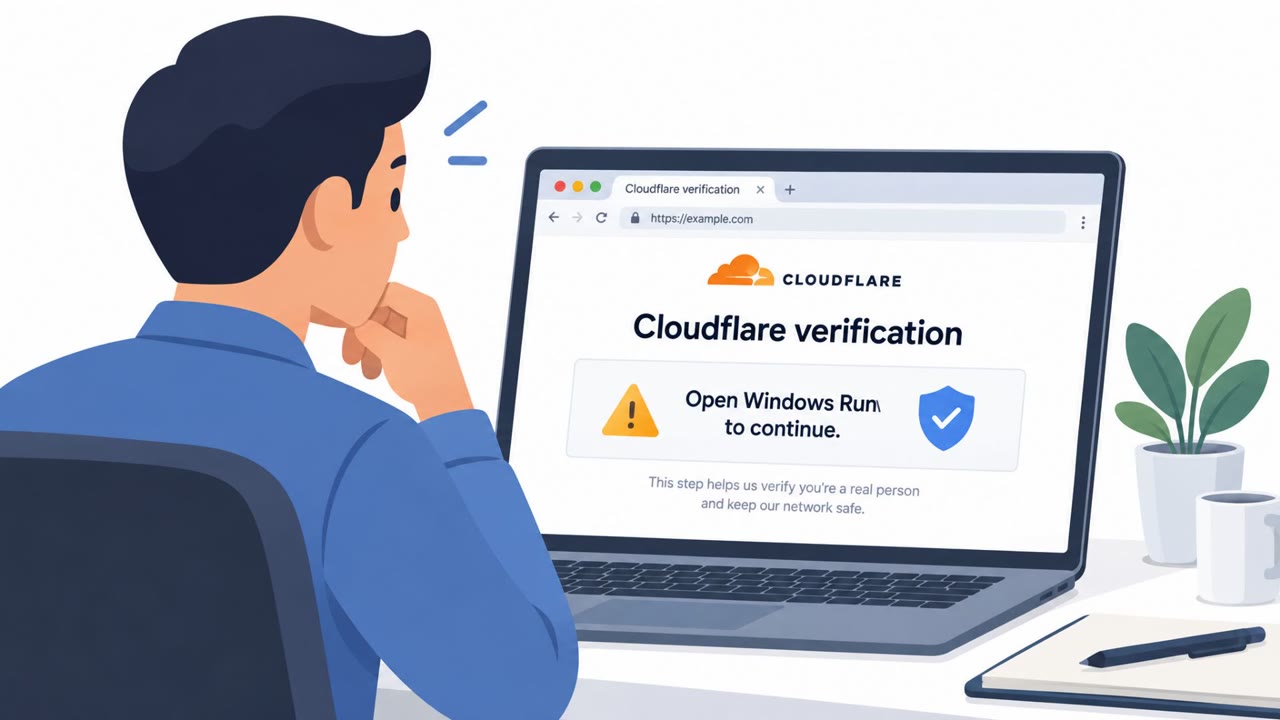
A real ClickFix campaign used compromised websites to display fake Cloudflare “Verify you are human” pages. The pages instructed Windows and macOS visitors to run commands as part of a supposed verification process, directing them to attacker-controlled domains. The final malware was not identified, but the campaign relies on convincing people to execute the harmful step themselves.
How the attack worked
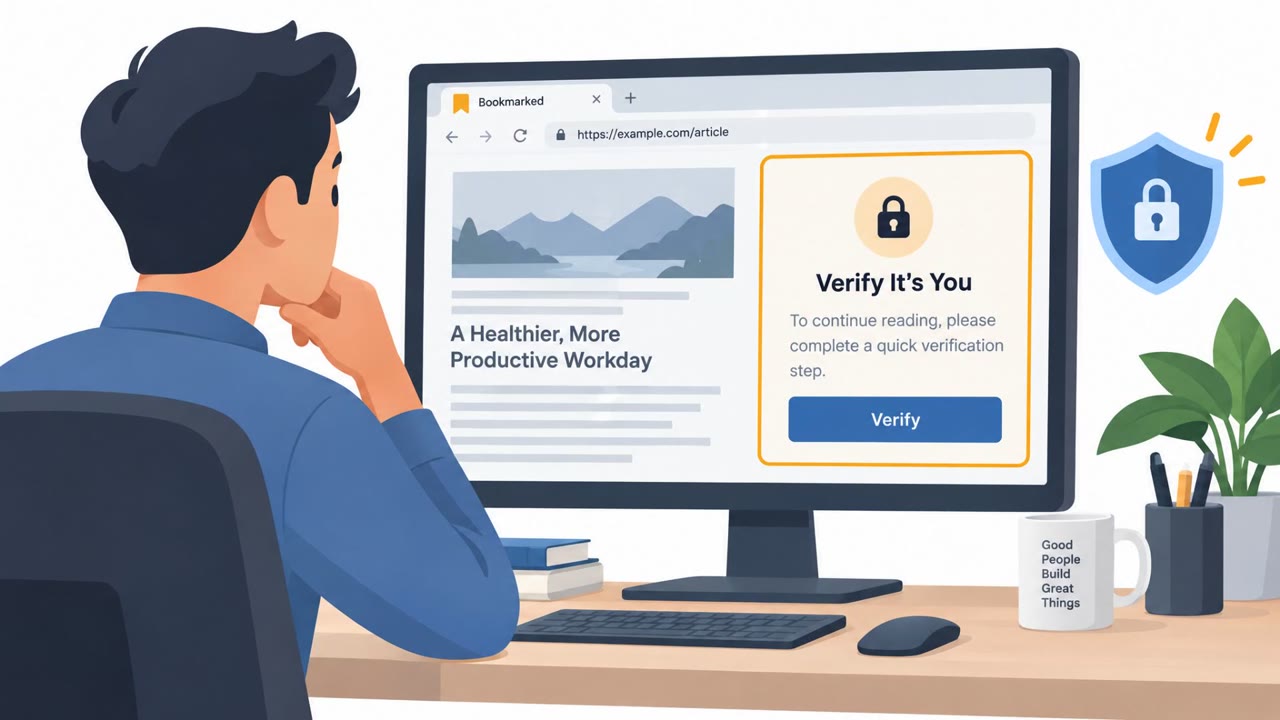
This campaign relied on compromised websites rather than attacker-owned infrastructure. A visitor would land on a normal-looking site, unaware that a hidden script was loading a fake Cloudflare verification overlay on top of the page. The overlay copied Cloudflare's logo and fonts to appear credible, then presented the familiar "verify you are human" prompt.
Instead of a standard CAPTCHA, the page instructed visitors to open the Windows Run box or PowerShell, or on Mac systems, Terminal, and paste in a command to complete the supposed verification. Windows visitors were directed to a command pointing to api-com[.]cfd, while macOS visitors saw a different command pointing to cf-id[.]com. Researchers were unable to confirm the final payload because the Windows address returned a 403 Forbidden response and the macOS domain did not resolve during analysis.
Why it succeeded
The attack's strength was in what it did not require: no exploit, no malicious download triggered automatically, no obvious technical red flag for traditional security tools to catch. The victim performs the risky step themselves, which lets the activity slip past defenses built to catch automated or silent compromise.
Familiiarity also played a role. Many people encounter CAPTCHA-style checks constantly and follow prompts like this without much thought, especially on a site they already trust or have visited before. The convincing branding reinforced that false sense of legitimacy, and the operating-system-specific commands meant the lure worked regardless of whether the visitor used Windows or macOS.
What to watch for
- A human-verification page that asks you to open Run, PowerShell, or Terminal
- Instructions to copy and paste a command as part of a "verification" step
- A verification prompt appearing on a site that is normally trusted, loading from an unfamiliar domain
- Cloudflare-style branding used to make a prompt look official
Building resistance
The most effective defense is a simple rule: a legitimate human-verification check will never ask a visitor to run a command. If a page requests that, the browser tab should be closed immediately rather than following the instructions.
Organizations should also reinforce that command-execution requests from websites are inherently suspicious, regardless of how familiar or trustworthy the site appears. Website owners and IT teams have a role too, since this campaign depended entirely on hidden scripts injected into compromised, otherwise legitimate pages. Routine checks for unknown or unexpected scripts can help catch this kind of abuse before it reaches visitors. Technique references: T1656 and T1204.002 at attack.mitre.org describe the impersonation and user-execution methods used here.
Key findings
- Attackers compromised legitimate websites and overlaid them with a fake Cloudflare verification page.
- The fake page used Cloudflare branding, including a logo and fonts, to appear credible.
- Visitors were told to run a command to complete a supposed human-verification check.
- The campaign delivered different command instructions to Windows and macOS visitors.
- The Windows command led to api-com[.]cfd, while the macOS command led to cf-id[.]com.
- The final malware was unknown because the Windows address returned 403 Forbidden and the macOS domain did not resolve during analysis.
Who’s being targeted
- Commonly targeted roles: All employees, Windows users, macOS users, Web administrators, IT support teams, Security operations teams.
- Affected industries: Information and Media, Organizations operating public-facing websites, All industries with Windows or macOS users.
- Attack channels: website.
- Impersonated: Cloudflare.
Red flags to watch for
- A human-verification page asks the visitor to open Run or PowerShell.
- The verification process requires pasting or executing a command.
- The page is presented on a normally legitimate website but loads from an unfamiliar domain.
- A website asks the visitor to use Terminal to prove they are human.
- The instruction is inconsistent with a normal browser-based CAPTCHA.
- The command directs the user to an unfamiliar domain such as cf-id[.]com.
Frequently asked questions
What is the fake Cloudflare verification ClickFix attack?
Attackers compromised legitimate websites and overlaid them with a fake Cloudflare human-verification page that used real branding, logos, and fonts to look authentic, then instructed visitors to run a command to complete the check.
How did the attack differ between Windows and macOS users?
Windows visitors were given a command pointing to api-com[.]cfd, while macOS visitors were directed to a different command pointing to cf-id[.]com, so the same trick worked across both operating systems.
Why does this attack bypass security tools?
Because the victim executes the risky command themselves, which helps the attack get past many security tools that would normally flag malicious scripts or downloads.
What should I do if a verification page asks me to open Run, PowerShell, or Terminal?
Close the tab immediately, since a real Cloudflare check never asks a visitor to open the Run box, PowerShell, or Terminal.
Read the video transcript
A familiar website suddenly says, ‘Verify you are human.’ It looks like Cloudflare, logo and fonts included. But this ClickFix trick asks Windows users to open Run or PowerShell, and Mac users to open Terminal, then paste a command. That’s the giveaway: a real Cloudflare check stays in your browser. Here, the Windows command points to api-com[.]cfd; the Mac one points to cf-id[.]com. A website asking you to run a command isn’t verifying you. Close the tab.