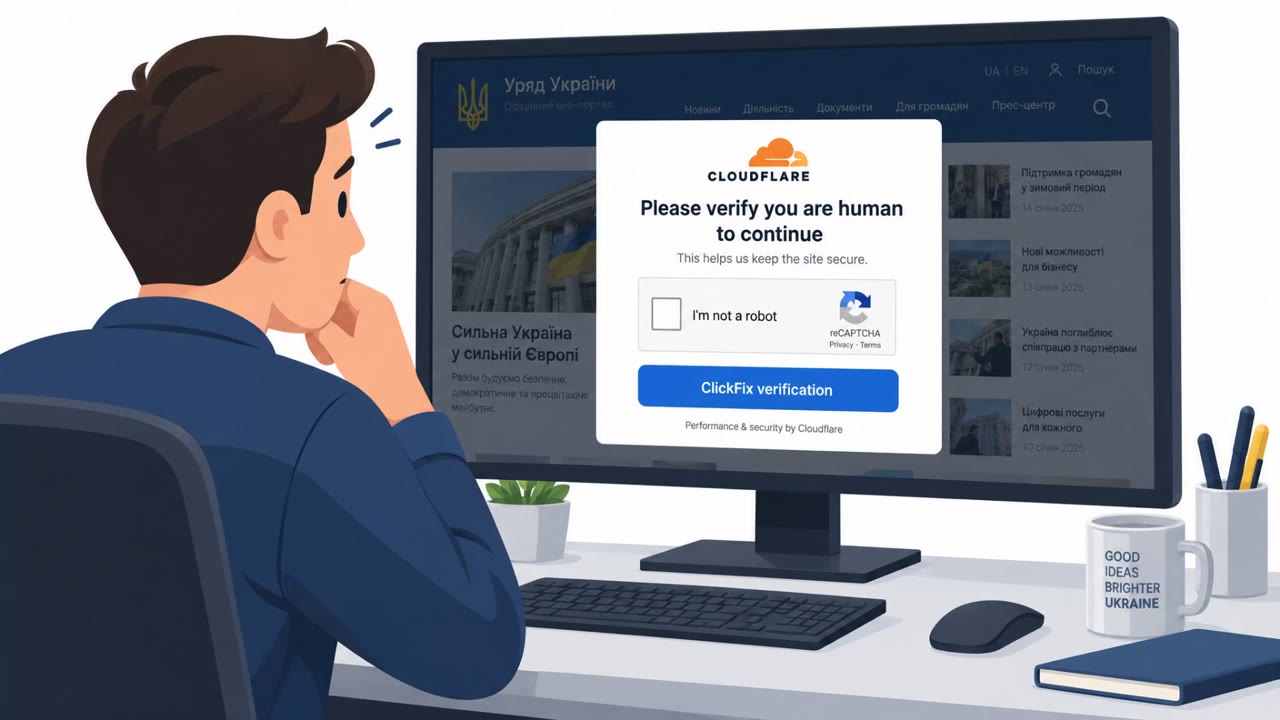
Criminals compromised legitimate websites and replaced normal content with fake verification pages designed to persuade visitors to install malware. The pages use familiar frustrations, such as a blocked video, a browser problem, or a security check, to pressure people into running commands or downloading software.
Key findings
- Attackers hacked legitimate websites and displayed fake verification pages to visitors.
- The malicious pages can ask visitors to install an update, allow notifications, or run a command to prove they are human.
- Documented campaigns used compromised WordPress sites, not only lookalike domains.
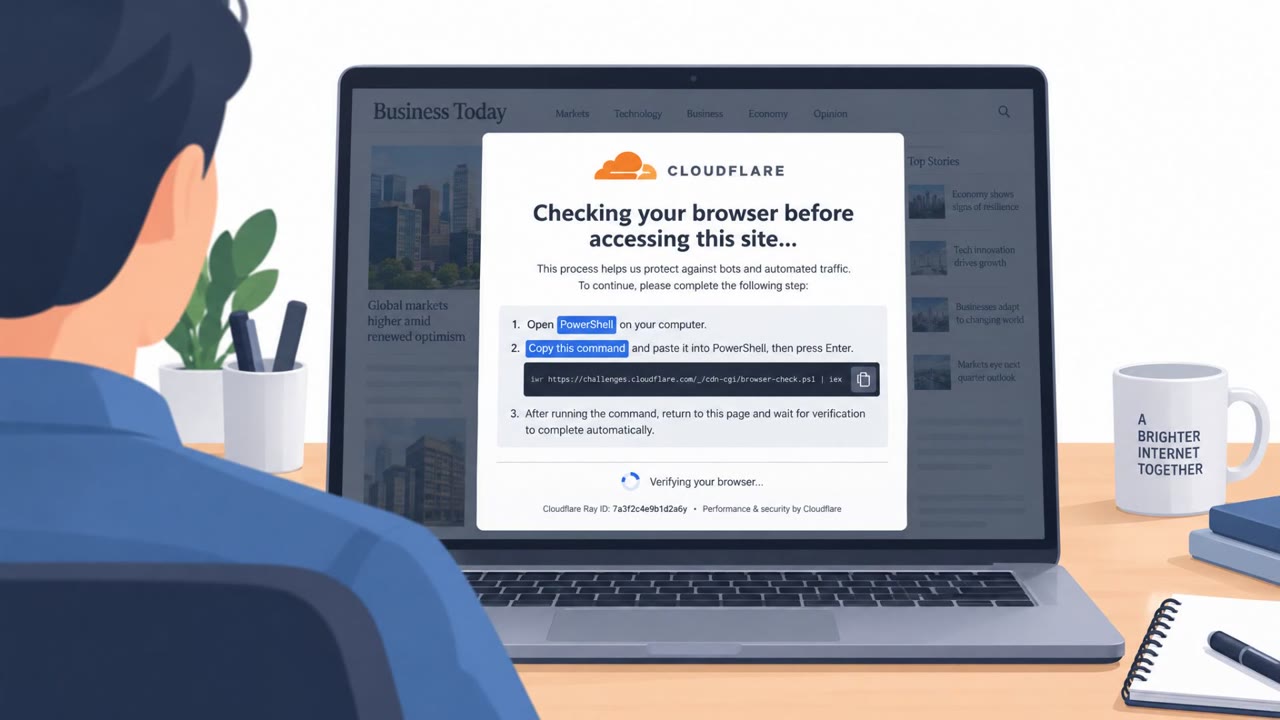
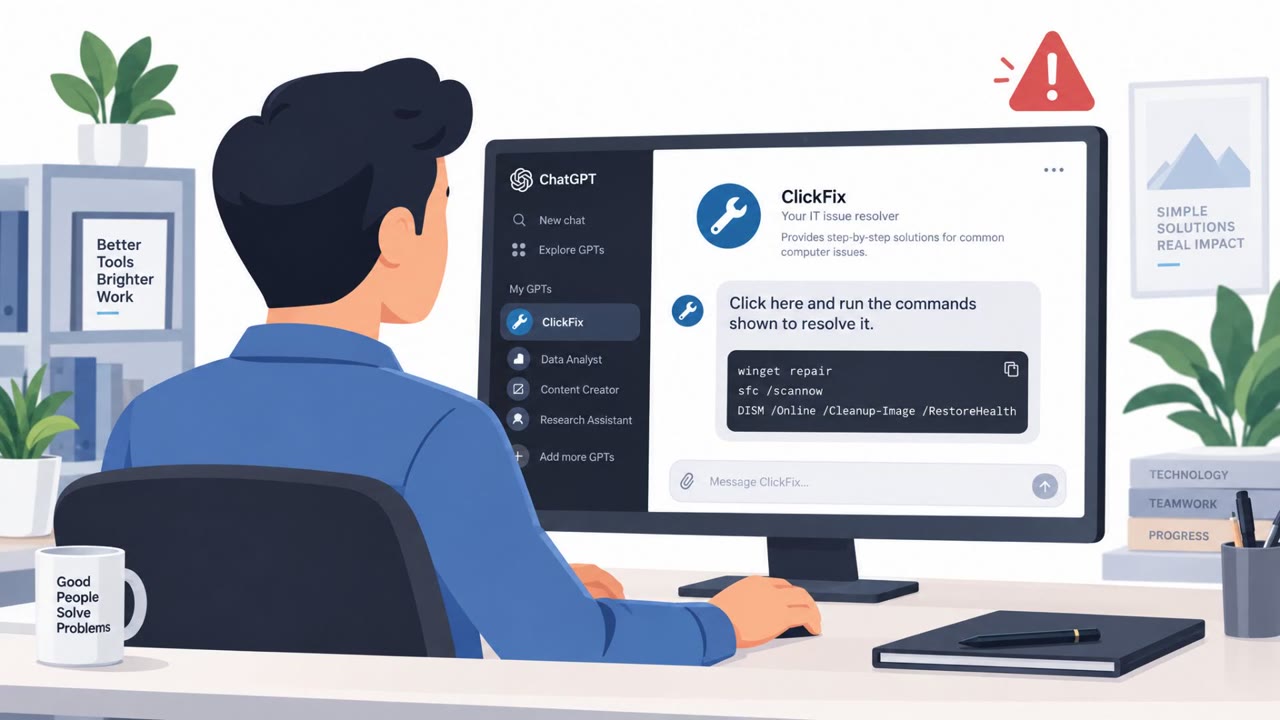
- ClickFix-style lures present PowerShell commands as verification, troubleshooting, connection repair, video-player enablement, or security-check steps.
- A genuine website address and HTTPS connection do not guarantee that every instruction displayed on a site is safe.
Who’s being targeted
- Commonly targeted roles: All employees, Windows users, Remote workers, Employees who access external websites as part of their work.
- Affected industries: Information and Media, Organizations using WordPress websites, Internet users.
- Attack channels: website.
- Impersonated: A compromised legitimate website's security-verification page, Website troubleshooting or verification prompt.
Awareness takeaways
- Do not run commands, install software, or change browser settings merely because a website asks; independently verify the need through the official application or support channel.
- Treat unexpected verification and repair prompts as suspicious, even when they appear on a bookmarked or otherwise familiar site.
- Teach staff that HTTPS and a legitimate-looking address only protect the connection; they do not make every page instruction trustworthy.
- When a webpage behaves unexpectedly, through downloads, redirects, repeated sign-ins, or unusual requests, leave the page rather than trying to work around it.
Red flags to watch for
- A normal website asks for software installation or command execution.
- The request is unrelated to the visitor's activity.
- The page creates friction by claiming access is blocked until the step is completed.
- A content site tells the visitor to open PowerShell.
- The site claims a computer repair is needed to read an article or watch a video.
- The page frames running code as a routine security or troubleshooting step.
Read the video transcript
Your bookmarked site opens. Then it asks you to prove you’re human. This can happen on a hacked WordPress site, not just a lookalike. A ClickFix page may say the video is blocked, then tell you to open PowerShell and paste a ‘repair’ command. That’s the trap: the address can be real, and HTTPS can be on, while the instructions are dangerous. Reading an article never requires a PowerShell command, or an update or notification permission. If a site asks you to change your device to continue, leave the page.