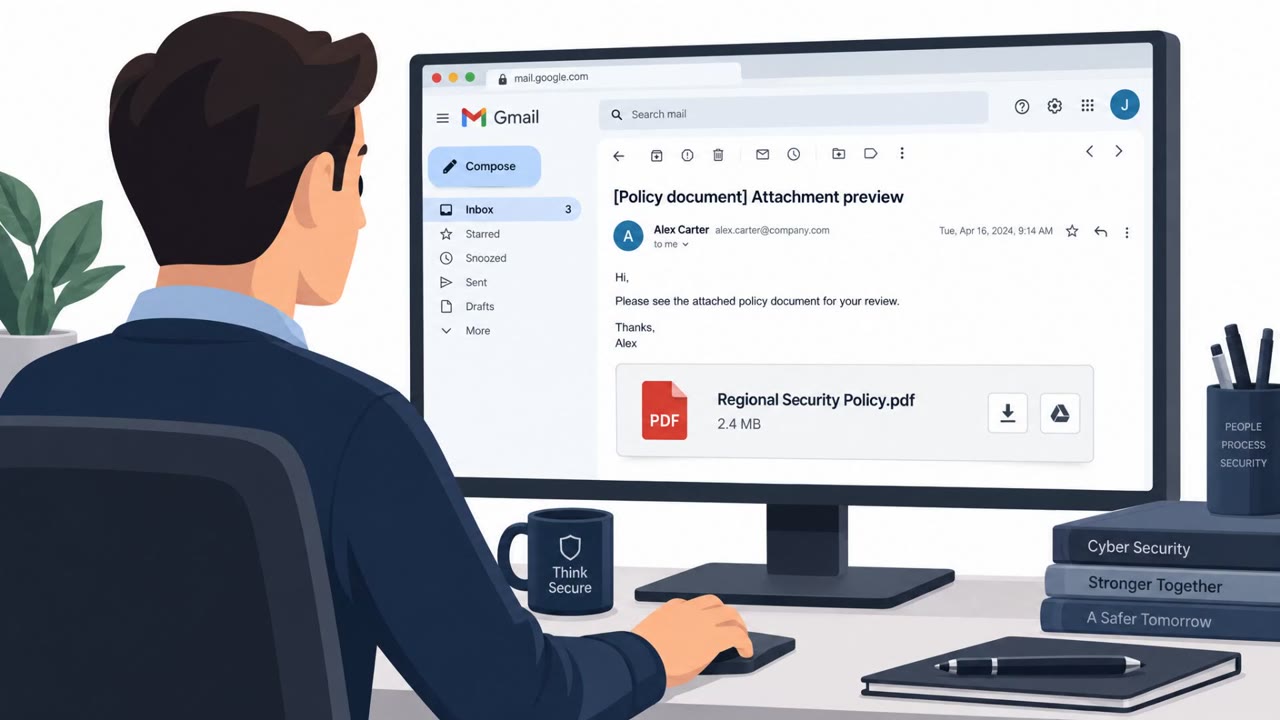
A Russian-linked group allegedly stole sensitive contact data from the Netherlands National Police after getting access to an employee’s email account. The podcast describes a realistic spearphishing lure: an email invitation to a “European Defence Summit” that includes a link or a QR code in a PDF leading to a fake Microsoft Teams login page designed to capture credentials.
How the attack worked
The lure described in this incident began with a personal invitation delivered by email, framed as an invite to a European Defence Summit. The message included either a link or a QR code embedded in a PDF attachment. Following that link or scanning the code led targets to a login page designed to look like Microsoft Teams. Once a victim entered their username and password, the attacker captured those credentials. This access was reportedly used to compromise a staff member's email account at the Netherlands National Police Force, which enabled theft of contact data on over 64,000 officers and informants.
Why it succeeded
The pretext relied on plausibility rather than technical complexity. An invitation to a defense-related summit is a believable reason for government, law enforcement, and defense personnel to expect correspondence, register online, and log in to a conference or collaboration platform. Embedding the malicious link inside a PDF and using a QR code added a layer of obfuscation, since QR codes are harder to inspect before scanning and often bypass email link scanning tools. The destination page's resemblance to a familiar Microsoft Teams login also reduced suspicion at the critical moment of credential entry.
What to watch for
- Unsolicited invitations to summits or conferences that require clicking a link or scanning a QR code to register
- QR codes embedded inside PDF attachments, especially when the PDF arrived unexpectedly
- Login pages that resemble Microsoft Teams but were reached through an unusual path, such as an event invitation rather than a normal sign-in flow
- Any unexpected request to re-authenticate simply to view or confirm an invitation
Building resistance
Organizations, particularly those in government, law enforcement, and defense, should train staff to treat unsolicited event invitations as high-risk, especially when the call to action involves scanning a QR code or clicking a link inside a PDF. When a login page appears that looks like Microsoft Teams but was reached via an unexpected invite, staff should be encouraged to stop and verify through a trusted channel, such as the official event website or an internal security contact, rather than entering credentials directly. It's also worth reinforcing that attackers in cases like this were focused on intelligence collection rather than immediate financial gain, meaning any credential compromise, even one that seems minor, can lead to significant downstream data exposure. Anyone who regularly handles contact databases, informant information, or other sensitive directories should receive particular attention in this kind of awareness training, given the scale of data that a single compromised account can expose.
Key findings
- Dutch cybersecurity experts found an intrusion into the Netherlands National Police Force that accessed a staff member’s email account and enabled theft of data on “over 64,000” officers and informants.
- Microsoft and Dutch intelligence attributed the operation (publicly, in May 2025 per the podcast) to the group named “Void Blizzard” (also referred to as “Laundry Bear”).
- The described lure involves email invitations to events (example given: “European Defence Summit”) containing a link or a QR code inside a PDF that leads to a fake Microsoft Teams login page to steal usernames/passwords.
- The podcast frames this as intelligence collection (not ransomware): “this was all about stealing intelligence, gathering intel in order to exploit it later.”
Who’s being targeted
- Commonly targeted roles: All staff (especially government/law enforcement), Executives and executive assistants, Defense and public-sector personnel, Anyone handling contact databases, informant info, or sensitive directories.
- Affected industries: Law enforcement, Government, Defense, Healthcare.
- Attack channels: email, website.
- Impersonated: European Defence Summit organizers / conference registration.
Red flags to watch for
- A QR code in a PDF used to drive you to a login page
- Login page that only ‘looks like Microsoft Teams’ and is reached from an unsolicited invite
- Unexpected request to re-authenticate to view/confirm an invitation
Frequently asked questions
How did the fake Defense Summit phishing attack work?
Targets received an email invitation to a European Defence Summit containing a link or a QR code inside a PDF. Clicking or scanning led to a fake Microsoft Teams login page designed to capture usernames and passwords.
What was stolen in the Netherlands National Police incident?
Attackers gained access to a staff member's email account and used that access to steal contact data on over 64,000 officers and informants.
Who was behind the attack?
Microsoft and Dutch intelligence publicly attributed the operation to a group referred to as Void Blizzard, also known as Laundry Bear, according to the podcast.
Was this attack about ransomware or money?
No. The podcast frames it as intelligence collection, stating the goal was gathering intel to exploit later rather than deploying ransomware or extorting money.
Read the video transcript
You get an email: personal invite to a “European Defence Summit” with a glossy PDF attached. Looks legit, right? This exact trick was used against the Netherlands National Police. One compromised inbox, and data on over sixty-four thousand officers and informants was stolen by a group called Void Blizzard. Here’s the move: the PDF says, 'Scan this QR to join on Microsoft Teams.' You scan, a page that looks like Teams pops up, asks you to sign in, and, bang, they’ve got your username and password. If an unsolicited invite pushes you to scan a QR or click a PDF link to log in, don’t do it, open Teams or your calendar yourself and check the meeting there.