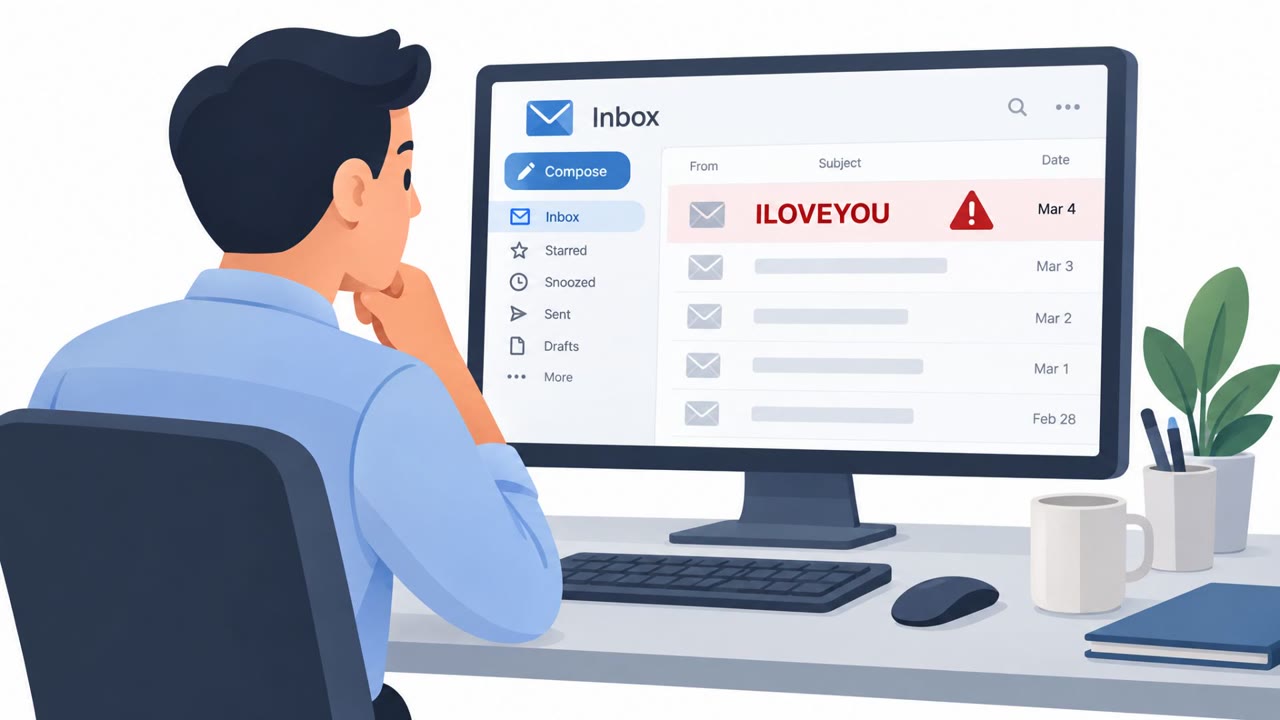
A Sirius backdoor campaign used Korean-language emails that impersonated FedEx billing notices and demanded payment of a fraudulent tax invoice. The email directed recipients to a ZIP file containing a weaponized PDF, which required the recipient to approve a PDF-reader security prompt before it launched hidden PowerShell commands. The malware then hid inside legitimate Windows processes and contacted attacker-controlled infrastructure.
How the attack worked
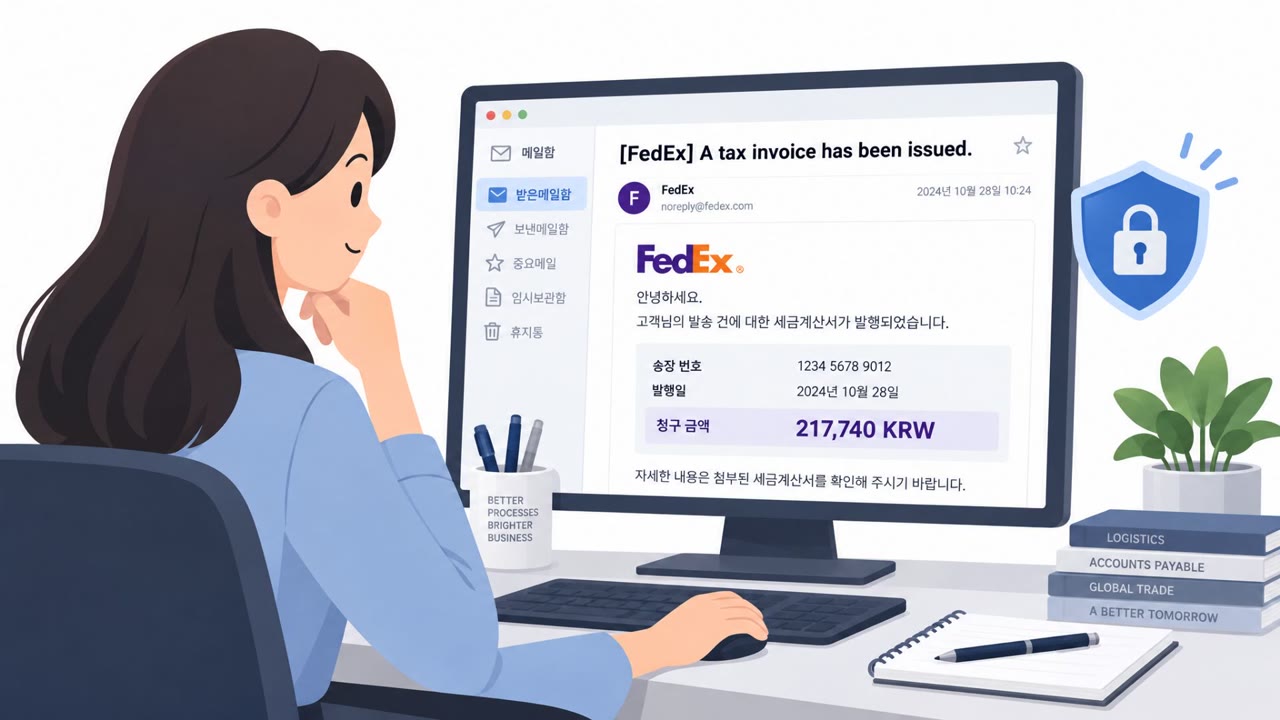
The campaign started with Korean-language emails impersonating FedEx billing notifications. The message claimed the recipient owed a tax invoice of 217,740 KRW and pushed them toward a ZIP file named Fedex_tax_receipt.zip. Inside the ZIP was a weaponized PDF that looked like a normal invoice document.
Opening the ZIP and PDF alone did not trigger compromise. The attack depended on the victim approving a PDF-reader security confirmation prompt. Once approved, the PDF used /OpenAction and /Launch objects to invoke PowerShell with hidden window, noninteractive, and execution policy bypass arguments, allowing the Sirius backdoor to load without obvious signs of trouble.
Why it succeeded
The lure combined two pressure points that make social engineering effective: a trusted shipping brand and an urgent payment demand. Recipients expecting routine shipping or billing communication had reason to open the file quickly rather than scrutinize it. The additional step of approving a security prompt added a false sense of legitimacy, since it resembled a normal software permission request rather than an obvious warning sign.
Once active, the malware used hidden PowerShell, in-memory loading, process hollowing, and Early Bird APC injection to reduce its visibility. It could run inside legitimate-looking processes such as msbuild.exe and svchost.exe, making detection harder for both users and monitoring tools.
What to watch for
- An unexpected invoice or billing email that demands urgent payment
- A request to open a ZIP attachment instead of logging into a known vendor portal
- A PDF or document that asks for a security prompt approval before it will display properly
- Emails impersonating a recognizable brand to make a financial request appear routine
How to build resistance
Treat unexpected invoice attachments as suspicious even when they appear to come from a well-known shipping company, and verify invoices through an established contact or official website rather than the email itself. Employees should be trained not to approve PDF-reader security prompts for unsolicited documents and to report such prompts instead of clicking through them.
Finance, accounts payable, procurement, and executive assistant roles are natural targets for this kind of lure because they routinely process invoices and shipping notices. Security teams can reinforce awareness by highlighting how urgency and brand familiarity are combined to lower scrutiny, and by mapping this behavior to known techniques such as T1566.001 and T1204.002 for detection and training purposes.
Key findings
- The campaign began with Korean-language emails impersonating FedEx billing notifications.
- Victims were directed to a ZIP attachment named Fedex_tax_receipt.zip, containing a weaponized PDF.
- The PDF required the recipient to approve a PDF-reader security confirmation prompt before PowerShell execution could occur.
- The malware used hidden PowerShell, in-memory loading, process hollowing, and Early Bird APC injection to reduce visibility.
- The Sirius payload could run inside legitimate-looking processes such as msbuild.exe and svchost.exe.
- The analyzed configuration used 185.114.206[.]45:4449 as a command-and-control endpoint and included several persistence options.
Who’s being targeted
- Commonly targeted roles: Finance, Accounts Payable, Procurement, Executive Assistants, Employees handling shipping, invoices, or vendor communications, Security Operations Center.
- Affected industries: Organizations receiving Korean-language FedEx billing communications, Finance and accounts payable teams.
- Attack channels: email, website.
- Impersonated: FedEx billing notifications.
Red flags to watch for
- An unexpected invoice demands payment urgently.
- The message asks the recipient to open a ZIP attachment rather than use a known FedEx portal.
- The sender impersonates a familiar delivery brand to make a financial request appear credible.
- A billing PDF requests permission through a security prompt.
- The prompt appears after opening an unexpected ZIP-delivered invoice.
- A legitimate invoice should not require approval to launch hidden commands or external content.
Frequently asked questions
How did the fake FedEx tax invoice attack work?
Korean-language emails impersonated FedEx billing notices and demanded payment on a fraudulent tax invoice, directing recipients to a ZIP file named Fedex_tax_receipt.zip containing a weaponized PDF.
Did simply opening the attachment infect the victim?
No. Execution depended on the victim approving a PDF-reader security confirmation prompt; opening the attachment alone did not guarantee compromise.
What techniques did the Sirius backdoor use to stay hidden?
The malware used hidden PowerShell, in-memory loading, process hollowing, and Early Bird APC injection, and could run inside legitimate-looking processes such as msbuild.exe and svchost.exe.
Who should be most alert to this type of attack?
Finance, accounts payable, procurement, executive assistants, and other employees who regularly handle shipping, invoice, or vendor communications.
Read the video transcript
FedEx tax invoice: 217,740 KRW payment required. Sound familiar? The email pushes Fedex_tax_receipt.zip. Inside is a nearly blank PDF. Then your PDF reader asks for security approval. That's the trap. Approve it, and hidden PowerShell can load the Sirius backdoor inside Windows processes like msbuild.exe or svchost.exe. An invoice doesn't need that permission. If an unexpected invoice PDF asks for security approval, don't approve it. Report the email.